


Xiaomi HyperOS includes a sophisticated dashboard called “Healthy device usage” designed to help users understand their digital behavior. This expert tool provides a granular look at how much time you spend on your Xiaomi device during work and rest hours. By analyzing these metrics, you can identify time-wasting habits and implement strict boundaries to improve your overall productivity.
Xiaomi Screen Time Menu
Open your device Settings and scroll down to find the Healthy device usage section to access your personal data. This menu includes some features more than showing screen time.
-
Analyzing unlock frequency: The system tracks exactly how many times you wake up your screen each hour to help you identify compulsive checking habits.
-
Setting granular app limits: You can select specific high-drain apps and assign a strict daily timer that automatically pauses the application once the limit is reached.
-
Managing weekend schedules: The interface allows you to set different usage goals for weekdays and weekends to provide more flexibility during your free time.
-
Visualizing weekly trends: A detailed bar chart compares your current usage to previous weeks, highlighting whether your screen time is increasing or decreasing.
-
Focus mode activation: This professional tool silences all non-essential notifications and restricts app access during specific blocks of time to ensure deep work.
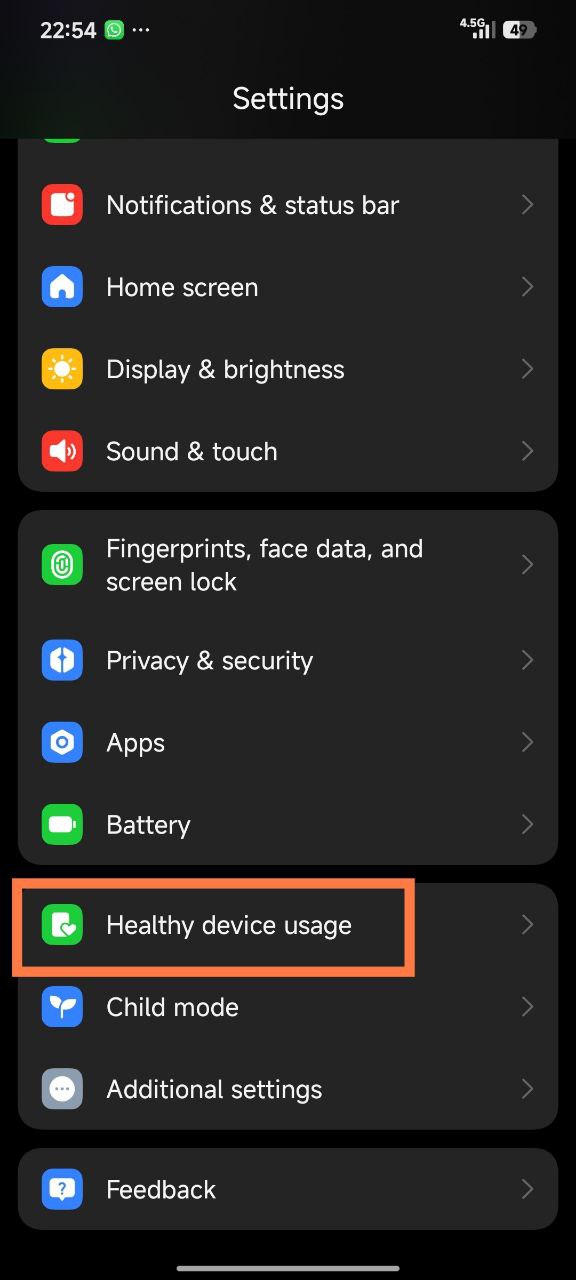
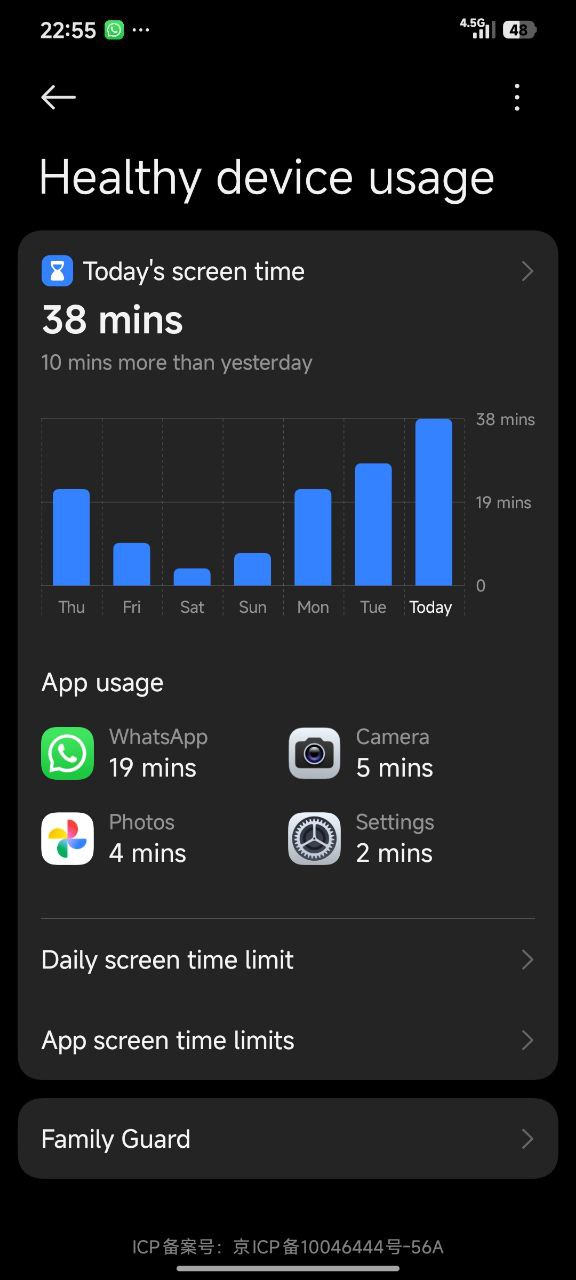
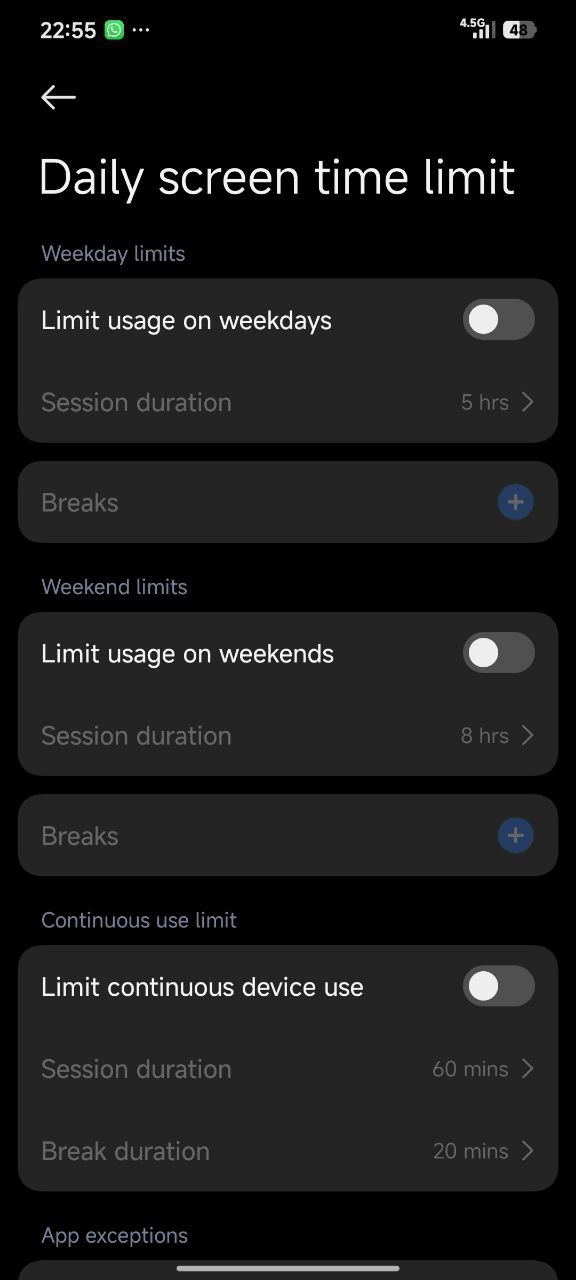
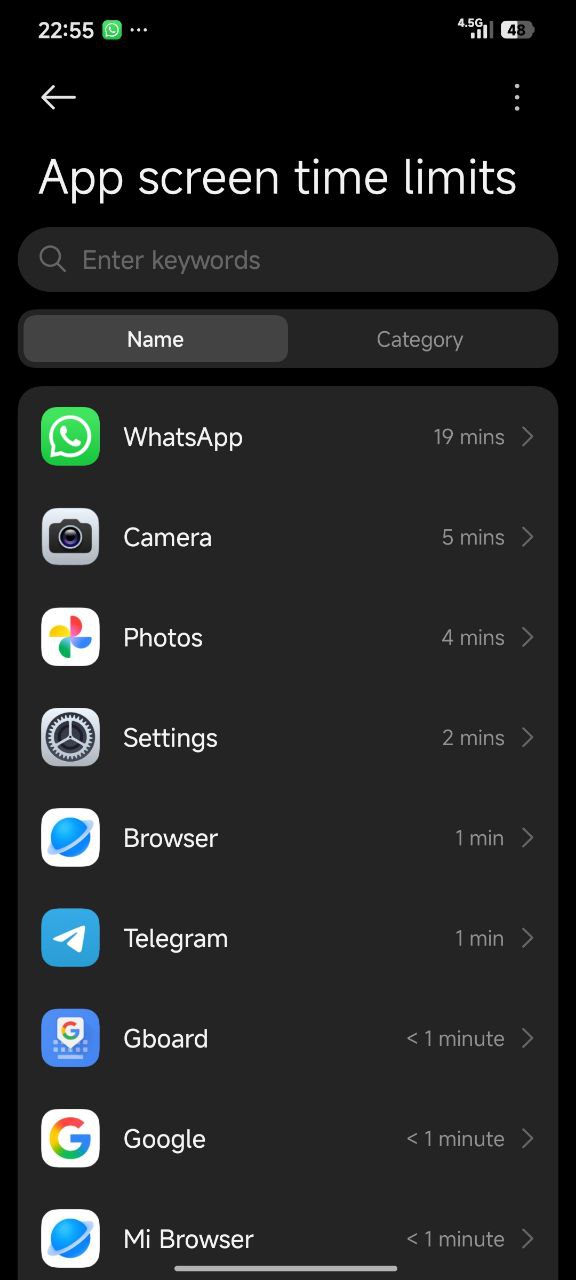
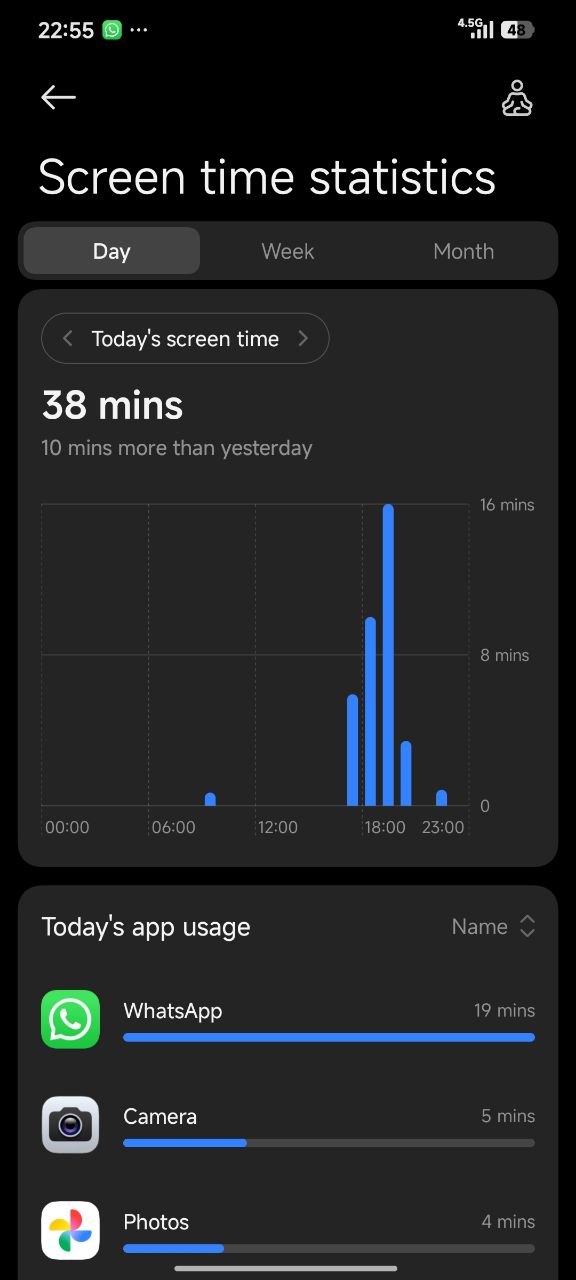
Consistently monitoring these statistics is the best way to maintain a healthy relationship with your technology. Make sure to update your device to the latest version of Xiaomi HyperOS to access the most accurate tracking features.



Is there an apk to download this app ?
Poco x5 5g
In India there is no option shows as shown by u in ur screenshot