 Emir Bardakçı
Xiaomi continues to offer useful customization options in its latest Xiaomi HyperOS 3 software. One heavily underutilized feature allows users to access specific apps directly from the lock screen by simply holding down on the fingerprint scanner. Although this function has existed since the MIUI era, it remains buried deep within the system settings and is often overlooked by many users.
How to Enable
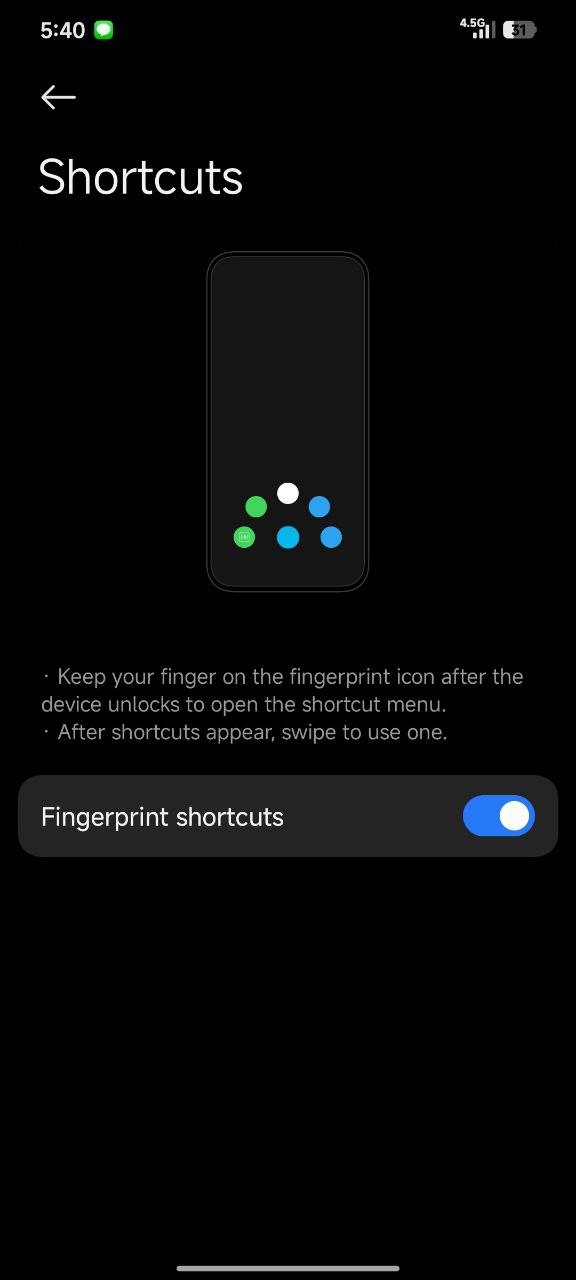
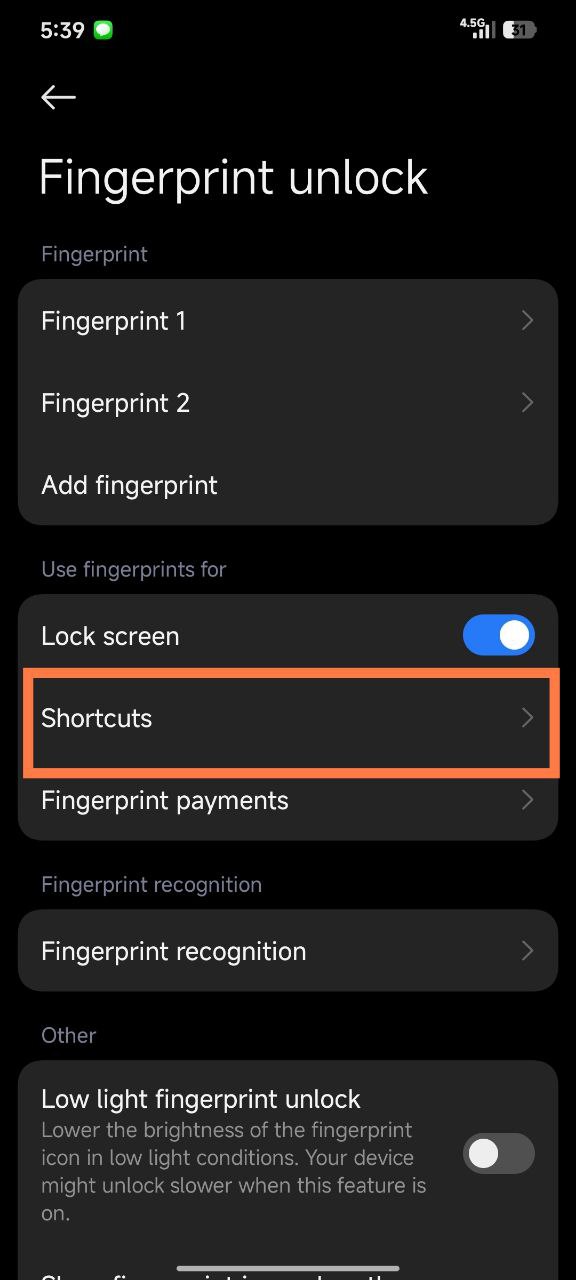
You can find this feature by navigating to your phone’s Settings and selecting the “Fingerprint unlock” menu. From there, look for the “Shortcuts” option and toggle the switch to “On” to activate the gesture.
Gesture Functionality
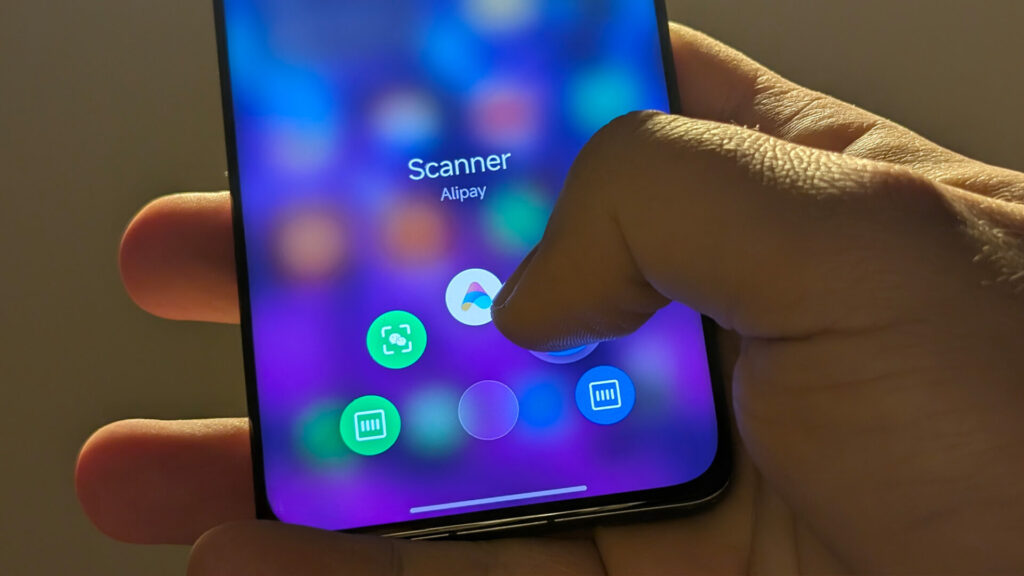
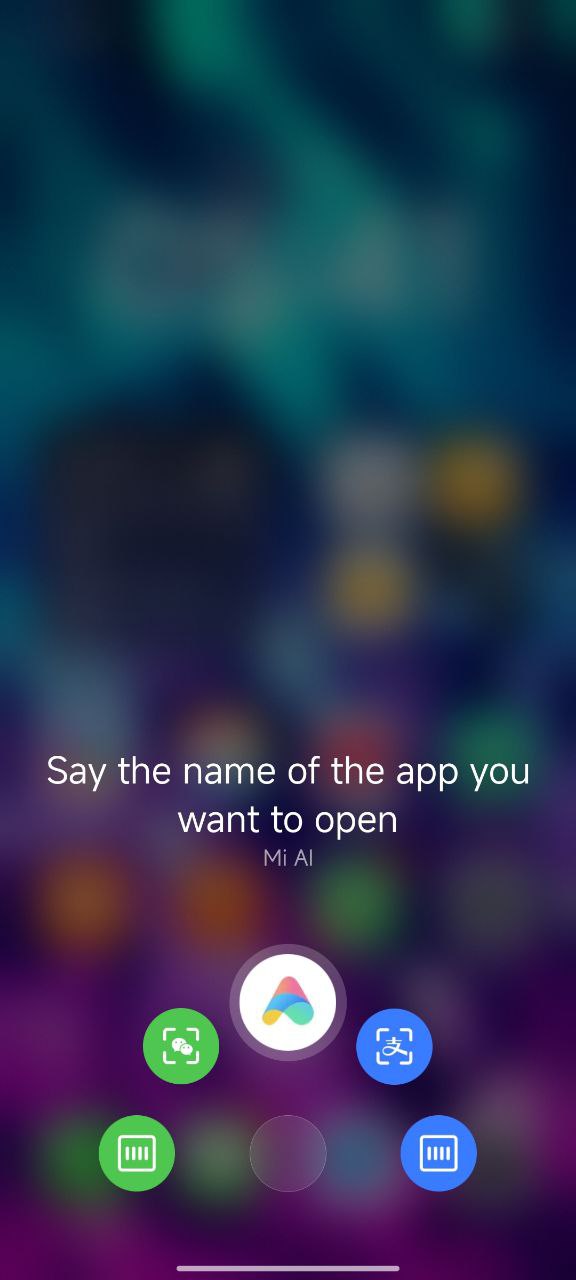
Once enabled, you do not need to lift your finger immediately after unlocking the device. Instead, keep holding your finger on the sensor area, and a sliding menu will appear that lets you drag your finger to launch specific apps instantly.
Regional Differences
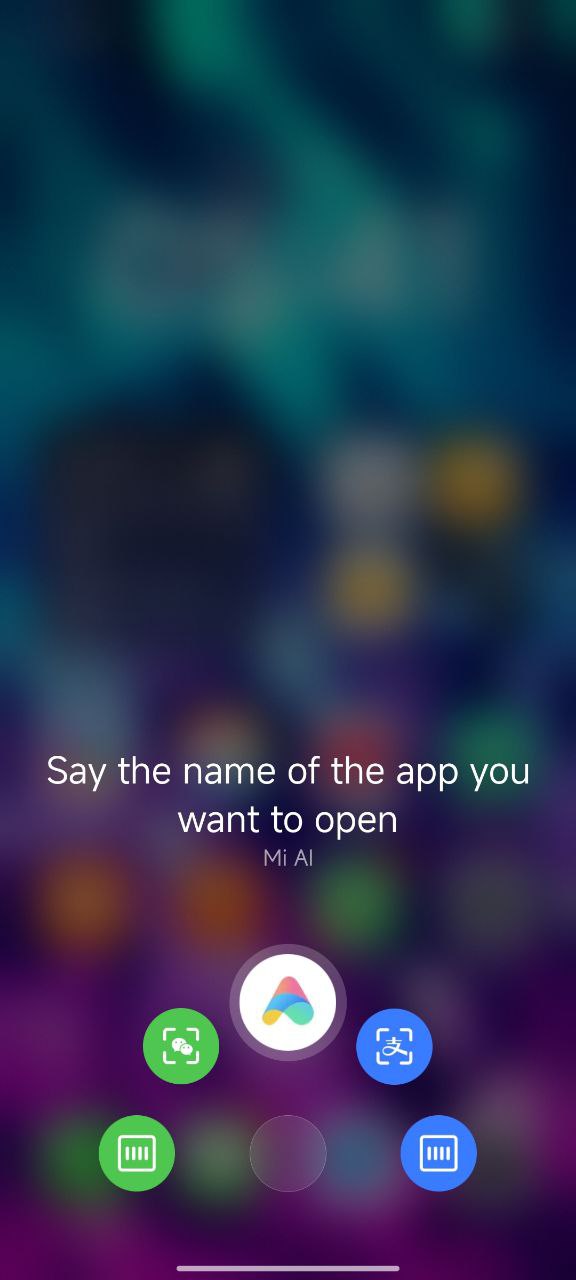
While the Chinese versions of Xiaomi HyperOS often display shortcuts for Alipay or WeChat payments, Global ROM users will see different options. On global devices, these shortcuts typically default to essential tools like QR code scanners or Google Search.

This simple trick significantly speeds up daily interactions for users who rely on optical in-display fingerprint scanners. You should check your security settings today to see if your specific model supports this convenient gesture.