


Xiaomi has officially addressed a persistent issue within its creative suite that has been affecting a wide range of global users. According to the HyperOS Weekly Report 102, a significant bug in the Gallery Editor application prevented users from utilizing the popular “Erase” function, frequently resulting in a “Could not initialize plug-in” error message.
Plug-in Initialization Error
The root cause of this issue stems from a handshake failure between the local Gallery Editor interface and the cloud-based AI modules required to process the “Erase” command. Technically, the application failed to properly verify and download the necessary AI resource packs (plug-ins) required for object removal.
This disruption was primarily seen on devices running Xiaomi HyperOS 2.2 and HyperOS 3, where stricter security protocols or updated API levels in the newer OS versions caused compatibility hurdles with older iterations of the Gallery Editor. Without a successful initialization of these plug-ins, the AI-powered editing tools remained inaccessible, frustrating users who rely on the device’s native editing capabilities.
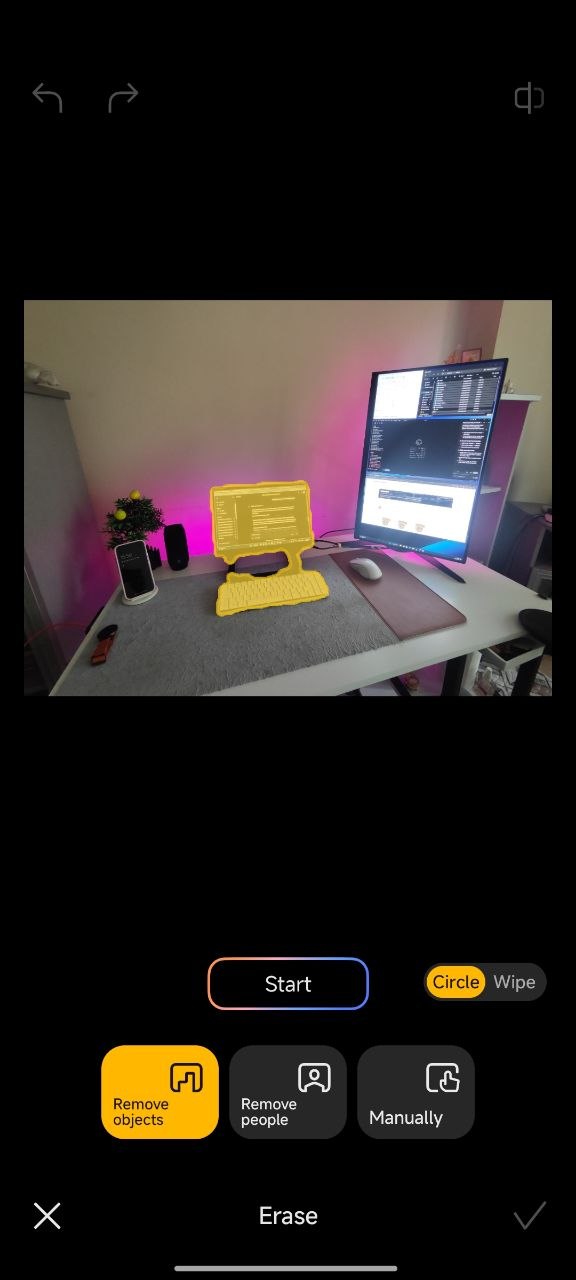
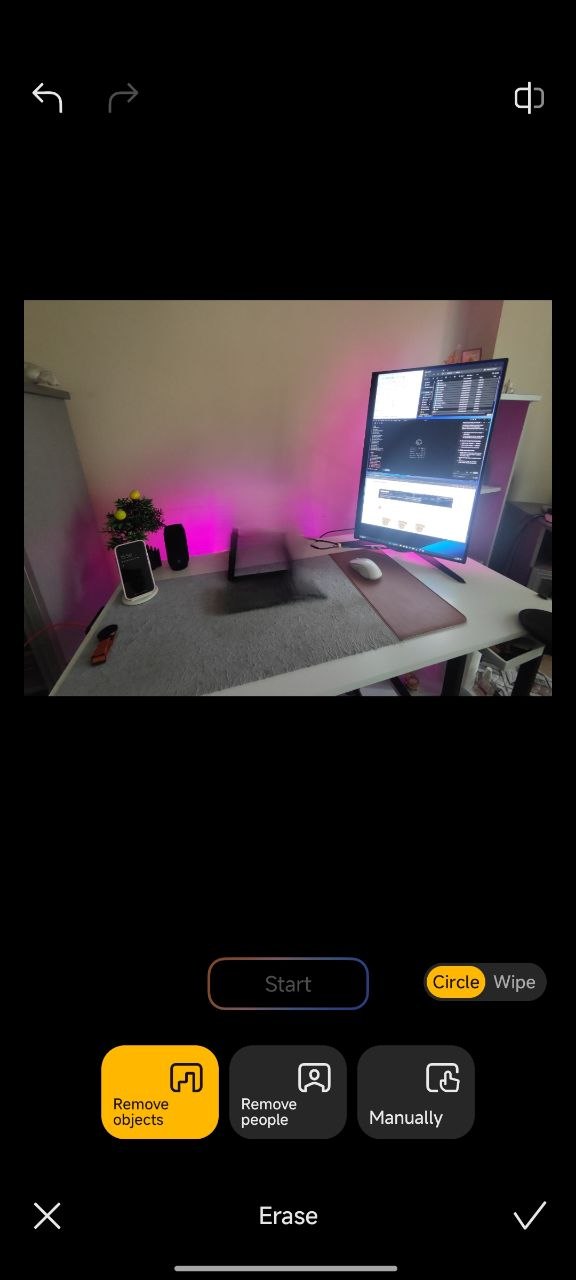
Affected Devices and Software Versions
The issue was widespread, impacting several premium and mid-range devices across the global and CIS markets. The following models were specifically highlighted in the report:
-
Xiaomi 14T Pro and Xiaomi 14T
-
Xiaomi 13
-
POCO X6 Pro 5G
-
CIS Market Products (Various regional models)
So, all versions of the Gallery Editor prior to the v2.3.0.6 build were susceptible to this initialization bug.
The Solution: Installing Gallery Editor v2.3.0.6 and newer versions
Xiaomi has fast-tracked the release of Gallery Editor version 2.3.0.6 (dated March 24, 2026) to resolve this dependency error. This update refines the plug-in fetching logic and ensures full compatibility with the latest Xiaomi HyperOS frameworks.
How to Update:
-
System App Updater: Navigate to Settings > System Apps Updater and check for the Gallery Editor update.
-
Manual Installation: If the update has not yet reached your region via the official OTA (Over-the-Air) channel, users can manually sideload the verified APK to restore functionality immediately.
Updating the application is the definitive fix, as it re-establishes the connection to Xiaomi’s AI servers and properly initializes the “Erase” tool’s required assets.



I had to uninstall all the Gallery updates because it almost always tried to reload some of the media, constantly draining the battery. The stock version doesn’t seem to have this issue. I’ll skip the next 1-2 versions, maybe they get this issue fixed at some point.