


For years, using Apple AirPods with an Android device has always been a compromise. You get great sound, but you lose the magic – no battery pop-ups, no spatial audio, and poor connection management. Third-party apps such as MaterialPods helped plug this hole, but they’ve always seemed. not quite right. That’s all changed, of course, with Xiaomi HyperOS 3.1.
Xiaomi has, without much fanfare, enabled system-level support for AirPods with their latest update, which makes them almost indistinguishable from their own branded ‘Buds.’ From the built-in pop-up animations, through status bar icon support, HyperOS 3.1 closes the ecosystem gap, which, as mentioned, no other Android OEM has come close to achieving. It’s seamless, it’s built-in, and it just works!
TL;DR
- Native Pop-up: AirPods will now trigger a pop-up immediately when the case is opened.
- Spatial Audio: Full support for Apple’s Spatial Audio technology is now baked in.
- Deep Integration: AirPods can be seen in the Device Center as well as the Status Bar, similar to native Xiaomi wearables.
- Find My Support: The feature also integrates with the “Xiaomi online search” to locate lost buds.
6 New AirPods Features in HyperOS 3.1
We have tried the integration with the latest beta available, and the feature set is surprisingly comprehensive. Xiaomi is no longer treating AirPods as a simple Bluetooth device but as a first party device.
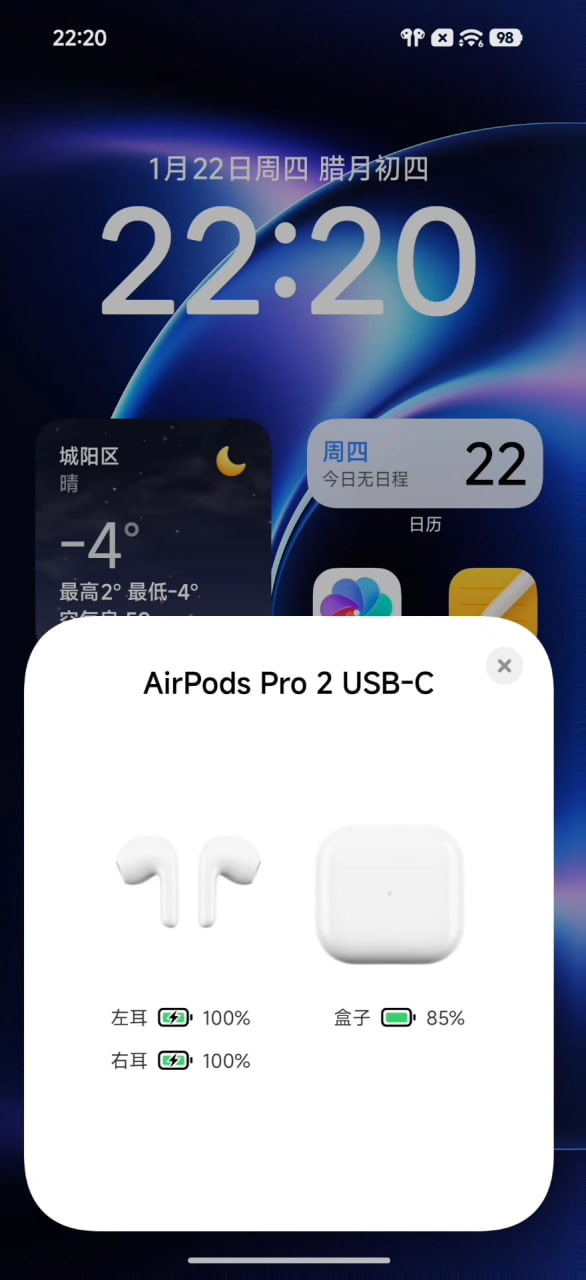
1. The ‘Magic’ Pop-Up is Here
The most missed feature among Android users is the instant connection card. Opening your AirPods case near your phone using HyperOS 3.1 brings up a pop-up window from the native system showing your case and the battery levels of your buds without the need for any third-party applications.
2. Spatial Audio Support
No longer relegated to the restricted area for iPhone owners, Spatial Audio is now natively supported. If you’re an owner of AirPods Pro or AirPods Max, you can now enjoy the immersive audio experience in 360 degrees directly from your Xiaomi device, even without rooting the device.
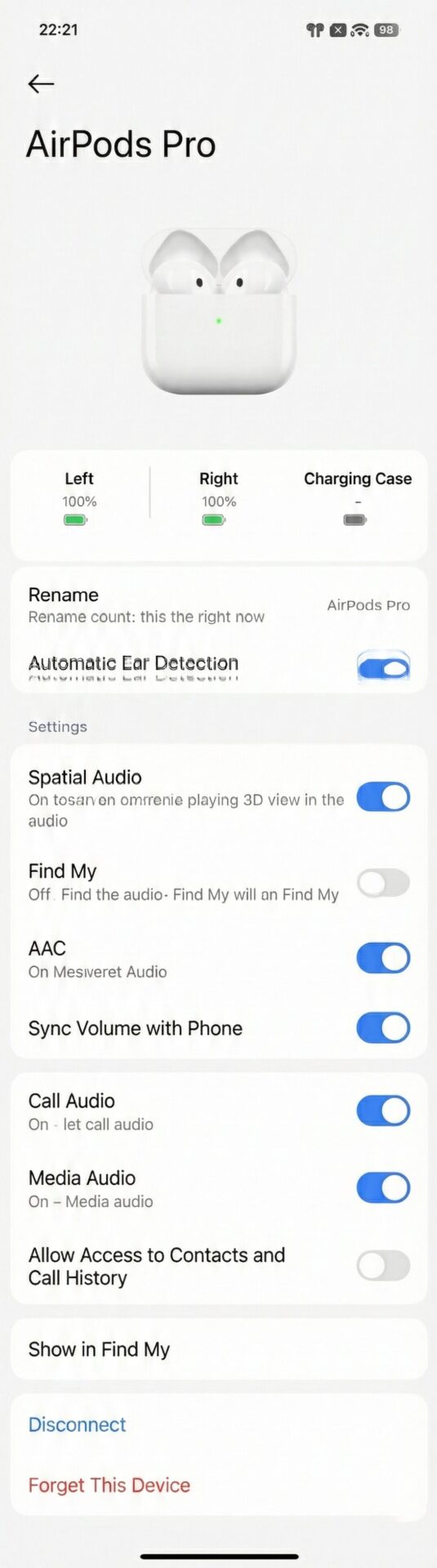
3. Integrated Device Center
AirPods are no longer hidden in the generic Bluetooth menu. They now appear prominently in the Integrated Device Center (the control hub in the notification shade), which allows you to manage noise cancellation modes and connection priority with a single tap.
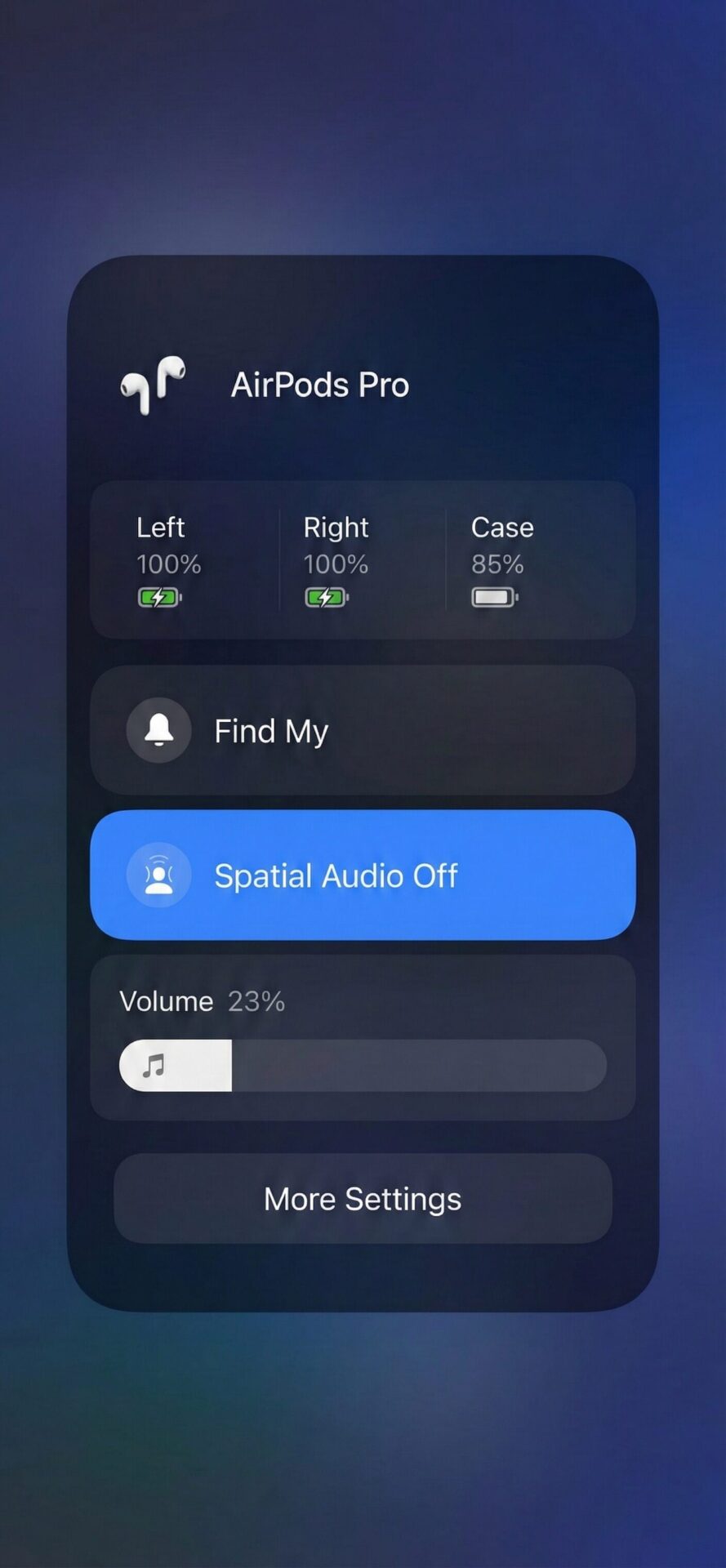
4. Status Bar & “Headphone Display”
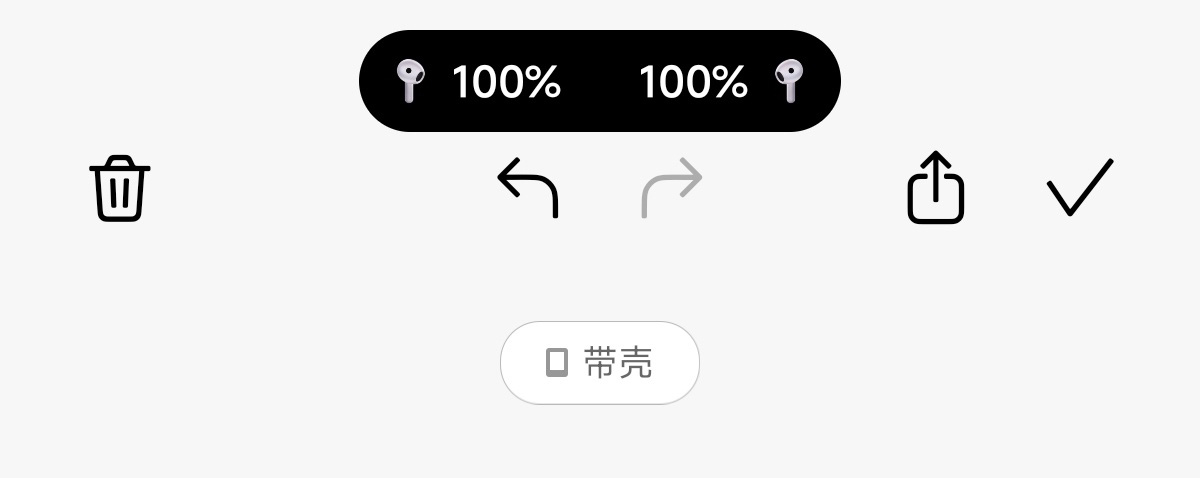
The standard Bluetooth icon is no longer present. After pairing, a special icon for the AirPods will appear in the status bar. Moreover, the ‘Headphone Display’ feature ensures that the right model icon is displayed across the UI.
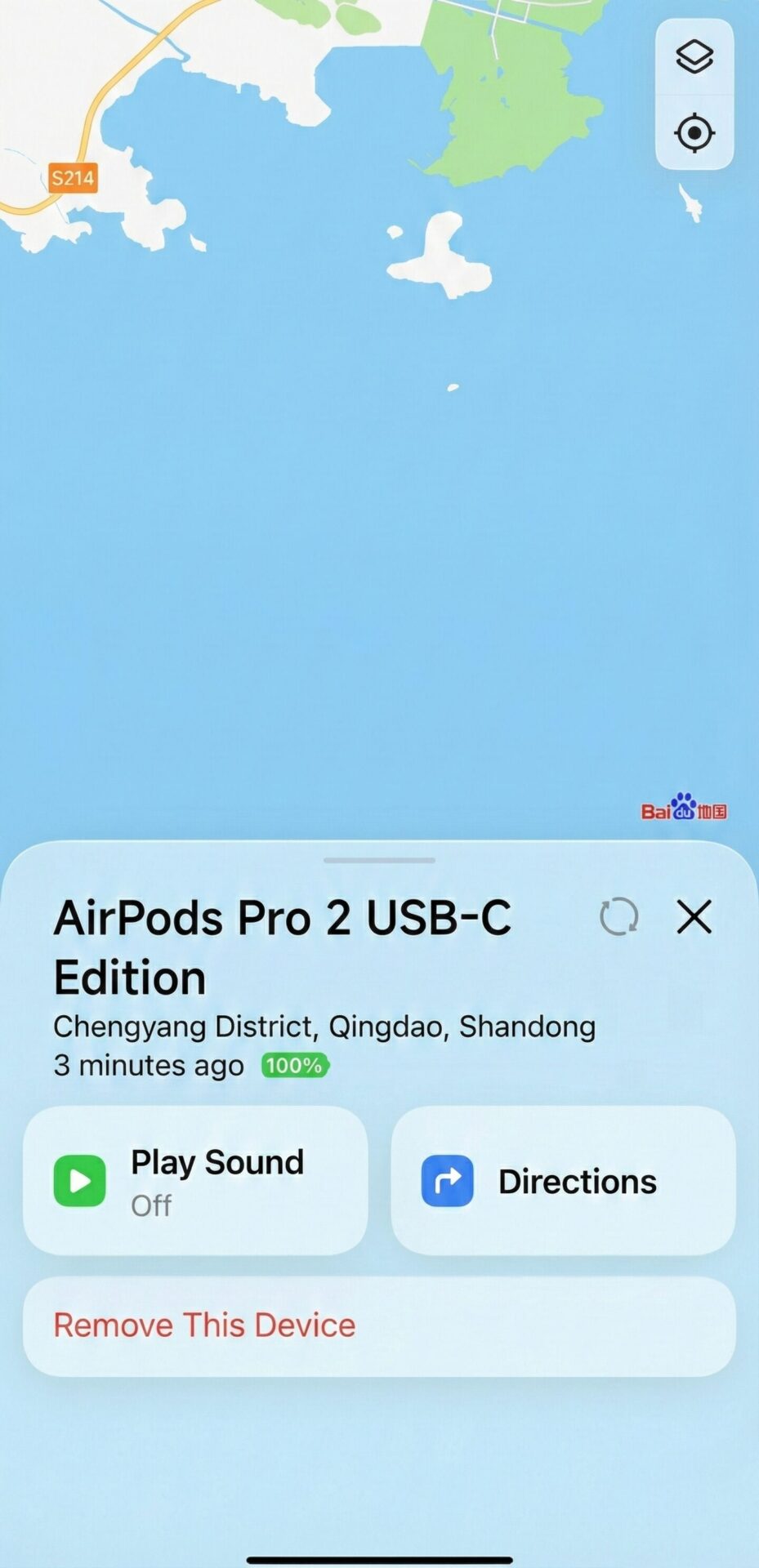
5. Xiaomi Online Search (Find Device)
But perhaps most surprising is the inclusion of support for Xiaomi online search. This feature appears to utilize Xiaomi’s “Find Device” network with your AirPods’ location beacon, helping you locate your earbuds even if you don’t have an iPhone nearby.
Why This Matters
This move is important because it recognizes the truth of the market: there are plenty of people out there running Xiaomi systems that also have an iPad or a Mac at home, and want AirPods. Breaking down that walled garden is going to make the Xiaomi line of products vastly more appealing to those “hybrid” ecosystem users who otherwise would have been forced to stick with an iPhone simply because of the convenience of the headphones.



What use is the constant promotion of OS 3 when the distribution date keeps being postponed? I was supposed to get it in December 2025, then in February 2026, and now it says I will get the update in April 2026. It would be better not to write anything so that mobile customers are not deceived.
What use is the constant promotion of OS 3 when the distribution date keeps being postponed? I was supposed to get it in December 2025, then in February 2026, and now it says I will get the update in April 2026. It would be better not to write anything so that mobile customers are not deceived.
great, but I’d be happier if at least I got the HO3 on my 14T since others got it months ago
xiaomi 15 i am used Google dailer not working hyperisland worst 76k mobile