


However, Xiaomi is still setting the bar higher in terms of mobile photography, and this is not only happening with the hardware, but also with software optimization. The Xiaomi 17 Ultra Leica Edition brought with it a whole new concept of picture-taking with the use of Professional Parameter Styles. The buzz now is that Xiaomi has just released the 4th batch of presets, and more importantly, the “Ultra” presets will now be compatible with other Xiaomi models with the new HyperOS versions.
Professional Parameter Styles
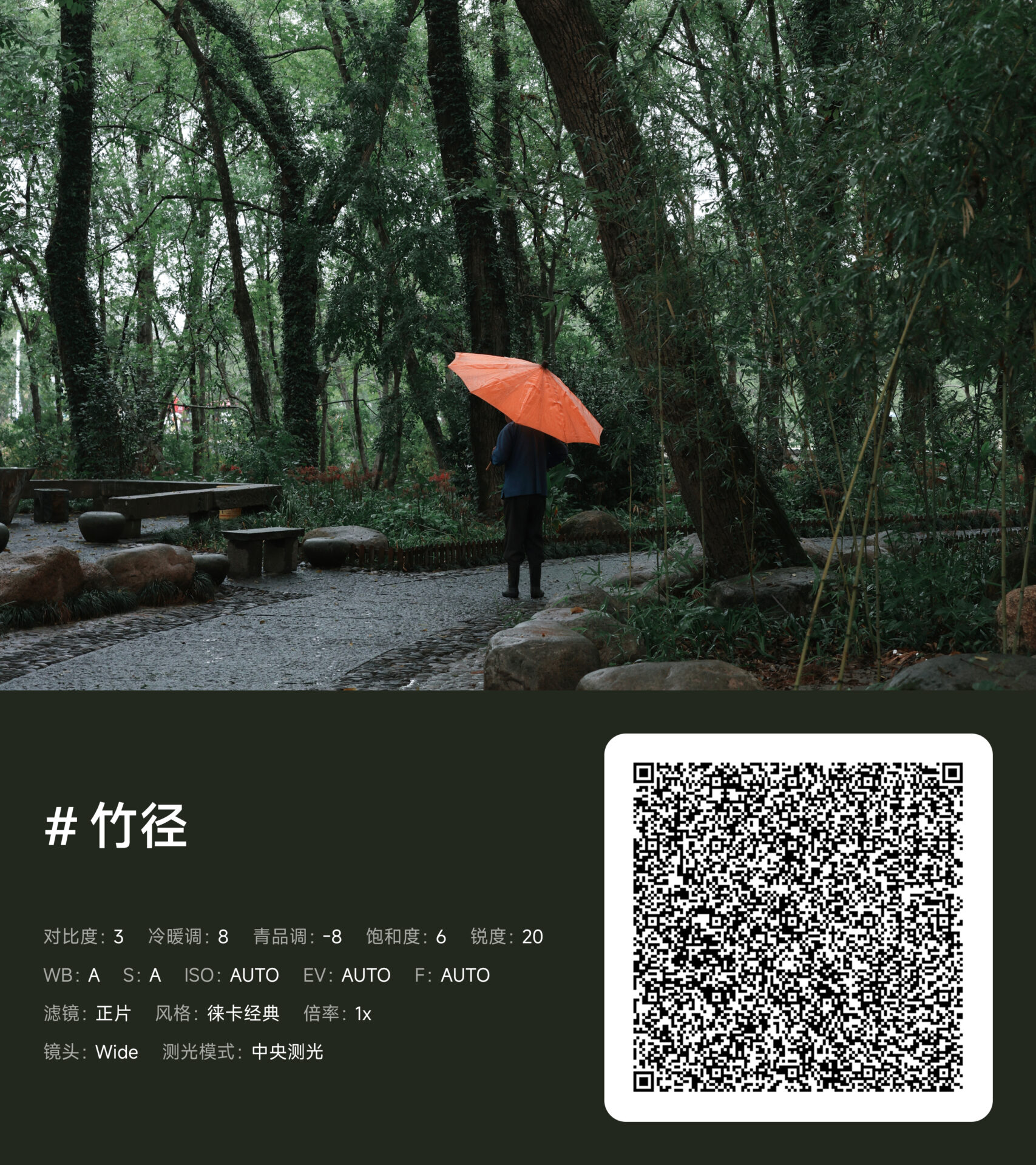
Instead of filters, these styles enable the adjustment of deep-level parameters like Contrast, Sharpness, Saturation, and White Balance in addition to Leica color science. With the latest upgrade to the management system of the camera app, there is also the ability to batch import these styles through QR codes or preset packages.
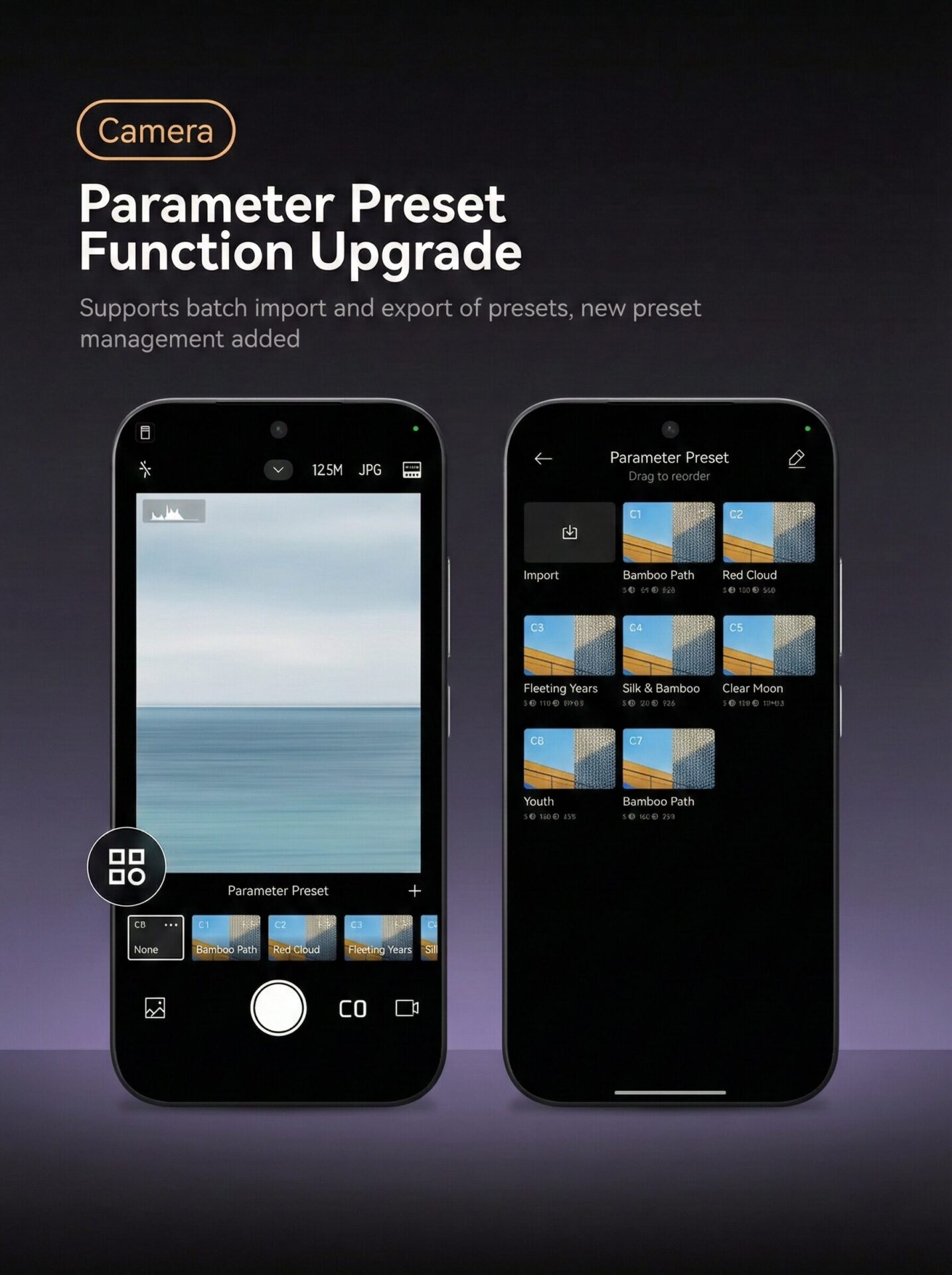
The “Batch 4” Collection Highlights
The most recent update comes with specific presets that are meant to be used in various conditions of the atmosphere:
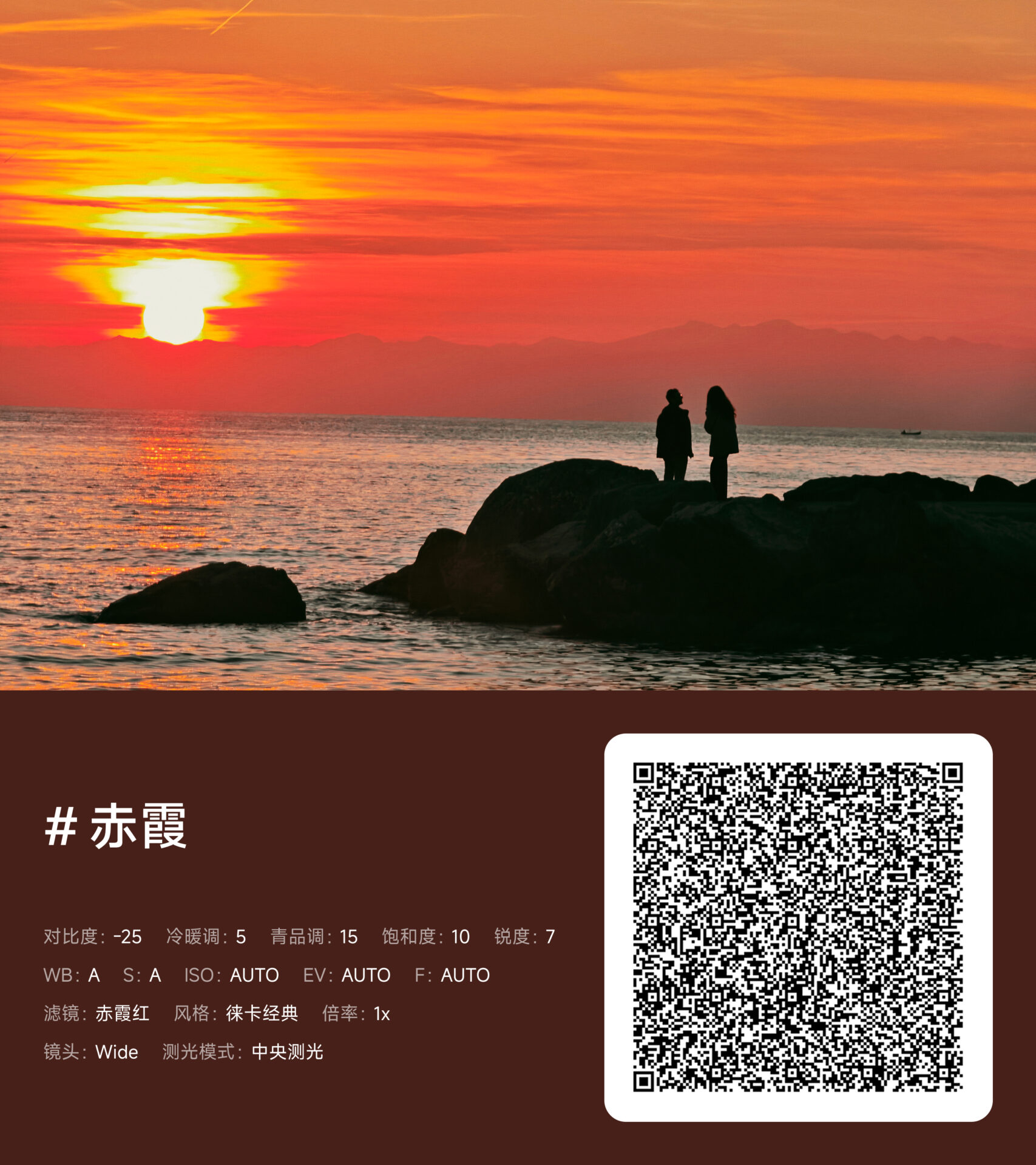
- Sunset Glow Designed for golden hour photography. This filter has a low contrast of -25 and a high sharpness of +7. This is ideal for capturing the landscape.
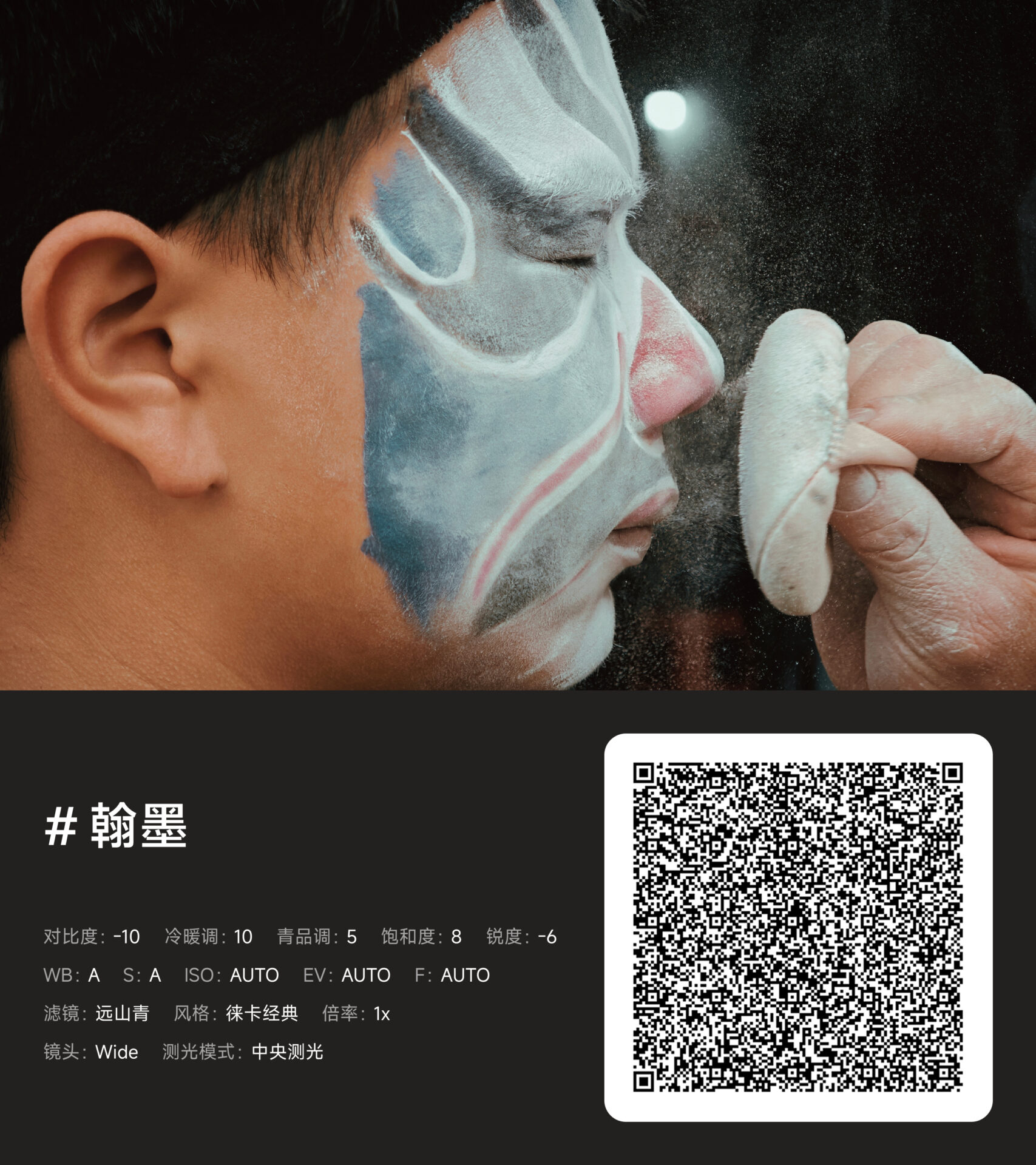
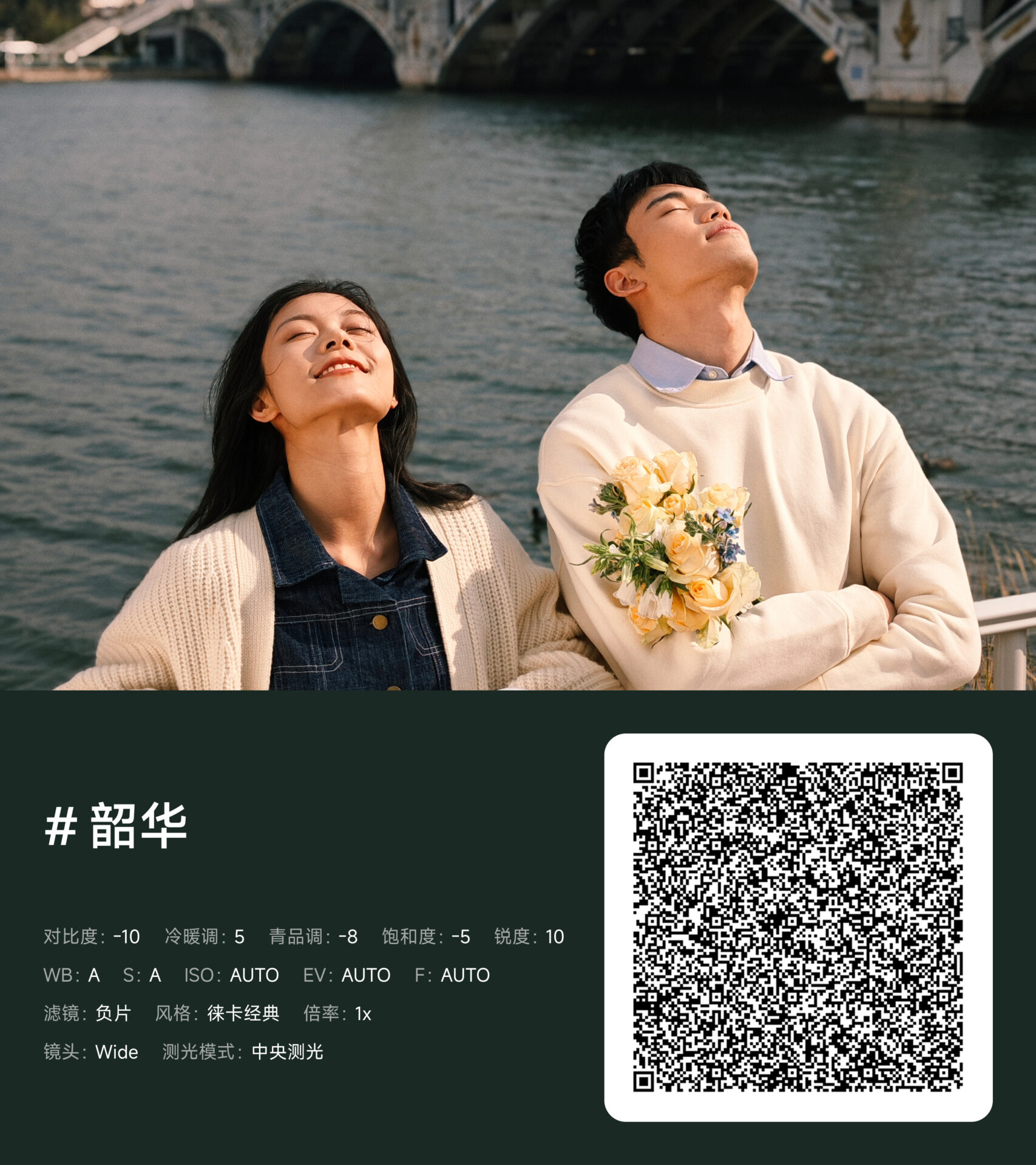
- Ink & Brush : A portrait-oriented preset with a texture that employs negative sharpness (-6) to mimic the soft skin texture of artwork.
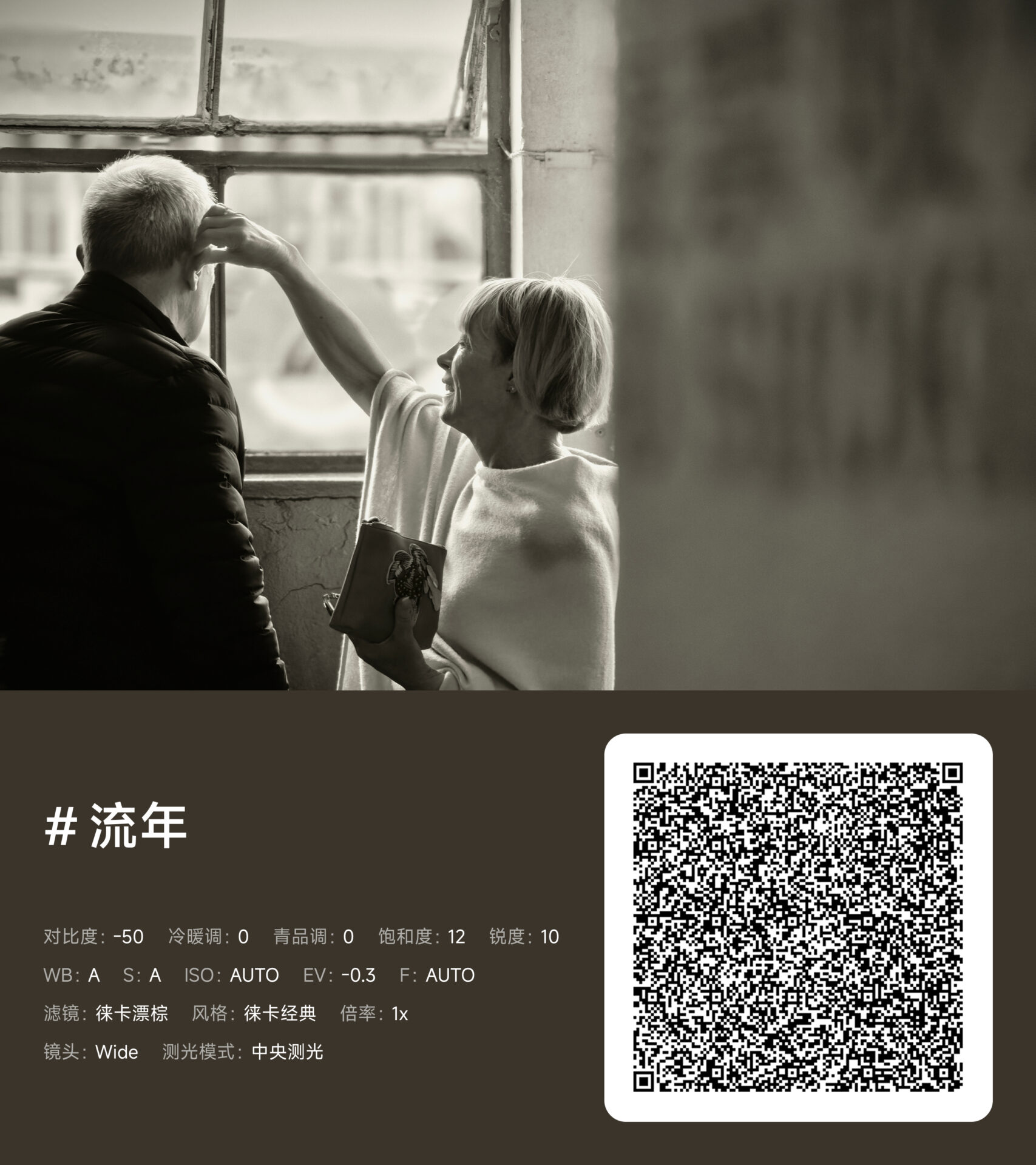
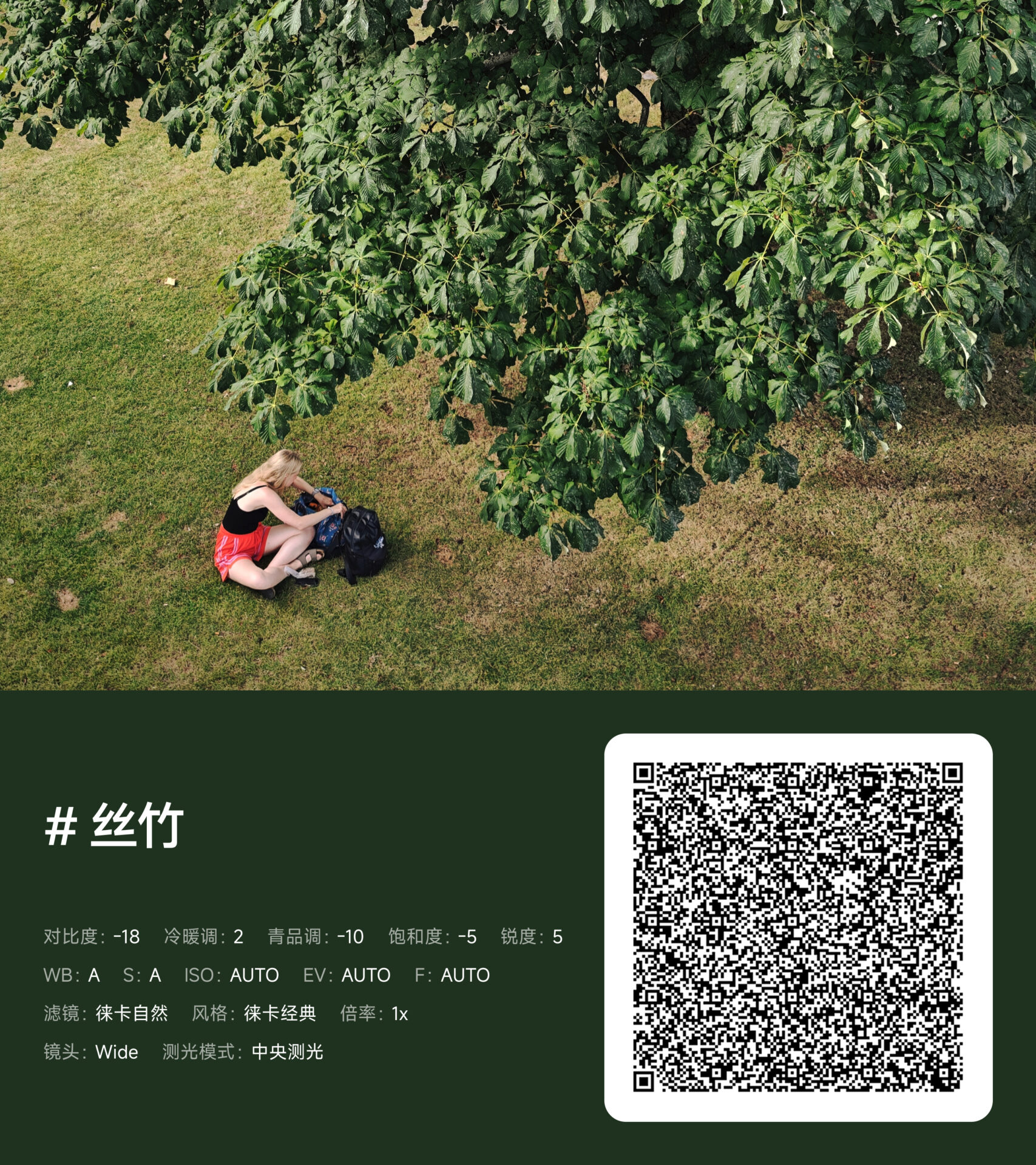
- FleetingTime: A nostalgic, cinematic look that has a dramatic contrast reduction of -50 for a dreamy, vintage feel.
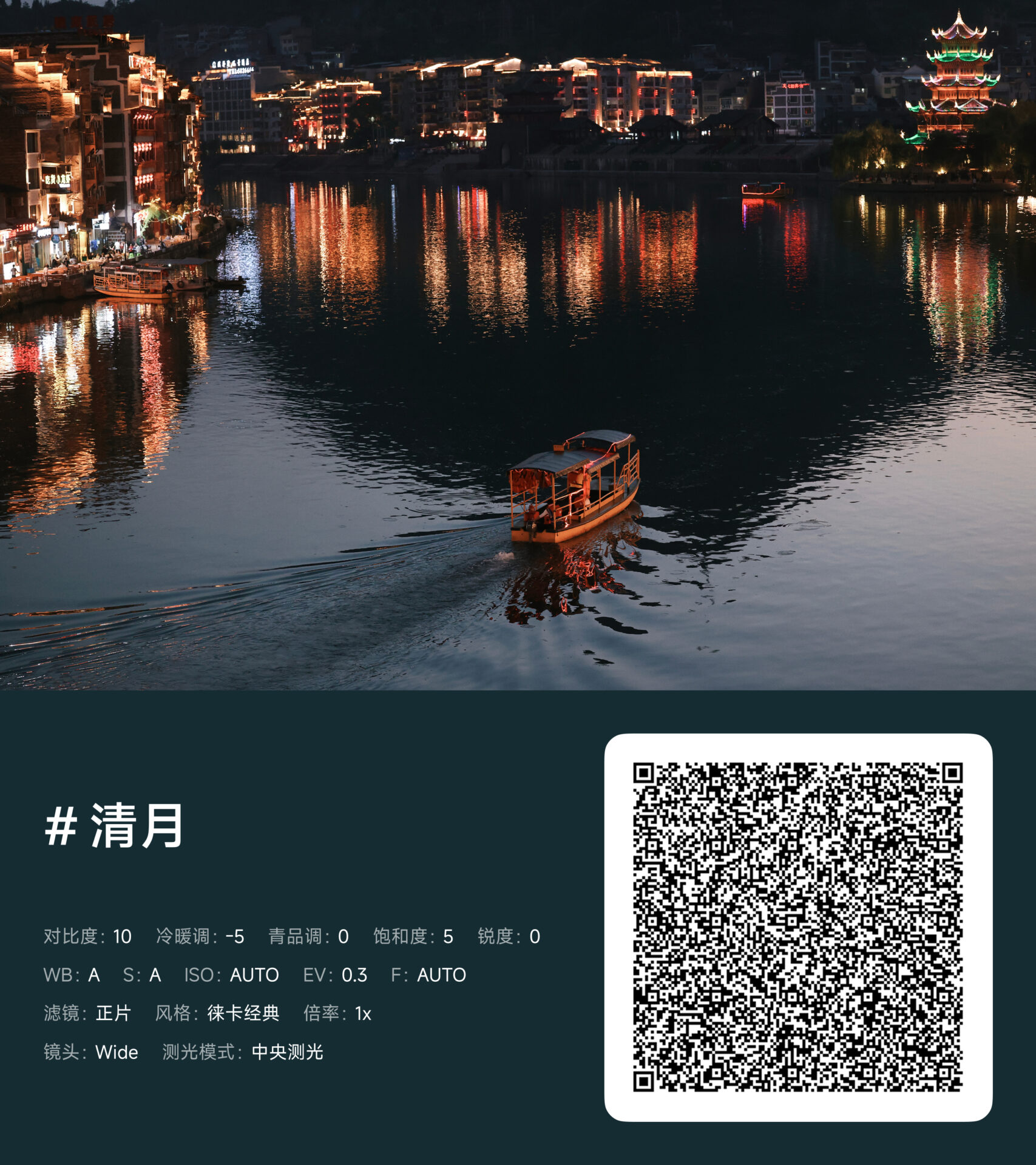
- Clear Moon: Ideal for night shots and reflection photography, with well-balanced contrast and a slight exposure increase (+0.3).
How to Install & Download
Xiaomi has made it incredibly easy to “copy” the professional look of the 17 Ultra. You can either scan the QR codes found in the official images or download the full batch package provided below.
You can download the Batch 4 Professional Preset Package from the official Xiaomi Office cloud folder:
Download Xiaomi Professional Styles (Batch 4)
Password:
Nv31
Installation Steps:
- Download & Extract: Download the package using the link and password above.
- Open Camera: Launch the system camera on your Xiaomi device and switch to Pro Mode.
- Enter Preset Management: Look for the “+” icon or the Preset Management button (represented by a four-square icon).
- Import: Select “Import” and choose the downloaded files or scan the QR code images.
- Save: Once imported, these will appear as C1, C2, C3… presets next to your shutter button.
Compatibility
Although these presets were designed for the Xiaomi 17 Ultra, they can be used with other flagship and sub-flagship models such as the Xiaomi 15 and 14 lines, which have been updated to support the Professional Parameter Style function. This is provided that your Camera app and HyperOS are updated to the latest versions to access the management interface.



want to try OS 3
These are awesome. Can’t wait to try them. Which preset is clear moon though
a parsing error occured –> on my 15T pro
a parsing error occured –> on my 15T pro. anyone can help me?
parsing error occured
It’s saying Parsing error occured, reason and how can that be fixed
Works perfectly on my xioami 14t pro
It works on 15 ultra. They should also be in English language so we can easily choose preset:)
They should be in English language also so we can easily choose preset in camera app