
 Emir Bardakçı
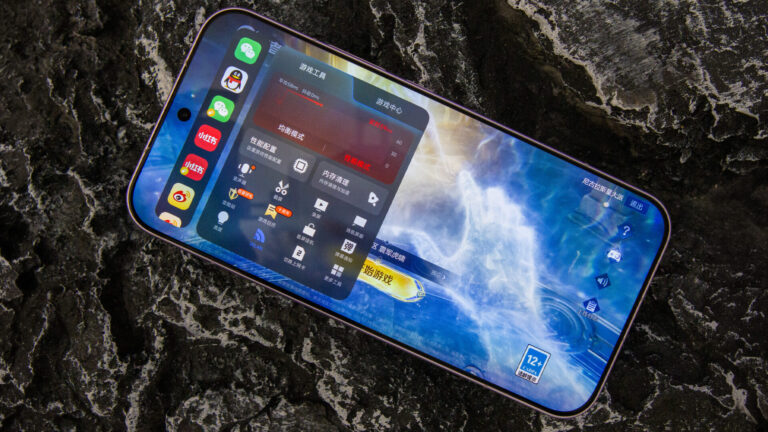
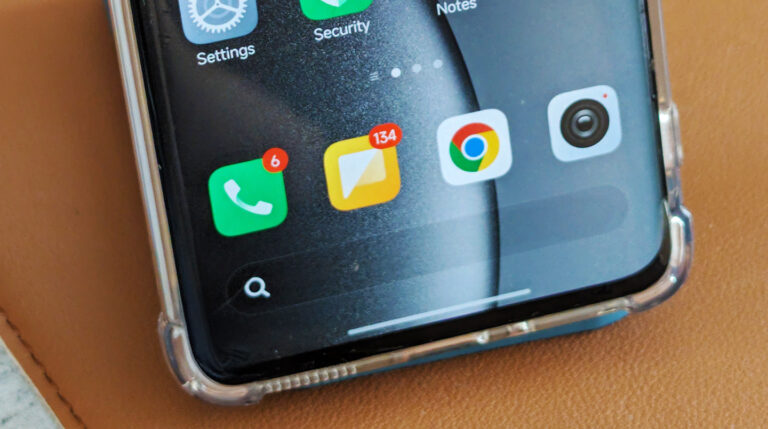
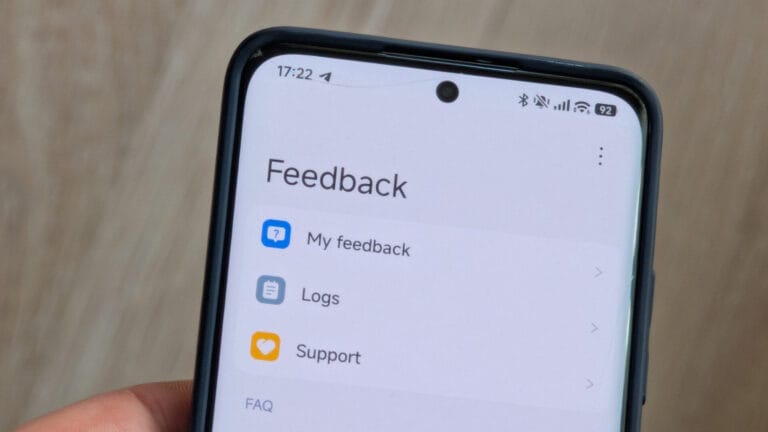
Customization of the user interface has always been one of the areas where Xiaomi has led the pack. One of the most desirable levels of customization for a user might be to have the polished look of Apple’s iOS, along with the power of HyperOS.
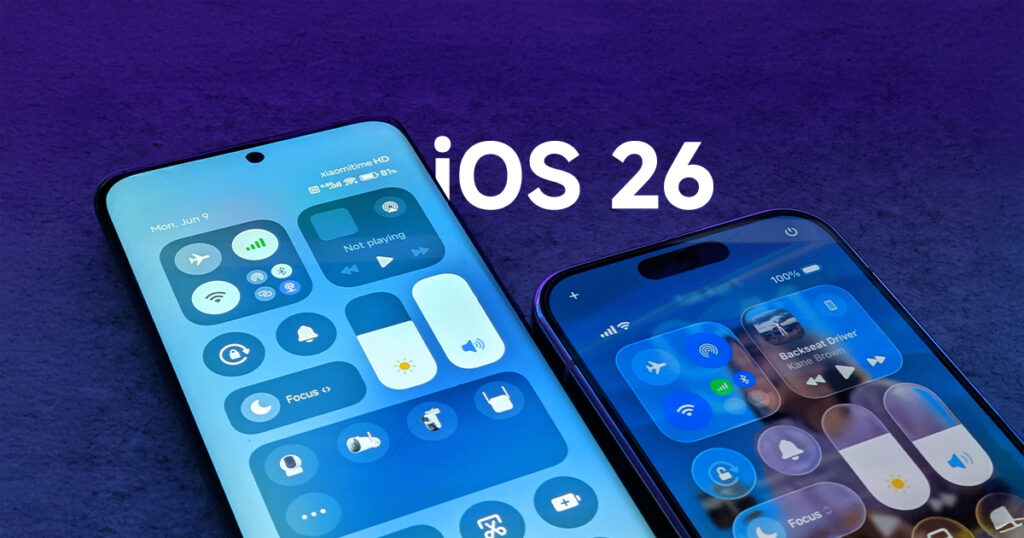
Within this tutorial, we will merge the most trending design styles—the “Liquid Glass” design and the iOS 26 concept—to give your Xiaomi, Redmi, or POCO smartphone a high-end and futuristic look.
TL;DR: The Quick Transformation Guide
- The Goal: Achieve the “Liquid Glass” look—a blend of transparency, depth, and iOS 26 aesthetics on your Xiaomi/Redmi/POCO device.
- Top Themes:
- Liquid Fruit 26: The most vibrant iOS-inspired UI for HyperOS 2.0/3.0.
- Beyond Blue: Best for a realistic iOS Status Bar and minimalist icons.
- OFree Canvas: A premium “glass” texture with smooth animations.
- Essential Tweaks: Enable Advanced Textures for blur effects, use the iOS 18 Control Center mod, and switch to the Card UI in Recent Apps.
1. Understanding the “Liquid Glass” Aesthetic
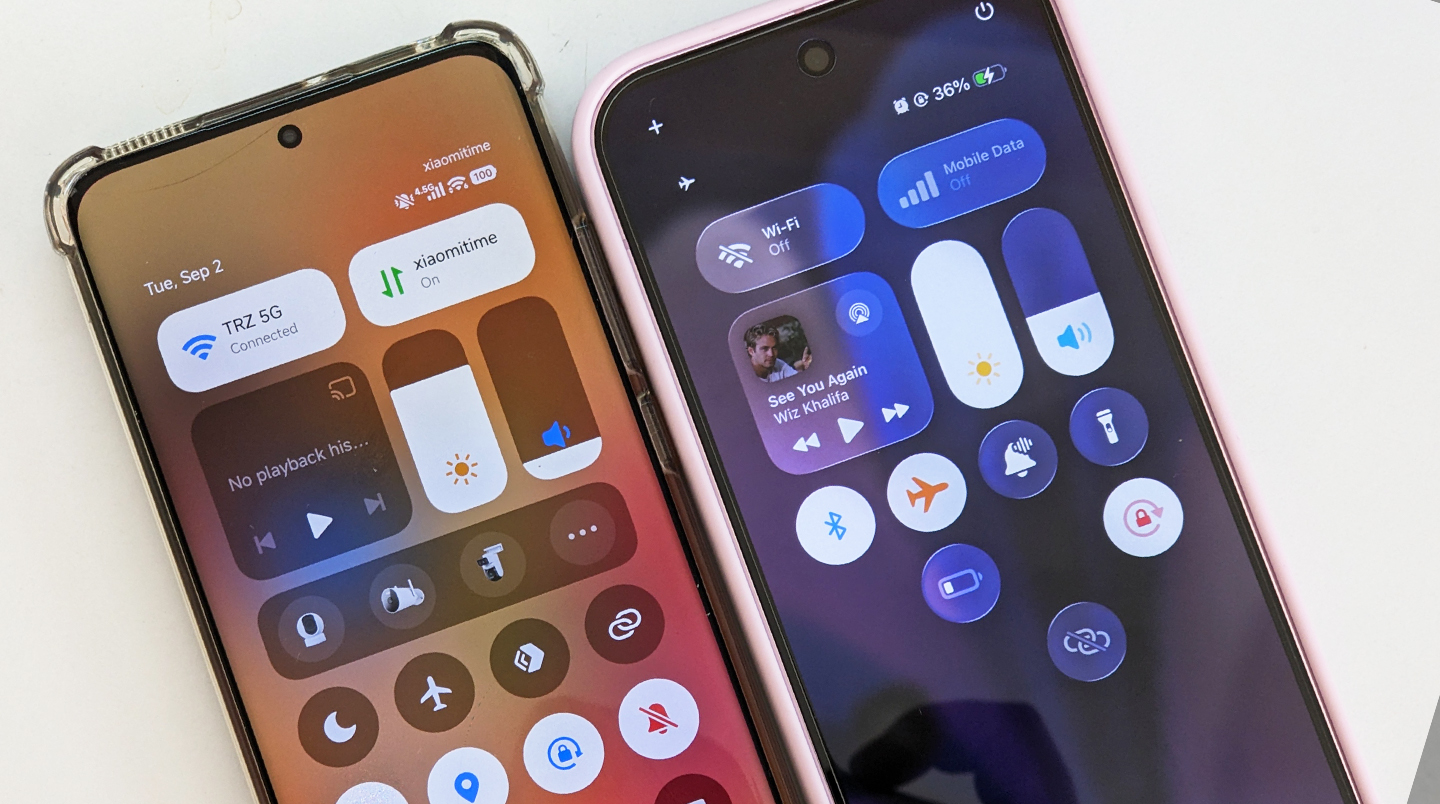
The “Liquid Glass” trend is the building block of all the latest UI designs. This style achieves the effect of having an interface that lives under a sheet of shining glass by incorporating the elements of transparency, fluidity, and depth.
- Translucency: “Backgrounds that blur softly rather than remaining solid.”
- Depth: Layers that appear stacked through the use of shadow and highlights.
- Fluidity: Animations that move smoothly and respond to touch in a “liquid” manner.
2. Top-Rated Themes for the Transformation
In order to get this look, you will want to start with a good base. Below are the top three themes being used in the HyperOS community at this time:
A. Liquid Fruit 26 (By Kronos)
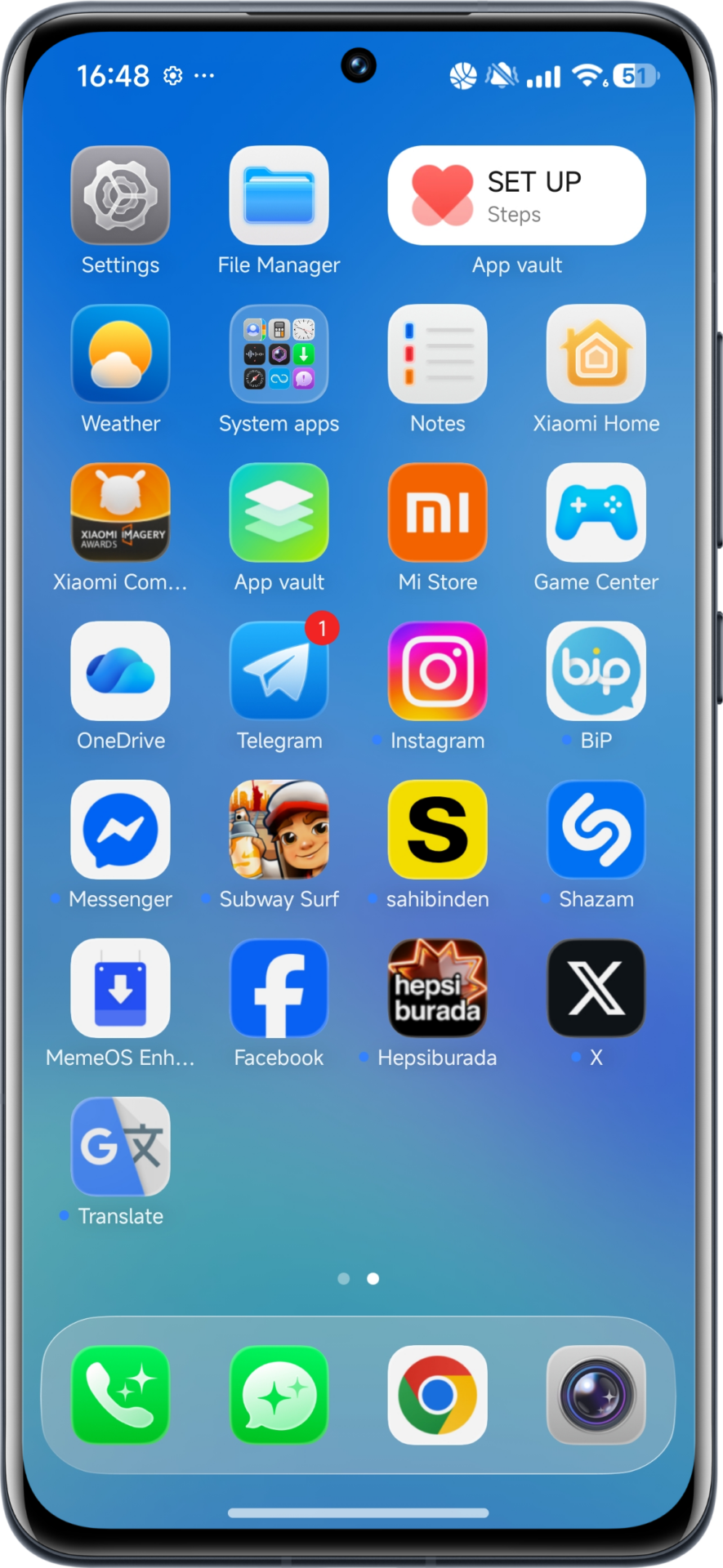
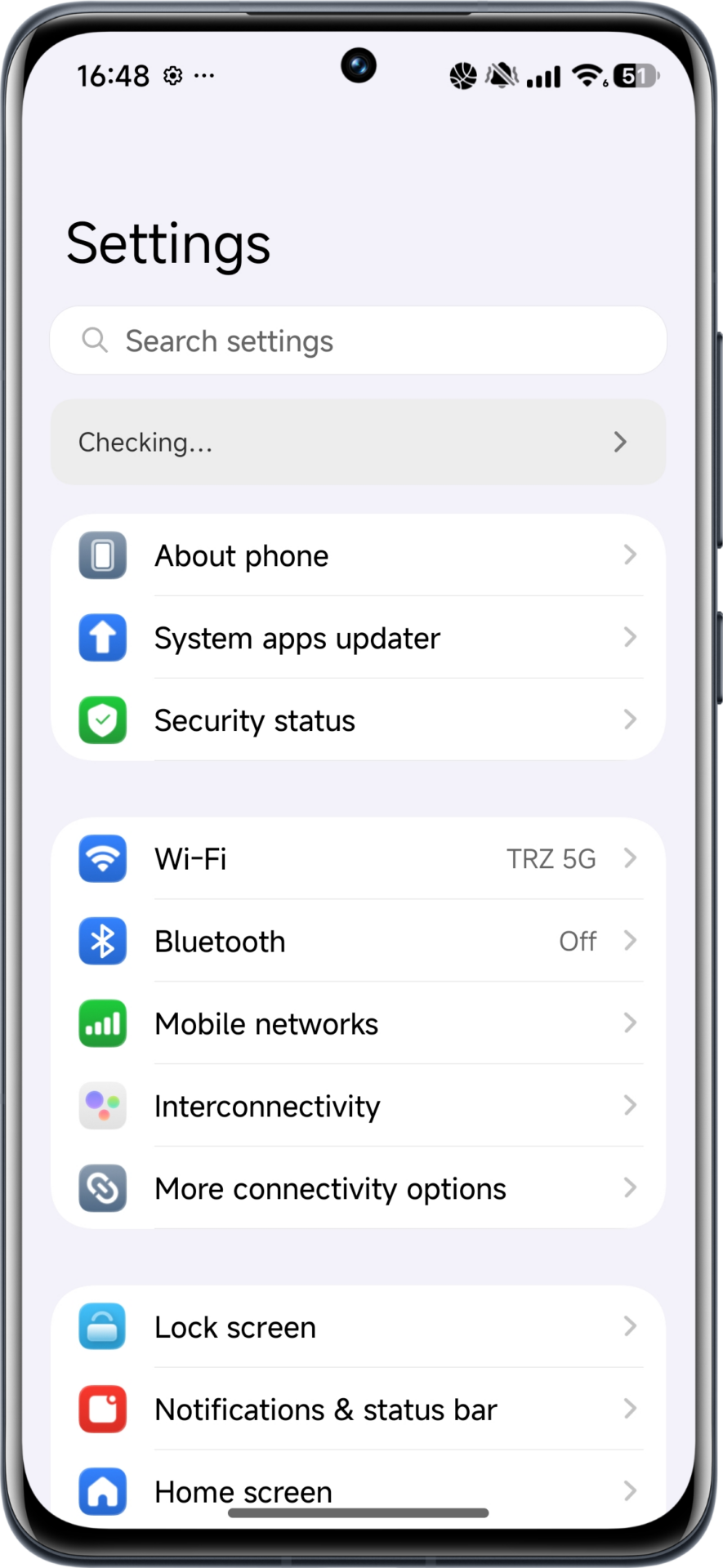
This theme, created by the very talented designer Kronos, offers a colorful mix of iOS 26 and Xiaomi’s own DNA. The theme has been fully optimized for HyperOS 2 and 3, meaning that all the icons and menus are running with no lag and no loss of speed for the operating system.
B. Beyond Blue
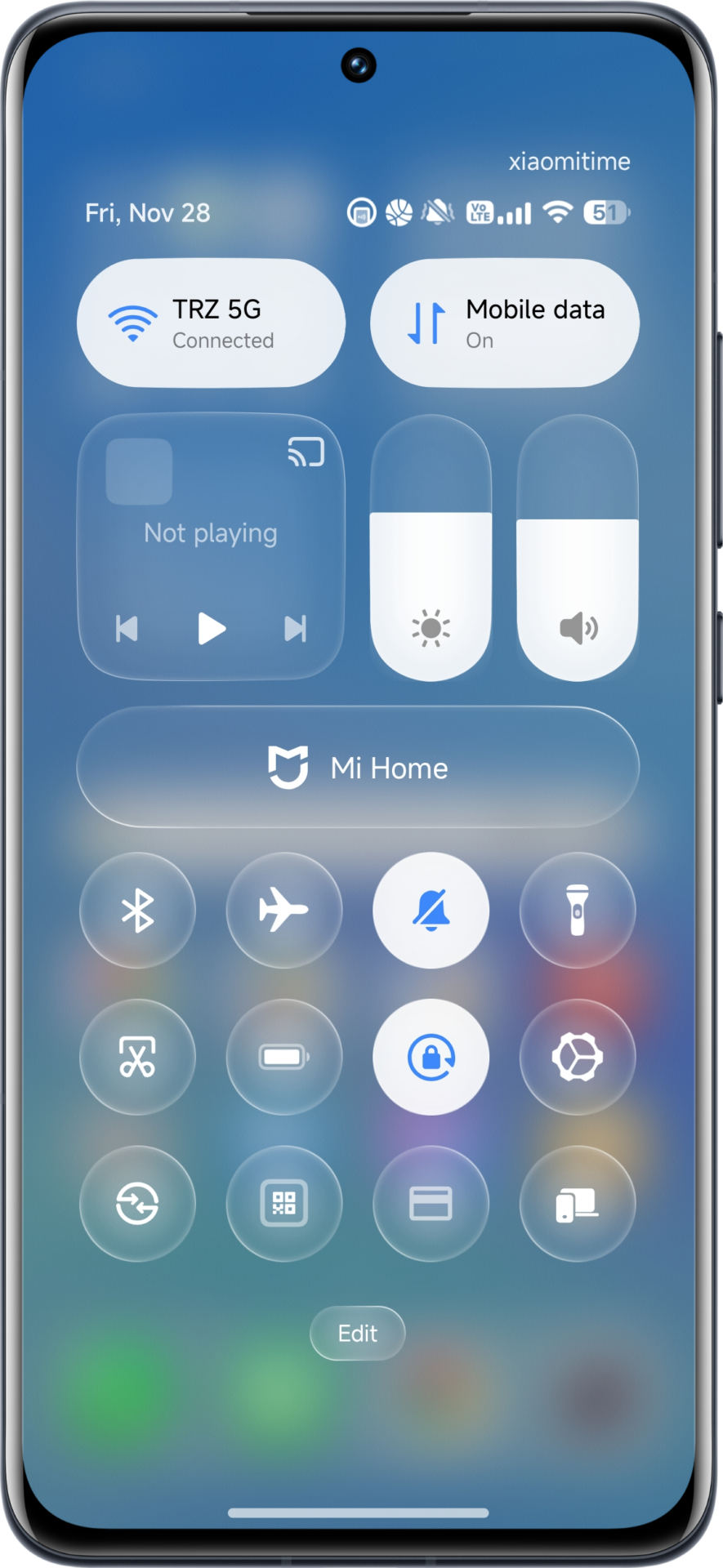
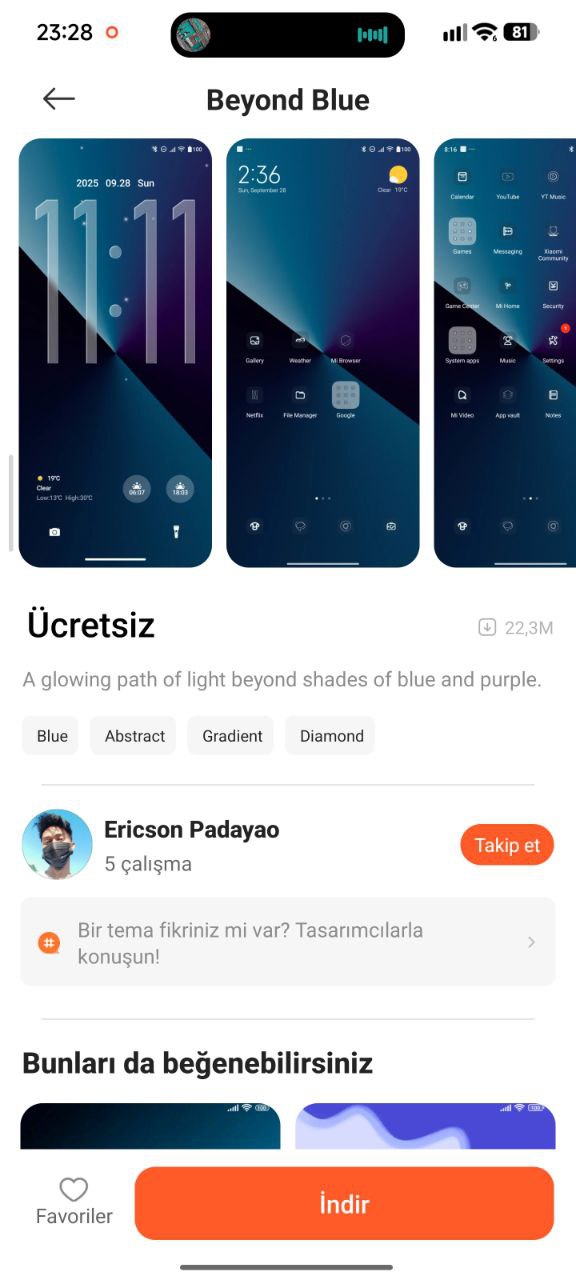
If you want something more “professional” or “minimalist” looking, then Beyond Blue is the way to go. The main change in this tweak is the entirely new Status Bar. This replaces the battery and Wi-Fi indicators found in the Status Bar with new, iOS-style icons, making it seem as if you have a high-end device. You can download this theme from Theme Store.
C. OFree Canvas (By Weird Temper)
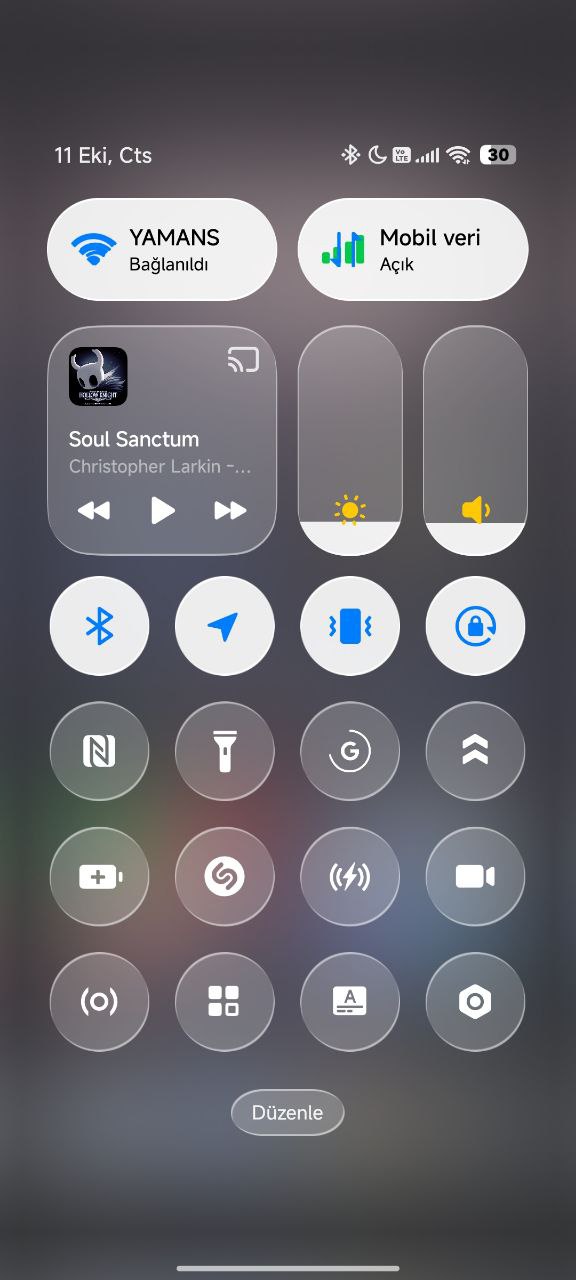
For those who would like a mix of both Apple and Xiaomi, “OFree Canvas” provides a “clean and high-end” design. It emphasizes gradient layers that look amazing in both light and dark themes, with perfect readability and a clean layout.
3. Deep System Customization: Beyond the Icons
A complete overhaul will need more than just a theme. For the complete iOS experience, follow these advanced tweaks:
iOS-Style Recent Apps (Card UI)
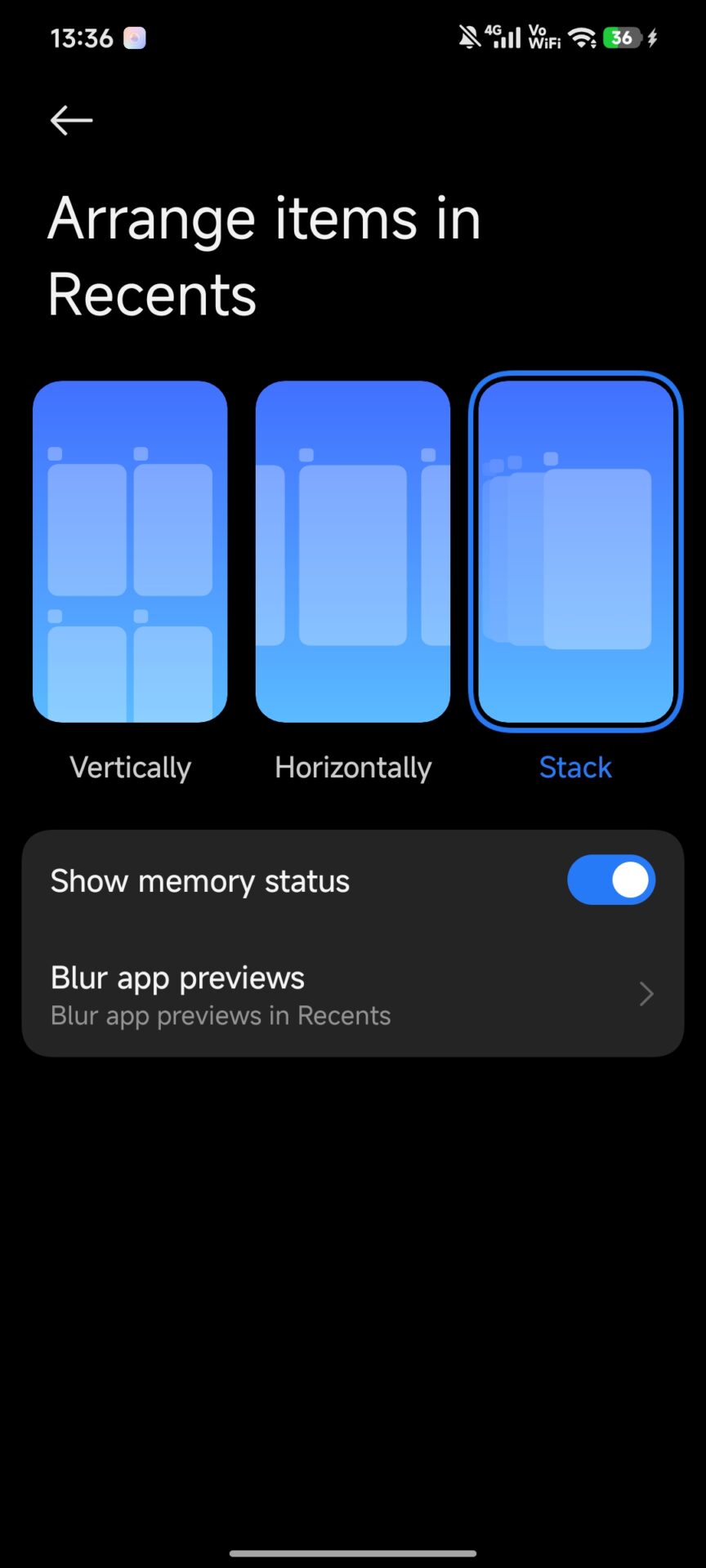
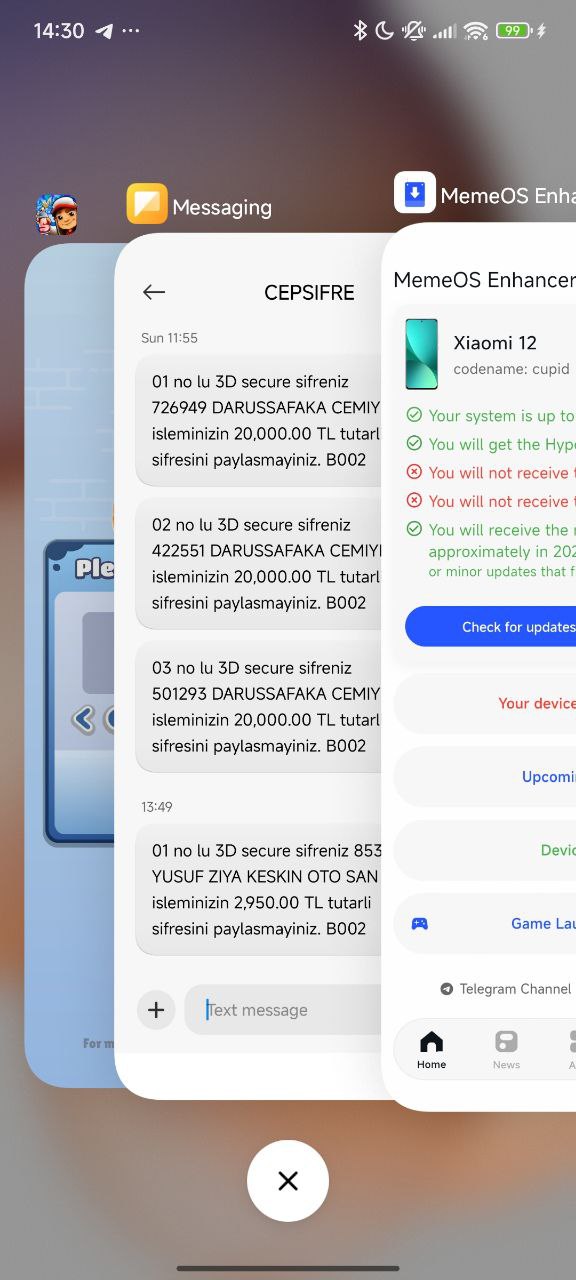
The HyperOS 2 and HyperOS 3 versions also offer support for Card UI in the Recent Apps menu. You can enable this feature by updating official Xiaomi Launcher iOS style version app and enabling in the Home Screen settings to make your multitasking interface look like an iPhone card interface.
System-Wide Blur & Advanced Textures
The “glass” effect will not be achievable without background blur.
- For flagship devices: Make sure “Advanced Textures” is turned on in the Display settings.
- For devices like REDMI/Budget devices: Enable blur effects using guide.
iOS 18 Control Center
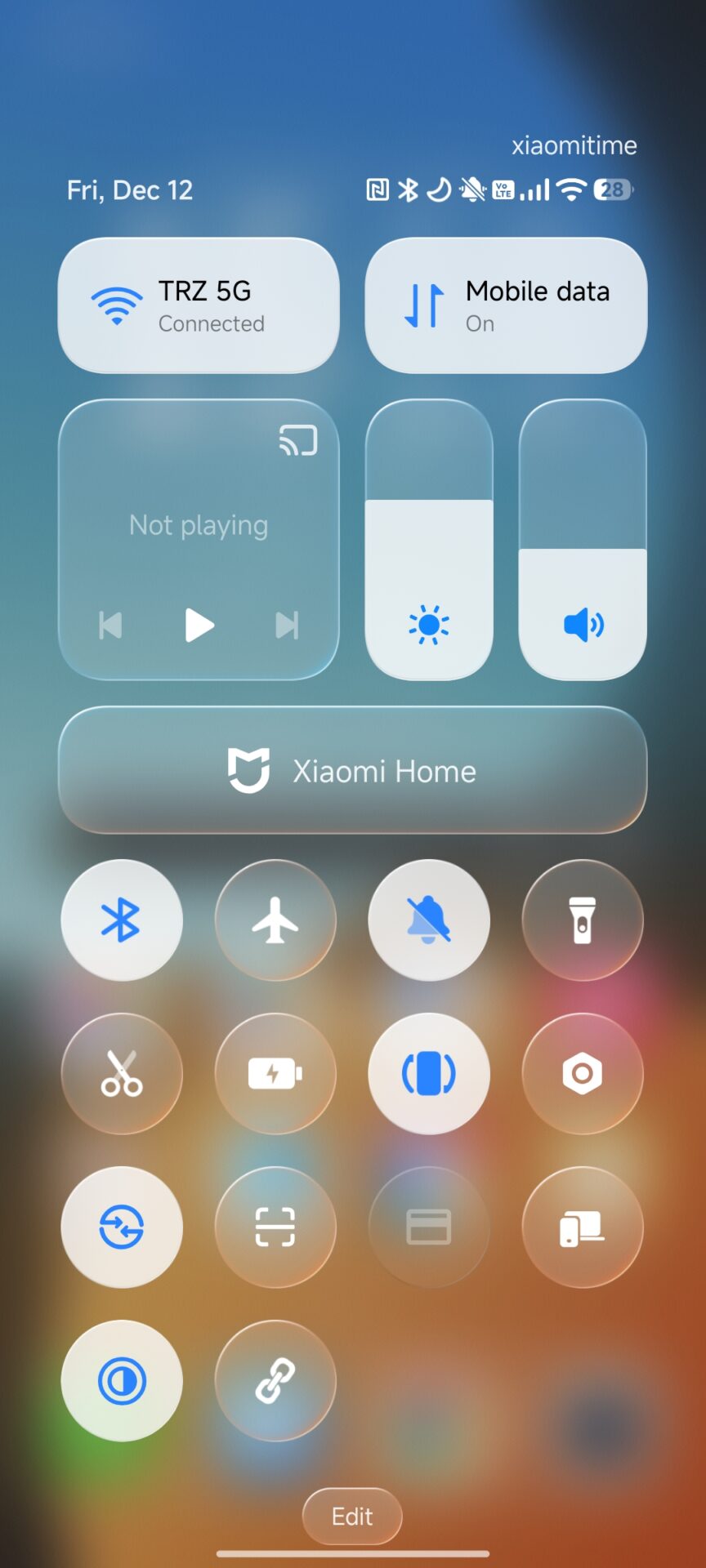
The Control Center is the most recognizable part of the iPhone. You can now install an iOS 18-themed Control Center on HyperOS if you use REDMI C series. This major revamp introduces a rounded and transparent look for the toggles and sliders, similar to Apple’s latest software.
4. Adding Final Aesthetic Touches
- Official iOS 26 Wallpapers: A theme isn’t complete without a background. Take advantage of high-definition wallpapers from iOS and use them in your theme design to give your transparent icons a sense of depth.
- Clock on Lock Screen: Go to the settings for the Lock Screen and select the “Digital” themes, which feature bold fonts and depth effects. In this manner, you can overlap the subject on the wallpaper with the clock, similar to an iPhone.
- iOS Keyboard Configuration: Look for “Apple UI Keyboard” in the Theme Store or use GBoard with a custom light grey theme and Apple fonts to finish off the typing experience.
The Best of Both Worlds
Through the incorporation of the Liquid Fruit 26 design scheme with system-wide blur effects and iOS 18 Control Center, you are able to develop a device that has the beauty of Apple’s design and the raw power of Xiaomi’s hardware.


why bother, just be your hyperos
will this work for redmi laptop 13 pro?
I change Redmi note 13 same like looking for iOS 🥰
Redmi laptop💀
HyperOS 2 will not come really soon on the Redmi note 12 series. Just wait. I still don’t have it.
just get a mi 10 lite for the full experience
seriously, if u guys so obsessed with ios theme and style. why did you exactly bouth a xiaomi u could have just buy an iphone
What absurd reason would I want to have an iPhone skin on my Xiaomi?
What’s the point, they’re trying to install hyperOS 2 on older phones, now they’re coming up with this theme, I agree, if I wanted an iPhone I wouldn’t have bought Xiome.
once the IOS is installed, if I am not satisfied, can I go back and recover HyperOS ?
yo no tengo hyperos 2.0…asi que, a llorar al valle…
iOS 18
where is my hyperos update 2.0?
nunca ví tal cosas. desde que me cambié a Xiaomi realmente me sorprende que hay que estar instalando y haciendo malabares para tener una personalizacion