
 Emir Bardakçı
Xiaomi has now confirmed the fix for the bug causing automatic keyboard pop-up in the Redmi Note 14 Pro+ 5G, bringing further stability and security to the user experience. This issue was found specifically in OS3.0.2.0.WOPMIXM, where users reported the bug through the community and internal diagnostics.
Root Cause of the Keyboard Auto Pop-Up Issue
Following thorough technical analysis, engineers at Xiaomi confirmed that the anomaly was not caused by Xiaomi HyperOS itself, but by a malicious third-party application. The identified application, “tf.tap.fame,” was found to hide its icon and run silently in the background. This behavior enabled it to trigger system-level input services, due to which the keyboard opened automatically without any user interaction.
The malicious application leveraged overlay and accessibility abuse to interact with the system. This may generally interfere with secured input fields and text services, which can very well seriously affect daily usability. According to an investigation by Xiaomi, it was clear that devices that did not have this malicious app installed were not affected by the issue.
Official Solution and User Protection Steps
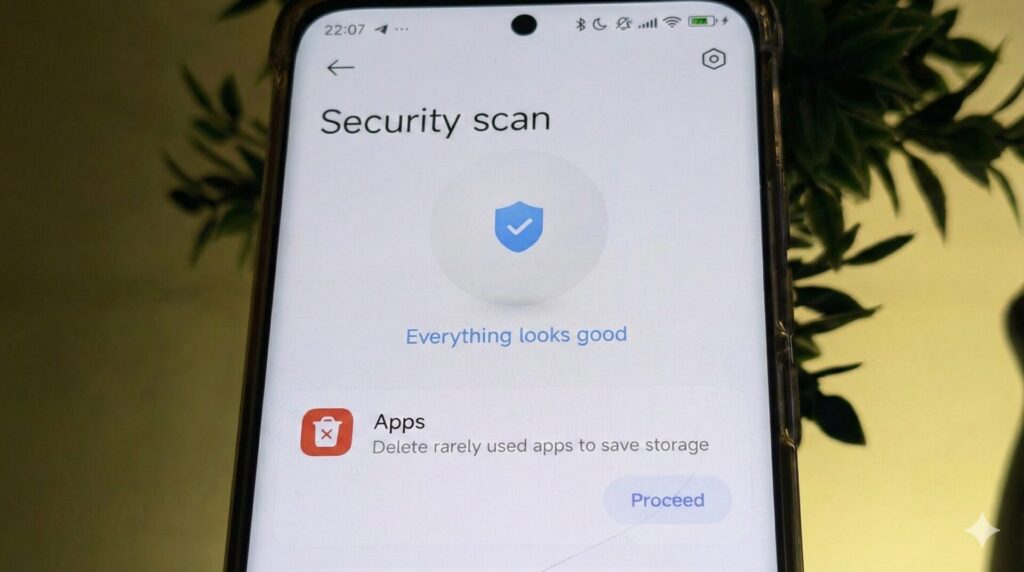
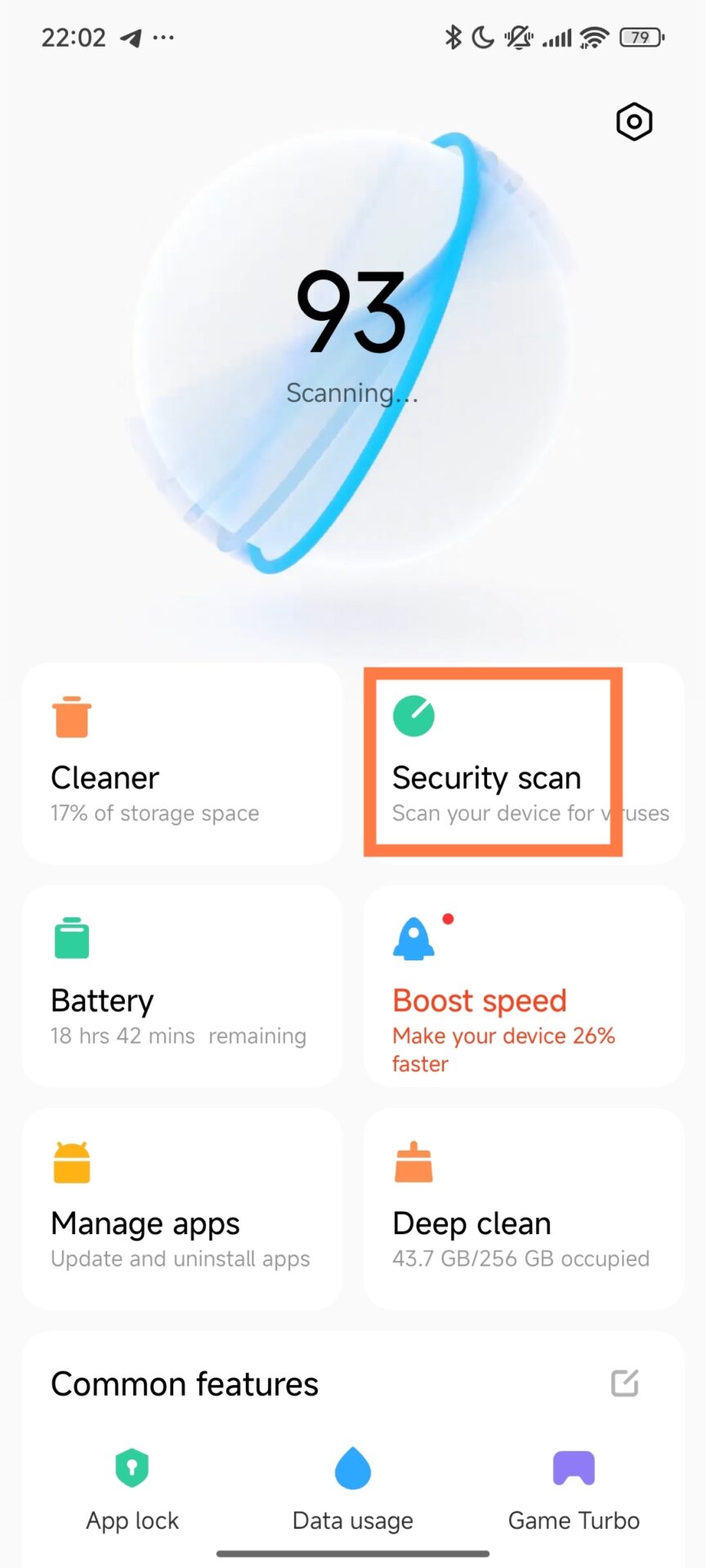
The company has thus recommended that affected users take immediate remediation via the built-in Security app on their devices. This solution is fully compatible with the Redmi Note 14 Pro+ 5G and doesn’t require a system downgrade or factory reset.
Recommended actions:
- Update security app to latest global version
- Open the Security app on the device
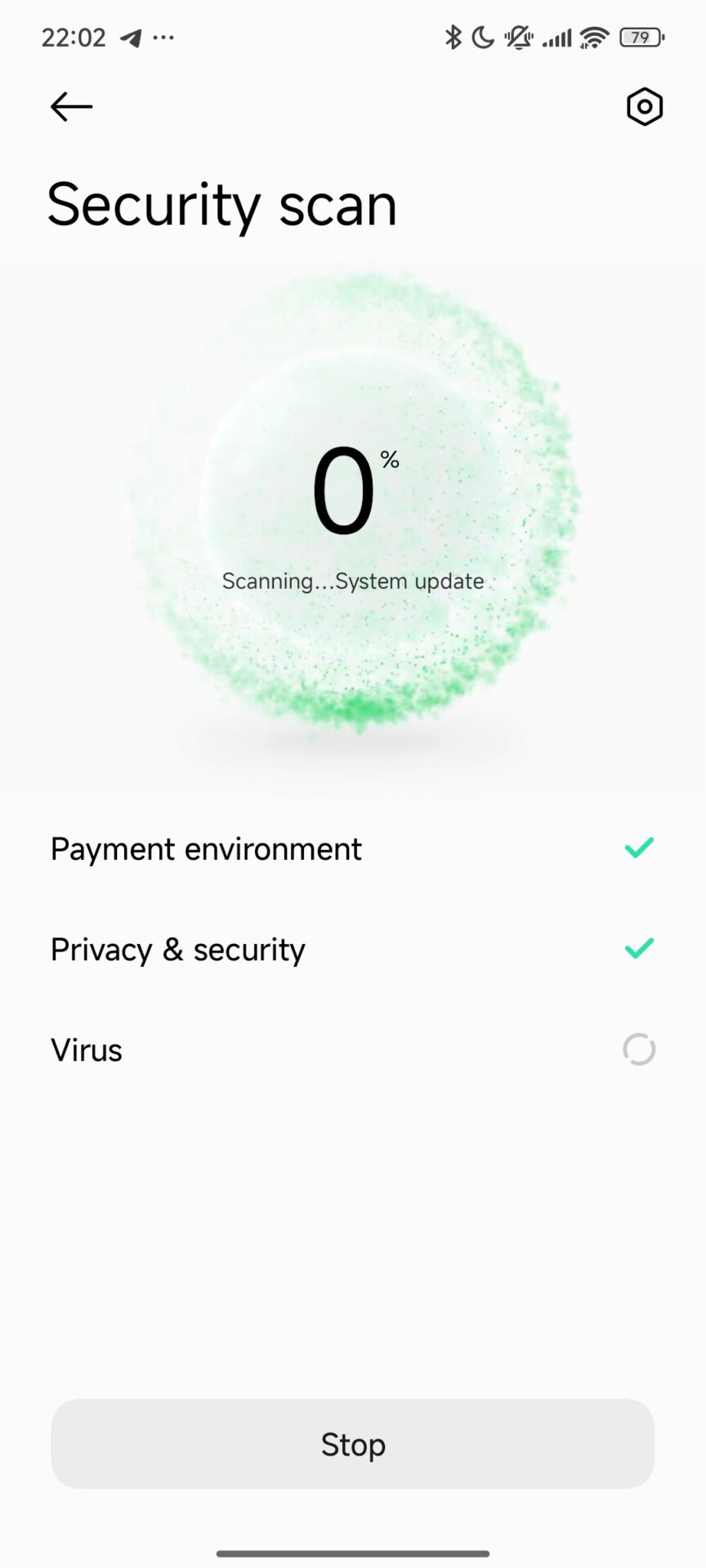
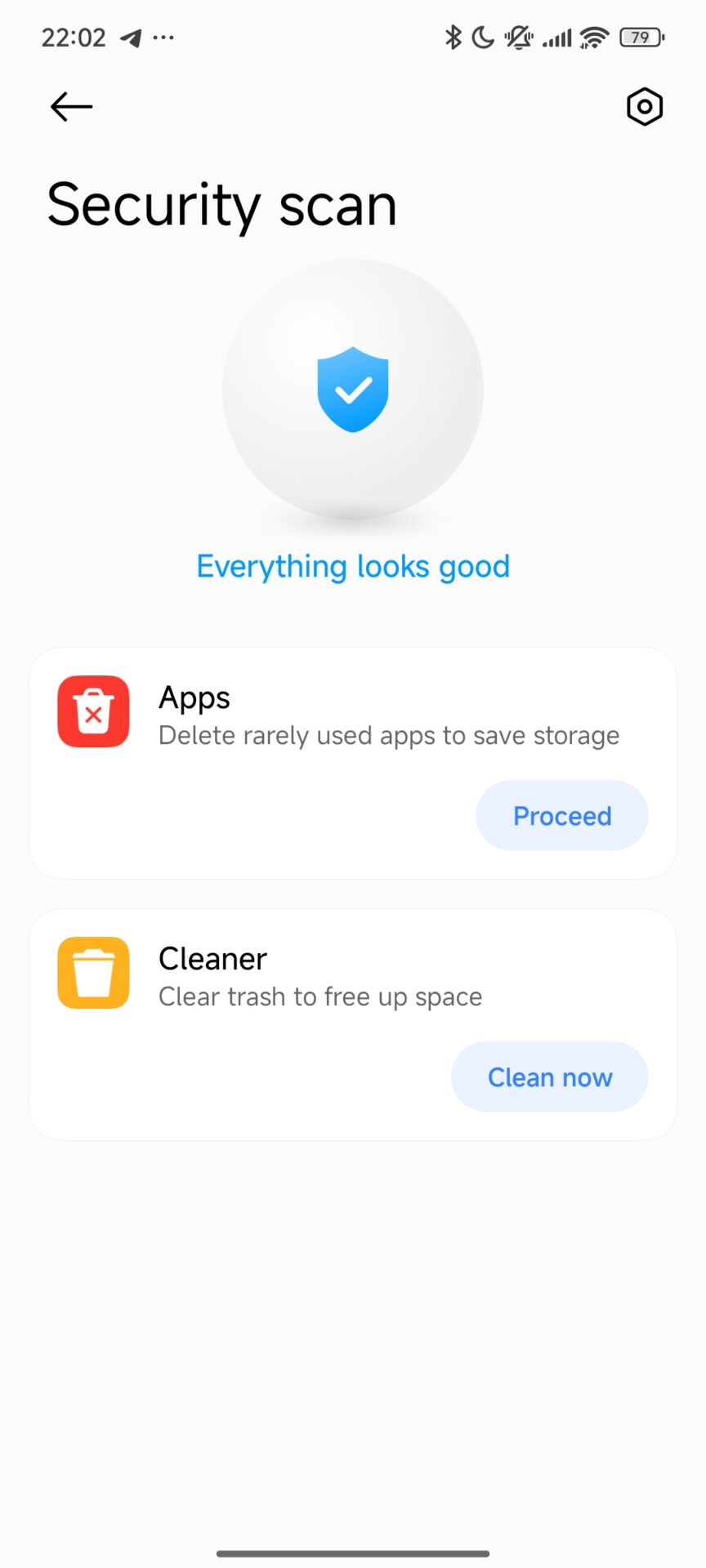
- Run a full system malware scan
- Detect and uninstall tf.tap.fame
- Reboot the device after removal
This process removes the surreptitious background service and reinstates keyboard functions back to normal. Xiaomi also continues its efforts to harden real-time protection mechanisms inside of Xiaomi HyperOS to prevent similar cases on future updates.
Device and Software Impact Summary
The issue was subsequently confirmed to be limited in scope and did not affect the wider Redmi or Xiaomi smartphone lineup, with only a very particular configuration being affected.
Key details:
- Affected Device: Redmi Note 14 Pro+ 5G
- Affected Version: OS3.0.2.0.WOPMIXM
- Issue Type: Automatic keyboard pop-up
- Cause: Malicious third-party application
- Fix Status: Resolved by scanning for security and removing the app
Xiaomi continues to stick with a positive and proactive security strategy in ensuring devices remain stable and are protected against unauthorized background behavior.



Why doesn’t the Redmi Note 14 4G have an ultrawide camera?