 Adimorah Jude
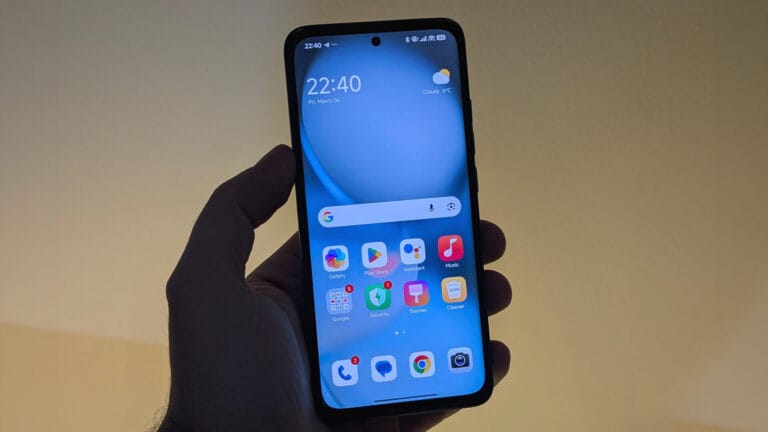
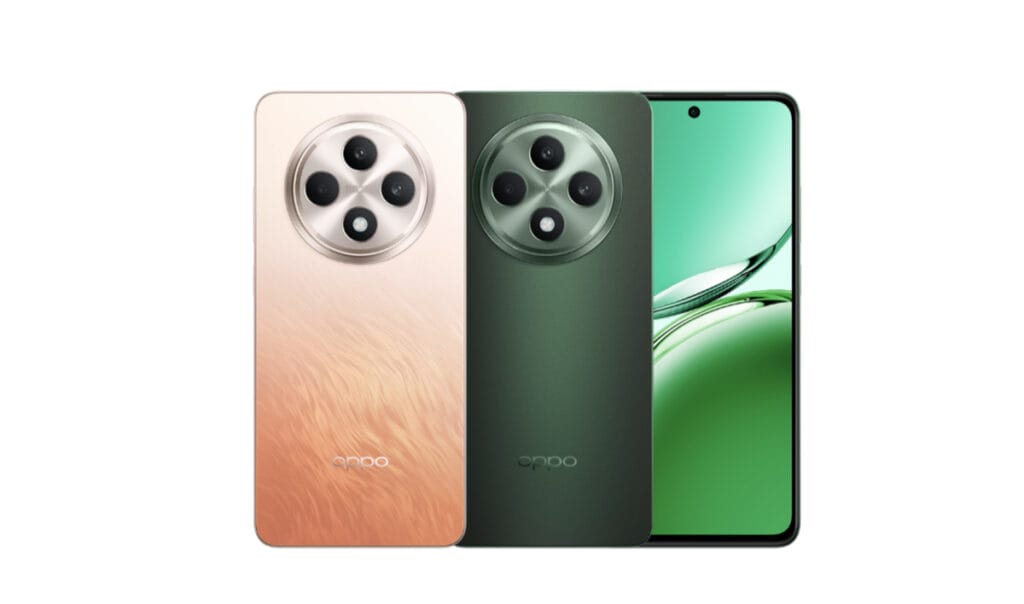
OPPO continues expanding the rollout of Android 16 with its latest ColorOS 16 interface to eligible smartphones. Earlier this month, the company confirmed that more devices would begin receiving the update, and the OPPO Reno12 F has now joined the list.
The OPPO Reno12 F Android 16-based ColorOS 16 update is currently rolling out, although the release is limited to a small group of users who successfully applied for the early access program.
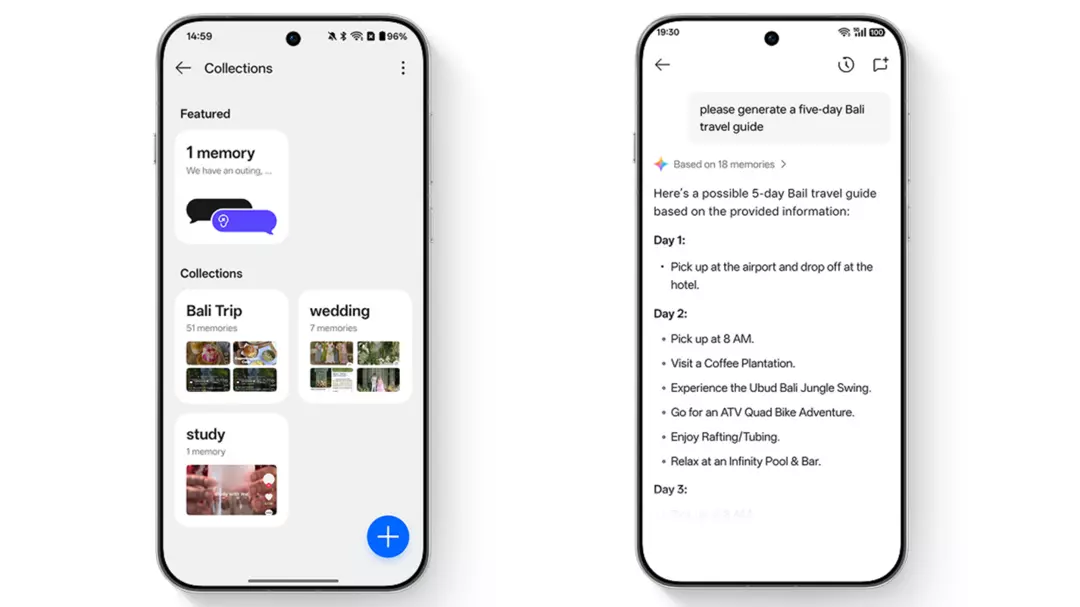
OPPO Reno12 F Android 16 update rollout details
According to the rollout schedule, the application window for the update opened on March 5. Only users whose applications were approved will be able to download and install the update at this stage.
For now, the release is limited to Indonesia, but OPPO is expected to gradually expand the update to other regions in the coming weeks.
To receive the update after applying, users must ensure their device is running the firmware version CPH2687_16.0.3.501(EX01). Devices that are not on the required build may not detect the upgrade.
What to know before installing the update
Since this is a major OS upgrade, users are advised to back up important files and data before installing the update. After upgrading, it is normal for the phone to experience temporary issues such as overheating, system lag, or minor bugs as the system optimizes apps and processes in the background.
These issues usually disappear after a few days of normal use.
OPPO also encourages users to report any problems they encounter after installing the update. To submit a bug report, open the phone dialer and enter *#800#, which will bring up a feedback menu where issues can be reported directly to the development team.
Only the 4G model receiving the update for now
At the moment, the Android 16-based ColorOS 16 update appears to be rolling out only to the 4G variant of the OPPO Reno12 F. The 5G version is expected to receive the update soon, although OPPO has not confirmed an exact timeline.
Users who want to apply for the update can follow these steps:
- Go to Settings > System & Update > Software Update
- Tap the top of the page, then select the icon in the top-right corner
- Choose Beta Program > Release Candidate > Apply Now
- After approval, return to Software Update and tap Download Now when the new version appears
As the rollout continues, more Reno12 F users should begin receiving the Android 16-based ColorOS 16 update in the coming days.