 Emir Bardakçı
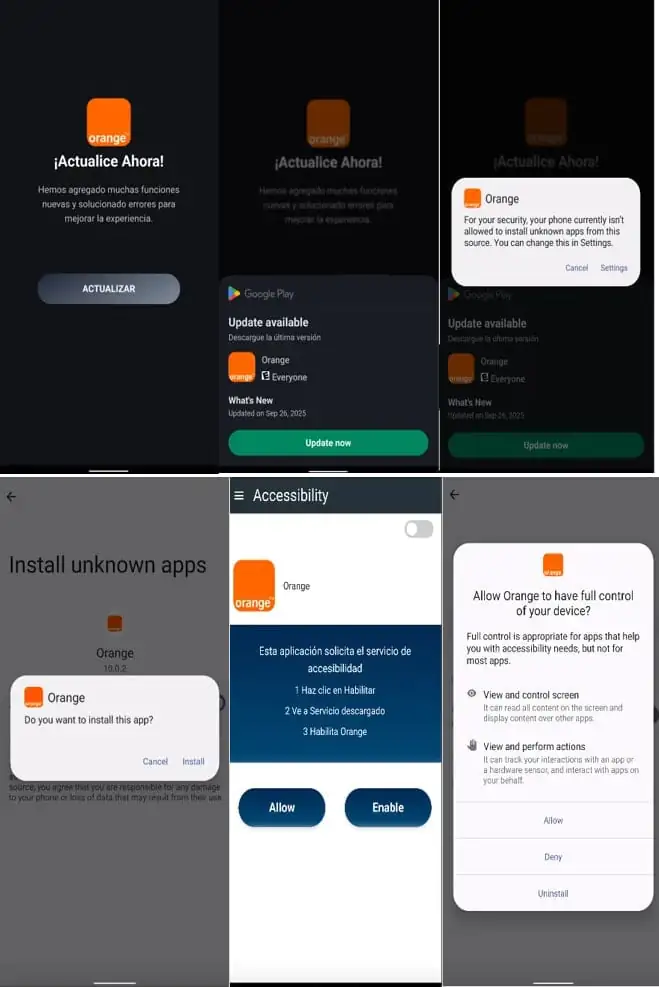
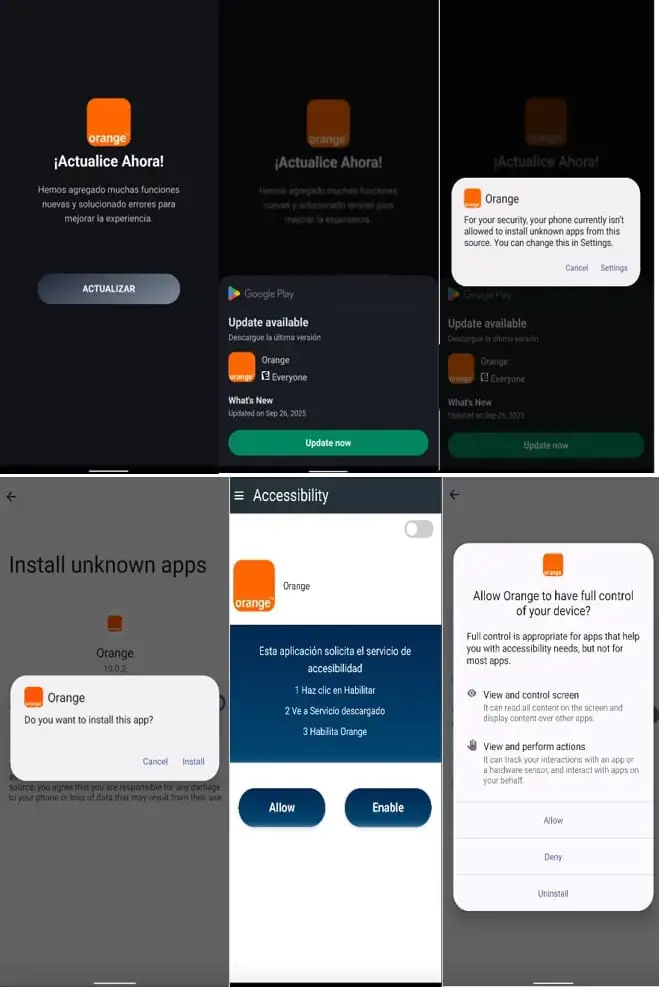
A ransomware for Android, now known as DroidLock, has spread online in a very short time, seriously endangering mobile device users who install software from unofficial sources. The malware was reported by BleepingComputer on December 10 and was discovered by mobile security company Zimperium. It primarily affects Spanish-speaking users via malicious websites. The malware tricks victims by using a fake “system update” interface, similar to other menaces previously discussed on our platform, like HyperOS security improvements and Xiaomi’s built-in protection tools.
The infection chain of DroidLock relies on a multi-stage dropper, which is camouflaged as a regular application. Upon user consent to install the fake update, the malware deploys its malicious payload in silent mode. This kind of layering greatly increases the chances of bypassing user awareness, especially on devices with relaxed security settings.
How DroidLock Carries Out Its Attack
Once installed, DroidLock immediately requests two critical permissions: Device Manager and Accessibility Services. These permissions enable the execution of as many as 15 special, malicious commands.
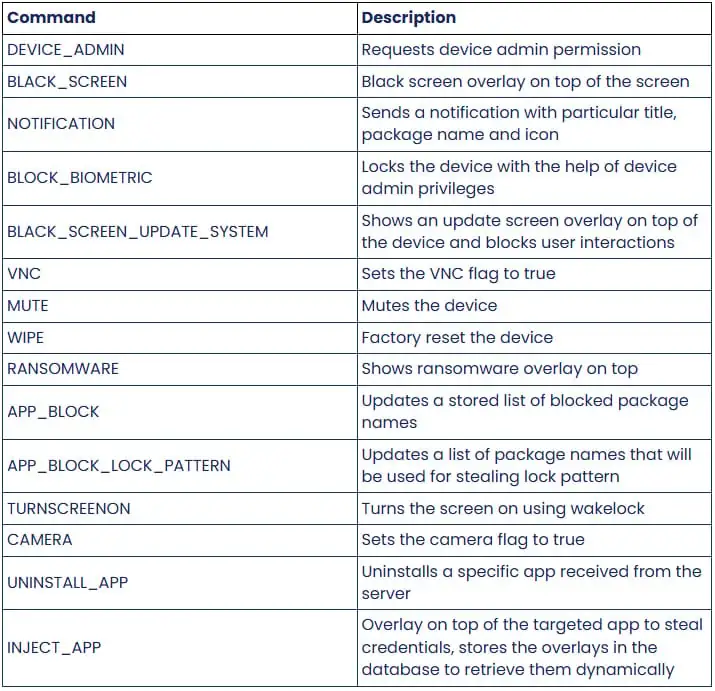
DroidLock’s Primary Capabilities
Below is a simplified table summarizing what the malware can do based on:
| Capability | Description |
|---|---|
| Device Muting | Silences device audio to hide notifications |
| Remote Camera Activation | Enables attackers to use the camera remotely |
| App Uninstallation | Removes selected applications |
| SMS & Call Log Theft | Extracts sensitive communication data |
| Transparent Overlay | Captures screen unlock patterns |
| Remote VNC Control | Provides full device access when idle |
Once having full control, DroidLock enables a VNC-based remote access channel that lets attackers operate the device as if it were in their hands. The malware even runs a transparent full-screen overlay to capture the user’s lock pattern or PIN, sending it straight to the attacker.
A Screen-Lock Ransomware Strategy, Not File Encryption
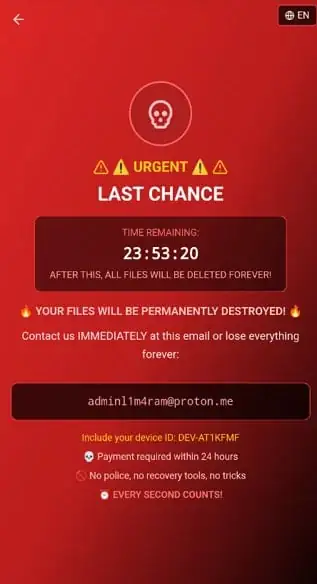
Unlike classic ransomware, which encrypts user files, DroidLock focuses on screen-locking extortion through a persistent WebView overlay. The approach of blocking all interaction by using a full-screen layer on top of the interface and modifying device settings related to its PIN or biometric locking completely locks the device.
The attackers then show a ransom message with a contact address via ProtonMail, stating that all the files will be deleted within 24 hours if the victim does not pay up. No encryption of any files occurs, but the severe lockout effect is essentially the same in terms of the extortion outcome.
| Feature | Explanation |
|---|---|
| Fullscreen Overlay | Prevents any exit or local control |
| Biometric/PIN Modification | Forces complete device lockout |
| 24-Hour Threat | Psychological pressure tactic |
| ProtonMail Contact | Anonymous communication channel |
How Users of Xiaomi Can Stay Protected
As a member of the Google App Defense Alliance, Zimperium has already shared DroidLock’s signature with Google. Devices that have Google Play Protect enabled now can automatically detect and block this malware.
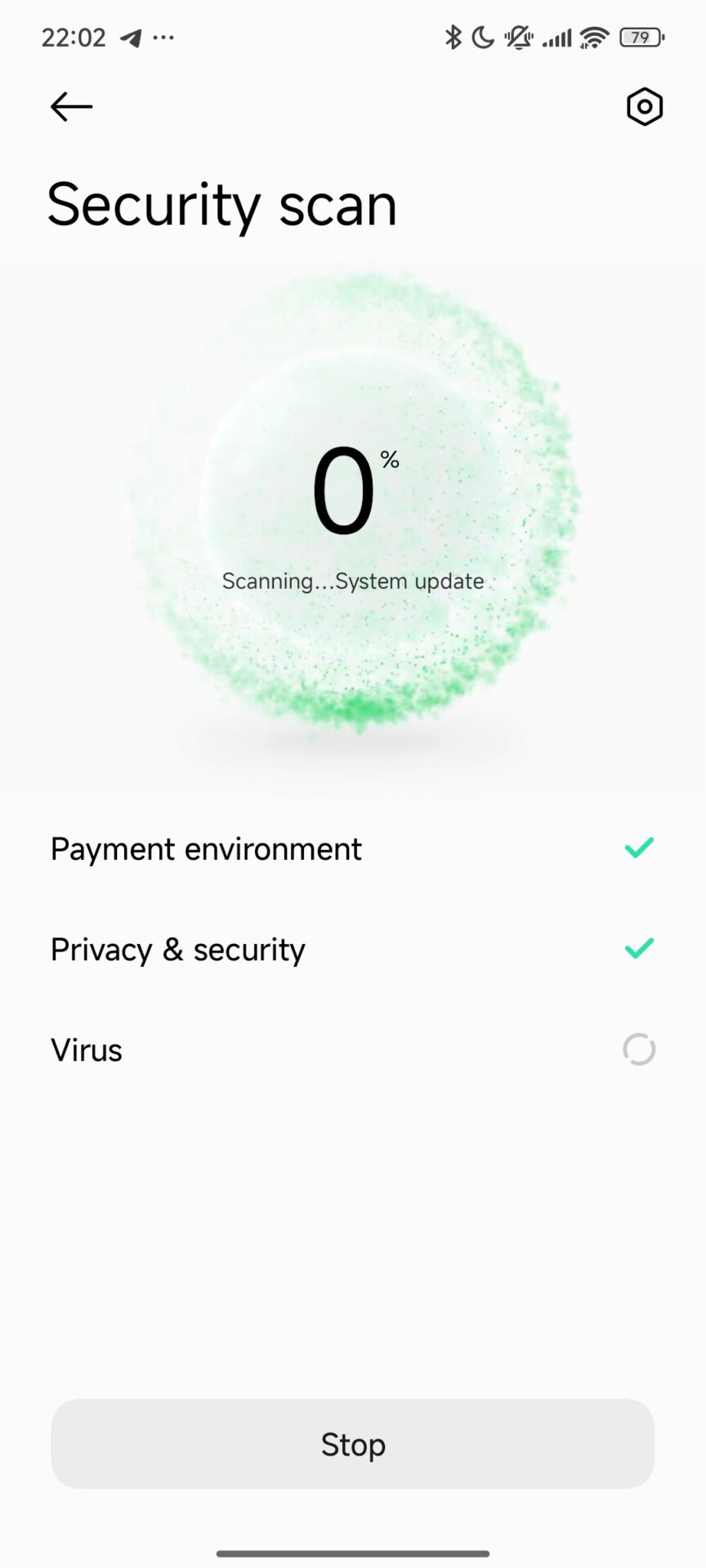
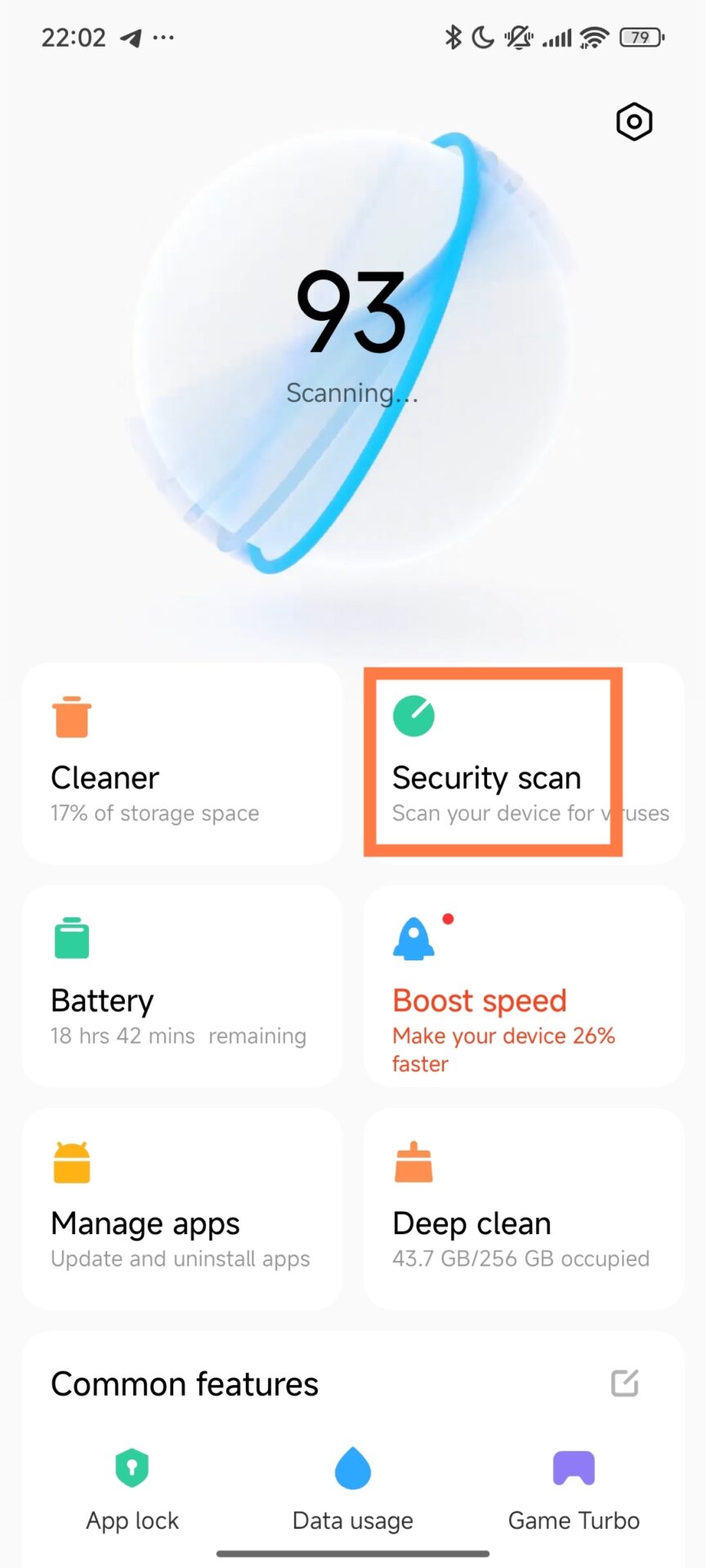
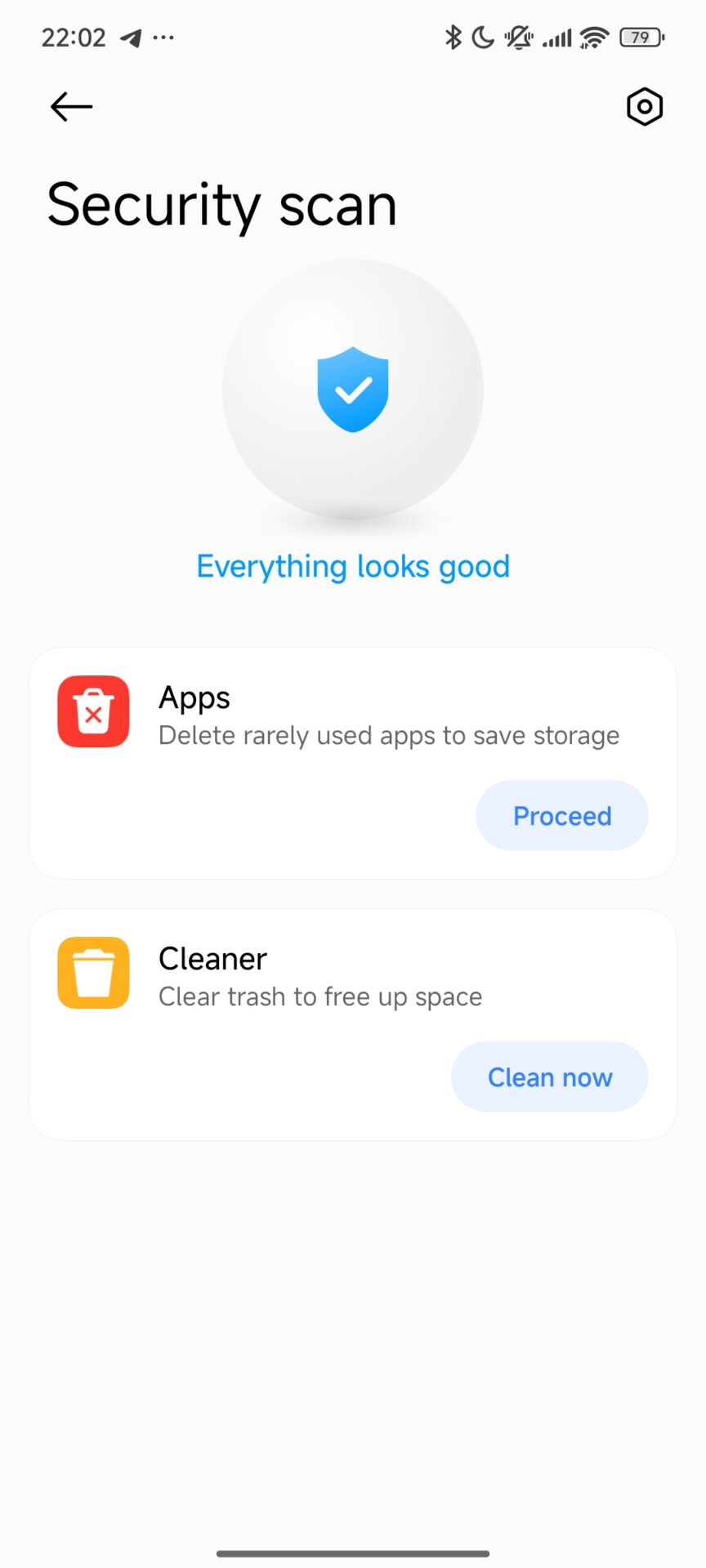
However, Xiaomi users have an added advantage in that: Recommended Security Measures for Xiaomi Perform regular malware scans using the Xiaomi Security app.
- Avoid installing applications outside Google Play Store or GetApps.
- Be very careful when reviewing any permission request related to Accessibility.
- Keep HyperOS and all system apps updated through MemeOS Enhancer or HyperOSUpdates.com.
DroidLock supersedes a new wave of Android ransomware that depends on a screen-locking activity rather than a file encryption system. Due to its multi-staged infection method, powerful remote-control abilities, and aggressive ransom tactics, users have to be careful with installation sources and device scanning.