 Emir Bardakçı
POCO has officially released a significant update for the POCO Launcher this March 2026, marking a major milestone in user interface customization. This latest software build focuses on deep integration with Xiaomi HyperOS to provide a more fluid and responsive experience for global users.
Enhanced Performance and Visual Improvements
The new POCO Launcher version RELEASE-6.01.05.2005-02101610 brings a series of technical refinements aimed at stabilizing the system environment. Developers have worked extensively on the underlying code to reduce latency during multitasking and app transitions.
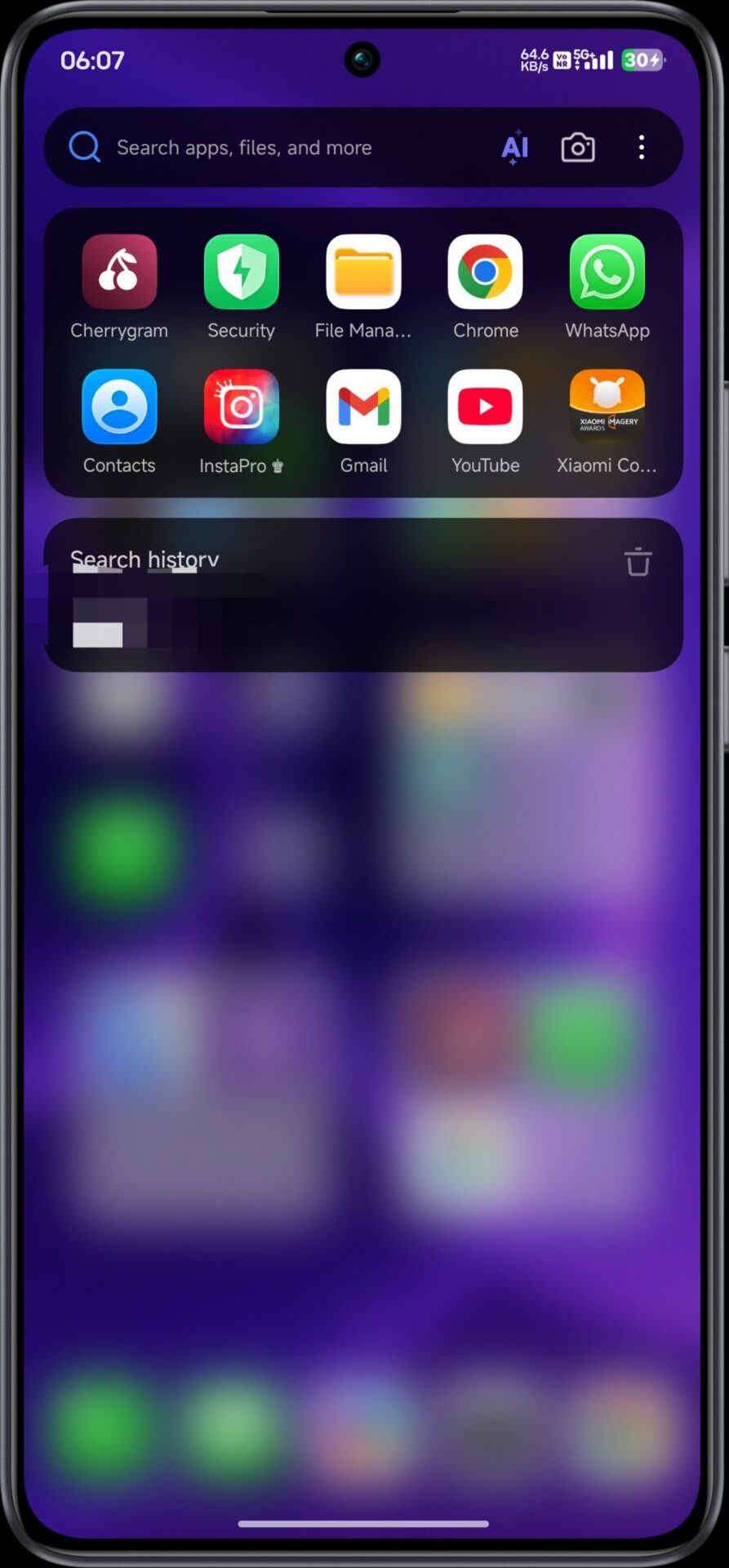
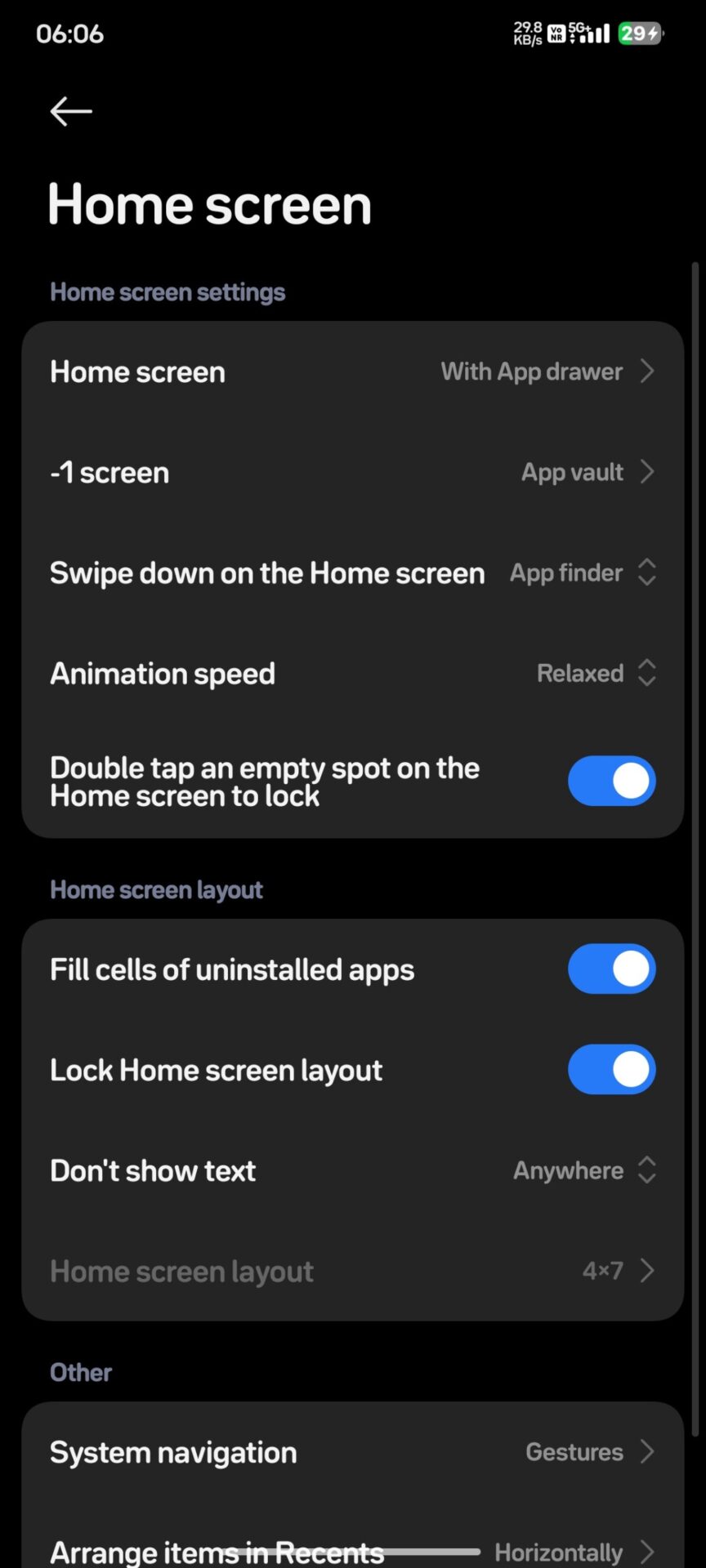
This version is built on the robust architecture of HyperOS 3, which allows for better resource management and smoother frame rates across the entire interface. Users can expect a more polished feel that rivals flagship software standards, ensuring longevity for older hardware models.
Key Features of the March 2026 Update
-
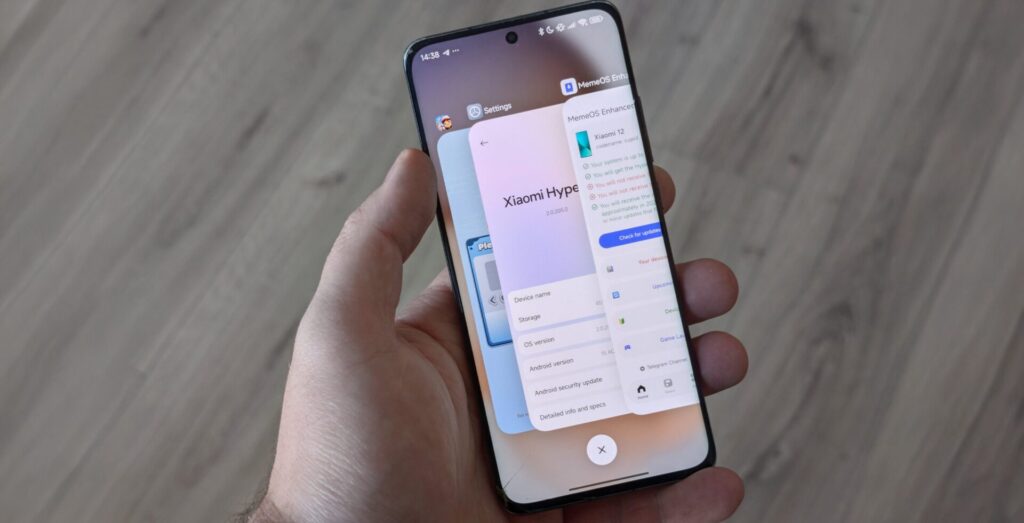
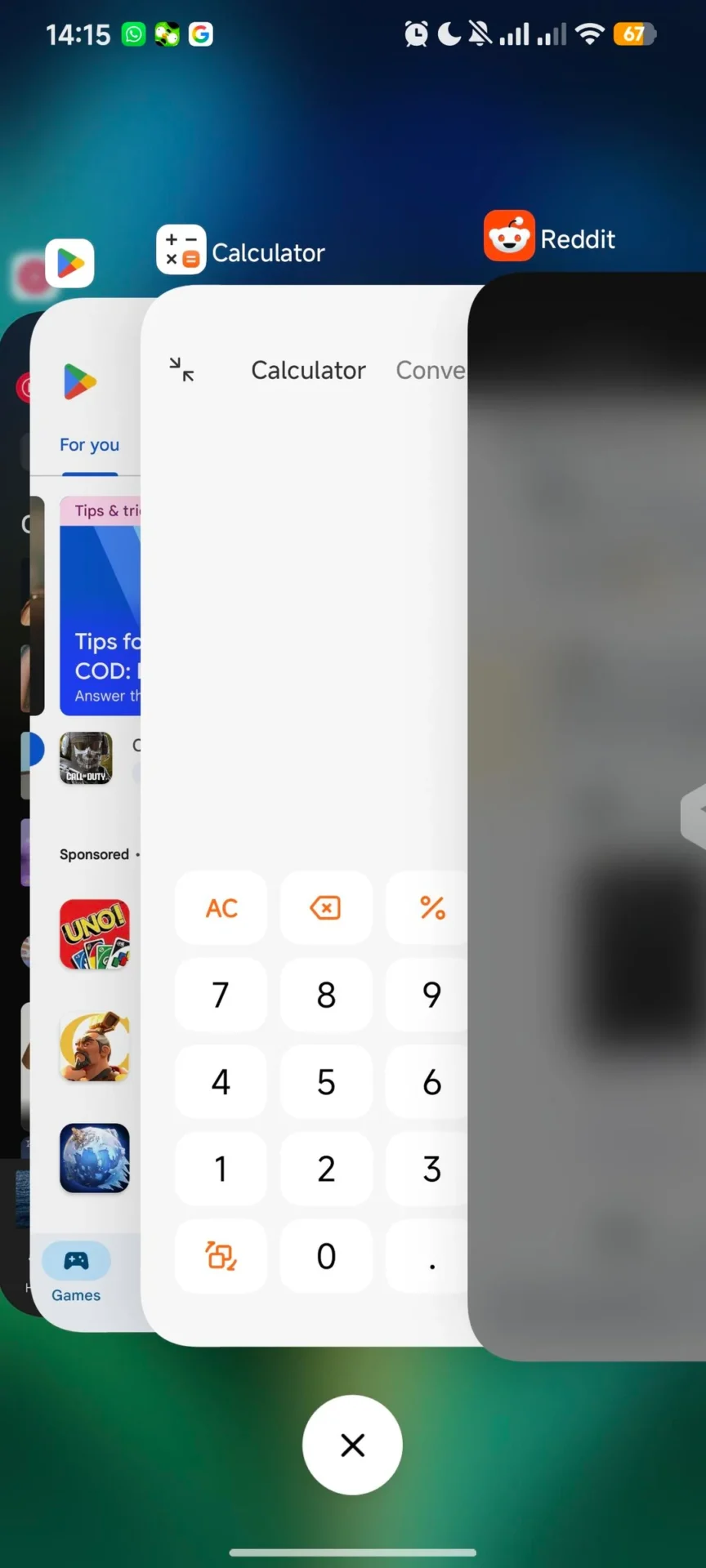
iOS Style Recent Apps: The update introduces a highly requested iOS-style layout for the recent applications menu, which users can activate using the MemeOS Enhancer tool.
-
Fluid Launch Animations: New system-level animations make entering and exiting applications feel seamless and visually consistent with the HyperOS design language.
-
System Stability Fixes: Engineers addressed several legacy bugs to prevent sudden crashes and ensure the launcher remains reliable under heavy workloads.
-
Optimization for HyperOS 2: The code is specifically tuned to work with the latest system features, maximizing the efficiency of the Snapdragon 8 Elite and other modern processors.
How to Install the Latest POCO Launcher
Updating your device software is the most effective way to access these new features and security patches. We recommend using the fan made MemeOS Enhancer application available on the Google Play Store. This utility not only manages system updates but also unlocks hidden configurations that are typically restricted in standard builds, providing a truly customized user experience for enthusiasts.
Steps to Upgrade Your Launcher
-
Download MemeOS Enhancer: Visit the Google Play Store and install the MemeOS Enhancer app on your POCO smartphone. or download directly from HyperOSUpdates.com.
-
Navigate to Apps Menu: Open the application and select the ‘Apps’ section located on the navigation bar at the bottom of the screen.
-
Execute the Update: Locate the POCO Launcher within the list and select the update option to install version RELEASE-6.01.05.
-
Access Hidden Features: Once updated, use the MemeOS Enhancer to enable the iOS-style recent menu and other advanced system tweaks for better functionality.
This update ensures that POCO smartphones remain at the forefront of Android customization and performance. Users should install the latest version immediately to enjoy a faster and more modern mobile interface.