
 Emir Bardakçı
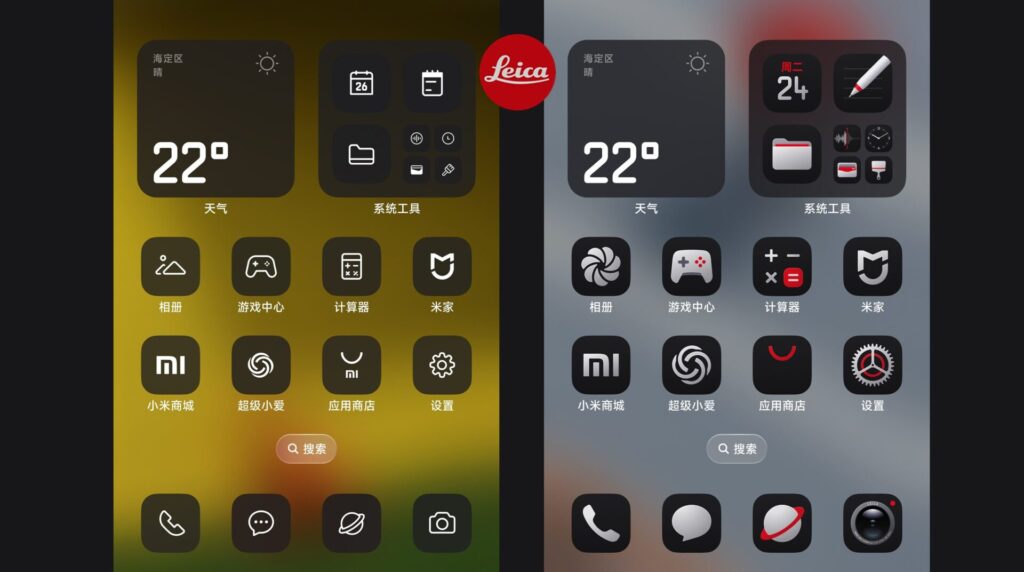
The launch of the Xiaomi 17 Ultra, featuring impressive Leica camera systems, is highly awaited, and many of you might already have seen the fantastic Xiaomi 17 Ultra Leica theme, giving your phone an exclusive look in the near future. But we have an important announcement for all the Xiaomi supporters, as the Xiaomi 17 Ultra Leica theme is now available on all Xiaomi phones running the Xiaomi HyperOS version 2 and 3.
Visual Enhancements & Features
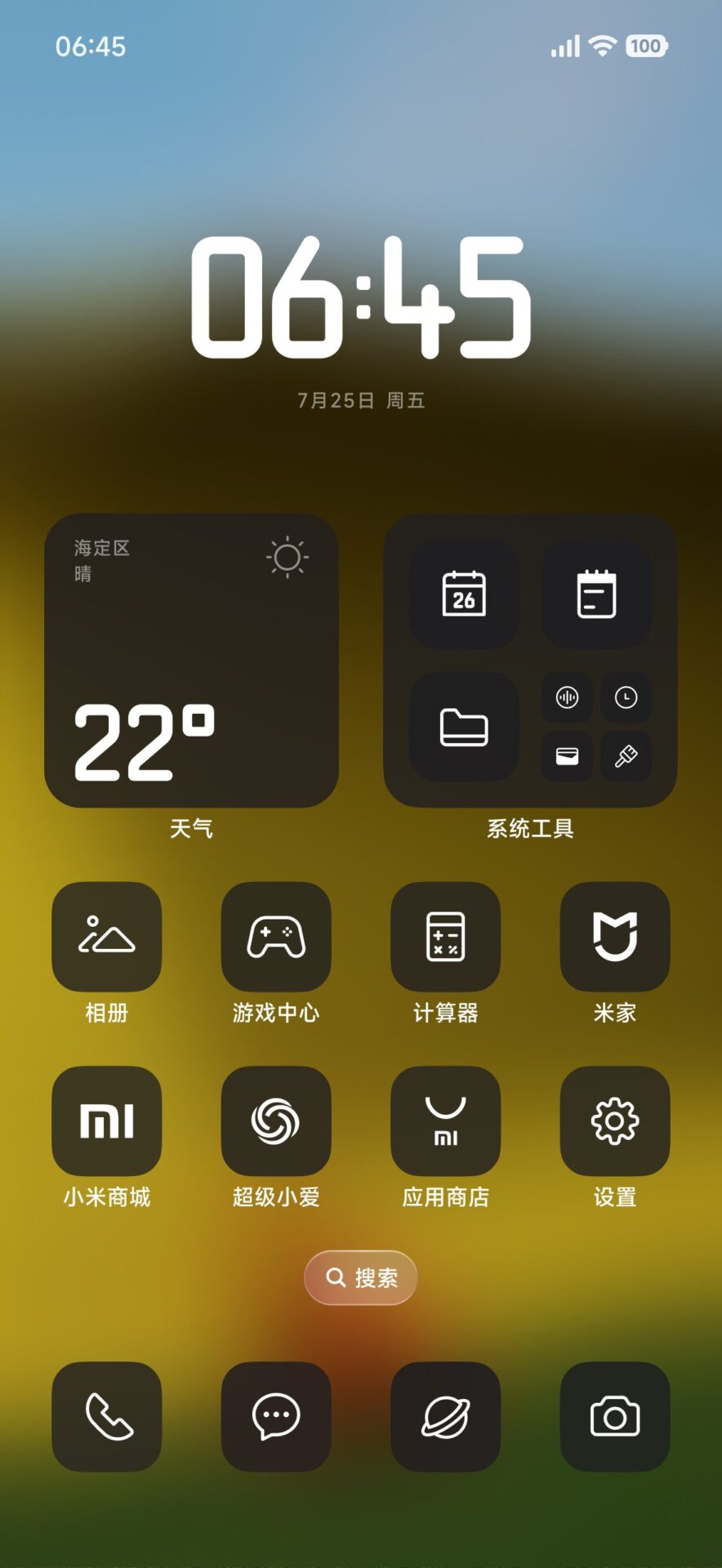
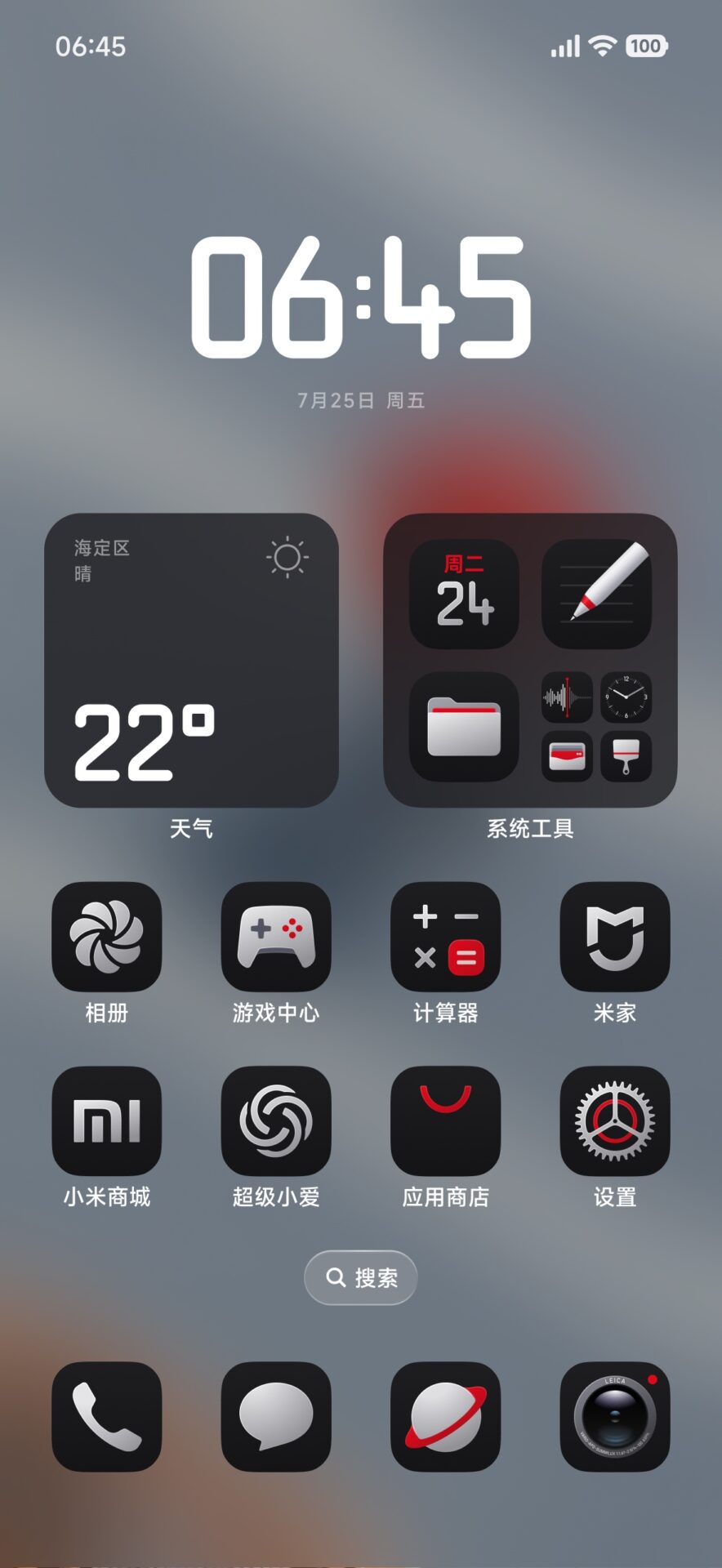
This theme package offers more than just a simple background switch; it offers a complete overhaul of the system. This design system adheres to the partnership between Xiaomi and Leica, with elegant and minimalist designs. Users can expect a complete overhaul of the system icons and high-resolution wallpapers that showcase the “Ultra” look.
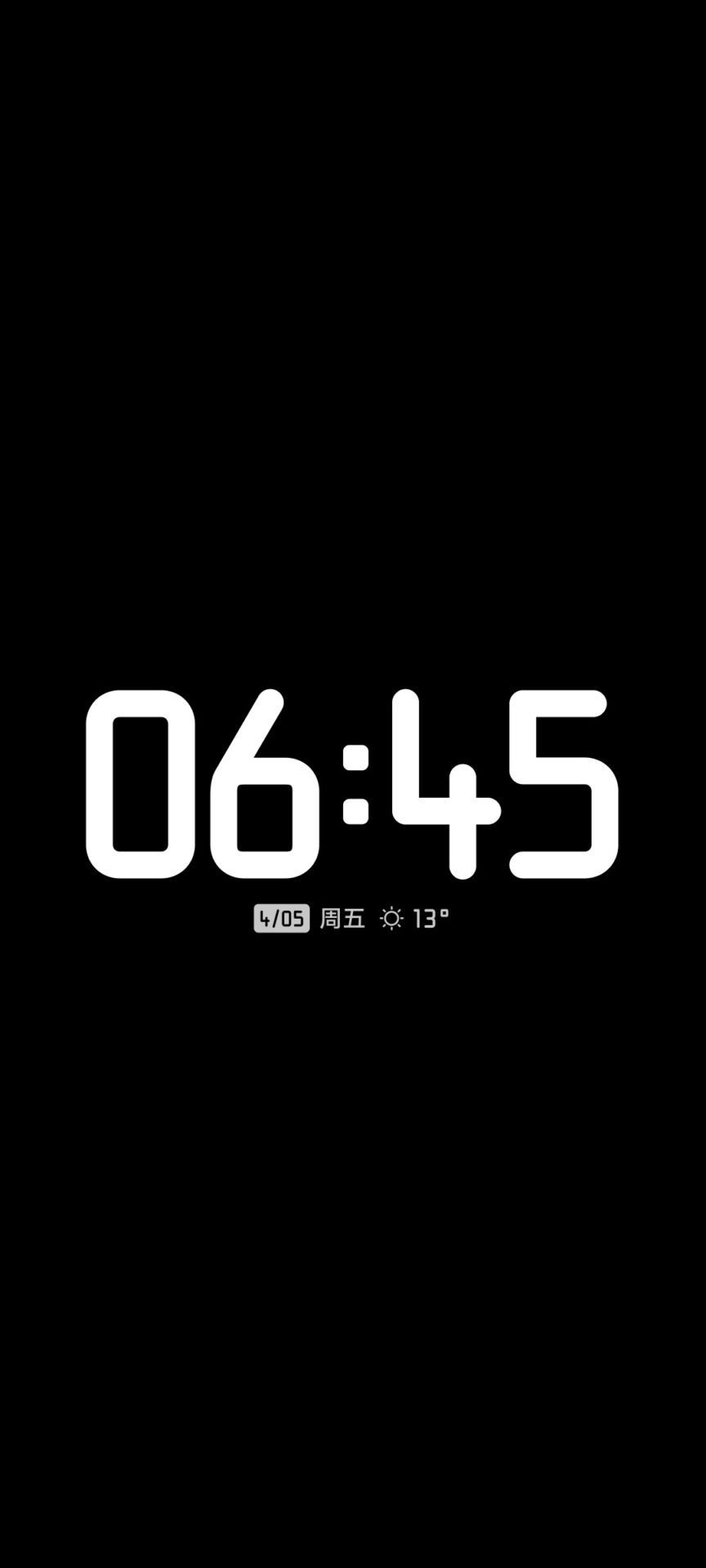
In addition to this, the theme alters fundamental elements of the system. It comes along with a custom boot animation that overrides the original boot logo of the operating system. In addition to this, the clock widgets on the home screen and the lock screen widget have been changed to align with the professional theme of the operating system.



How to Install the Theme manually
As this is an exclusive modification, it needs a different type of installation procedure, which involves file management, as opposed to a standard download from the Theme Store.
- Download the zip file that contains the theme assets.
- Unpack the contents of the file into your phone’s internal storage.
- Now, find the extracted folder and place it in the following directory, overwriting existing files: Android/data/com.android.thememanager/files/MIUI
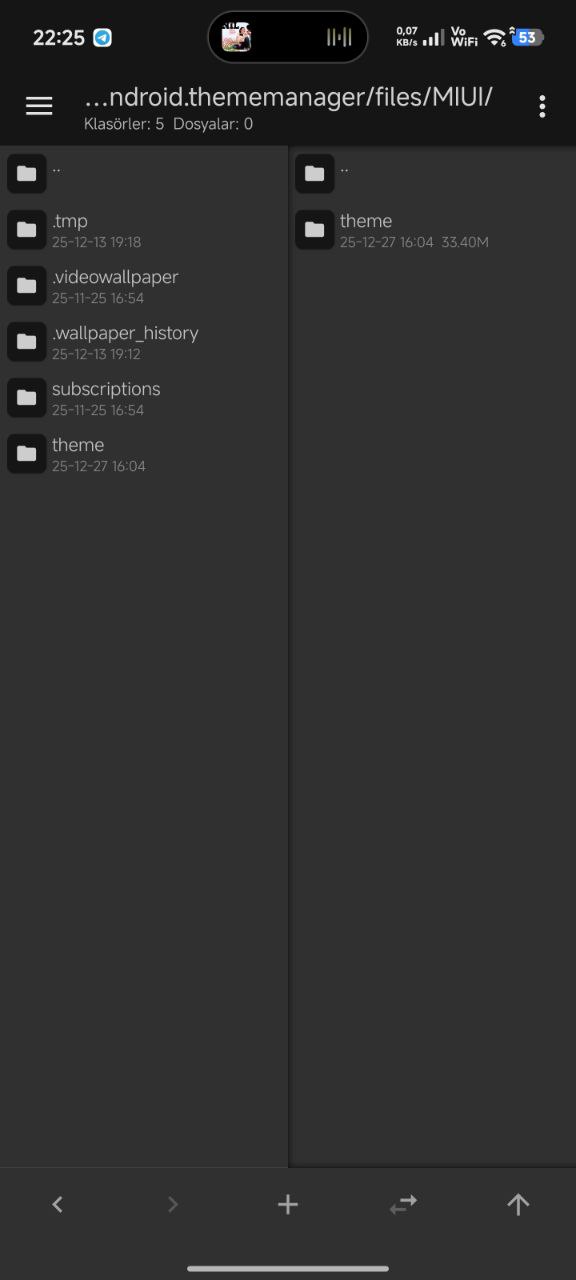
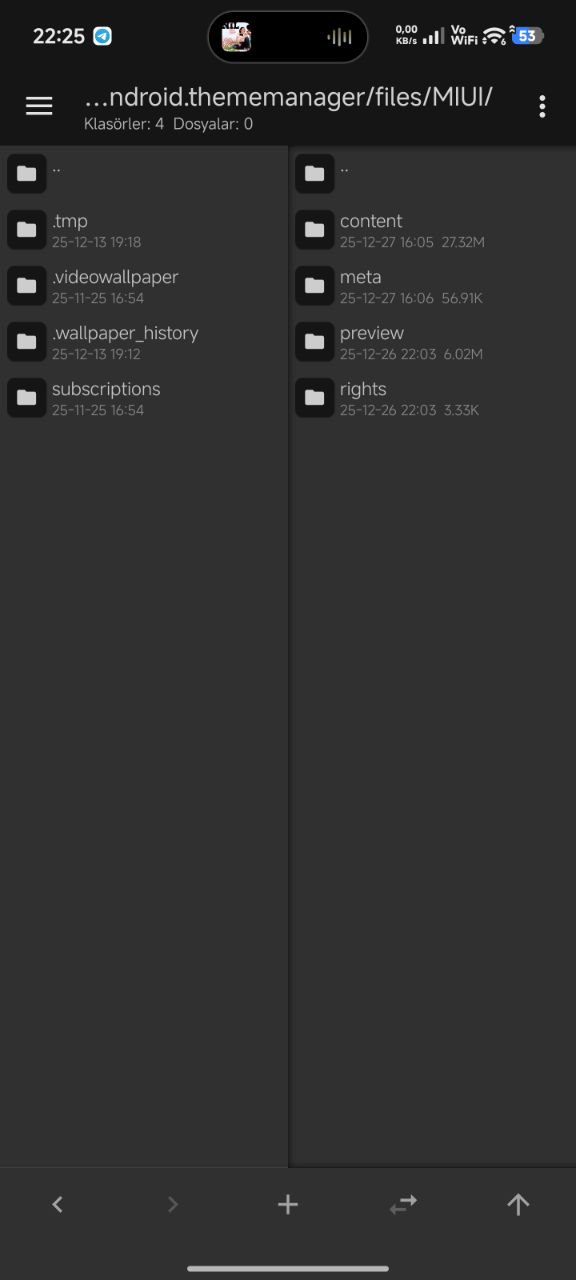
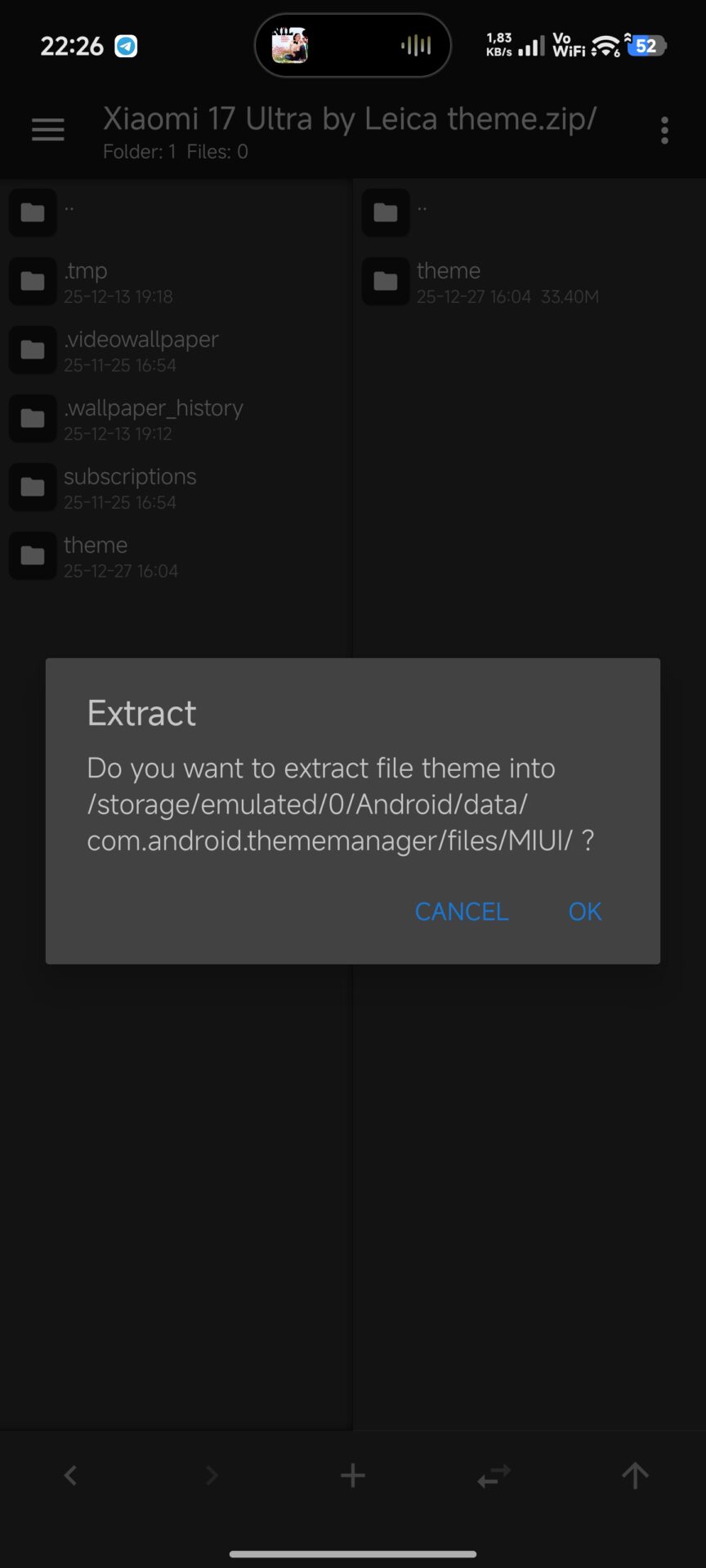
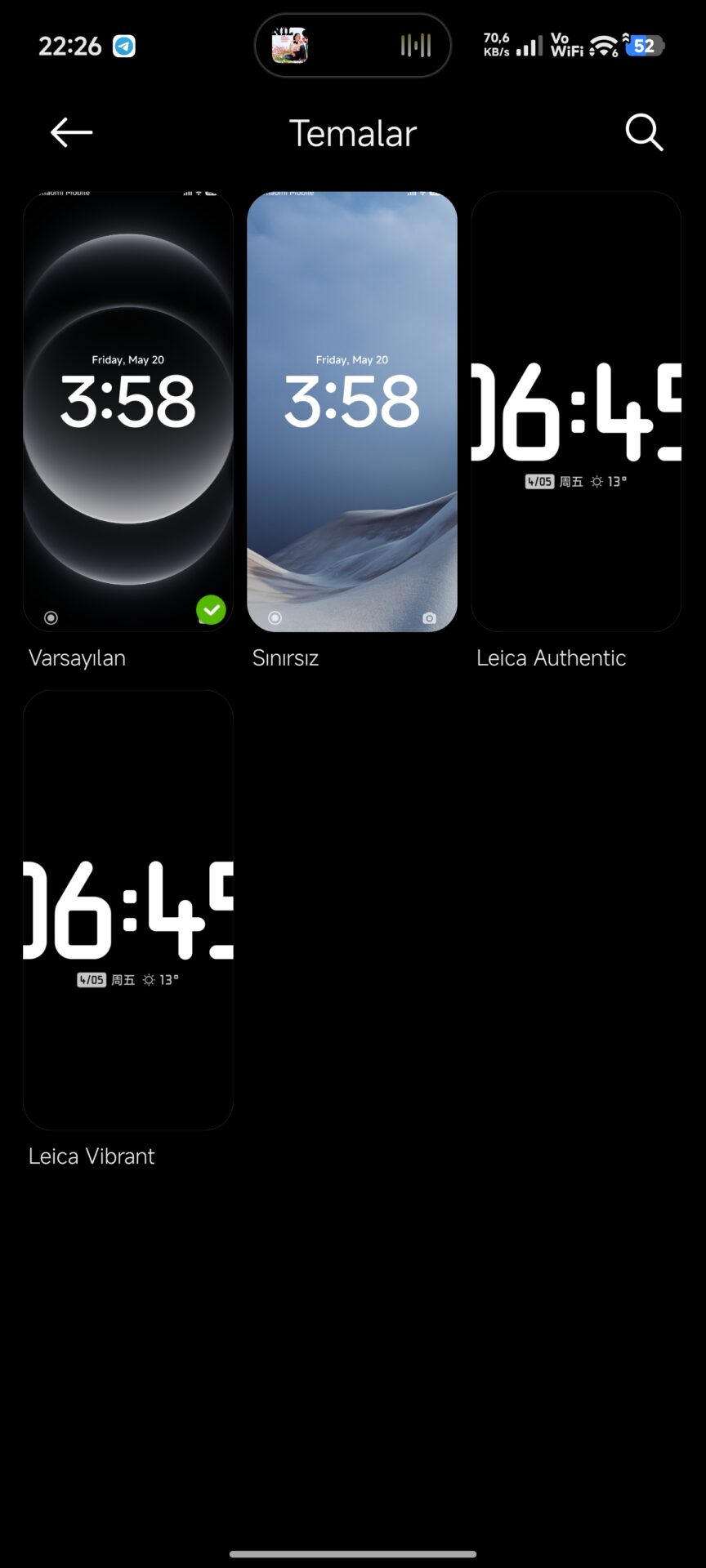
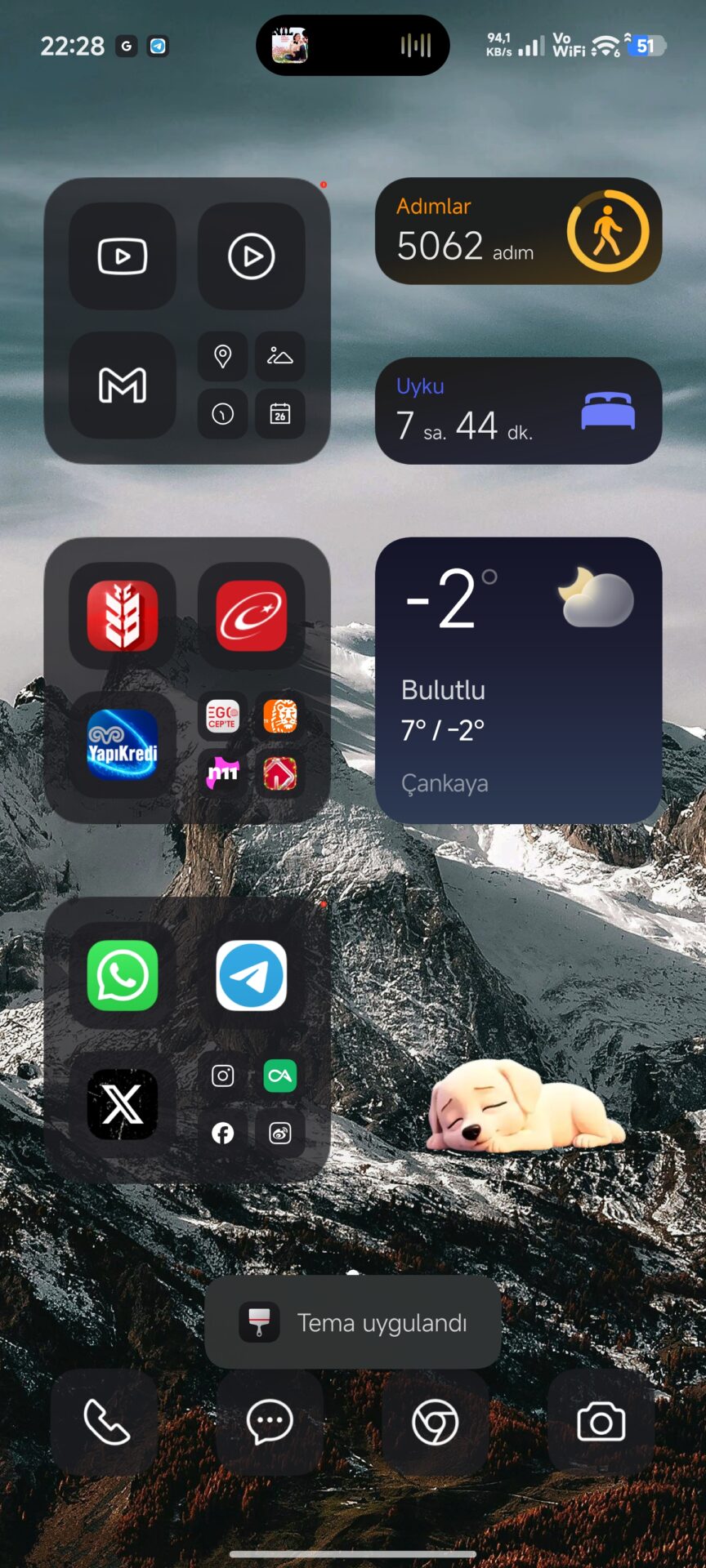
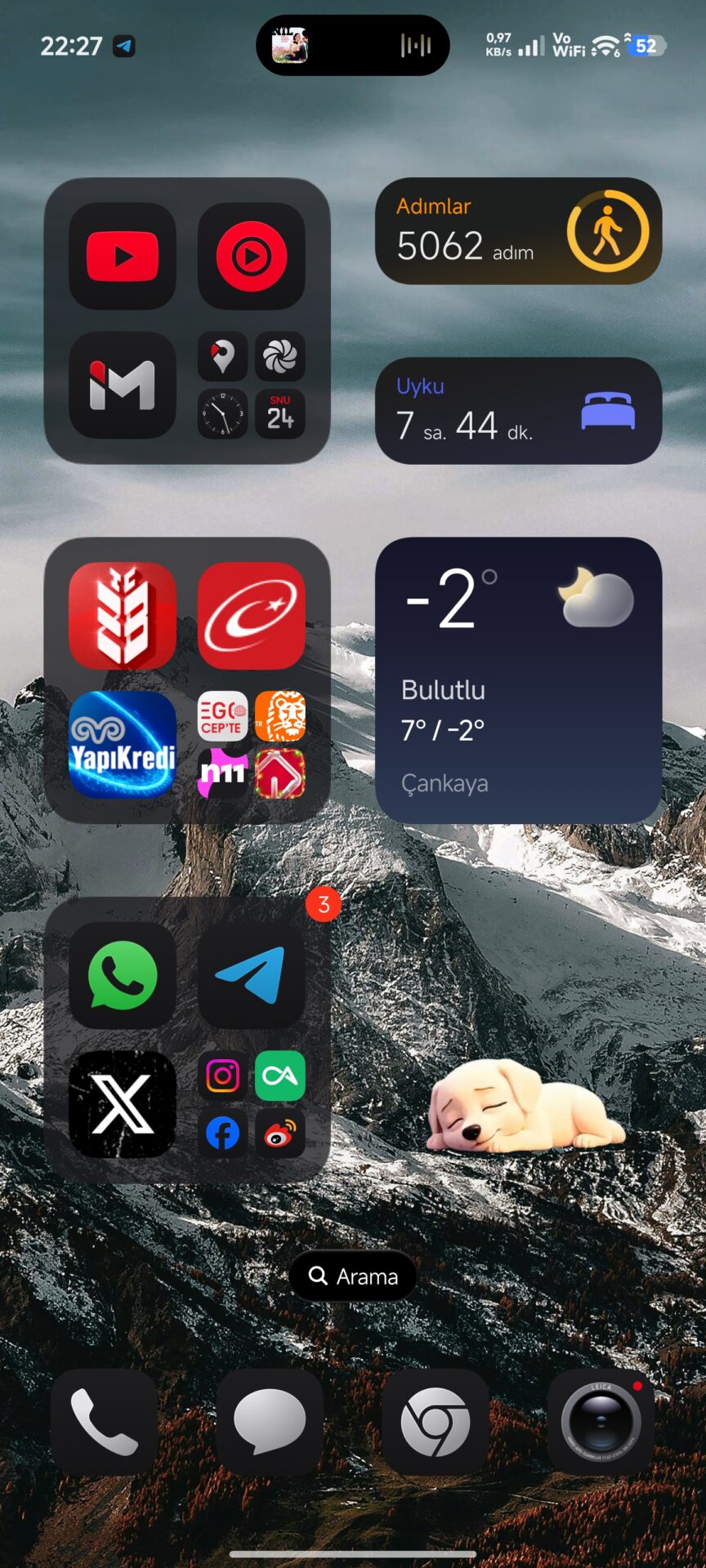
To make the process work properly, your system apps need to be updated.
For the update process, we recommend that you update the Xiaomi Theme Manager or other Xiaomi system applications using the resource at HyperOSUpdates.com. Alternatively, the MemeOS Enhancer application from the Google Play Store can be used by the user to enable the update of the system applications, access the hidden Xiaomi functions, and control the over-the-air updates. Download MemeOS Enhancer Here After the files have been installed in the right place, just restart the device. The result of the procedure will give you the high-end Xiaomi 17 Ultra experience on your existing mobile phone.



And where is the theme zip file?