
 Emir Bardakçı
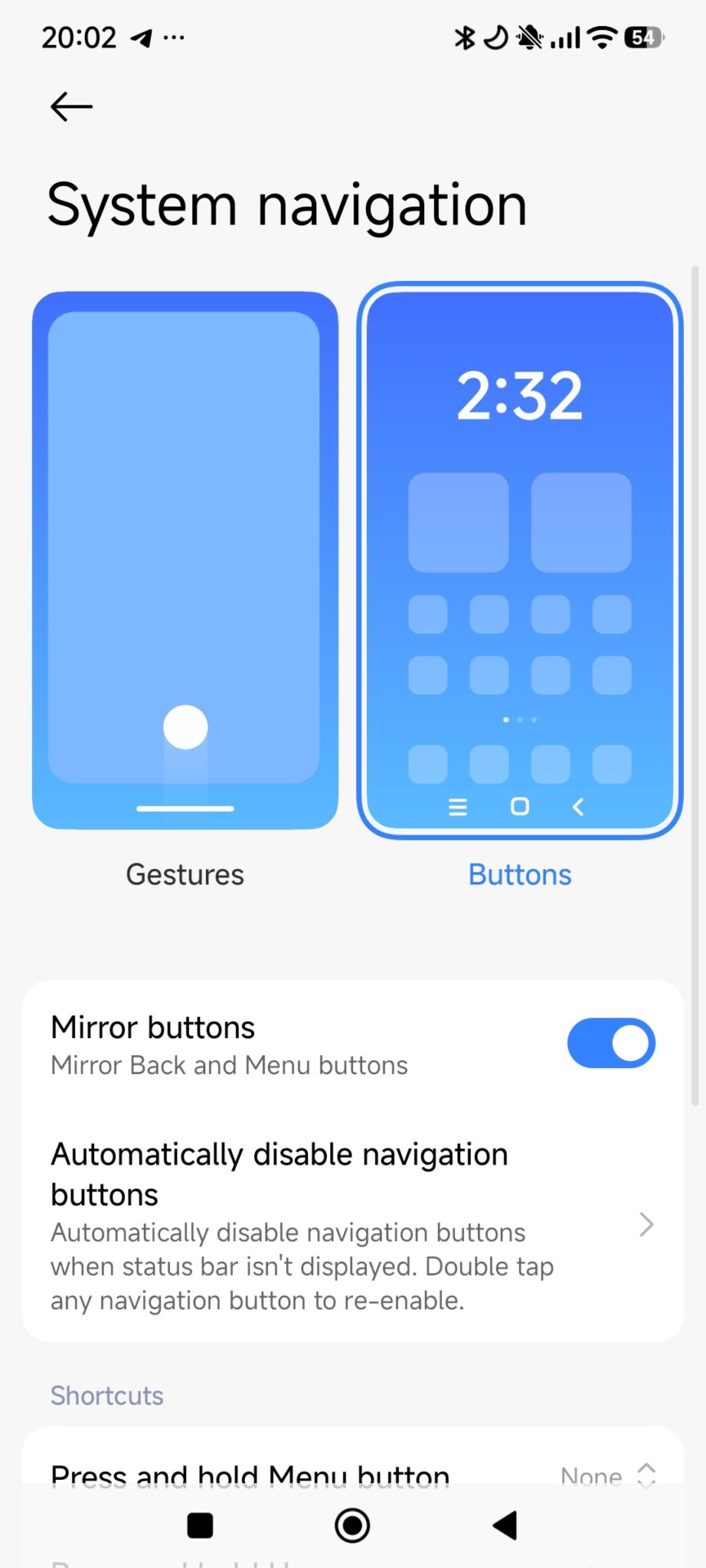
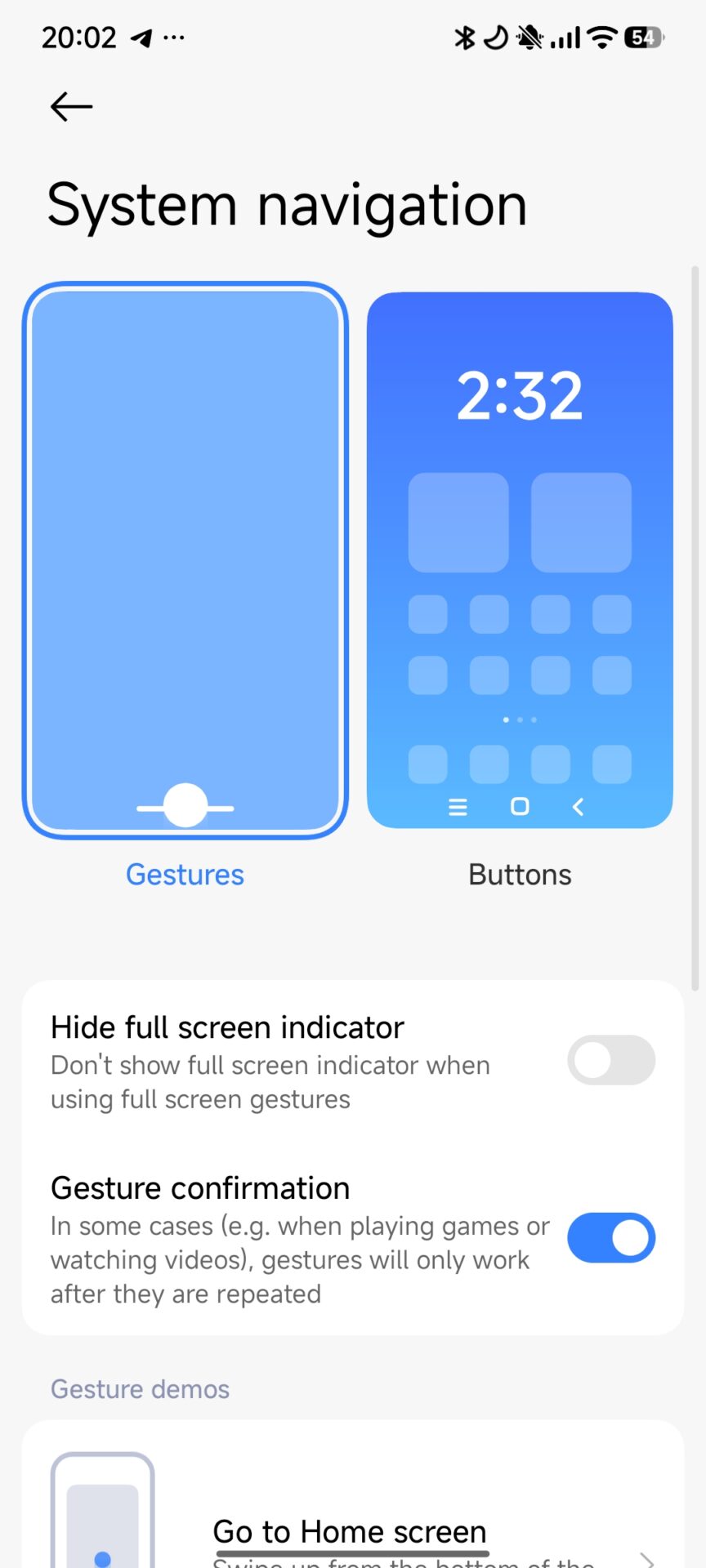
Navigation gestures are commonly claimed as the default, most efficient way of interacting with the modern Android ecosystem. Still, various technical limitations, especially when working with third-party launchers on Xiaomi devices running HyperOS, may force users to revert to the traditional three-button navigation system. In this article, we will try to understand what really happens when navigation buttons replace gestures on Xiaomi smartphones, focusing on user adaptation, system architecture, and measurable impacts on everyday use.
Setting up Gesture Navigation vs Button Navigation on Xiaomi HyperOS
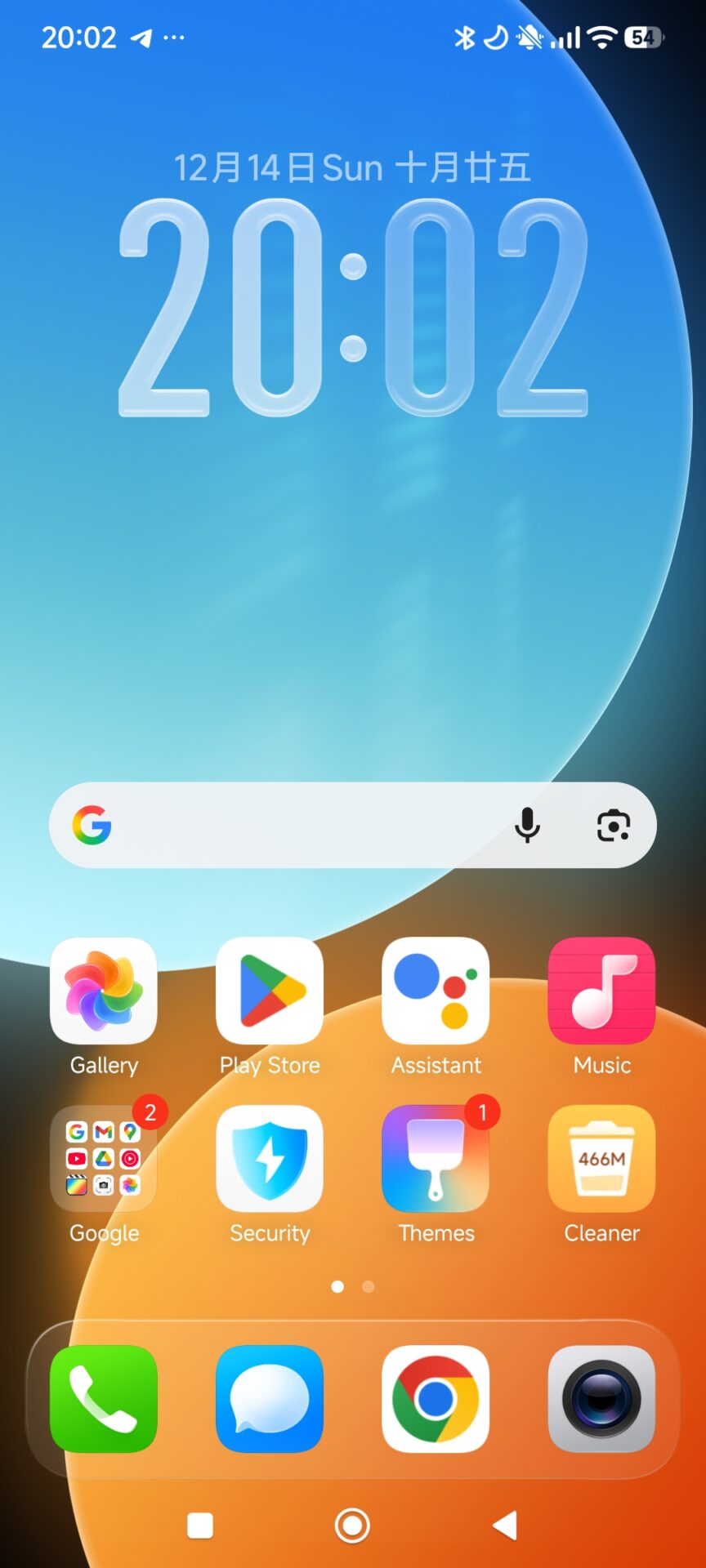
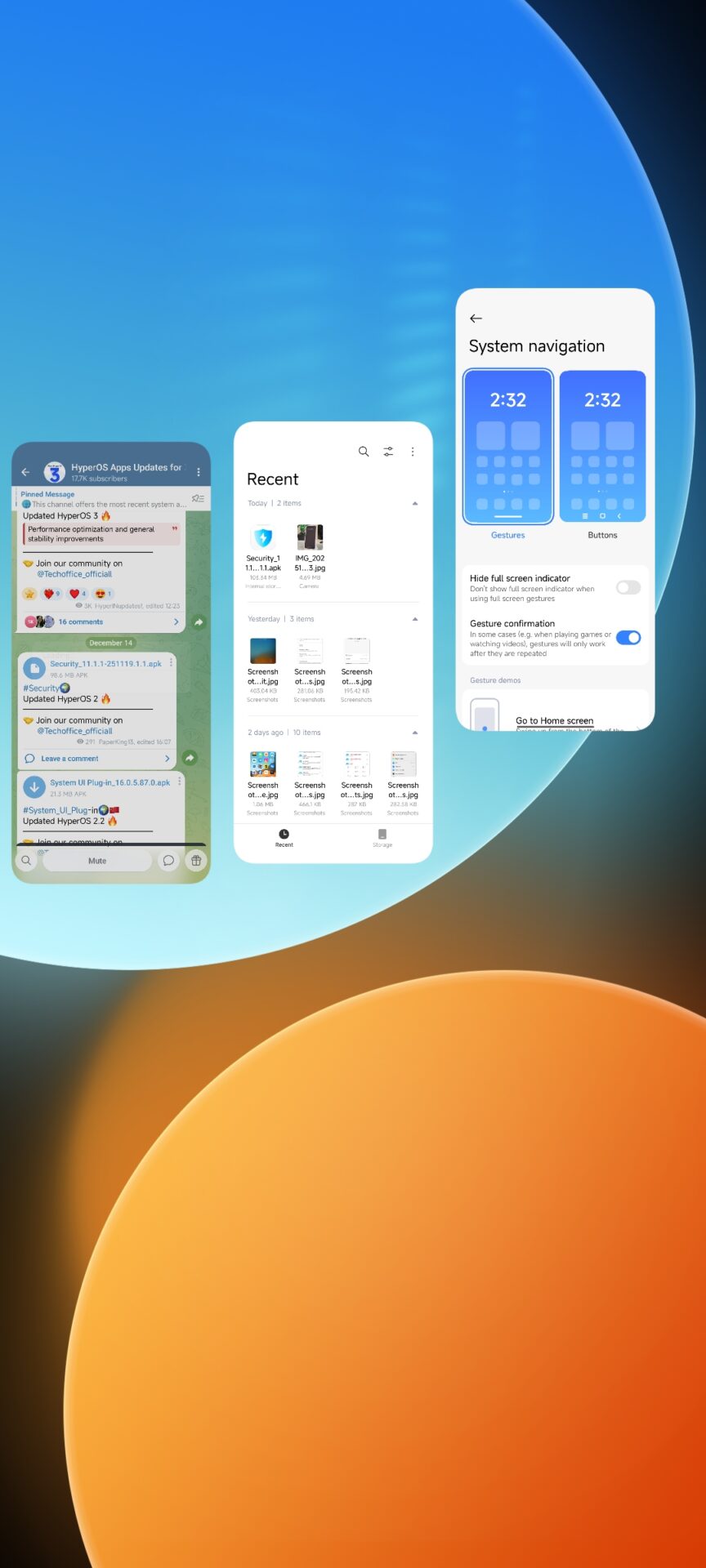
Xiaomi’s HyperOS is based on Android’s modern navigation framework, but it enforces harsher restrictions when system-level gestures interact with non-default launchers. In the case of users migrating from Xiaomi’s System Launcher to third-party alternatives, including Nova Launcher, the HyperOS often kills gesture navigation and reverts to a three-button layout by default.
Short-Term Adaptation: Why Users Change More Quickly Than You Think
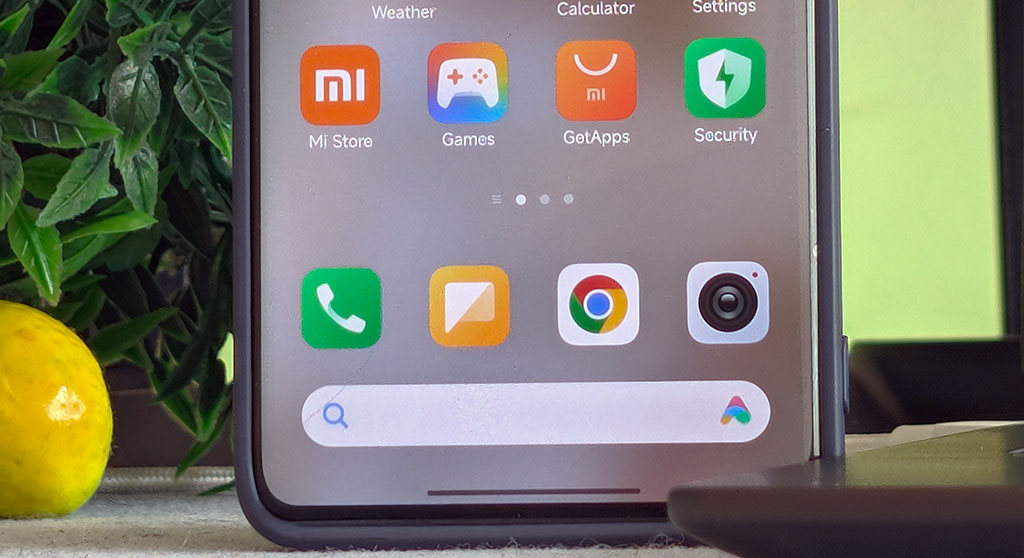
Switching back to using navigation buttons can feel disruptive, particularly to users who have become accustomed to the more fluid experience of using edge-based gestures. However, practical observation has demonstrated that most users adapt within days. This is because button-based navigation is not a new skill but an interaction pattern learned beforehand.
From a usability perspective, this rapid adaptation can be explained by procedural memory: The brain does not relearn from zero how to navigate; instead, it merely reinstates older motor patterns developed through years of button-based use of Androids. In about 72 hours or so, navigation starts to work and is mostly automatic again, even though it will not feel as smooth as gestures.
Workarounds for Advanced Users
Users who appreciate extra capabilities or efficiency in screen space have some advanced options. Gestures can be partly returned with ADB commands, or their work can be regulated with third-party gesture applications, but such methods demand accuracy in configuration. Xiaomi also provides some system features, like Second Space, which in some cases can allow gestures to remain on for a temporary period with non-default launchers.
However, users who are interested in a more conservative and fully-supported setup may find the transition to button-based navigation provides the most stable HyperOS experience over the long-term.
The switch back to button navigation in Xiaomi HyperOS is not as jarring as it seems. While the gestures remain more space-efficient and ergonomically quicker, the button navigation feels the benefits of system stability, predictable behavior, and fast user adaptation. The trade-off involves a minor loss of display area and reduced immersion, weighed against compatibility and reliability.

what a shit article
The damn Iphone copy swipe to clear option in HyperOS 1 upgrade from MIUI 14 i dislike and which is why i don’t want to upgrade any further. Excellent to know i can revert back to the 3 capacitive buttons option ; which i find gives more options than simply swipe to clear. On another note upgrading to HyperOS did downgrade the camera performance. I know as i own 2 same model Pocos ; of which 1 is on HyperOS and the 2nd stock.
Please give me Hyper OS on my Poco F4GT phone. I want to experience the sensation of Hyper OS 3.
redmi not 13 pro 5G
u rly wasted time to make this article ? u rly get money for posting shit like this ?
u feel proud and can sleep after u diarrhead all over this site ? what a waste of time u are. what a waste of time it is here. get a job looser