


Xiaomi has now found a way to enable the much-awaited recent apps page in the style of the original iOS on older versions of HyperOS without having to wait for the latest version, HyperOS 3. This is particularly important to those users who are fans of the visual treatment for multitasking in the style of the original iOS but do not want to leave the Xiaomi camp.
What is iOS-Style Recent Apps UI?
The recent apps screen, à la iOS, sees the traditional app switcher replaced by vertically stacked cards that blur and fade as users swipe through them. Xiaomi, for instance, experimented with the concept of vertically stacked cards after conducting its community survey of users in 2023, where the company asked users if they would want the iOS layout for recent apps.
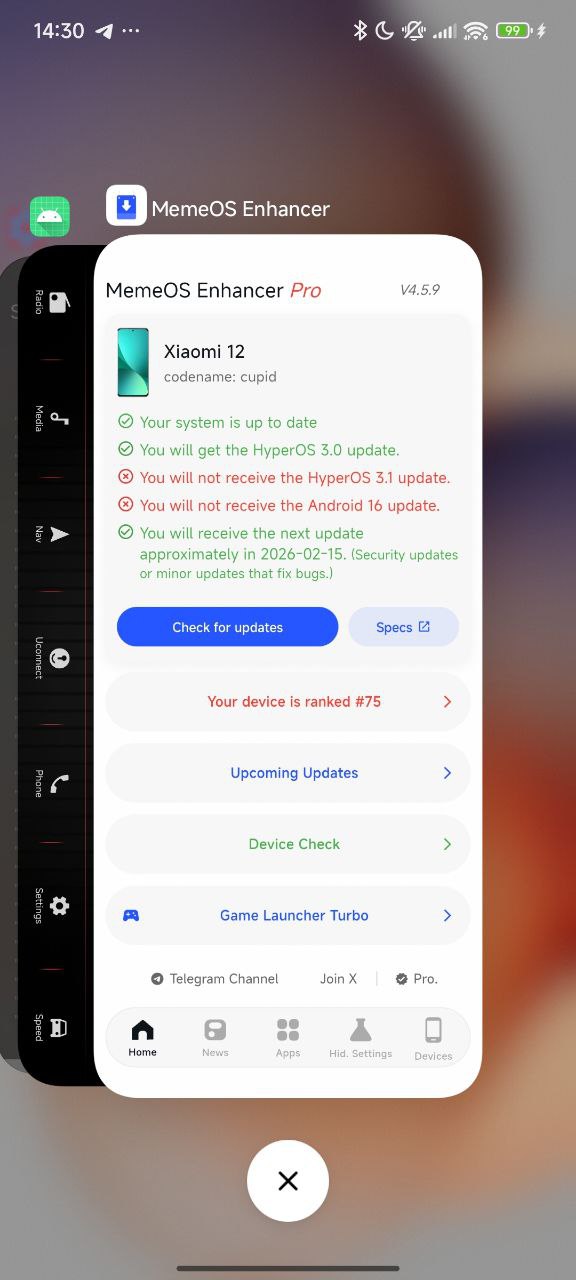
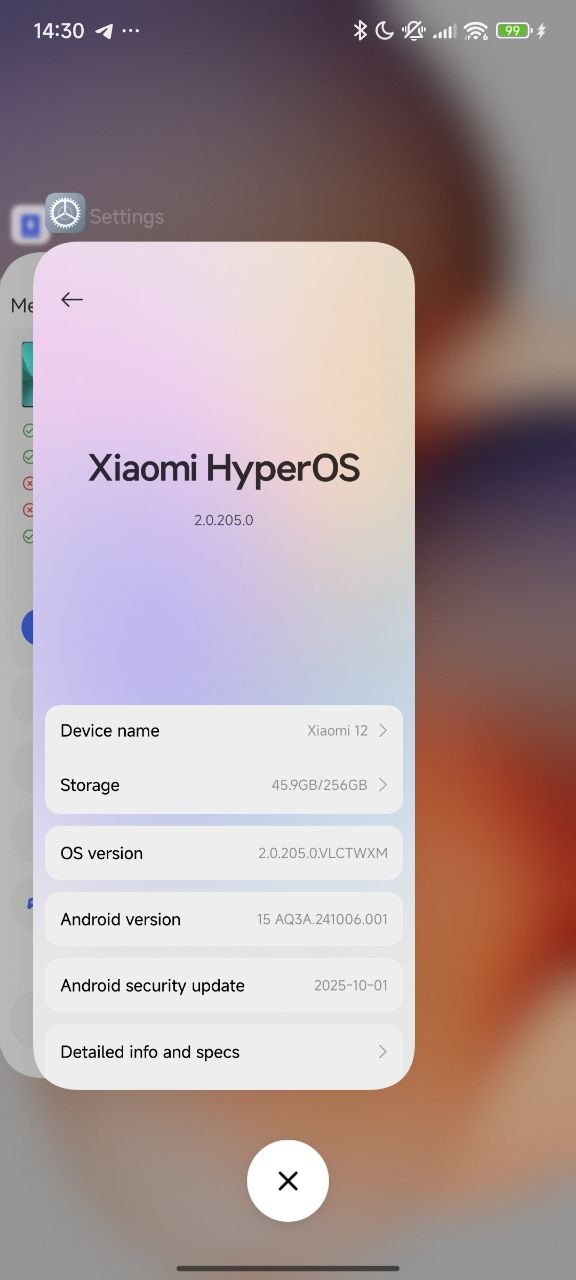
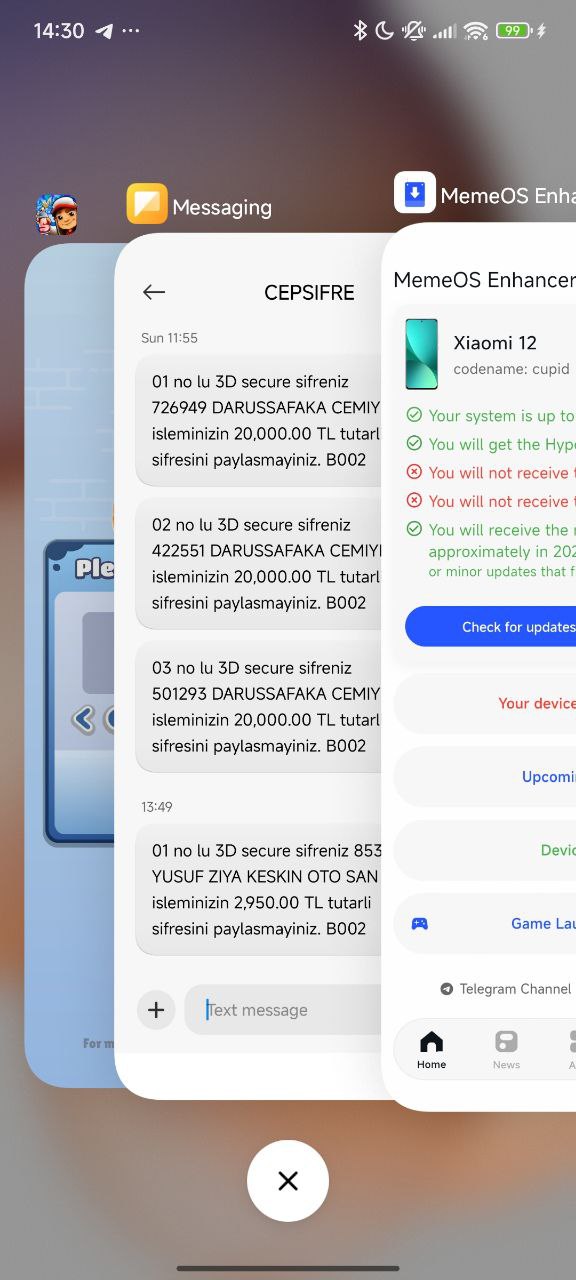
In HyperOS 3, this functionality works without any issues and can easily be activated from the system settings itself. Notwithstanding this, the Xiaomi developers have also provided the required framework for activation of the functionality in older HyperOS versions.
How to Enable It on Older Versions of HyperOS
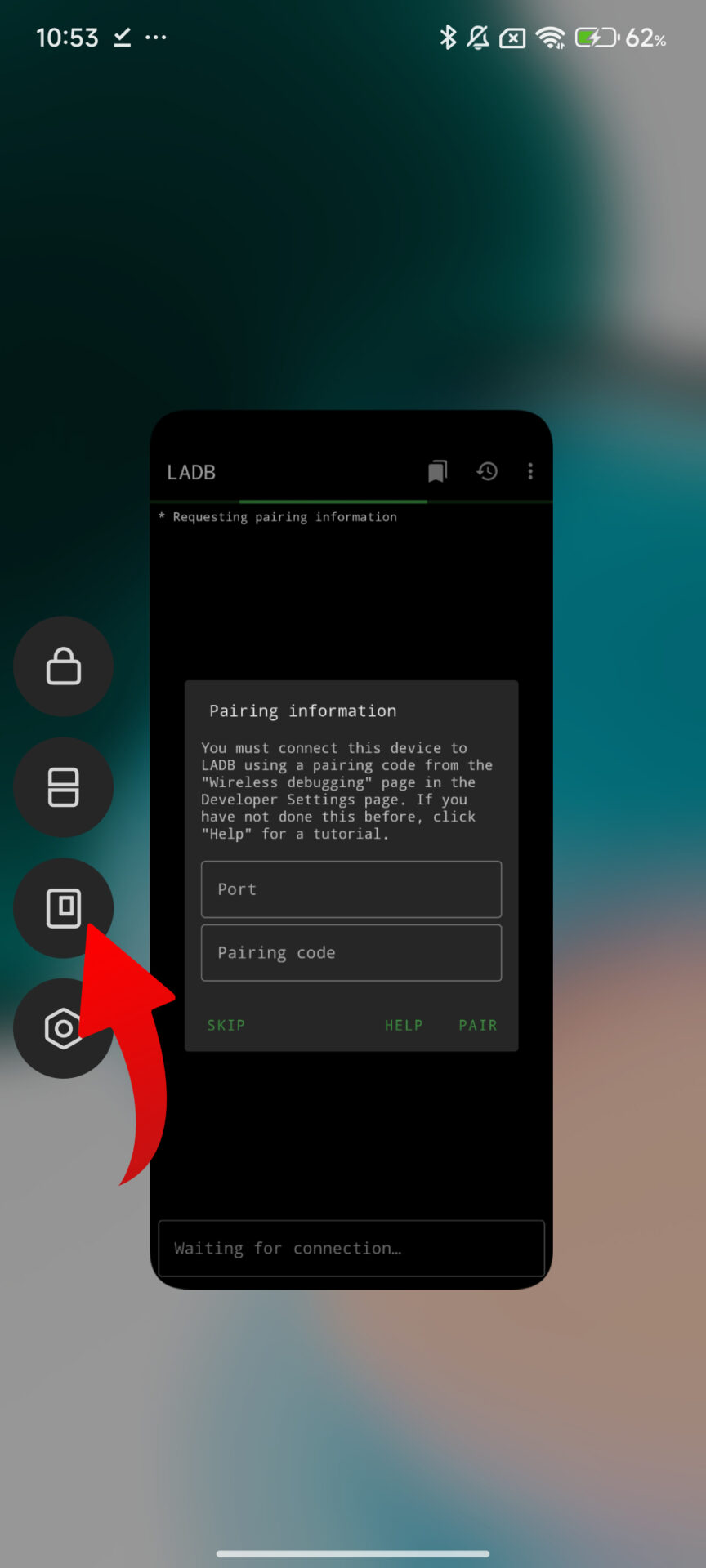
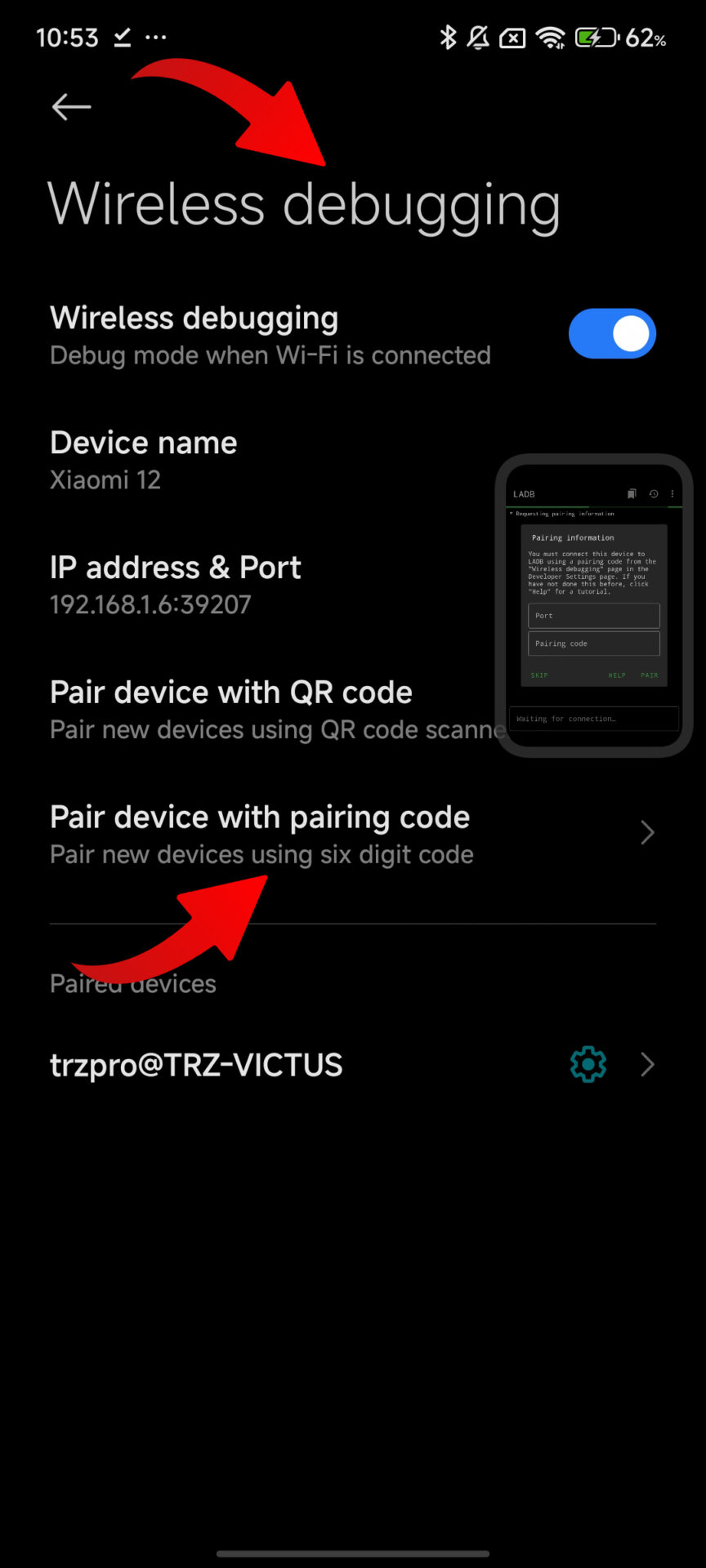
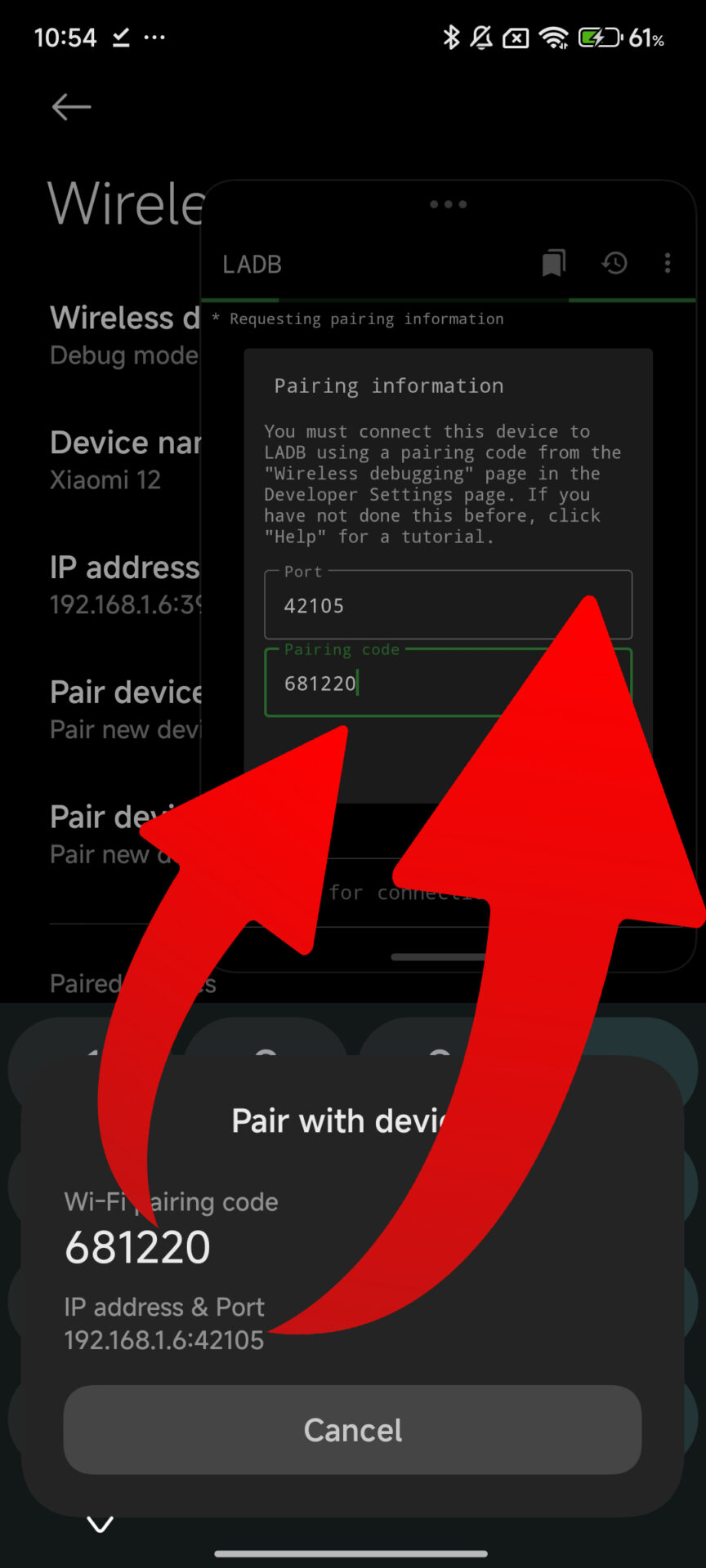
Before moving ahead, one must keep in mind that these steps do not need root access and are done using legitimate system parameters. A computer with ADB access or LADB setup is enough.
To enable the recent applications layout from the iOS style, just install latest HyperOS 3 Launcher and use the ADB connection to the device or the local ADB environment, and after that execute the command:
- settings put global task_stack_view_layout_style 2
Once the command has been executed, the interface for viewing recently used applications transitions into the “card” layout. It is not necessary to reboot the device, though a reboot may help ensure that animations are stable on some devices.

LAdb installation
- Go to Settings > About Phone.
- Tap on HyperOS version several times until it says “You’re now a developer.”
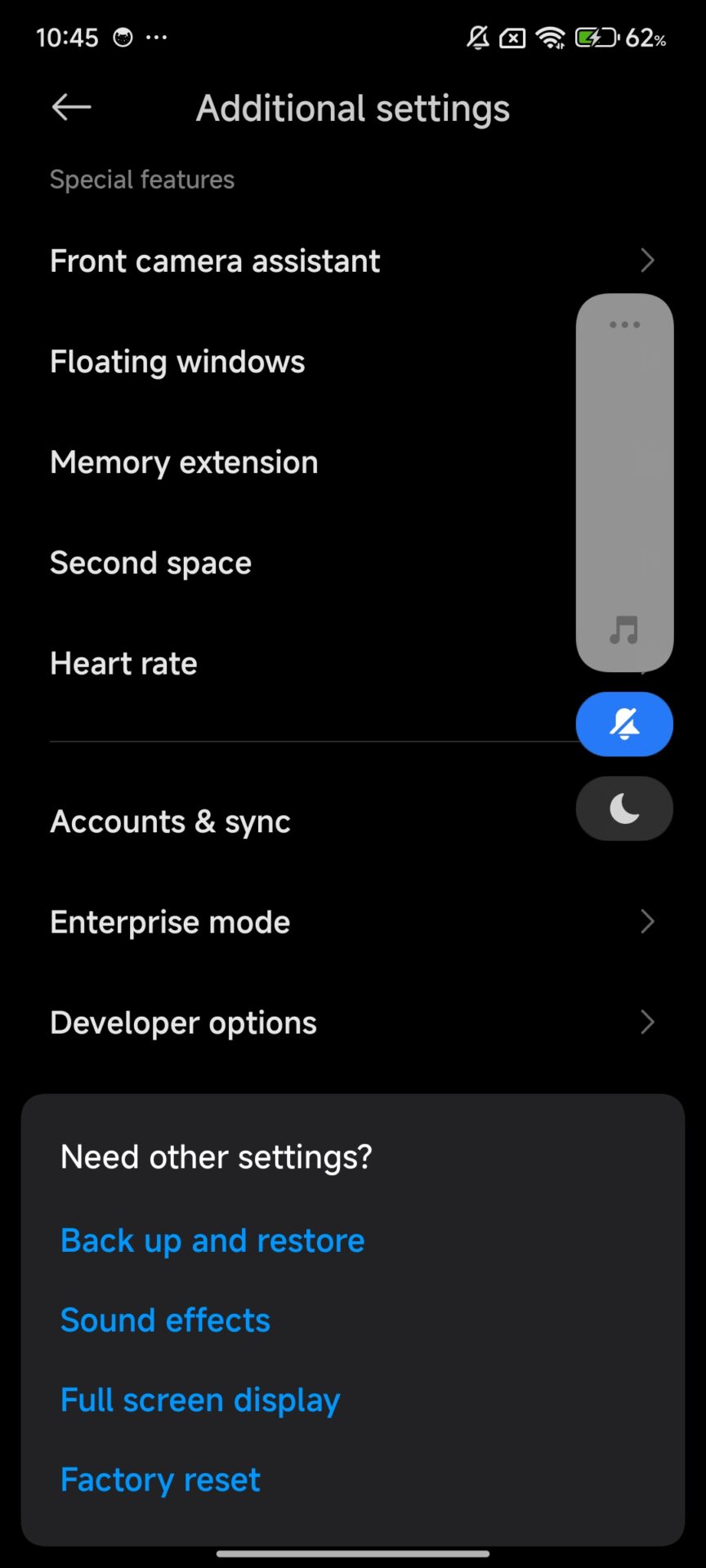
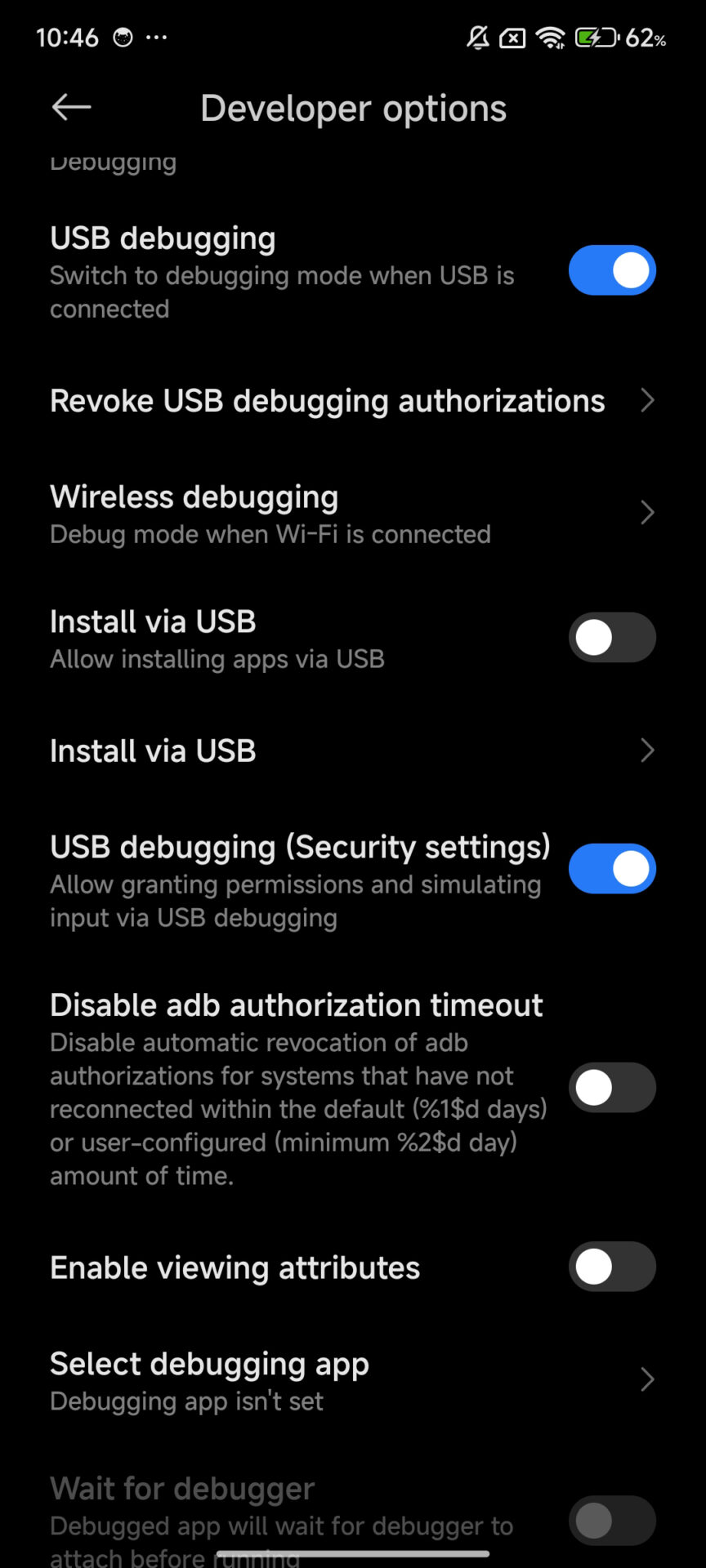
- Go to Settings > Additional Settings > Developer Options.
- Enable the following options:
- USB Debugging
- Install via USB
- USB Debugging ON (Security Settings)
- Download LADB
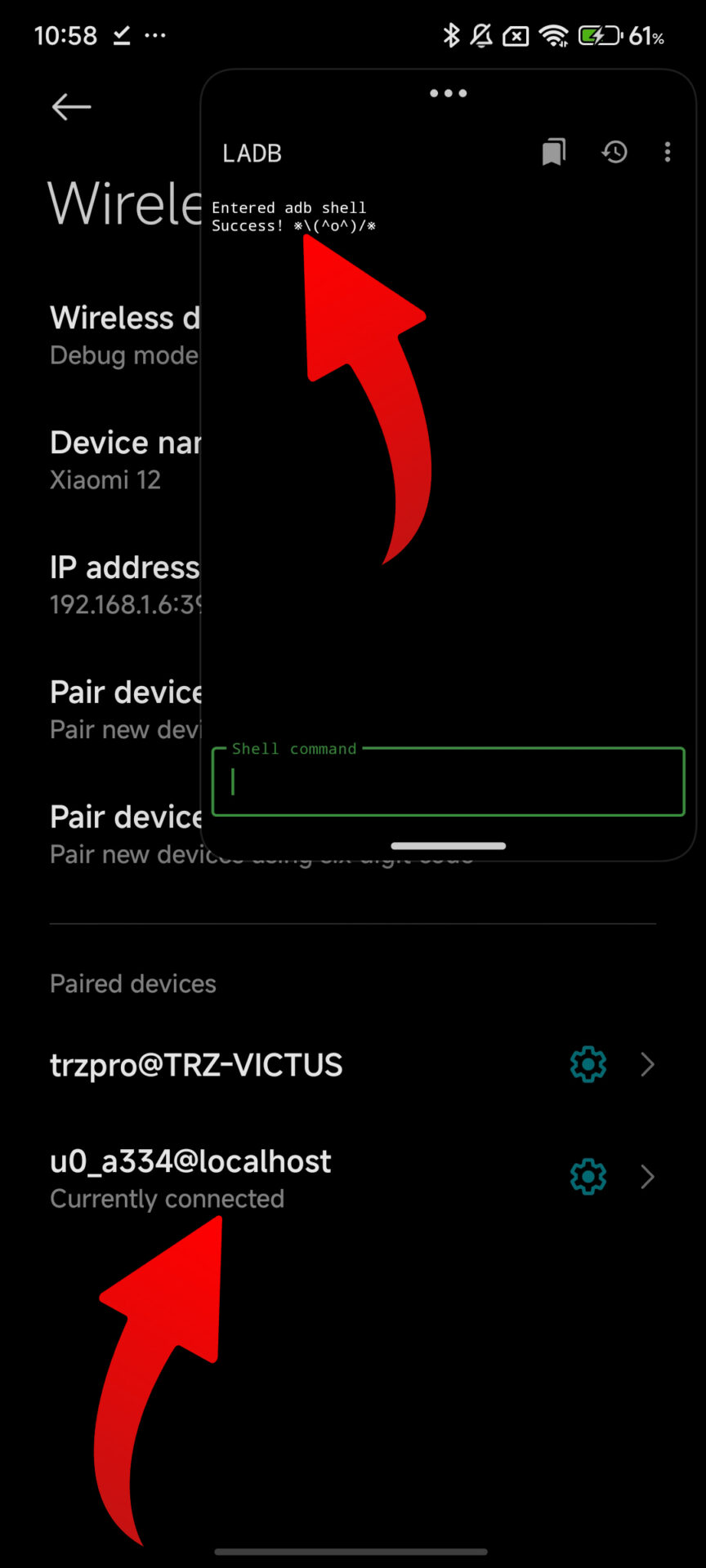
Behavior and Compatibility Details
When enabled, the animations are very close to Apple’s implementation, including the smooth vertical scrolling and blur effect on the cards while being offset on the screen. For devices with HyperOS 3, this same option is accessed from Settings > Recent Apps without any set commands.
Going by their testing and observations in the current beta, it is expected that Xiaomi will launch this interface on more devices when it releases HyperOS 3.1. It is also stable on most Snapdragon devices, including those running Snapdragon 8 Elite platforms.
Application Updates and Installation Information
Users who are interested in staying up to date with Xiaomi System Apps as well as its components can do so by obtaining the update through HyperOSUpdates.com or by using the MemeOS Enhancer downloaded from Google Play. The MemeOS Enhancer also allows users to have fun features, system updates, and update shortcuts.



why is there no update for REDMI 13 yet
Your account is being hacked
Hyper OS
nothing happened, no nothing changed 😔
nothing changed after trying
ITS work , when tried many If I could send the file here, I would share my cellphone screen.
it really works on my redmi note 13 5g
on my xuanyuan xiaomi.eu rom it doesn’t work because it can’t update system apps via Xiaomi package installer
yeah it works, but I use shizuku and aShell
not working my phone..Redmi 13
Poco F7 can’t, even though I’m using the latest launcher
Poco F7 can’t. even though I’m using the latest launcher
icon Animation launcher launch please
I don’t see the option to change multitasking on my Redmi 13
I don’t see the option to change multitasking on my Redmi 13
And why don’t they make and release the Poco Launcher for Poco devices?