
 Emir Bardakçı
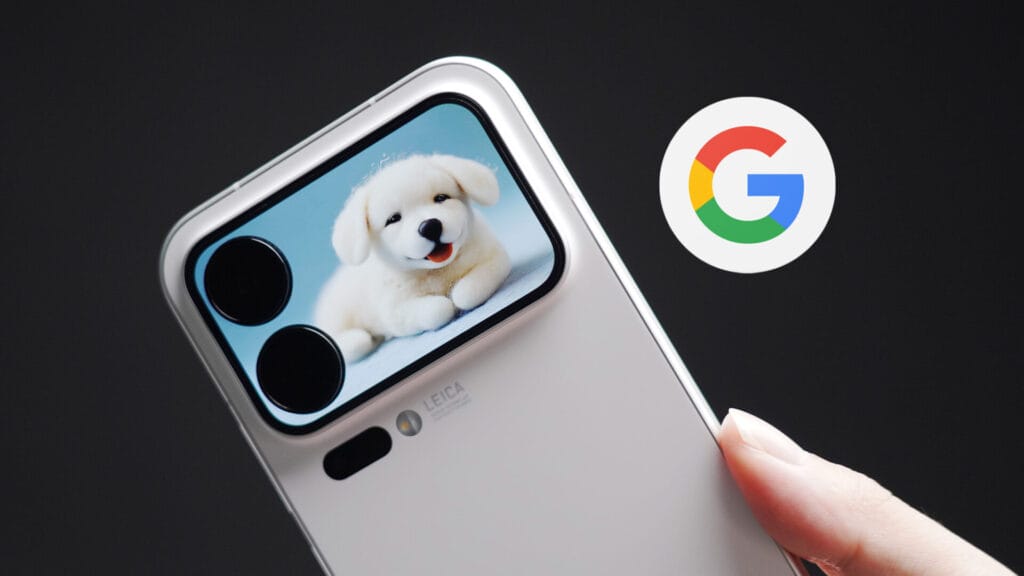
The Xiaomi 17 Pro series brings some of the most impressive smartphone hardware of 2026 to the table such as secondary back screen. However, there is a catch: these devices are strictly exclusive to China, meaning there is no official Global ROM available.
If you have imported a Xiaomi 17 Pro or 17 Pro Max, you might be wondering how to use Xiaomi 17 Pro to function normally in your home country. Fortunately, it only takes a few quick tweaks to get Google services running and ensure you never miss a notification. Here is your complete guide to making your Chinese ROM Xiaomi 17 Pro feel like a global device.
Enabling the Google Play Store
Out of the box, Chinese ROMs do not have the Google Play Store on the home screen. However, the core framework is usually built-in. Here is how to activate it:
-
Boot up your phone: Turn on your Xiaomi 17 Pro and complete the initial Wi-Fi setup.
-
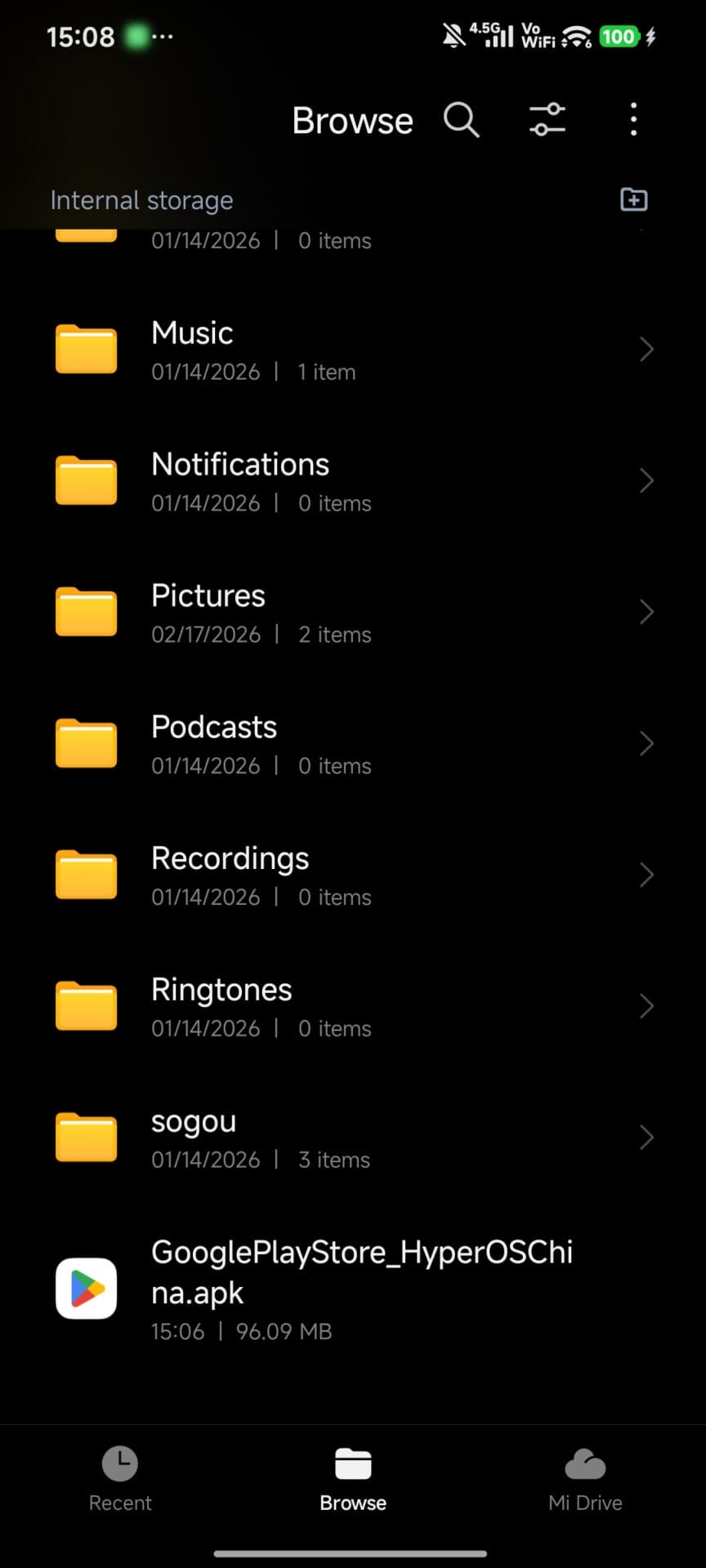
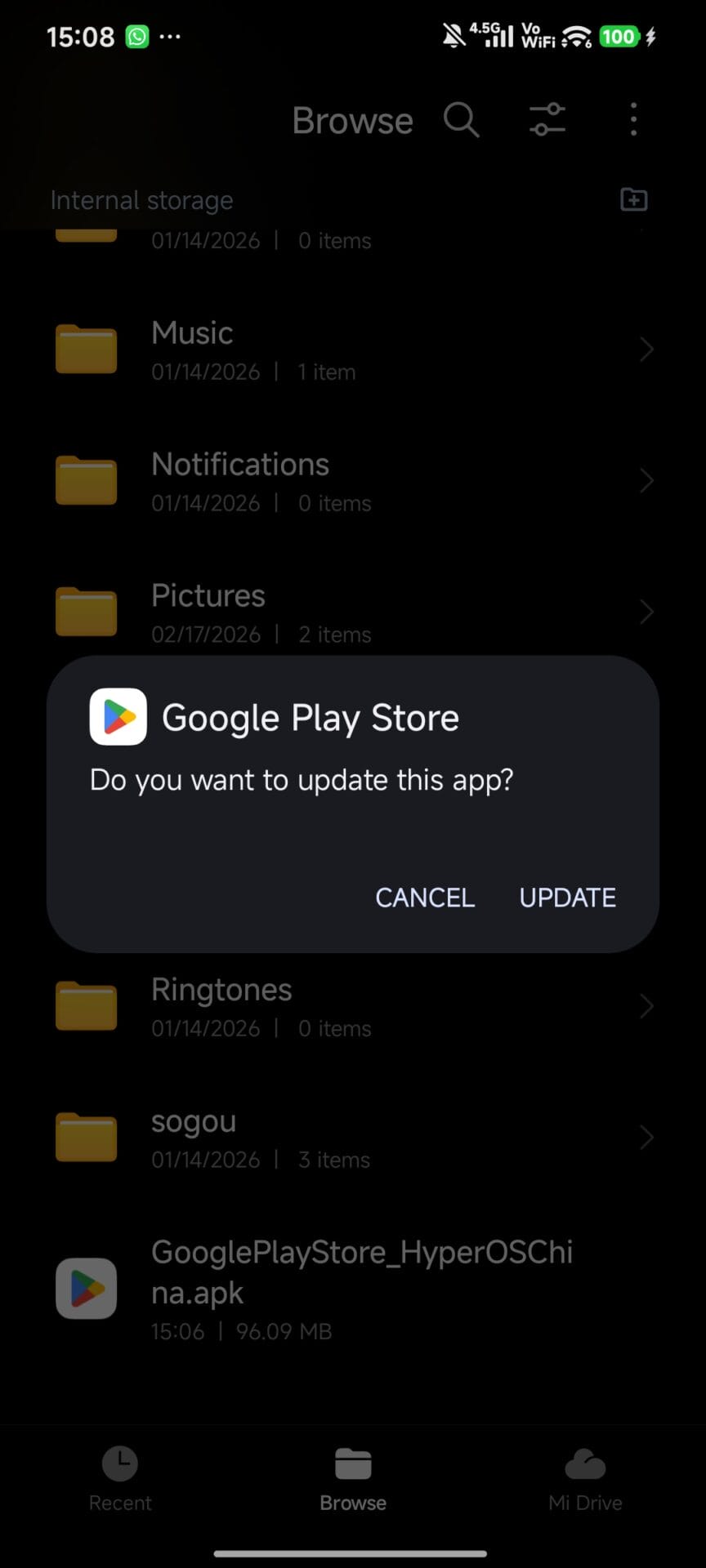
Download the APK: Open the native browser and download the Google Play Store APK from a trusted source, such as the HyperOS Updates Utility Page. Install the downloaded file.
-
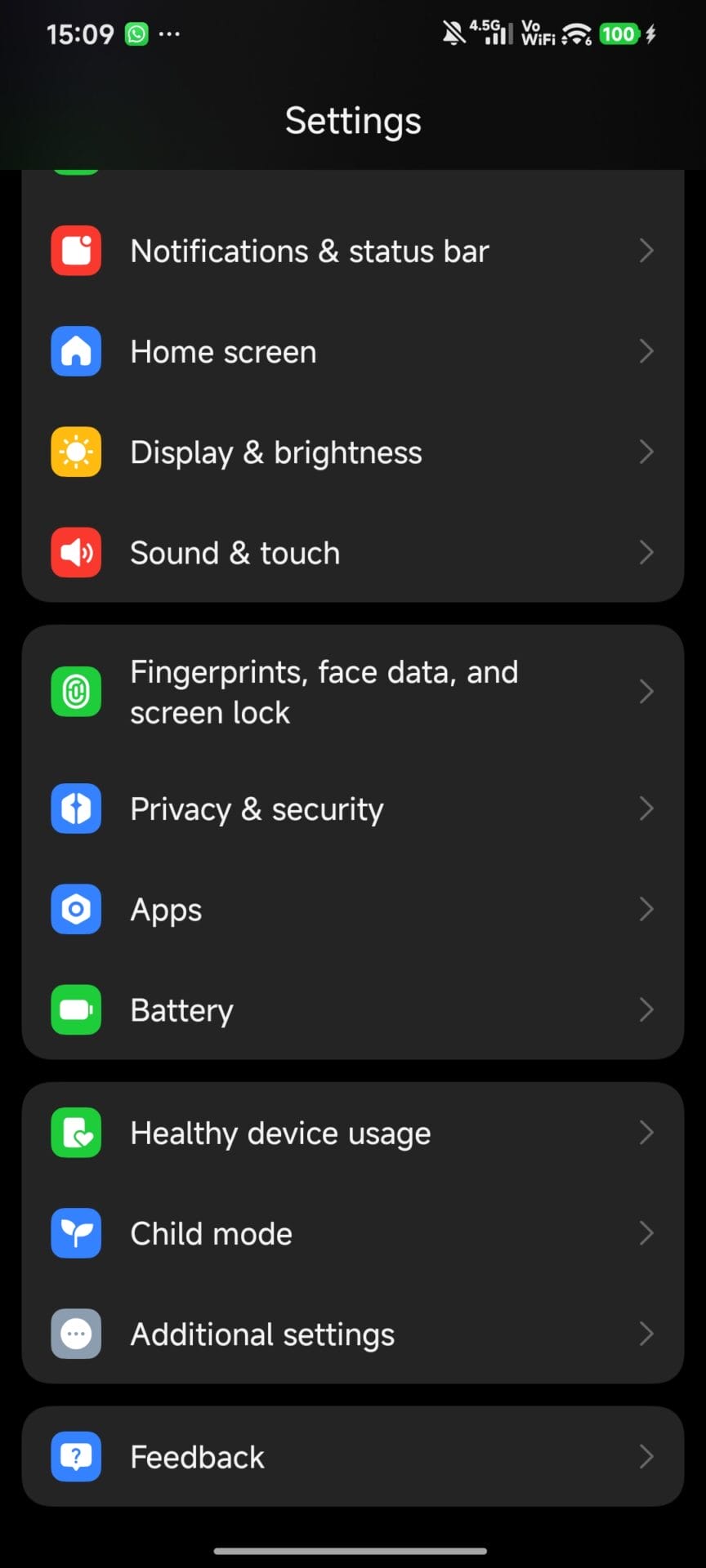
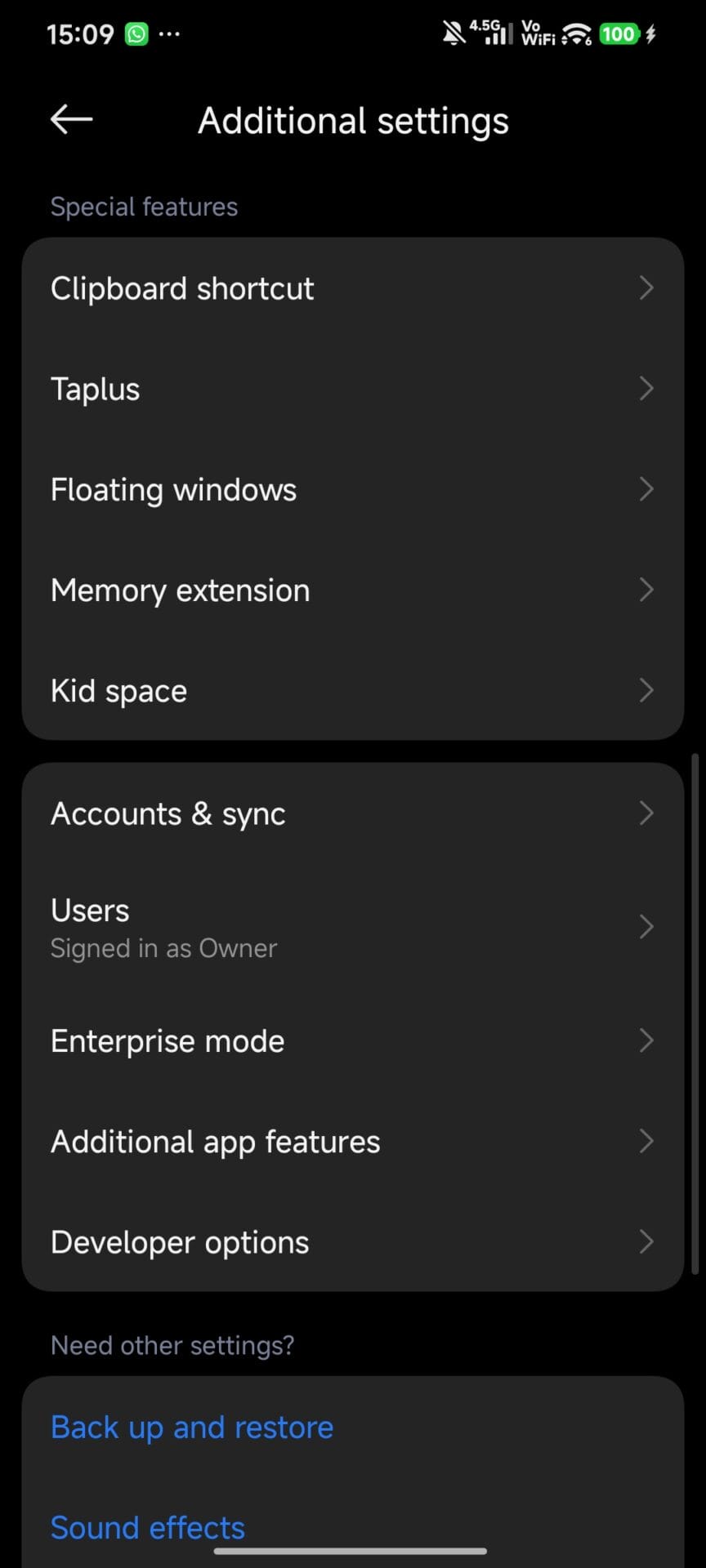
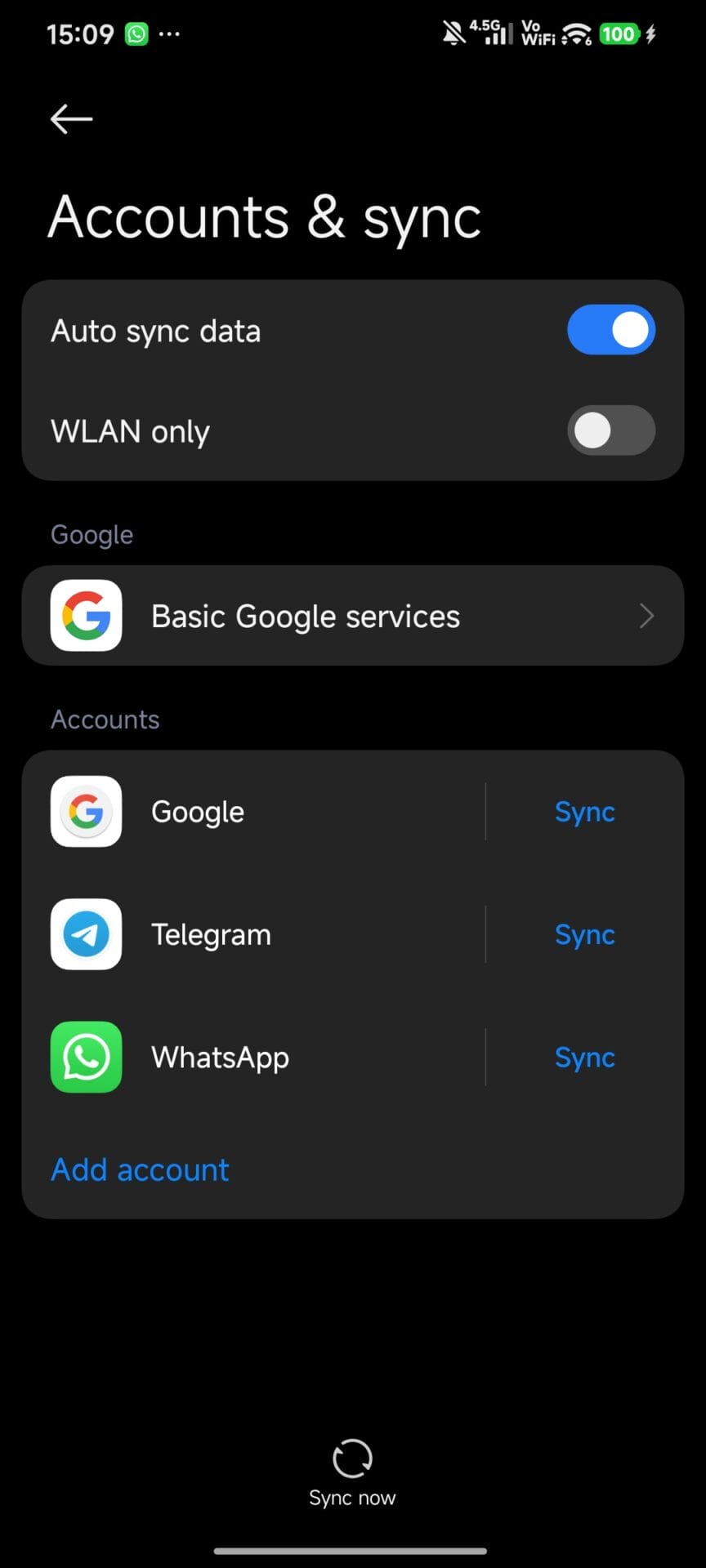
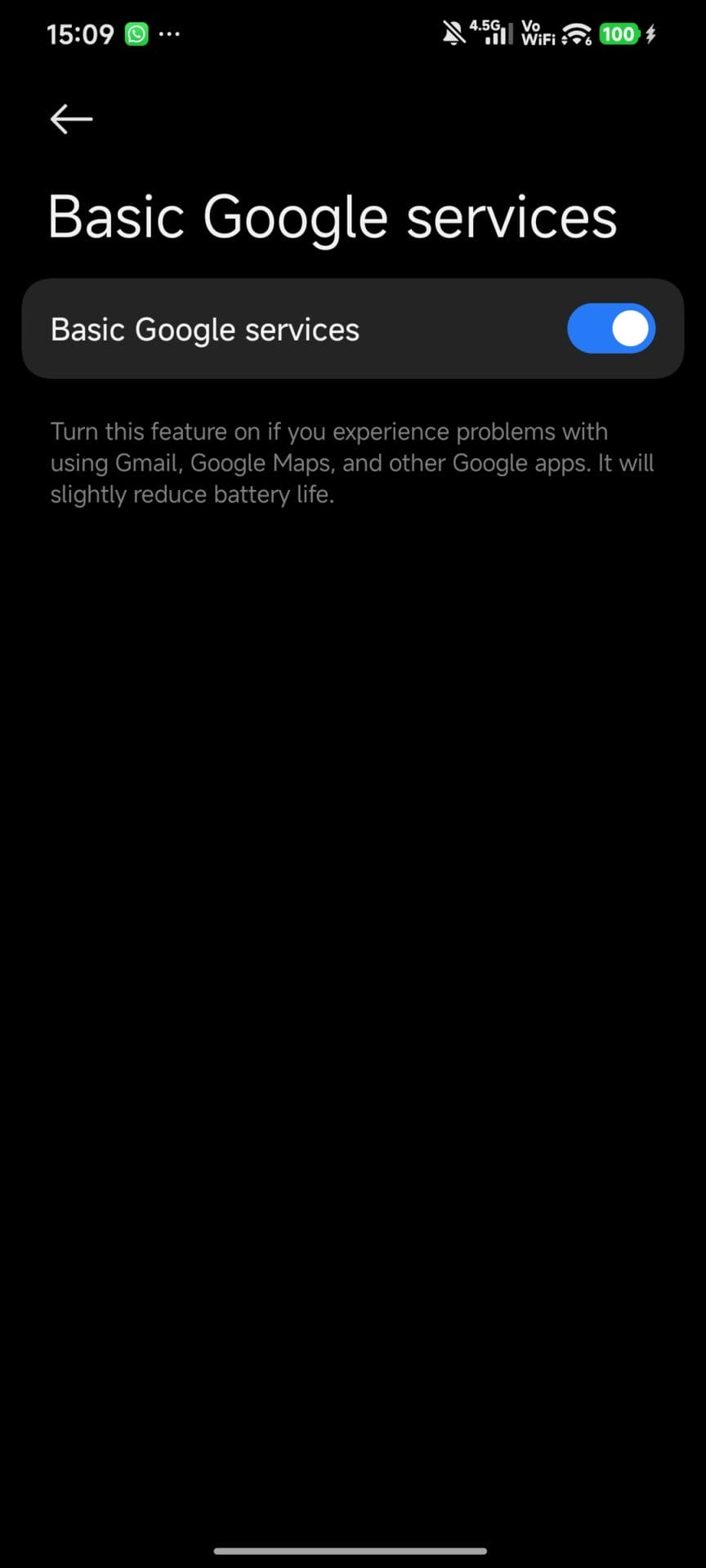
Enable Basic Services: Navigate to Settings > Additional Settings > Accounts. Find the Basic Google Services option and toggle it on.
-
Sign In: Go back to Settings > Additional Settings > Accounts, select Add Account, choose Google, and log in with your primary Google account.
Phase 2: Fixing Missing Notifications (The Ultimate HyperOS Fix)
Because Chinese ROMs are incredibly aggressive with battery management, you will likely miss notifications from apps like WhatsApp, Gmail, or Instagram. To fix this, you need to adjust the background settings for every essential app you install, including Google apps.
Follow these steps for each app you want to receive reliable notifications from:
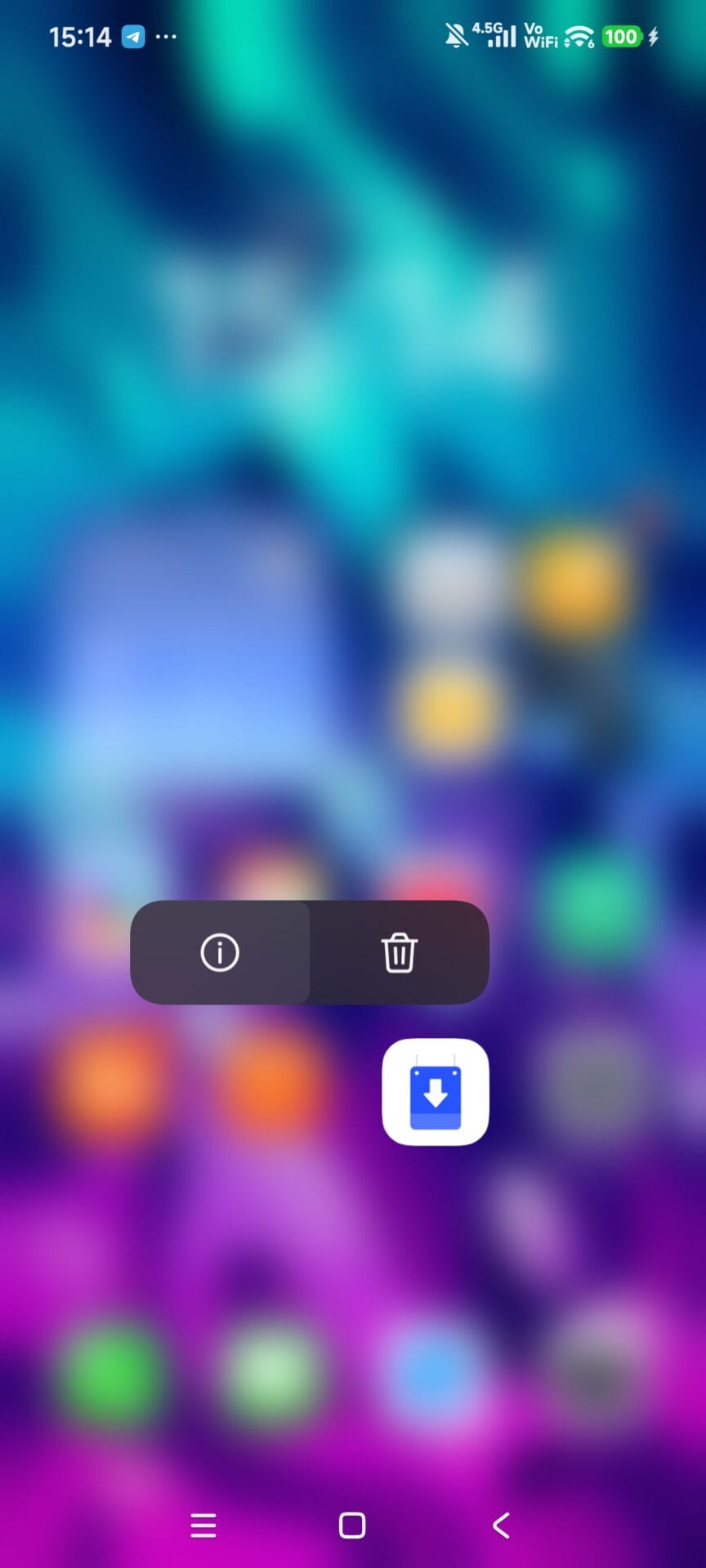
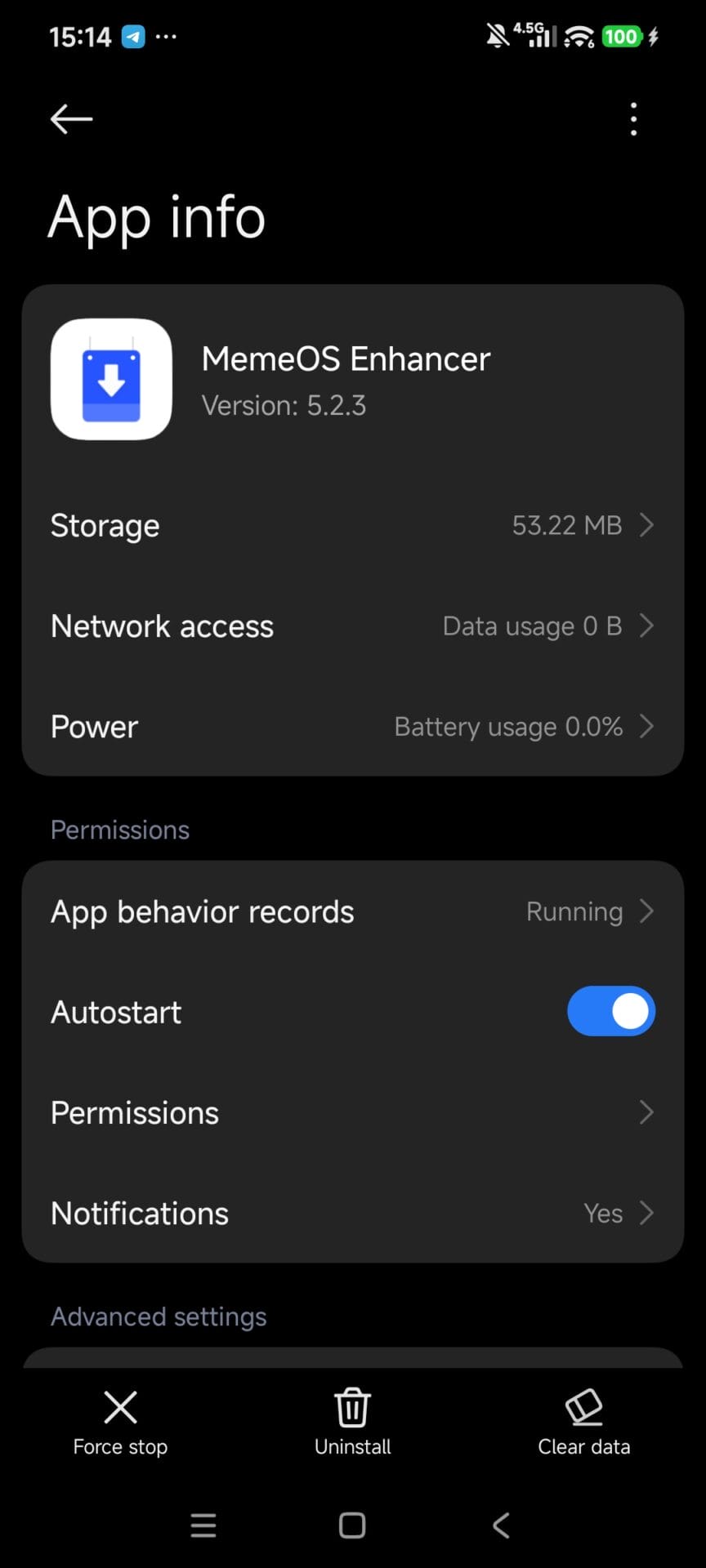
- Access App Info: The fastest way is to go to your home screen, long-press the specific app’s icon, and tap the “i” (App Info) symbol.
- Enable Autostart: Toggle on the Autostart permission so the app can wake itself up.
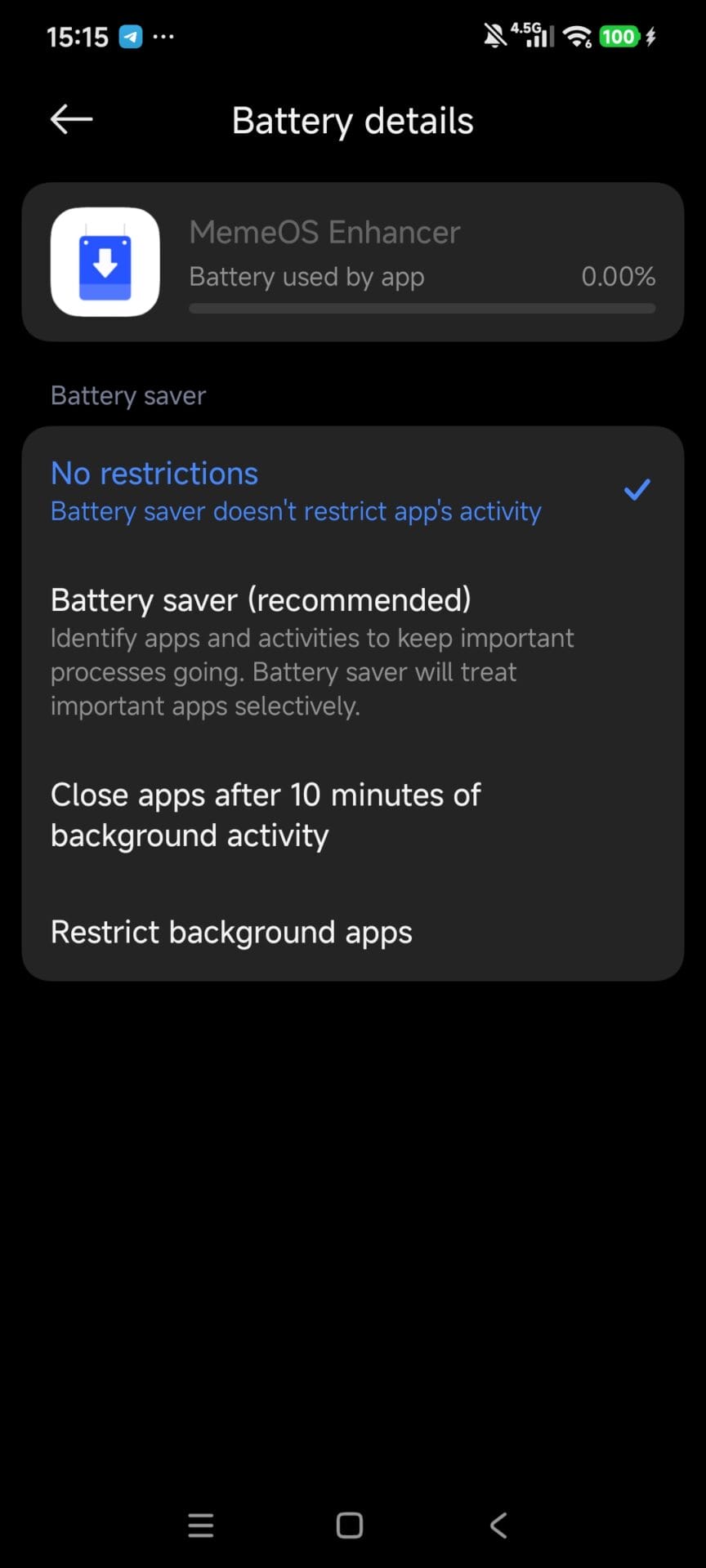
- Remove Battery Restrictions: Scroll down to the Battery saver (or Power) section and change the setting to No restrictions.
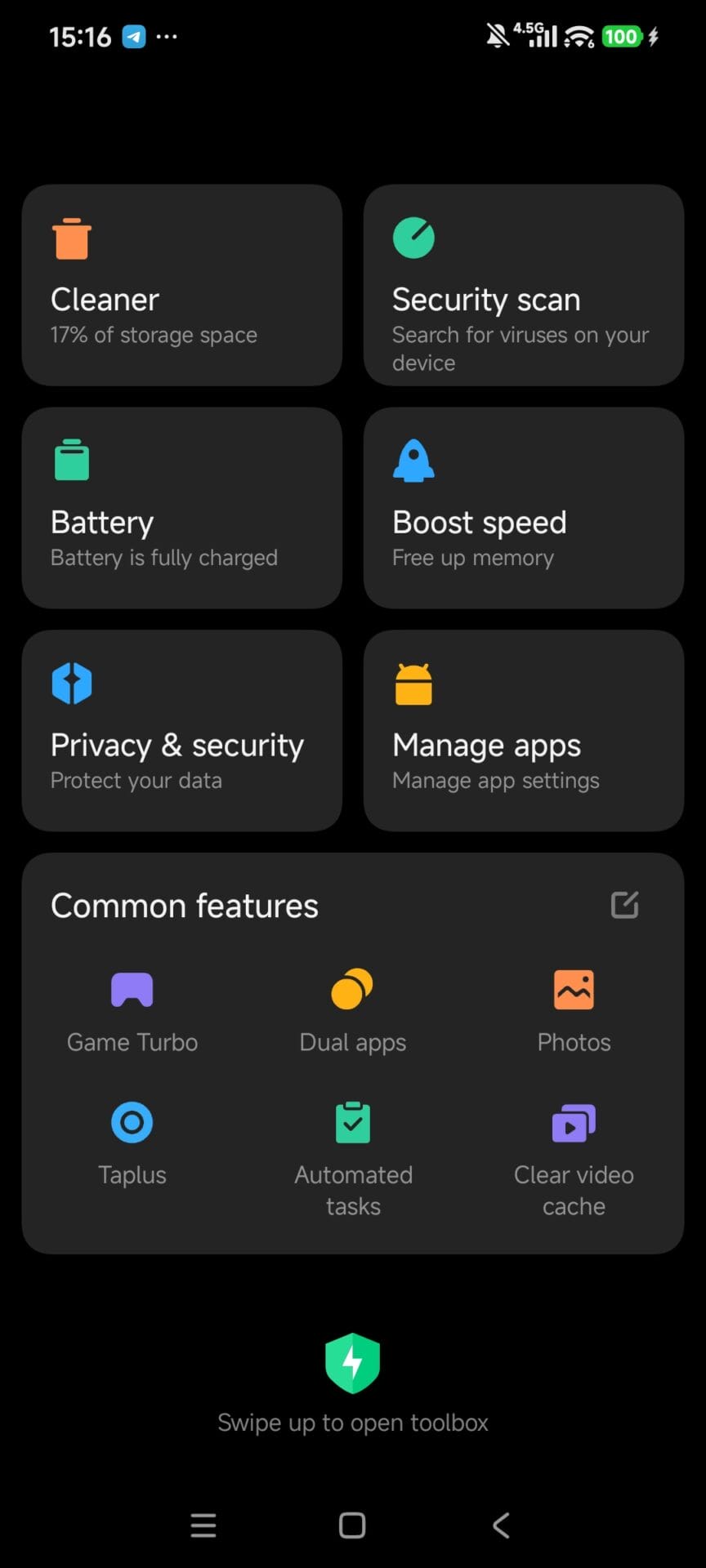
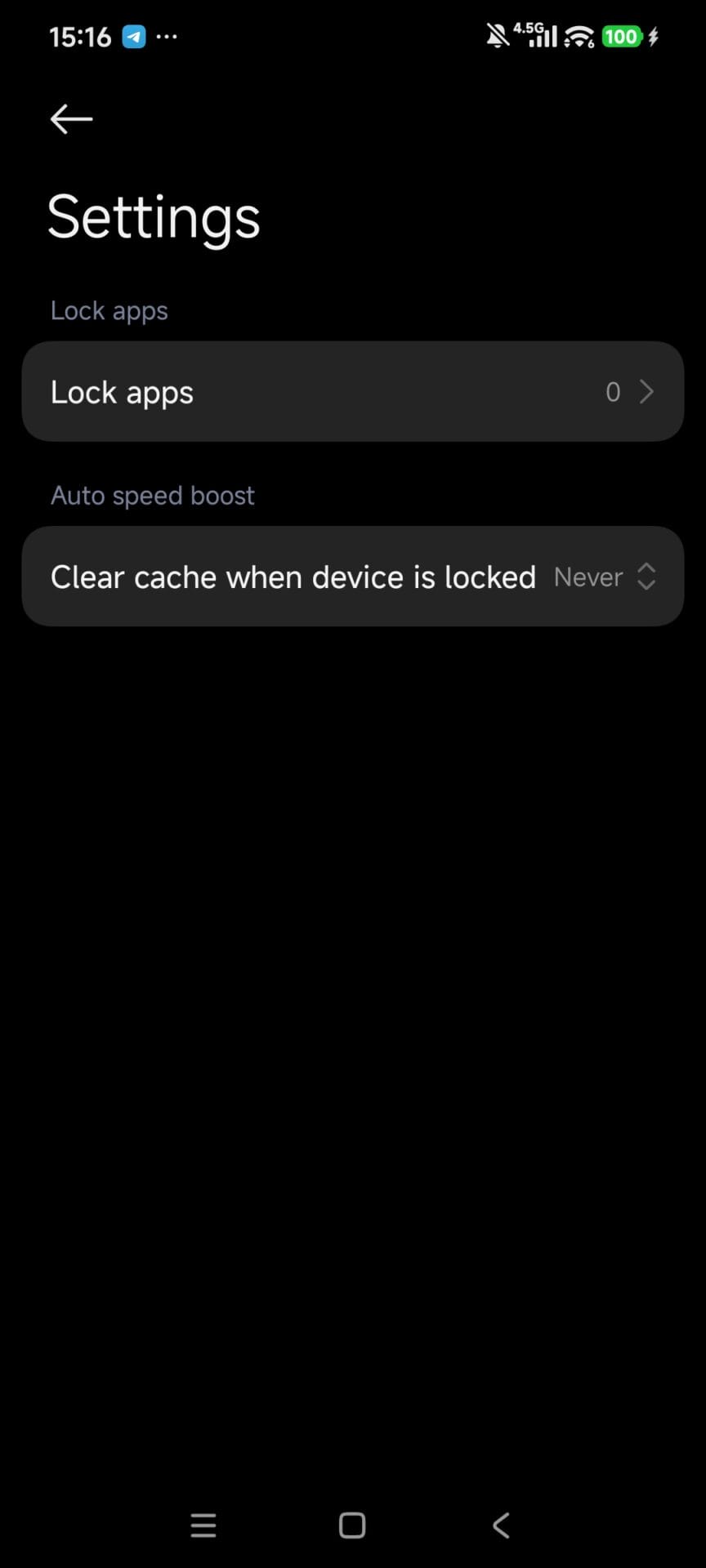
- Lock the App in Memory: Open the native Security app.
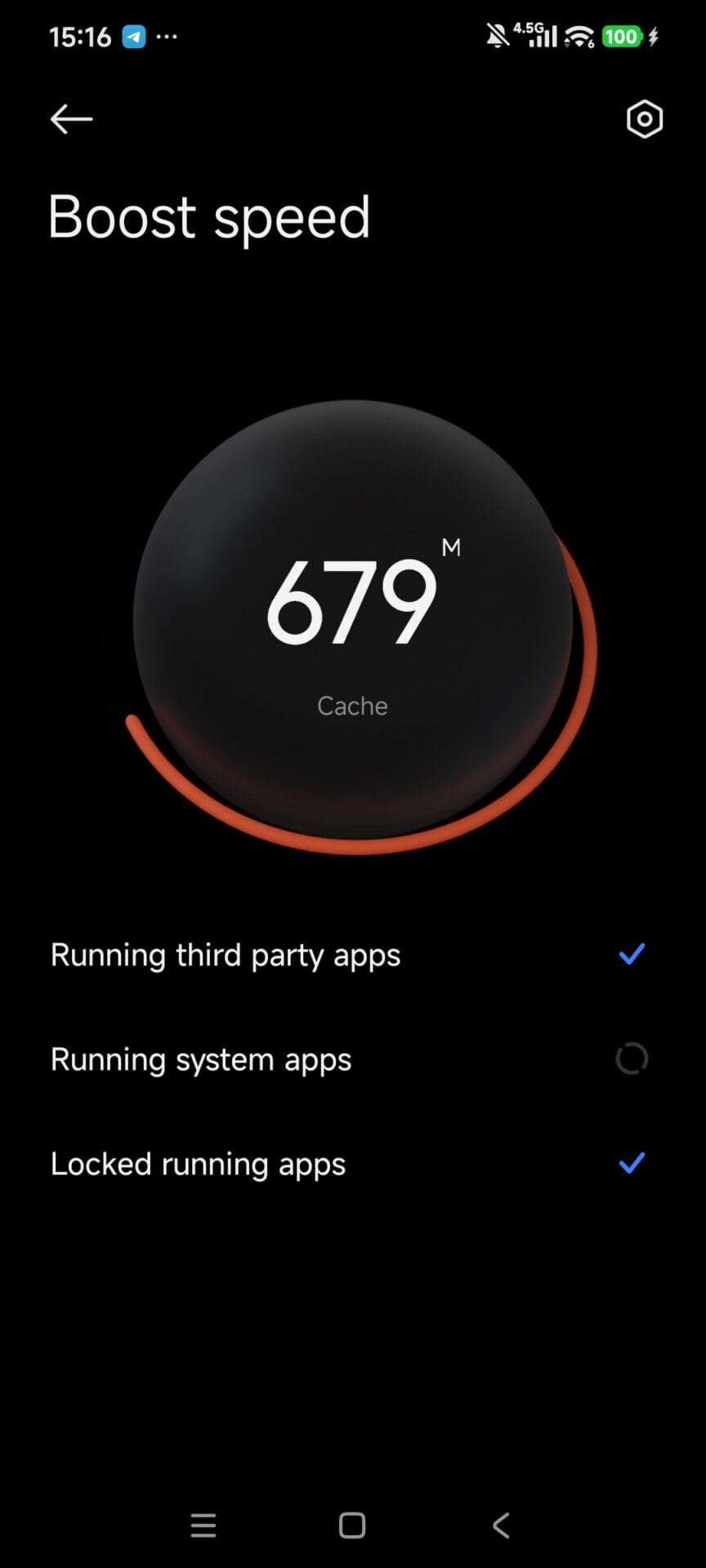
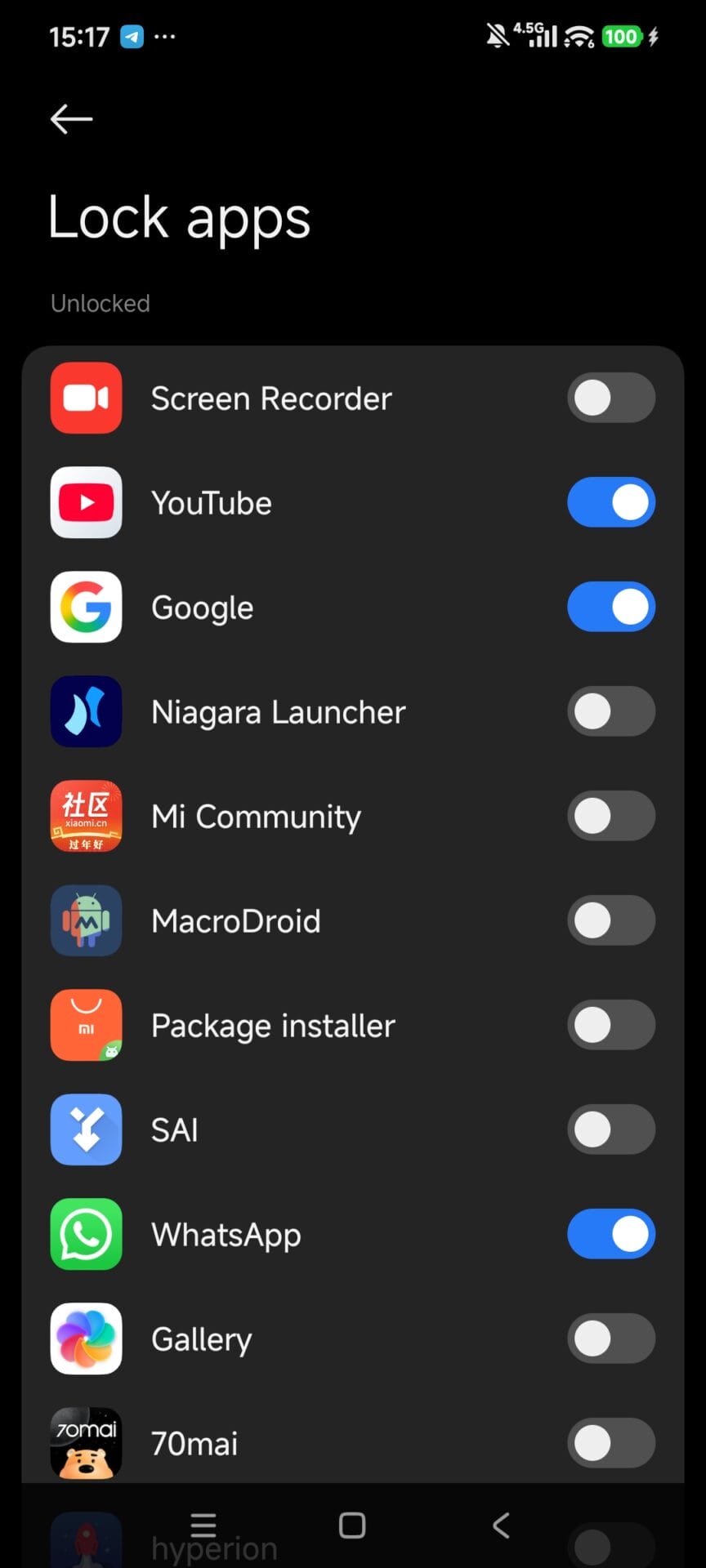
- Go to the Boost Speed section, then tap the settings icon to find Lock Apps.
- Toggle the switch on for every app (and Google service) you rely on for notifications.
- Disable Auto-Clear: While in the Security app’s settings, find the “Clear cache when device is locked” option and ensure it is set to Never.
You Are Ready to Go!
By completing these two phases, your China-exclusive Xiaomi 17 Pro series phone will run just like a standard global device. You will have full access to the Google Play ecosystem, and HyperOS will no longer kill your background apps, ensuring your notifications arrive instantly.


It’s a shame that they won’t release the xiaomi 17 pro / pro max to the global market. It would of out sold most phones on the market 😢 😢 😢 😢 😢