


Xiaomi introduced the Advanced Textures feature a long time ago to bring premium background blurring effects to its flagship devices. However, recent tests on these high-end smartphones show that disabling this visual setting significantly improves overall performance. While you can technically force this feature on unsupported phones, doing so causes severe system optimization issues and ruins the user experience.
-
Flagship Exclusivity: Xiaomi designed this heavy rendering feature specifically for high-end smartphones to deliver premium system visuals.
-
Performance Boost: Turning off these advanced blur effects on flagship models noticeably increases raw system speed and reduces battery drain.
-
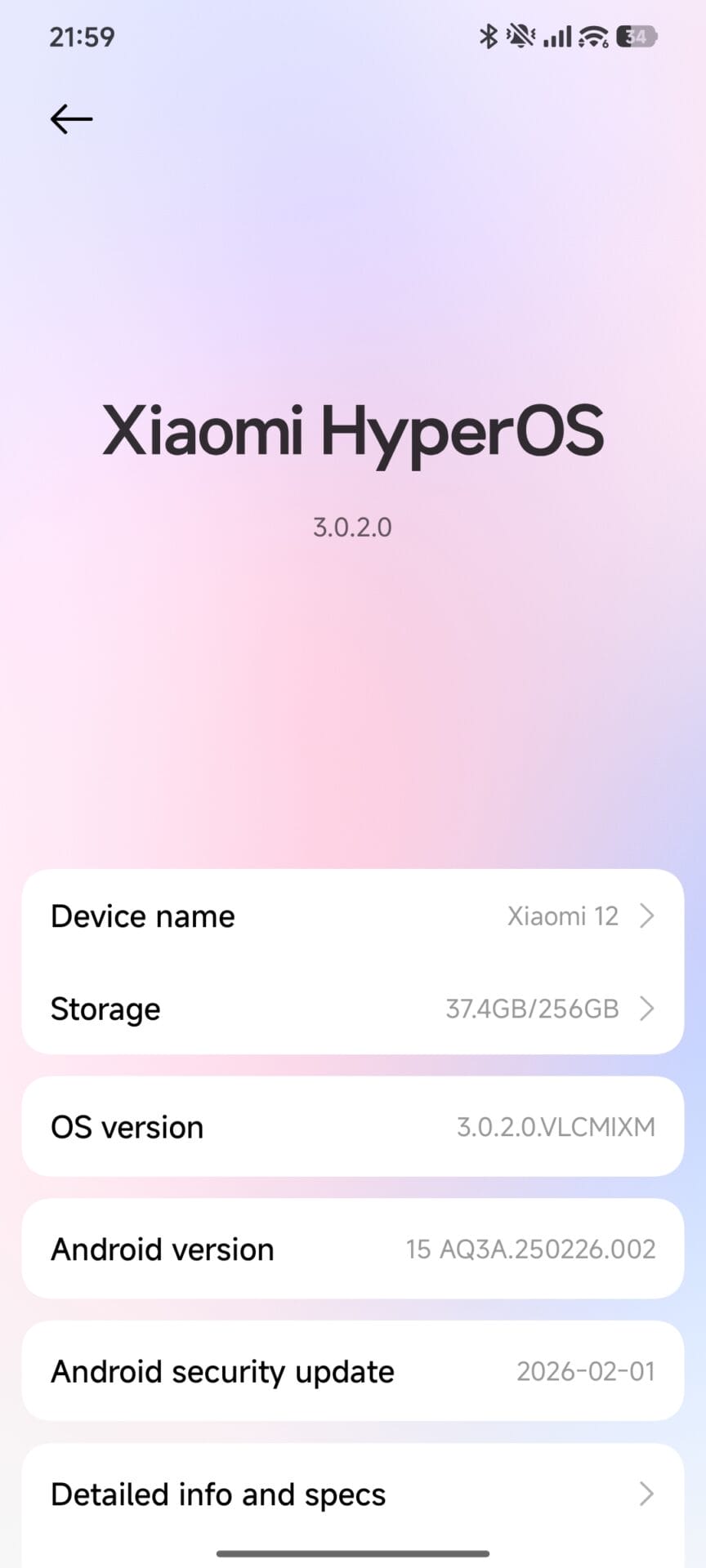
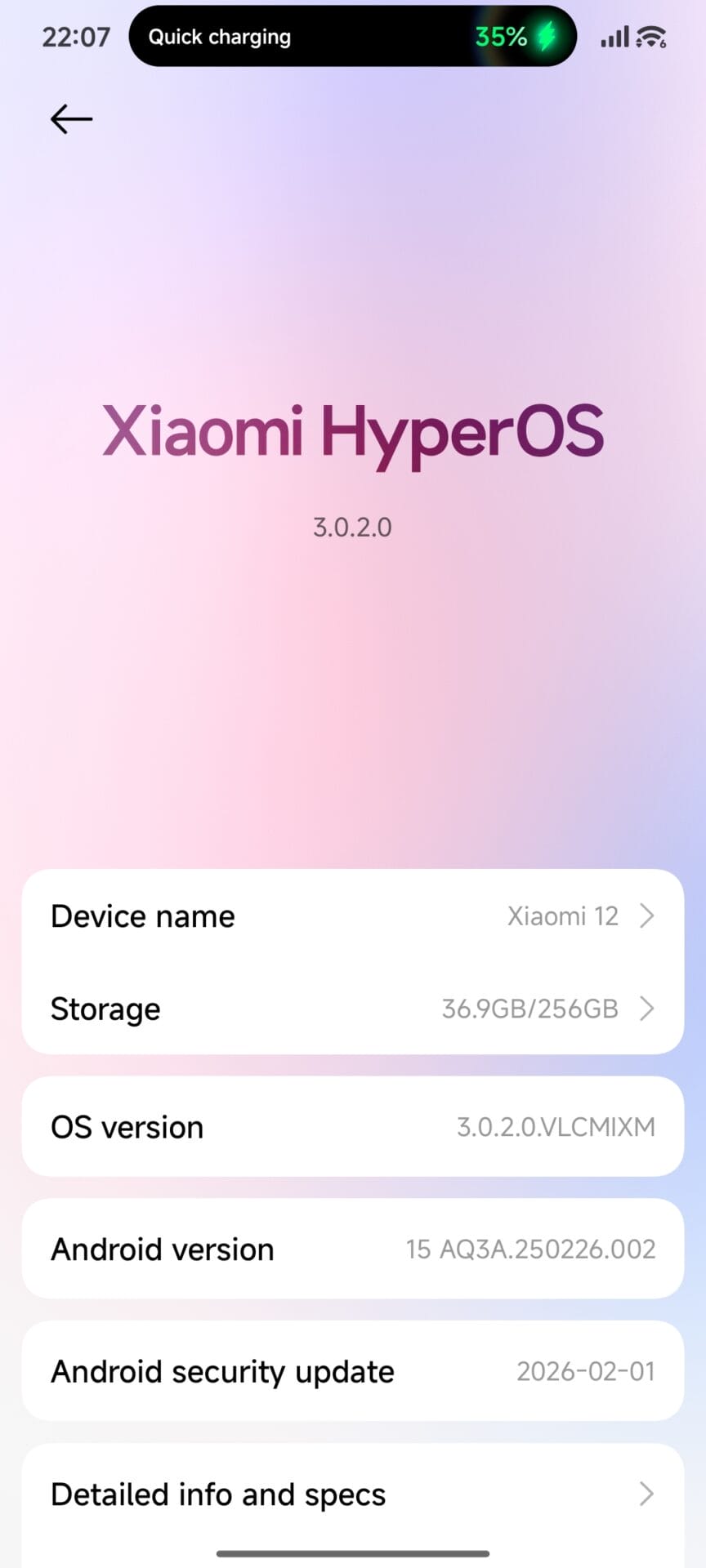
Unsupported Devices: You can manually enable advanced textures feature on older phones like the Xiaomi 12 via root access, but we strongly advise against doing so.
-
System Instability: Forcing this continuous rendering task on unsupported hardware creates serious lag and breaks user interface optimization.
-
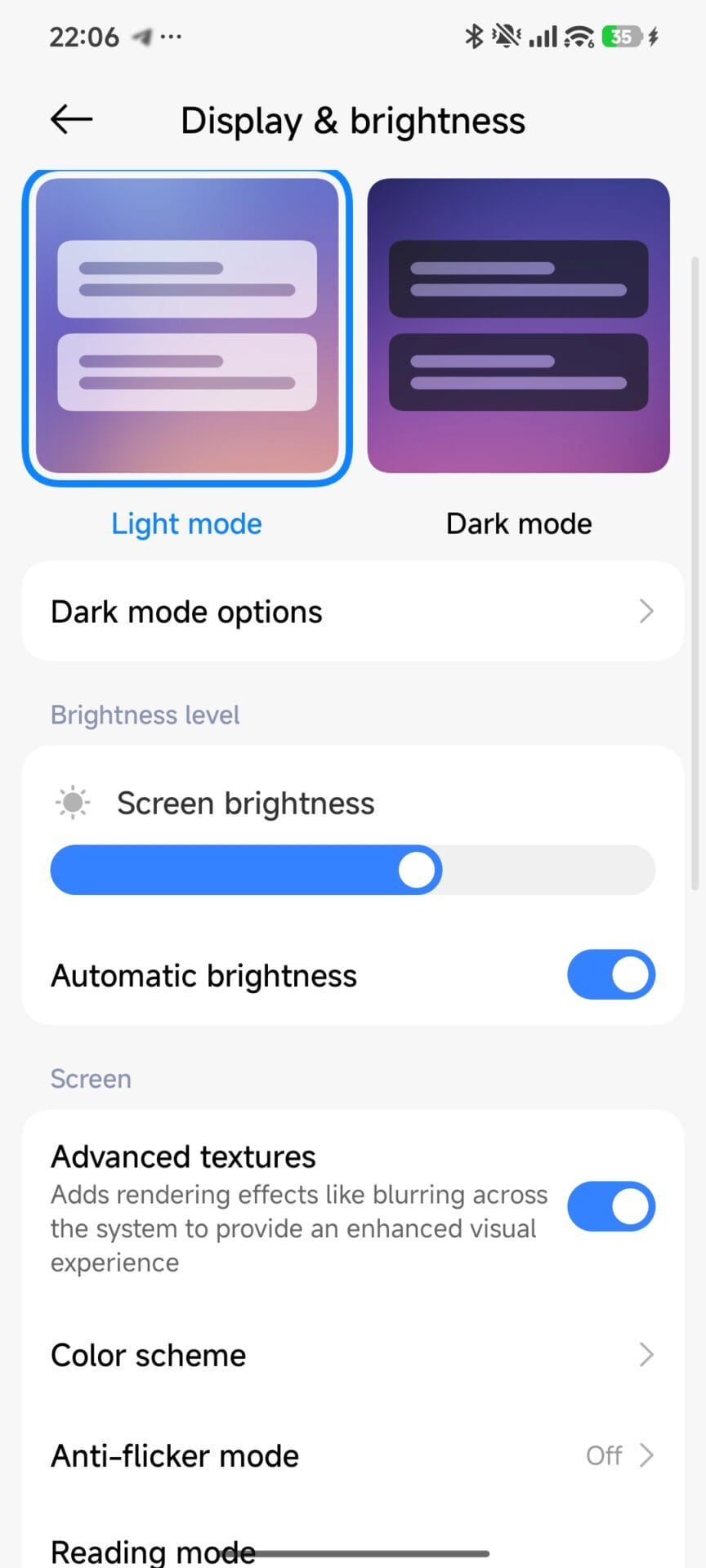
Settings Location: Users locate the toggle under the Display and Brightness menu in the system settings to quickly turn the effect off.
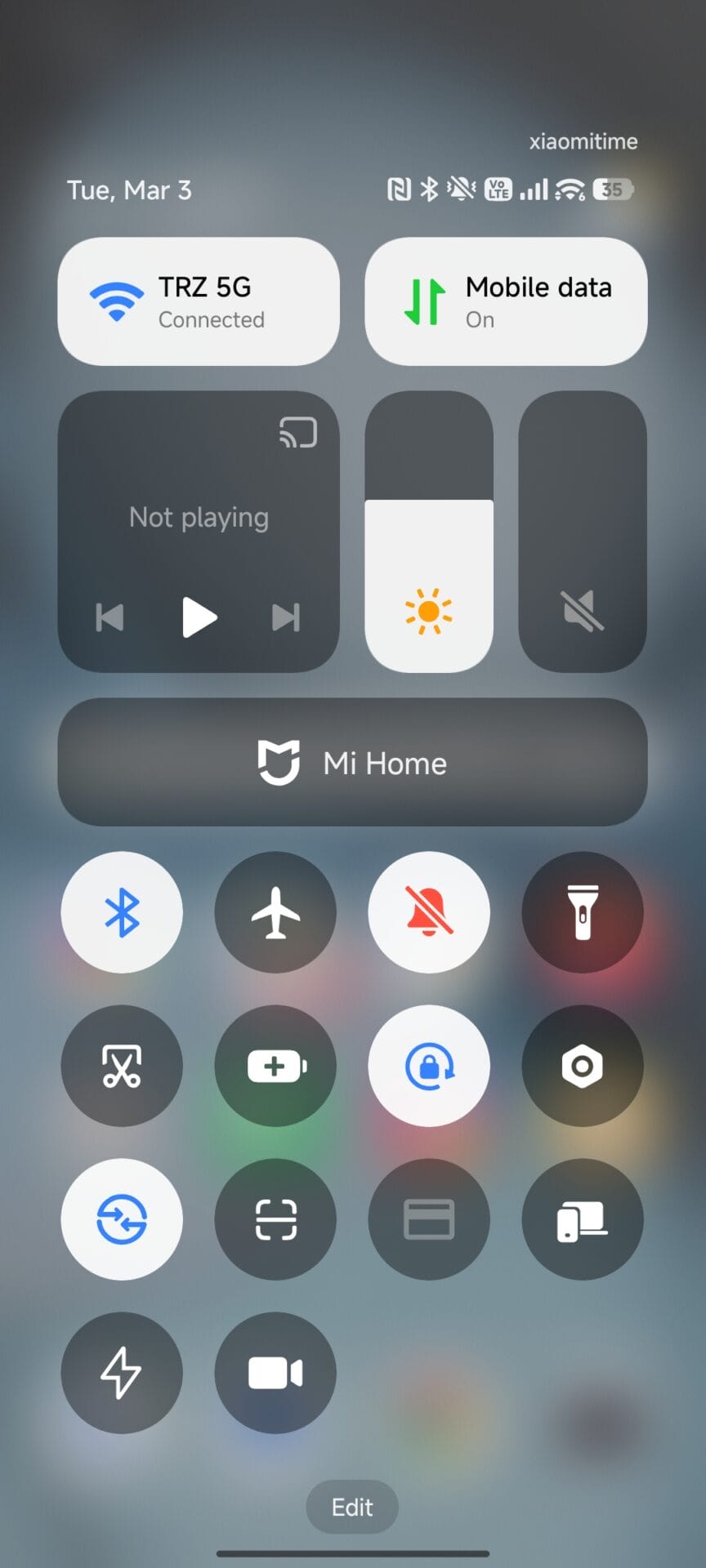
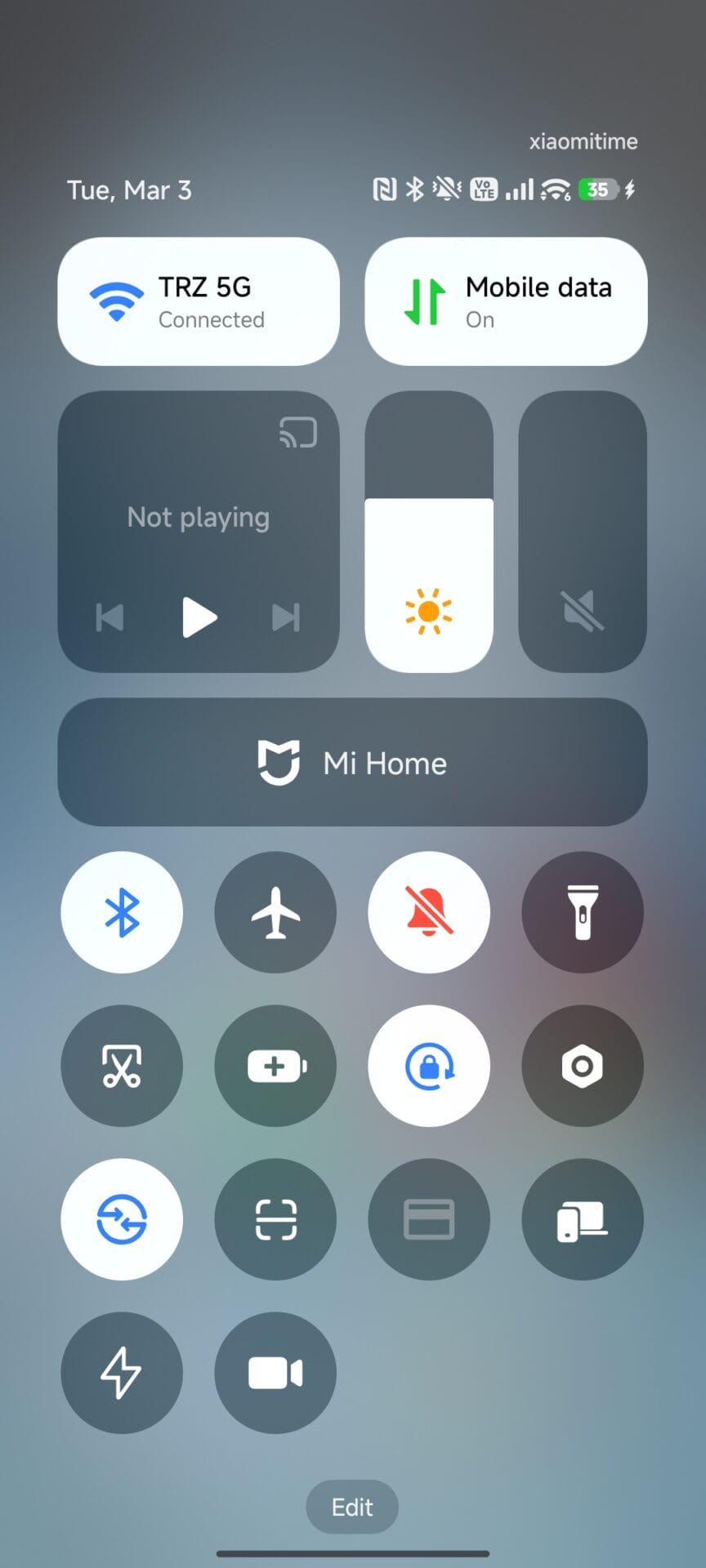
Anyone who prefers raw speed over transparent background effects should disable the Advanced Textures setting immediately even on flagship devices. This simple change keeps your Xiaomi HyperOS interface incredibly smooth and extends your daily battery life.



Did you actually test this with benchmarks? Showing static screenshots of random parts of showing advanced texture on and off doesn’t mean anything. You are posting articles without valid proof. “Oh look it drains battery”, just shows a static screenshots .
The Redmi Note 13 Pro 5G does not have that option within settings.
Indeed, I disabled advanced textures and I must admit that it is much smoother on my POCO F6. The screen no longer lags when I use the device for a long time. I recommend everyone to test on their smartphone if they have the option in the settings.
Indeed, I disabled advanced textures and I must admit that it is much smoother on my POCO F6. The screen no longer lags when I use the device for a long time. I recommend everyone to test on their smartphone if they have the option in the settings.
Indeed, I disabled advanced textures and I must admit that it is much smoother on my POCO F6. The screen no longer lags when I use the device for a long time. I recommend everyone to test on their smartphone if they have the option in the settings.
Indeed, I disabled advanced textures and I must admit that it is much smoother on my POCO F6. The screen no longer lags when I use the device for a long time. I recommend everyone to test on their smartphone if they have the option in the settings.
Indeed, I disabled advanced textures and I must admit that it is much smoother on my POCO F6. The screen no longer lags when I use the device for a long time. I recommend everyone to test on their smartphone if they have the option in the settings.
Indeed, I disabled advanced textures and I must admit that it is much smoother on my POCO F6. The screen no longer lags when I use the device for a long time. I recommend everyone to test on their smartphone if they have the option in the settings.