


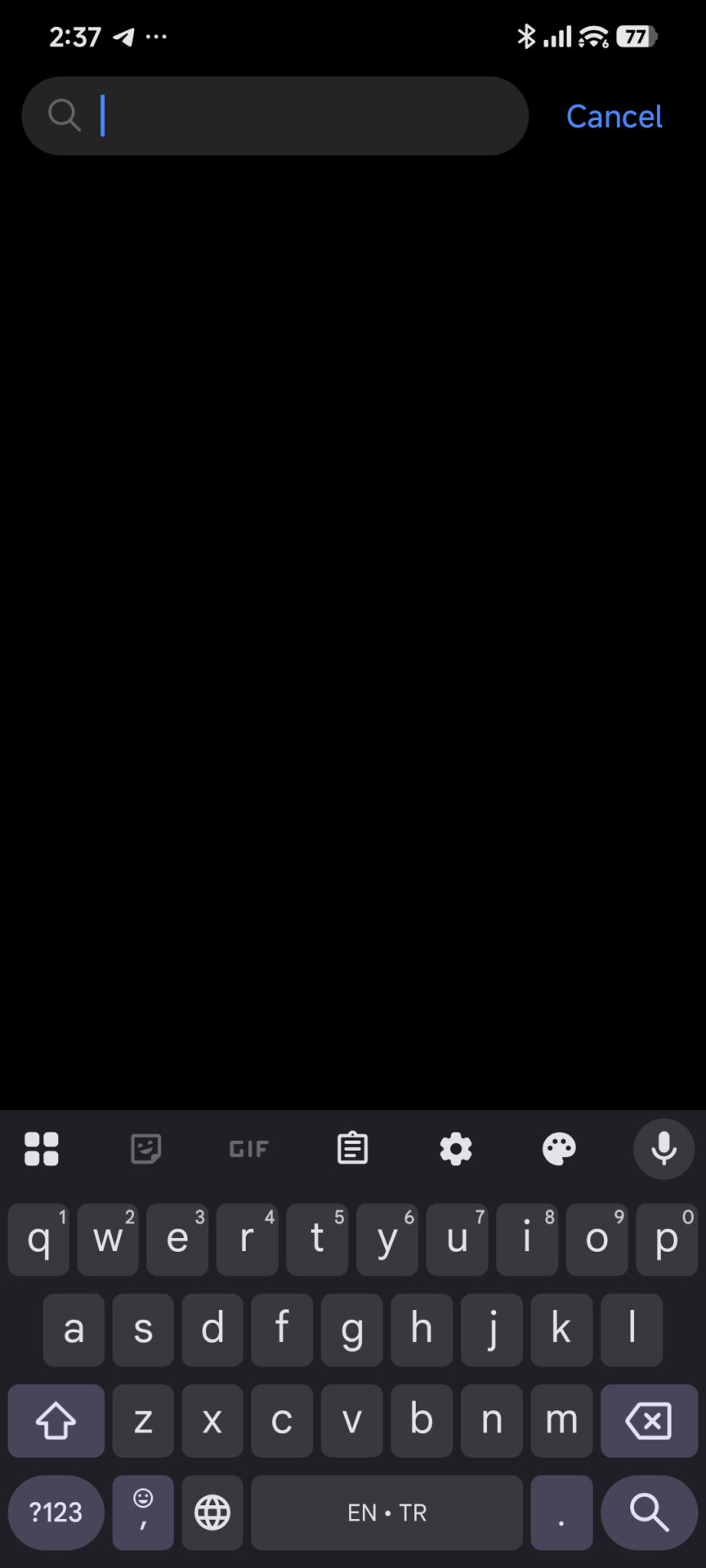
Many users have expressed frustration with a persistent HyperOS UI element: the empty space and “arrow” icon located at the bottom of the keyboard. While intended to prevent accidental gesture triggers, it often disrupts the immersive full-screen experience on modern displays.
In this guide, we provide a definitive technical walkthrough to reclaiming your screen real estate using three distinct methods.
Root Cause: The Gesture Overlay
The space beneath the keyboard is governed by a specific system package: com.android.systemui.gesture.line.overlay. By default, Xiaomi HyperOS reserves this area to ensure the keyboard sits at an ergonomic height. However, by modifying or removing this overlay, users can force the keyboard to align perfectly with the bottom of the screen.
Method 1: The Native Settings Toggle
Before utilizing external tools, check if your specific ROM build supports the native removal of the indicator.
-
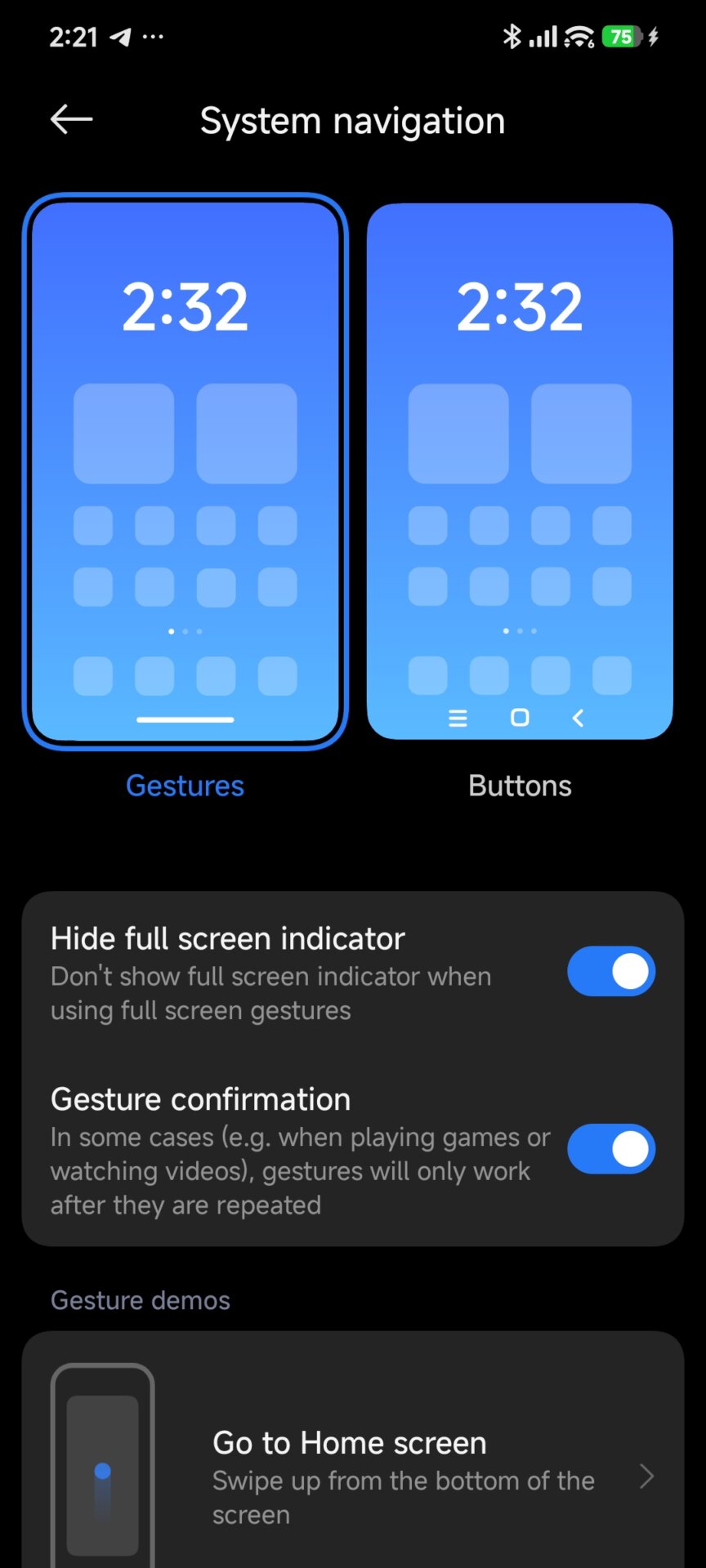
Open Settings and go to Home Screen.
-
Tap on System Navigation.
-
Select Gestures.
-
Toggle Hide full screen indicator to “On.”
Note: On many global builds, this hides the line but may leave the empty “gap” behind. If the gap persists, proceed to the methods below.
Method 2: Using Canta (No-PC / Shizuku Method)
For users who prefer a mobile-only solution, Canta is a powerful “debloater” that works without root via the Shizuku environment.
-
Required App: Canta on Google Play and Shizuku
-
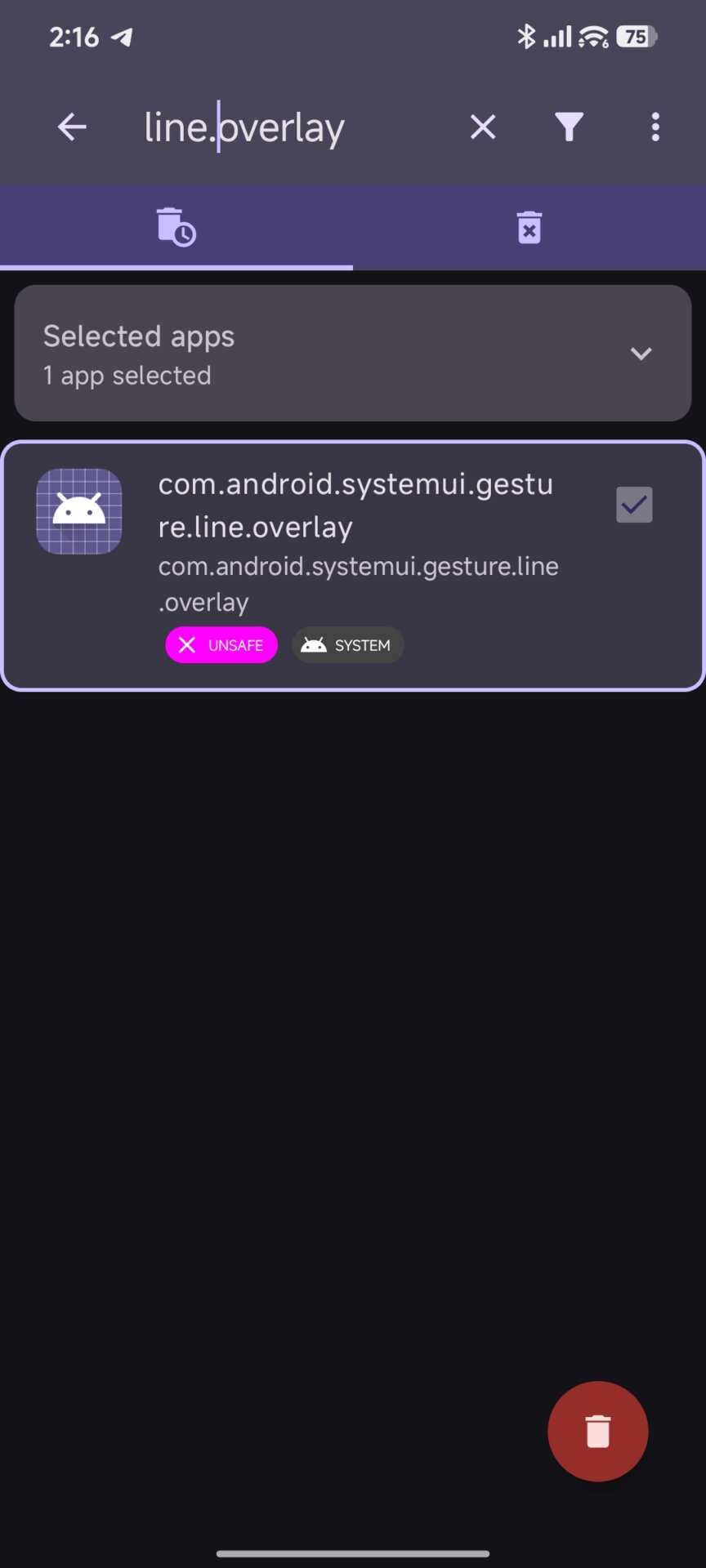
Process: Once Shizuku is active, open Canta and search for
com.android.systemui.gesture.line.overlay. -
The Fix: You can disable this package. Because Canta utilizes a specialized uninstallation method, you can easily revert this change within the app if you experience UI glitches.
Method 3: ADB Command via PC or Brevent
This is the most direct method for removing the keyboard gap by executing a system-level command.
Option A: Using a PC (Recommended)
-
Download the Xiaomi ADB Utilities: HyperOS ADB Platform Tools.
-
Connect your phone and run the following command in your terminal:
pm uninstall -k --user 0 com.android.systemui.gesture.line.overlay -
Restart your device.

Option B: Using Brevent (On-Device ADB)
If you do not have access to a PC, you can use Brevent to execute the same command via Wireless Debugging.
-
Download: Brevent on Google Play
-
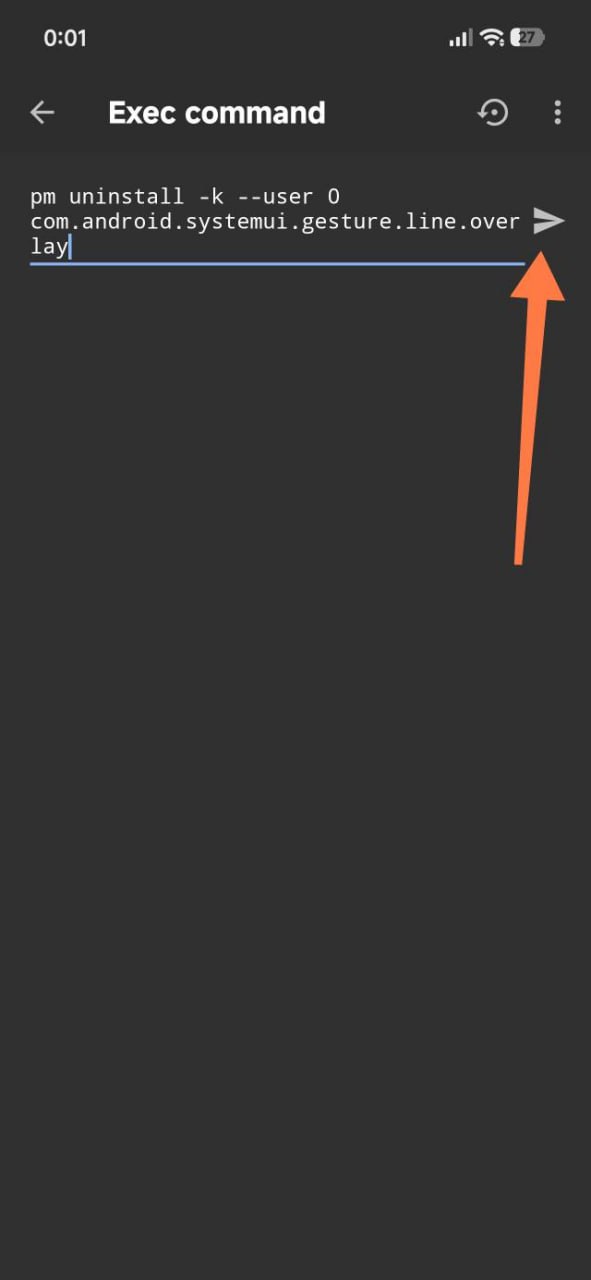
Enter the
pm uninstallcommand listed above directly into the Brevent “Exec Command” console.
To Revert: Use the command pm install-existing com.android.systemui.gesture.line.overlay and toggle your gesture settings.
Affected Devices
This fix is universal across the Xiaomi ecosystem and has been verified for:
-
Devices: All Xiaomi, REDMI, and POCO smartphones.
-
Software Versions: All versions of Xiaomi HyperOS (including 1, 1.5, and 2).
Xiaomi continues to focus on user customization within Xiaomi HyperOS. While safety features like the keyboard gap are enabled by default to ensure a high standard of usability for the average consumer.



Where is hyper os3 on redmi note 14 5g?