Xiaomi HyperOS has redefined smartphone personalization, and one of its most universally praised features is the Lock Screen Depth Effect. By intelligently analyzing images to separate the foreground subject from the background, the system allows the clock and date widgets to nestle seamlessly behind visual elements. This creates a stunning, three-dimensional aesthetic that elevates the everyday user experience on Xiaomi, POCO, and REDMI smartphones. If you are tired of flat, lifeless backgrounds, it is time to give your lock screen a premium overhaul.
Core Content: Exploring the 3D Depth Effect Collections
The magic of the depth effect lies in the curation of the image. To help users get the most out of this Xiaomi HyperOS feature, we have categorized a premium selection of high-resolution wallpapers from Pinterest tailored perfectly for 3D lock screens:
-
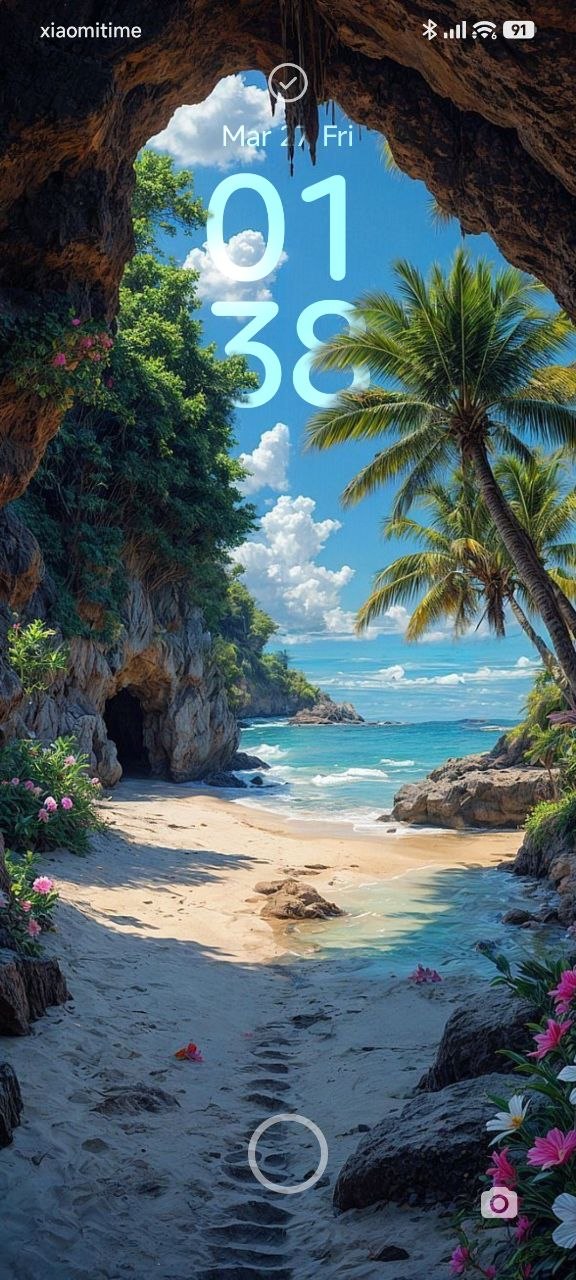
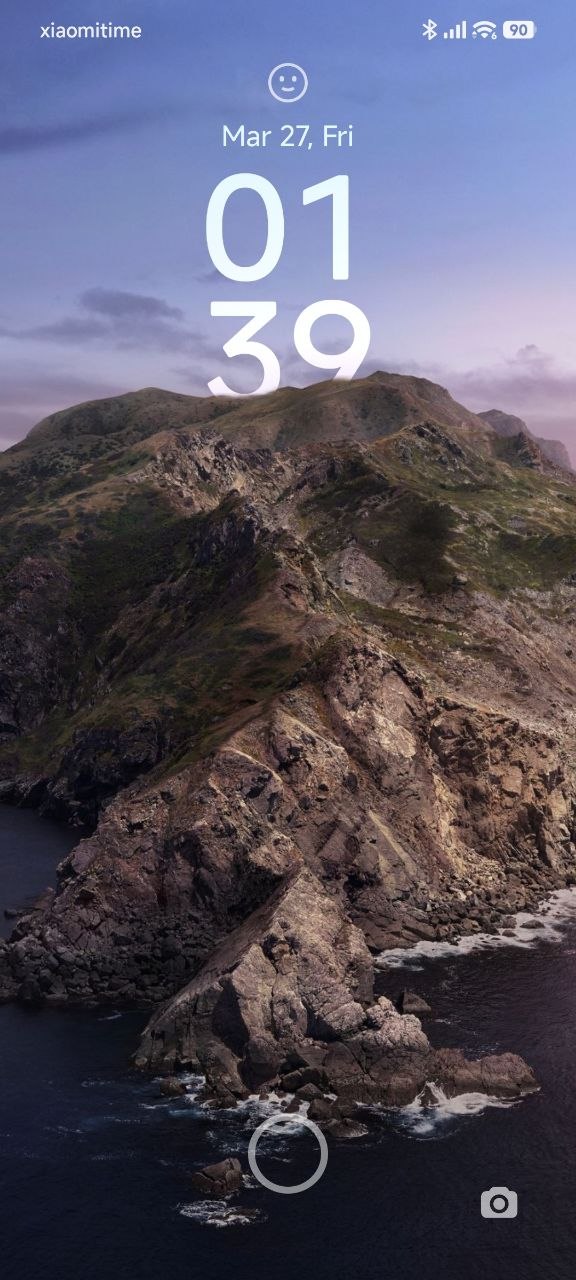
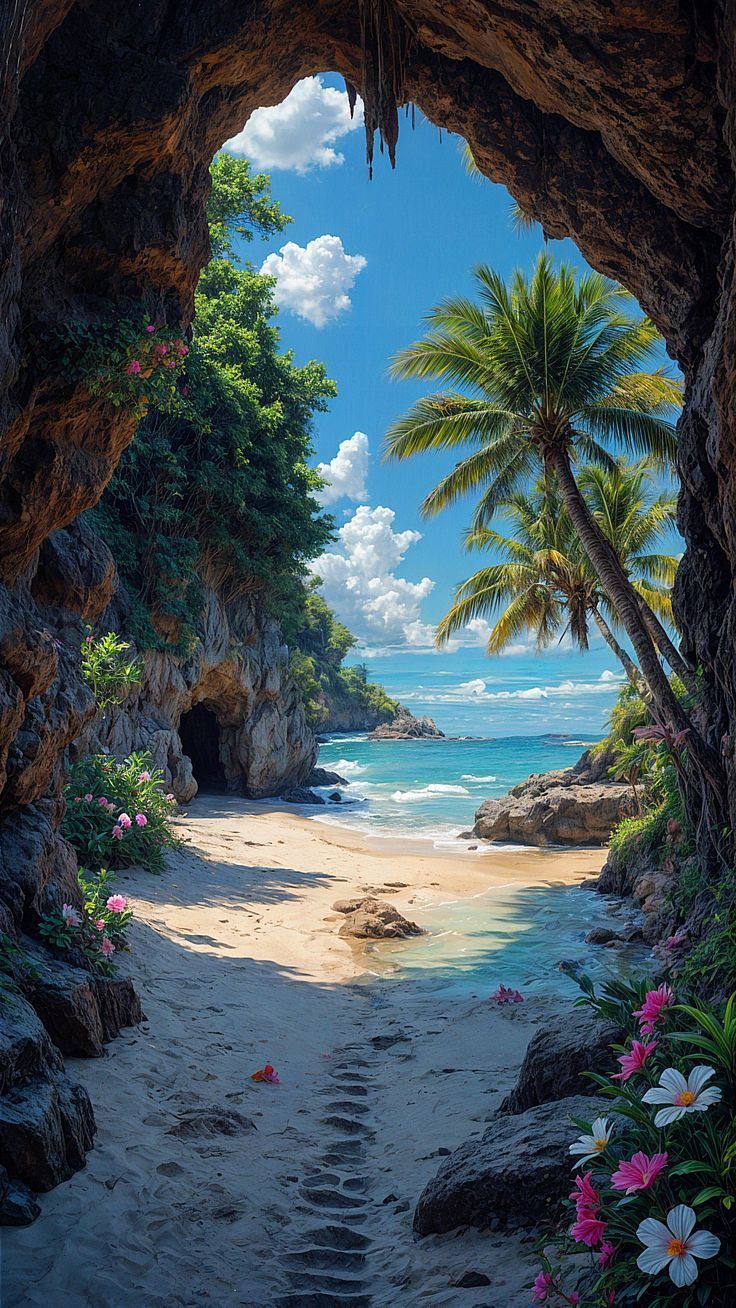
The Magic of Nature and Landscapes: Featuring hidden beaches framed by palm trees and sharp, misty mountain peaks. These designs allow the time widget to blend organically with nature, ideal for users seeking a serene, calming interface.
-
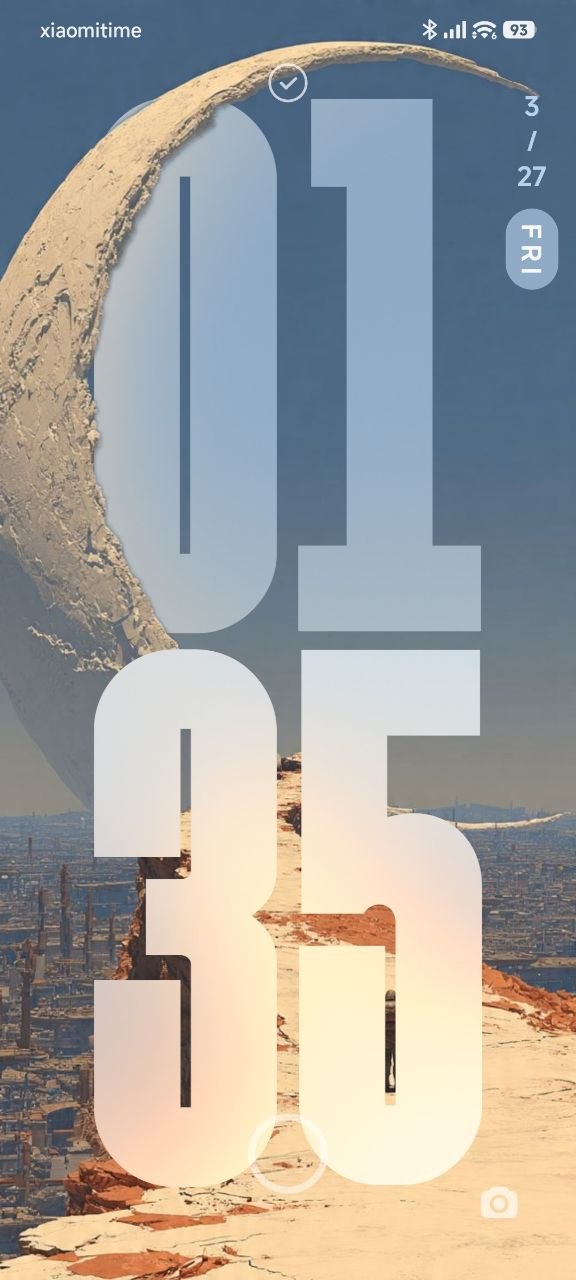
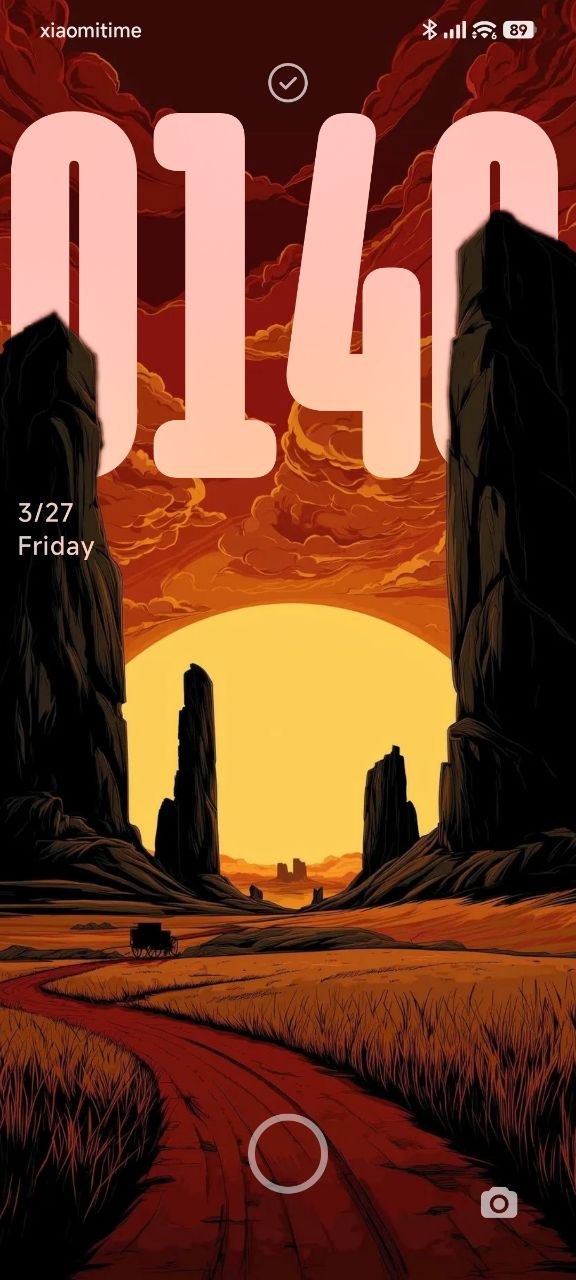
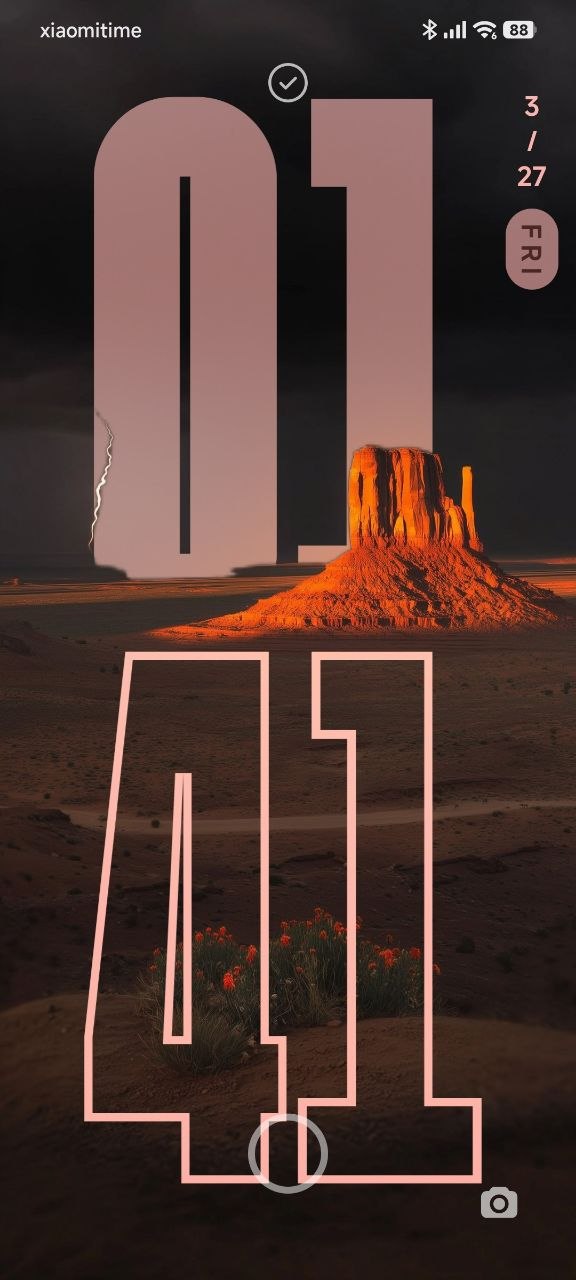
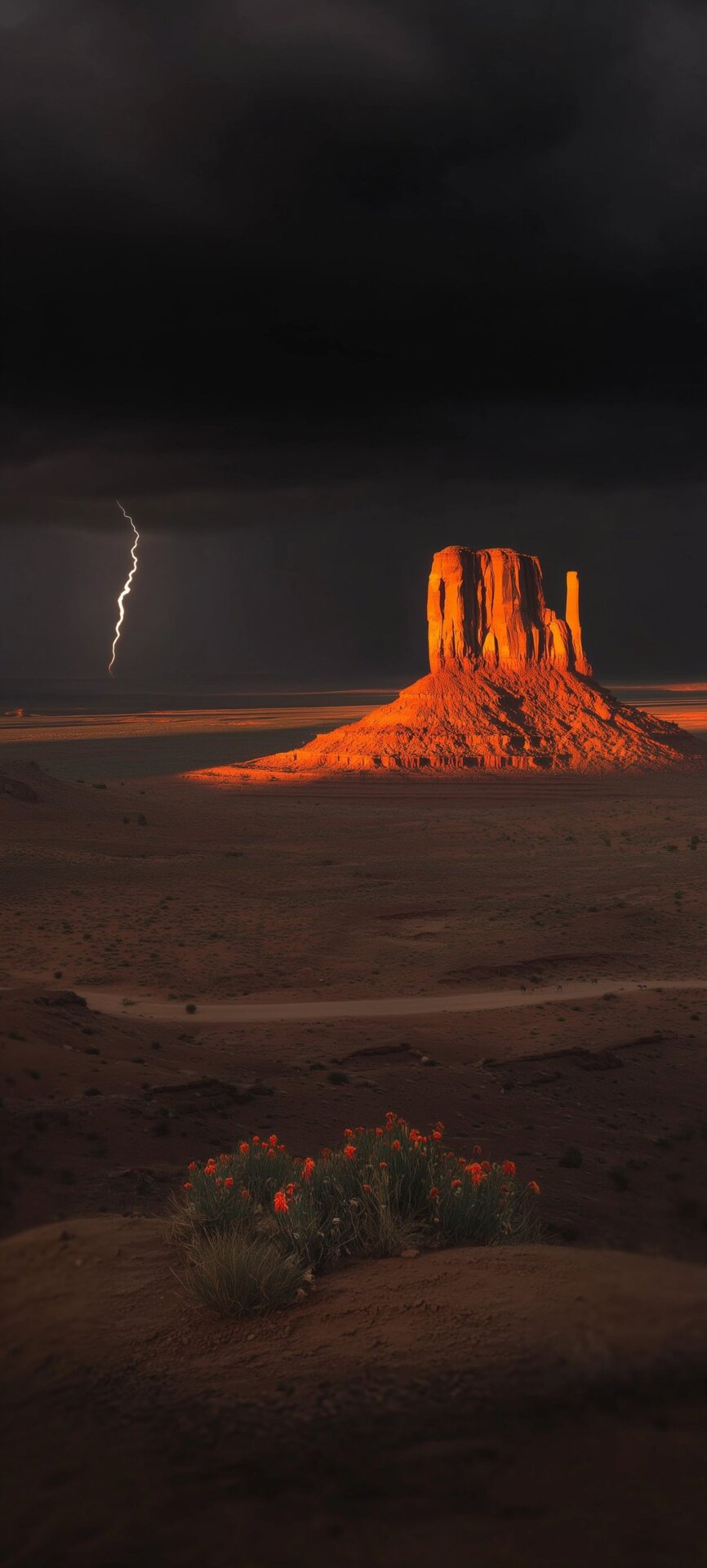
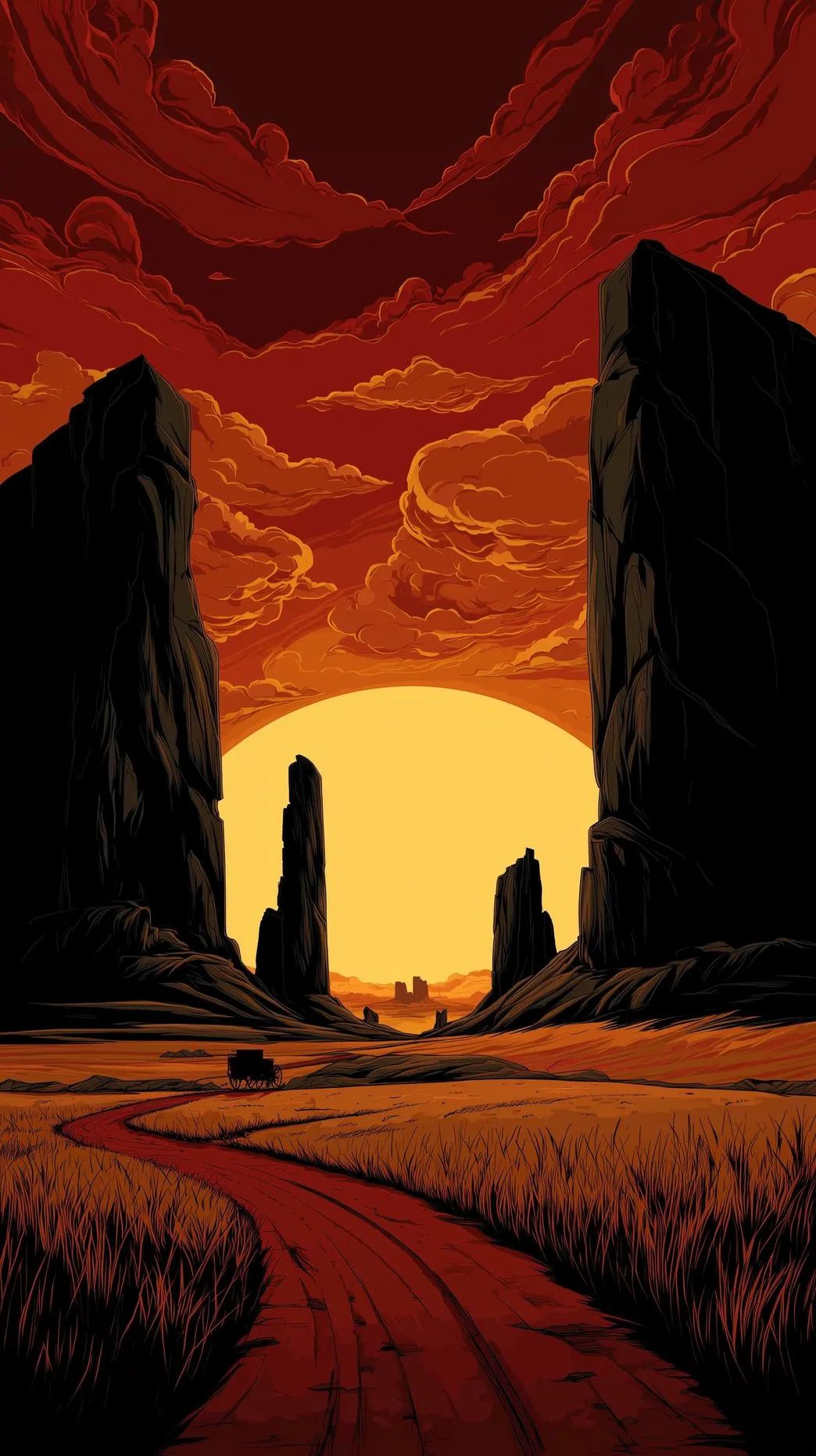
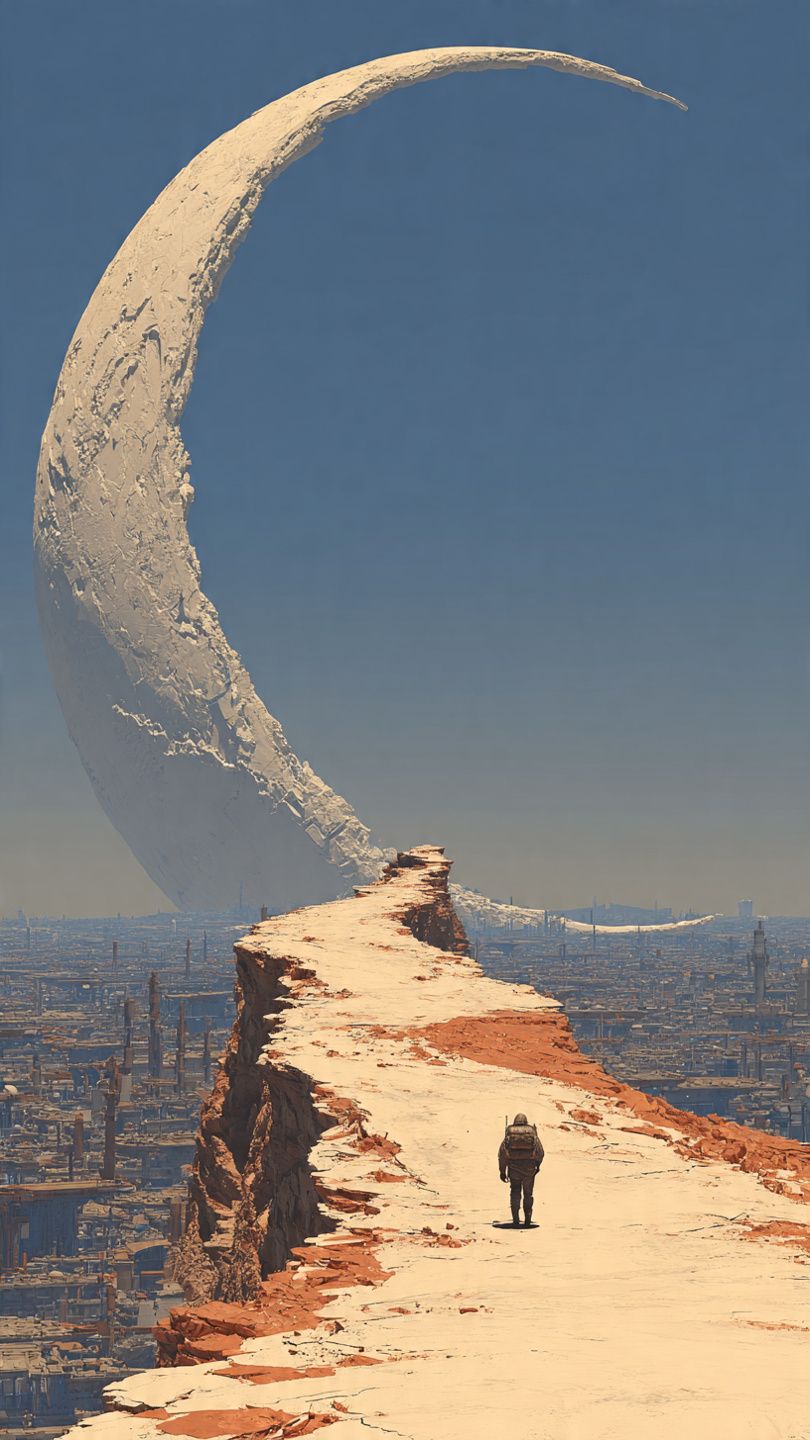
Sci-Fi and Surreal Universes: Clocks hiding behind colossal structures reaching into the sky or massive rock formations in the middle of a desert. This is the ultimate choice for a futuristic, cyberpunk-inspired lock screen.
-
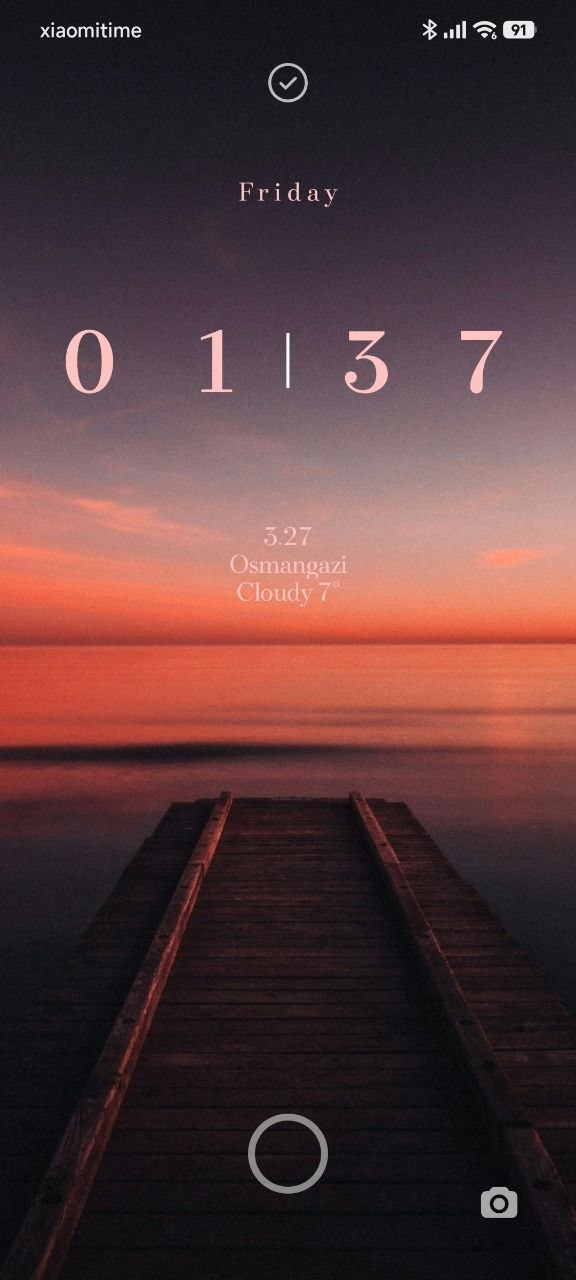
Minimalist and Black-and-White Elegance: Minimalist typography filtering through dark clouds or the stark simplicity of a wooden pier. These wallpapers provide a clean, eye-friendly experience that exudes sophistication.
-
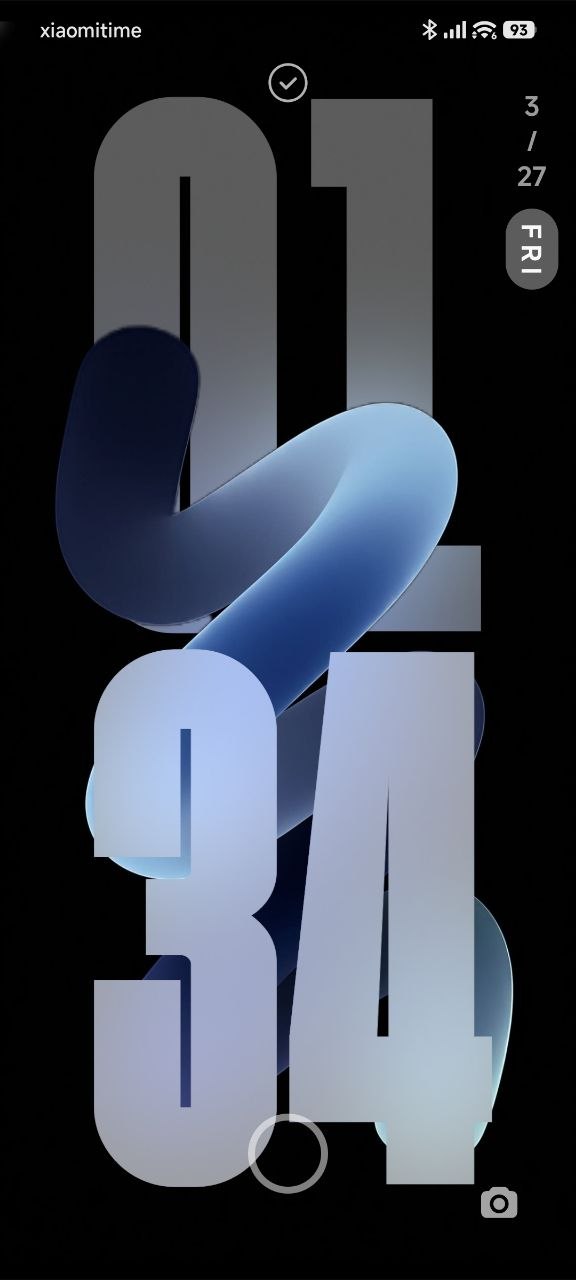
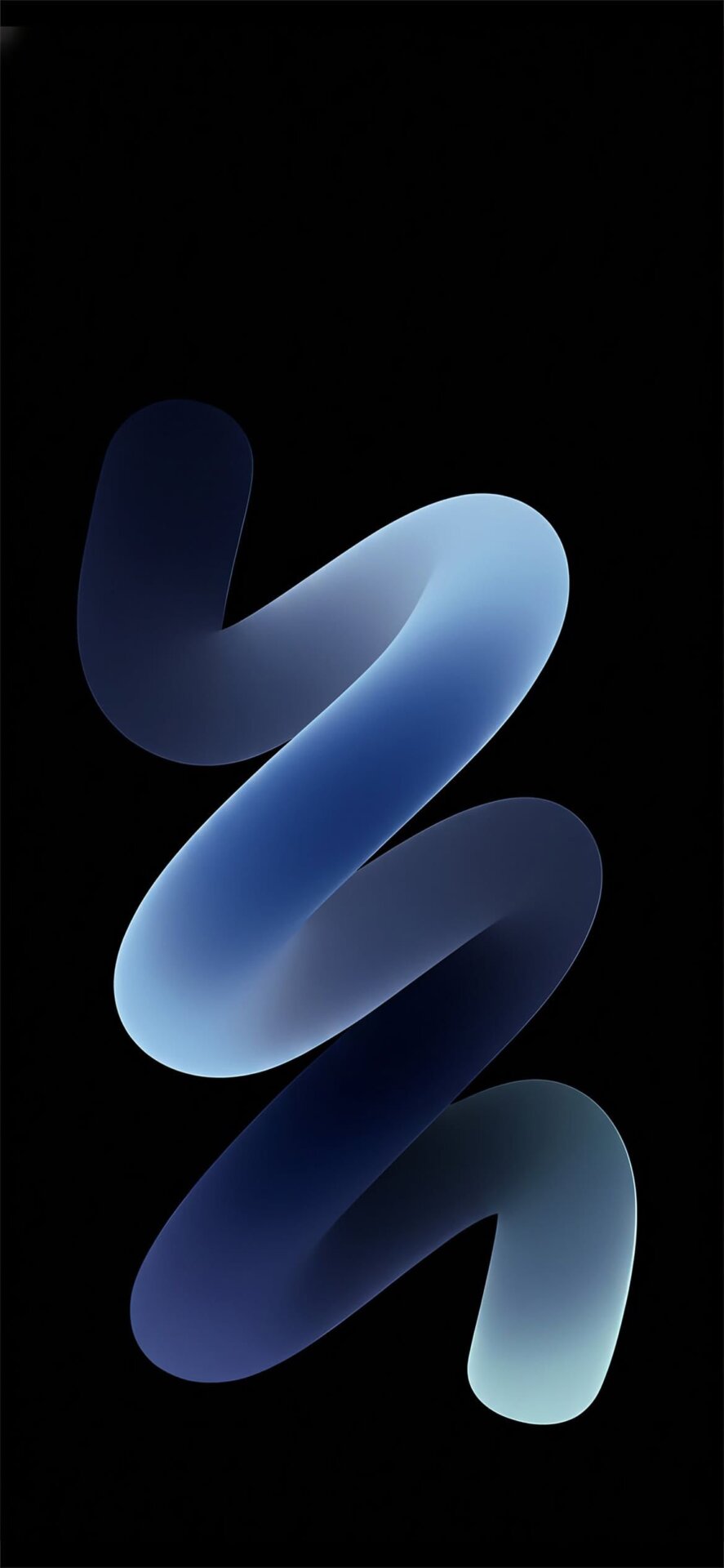
Abstract 3D Shapes: Modern, smooth, three-dimensional objects wrapping around the digits of the clock. A flawless integration for those who want to carry modern digital art in their pocket.
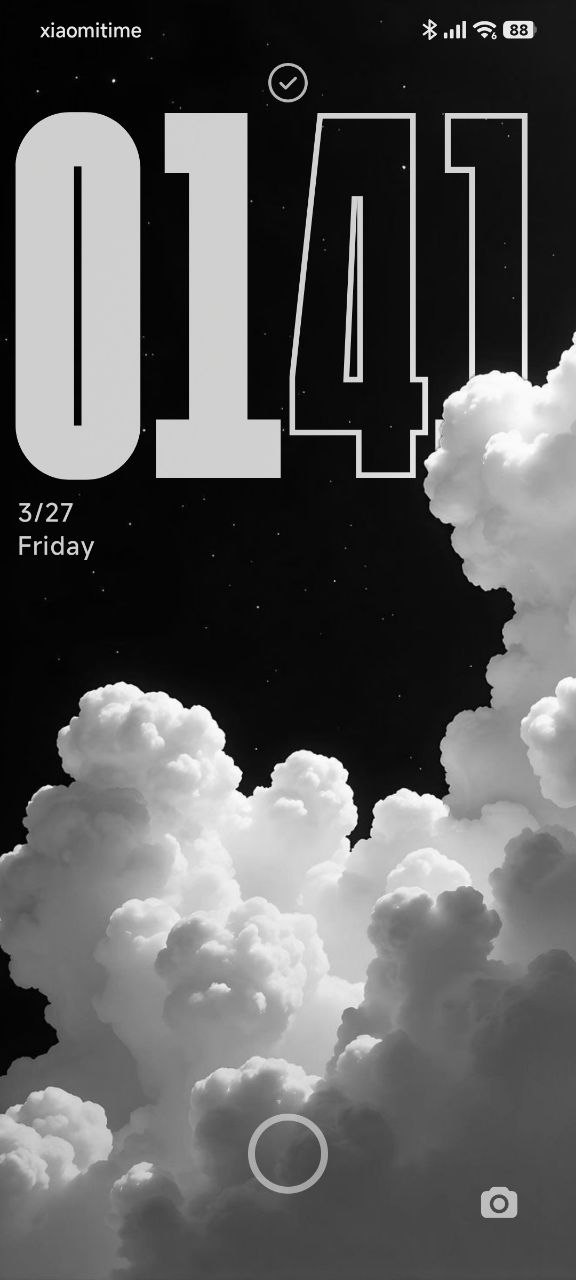
Applying the Depth Effect in Xiaomi HyperOS
Setting up these masterpieces is incredibly straightforward:
-
Long-press on your current lock screen to open the customization menu.
-
Select your newly downloaded high-resolution wallpaper.
-
Ensure the “Depth Effect” icon (located in the bottom right corner) is toggled on.
-
Pinch and drag to adjust the clock’s position and size so it perfectly complements the image subject.



Ready to upgrade? To ensure the depth mapping works flawlessly, you need the uncompressed, original files. You can download HyperOS High-Quality Depth Wallpapers.