OPPO has begun rolling out the March 2026 security patch to eligible devices, continuing its commitment to improving system security and overall performance. As with most OTA releases, the update is being deployed in phases, so it may take a few days before it reaches all users globally.
The new build doesn’t just focus on security — it also brings a handful of useful features, system optimizations, and bug fixes. If you recently upgraded to Android 16 with ColorOS 16, installing this update is highly recommended to ensure a smoother experience.
March 2026 security patch fixes over 120 vulnerabilities
According to the latest Android security bulletin from Google, the March 2026 patch addresses a total of 129 security vulnerabilities. The patch level dated March 1 resolves 63 issues, while the March 5 level fixes an additional 66 flaws.
These vulnerabilities range in severity from “High” to “Critical,” meaning they could potentially be exploited to compromise device security. As expected, OPPO’s update integrates all these fixes, ensuring users are protected against known threats.
OPPO March 2026 patch brings New features, optimizations, and bug fixes included
Beyond security improvements, OPPO has bundled several enhancements aimed at improving everyday usability. The update introduces refinements to system apps and features while also addressing reported issues, particularly from users who recently installed Android 16-based ColorOS 16.
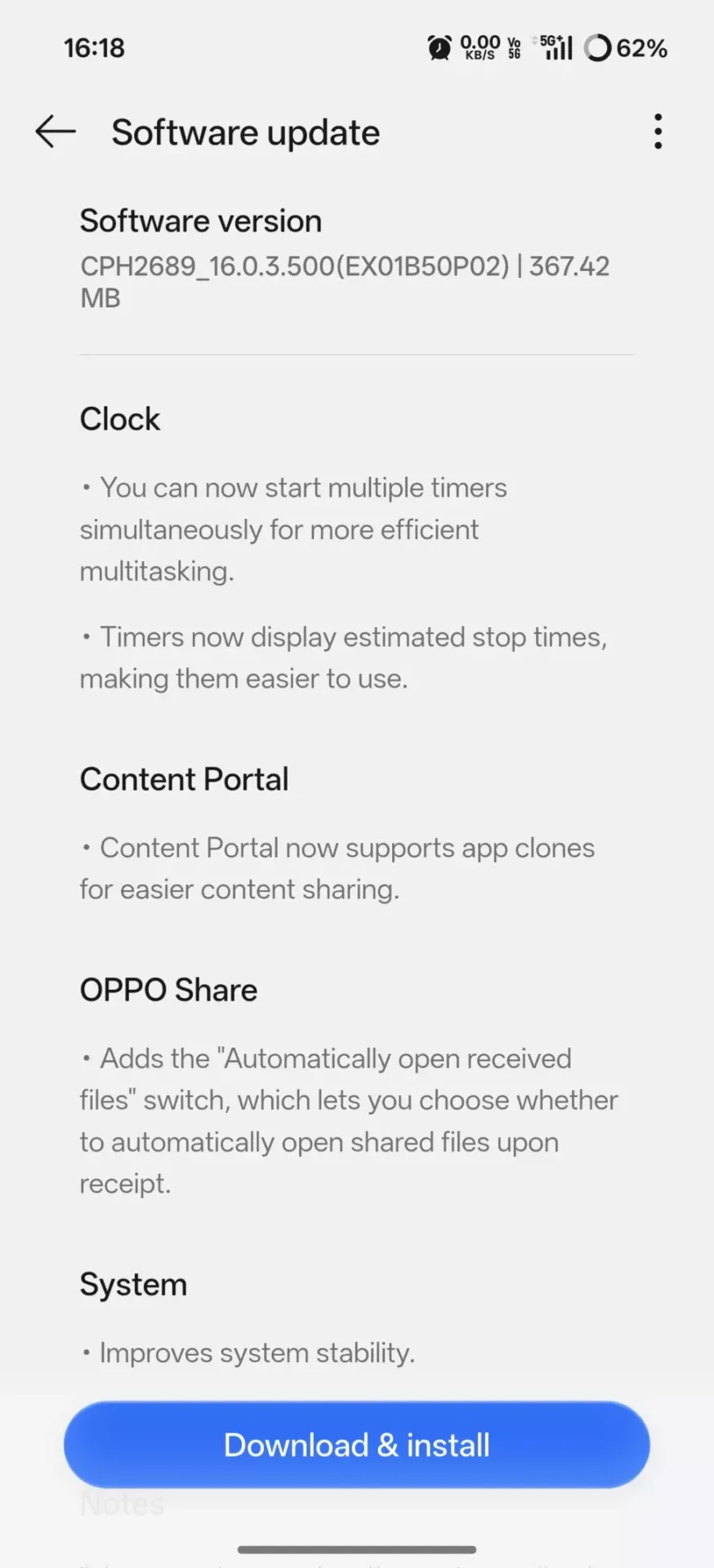
For instance, the Clock app now allows multiple timers to run simultaneously and displays estimated stop times for better tracking. The Content Portal has been improved to support app clones, making sharing more seamless, while OPPO Share gains a new option to automatically open received files.
System-wide stability has also been improved, with optimizations targeting performance and bug fixes. Early feedback from users has been largely positive, especially regarding smoother operation and reduced glitches.
Clock
- You can now start multiple timers simultaneously for more efficient multitasking.
- Timers now display estimated stop times, making them easier to use.
Content Portal
- Content Portal now supports app clones for easier content sharing.
OPPO Share
- Adds the “Automatically open received files” switch, which lets you choose whether to automatically open shared files upon receipt.
System
- Improves system stability.
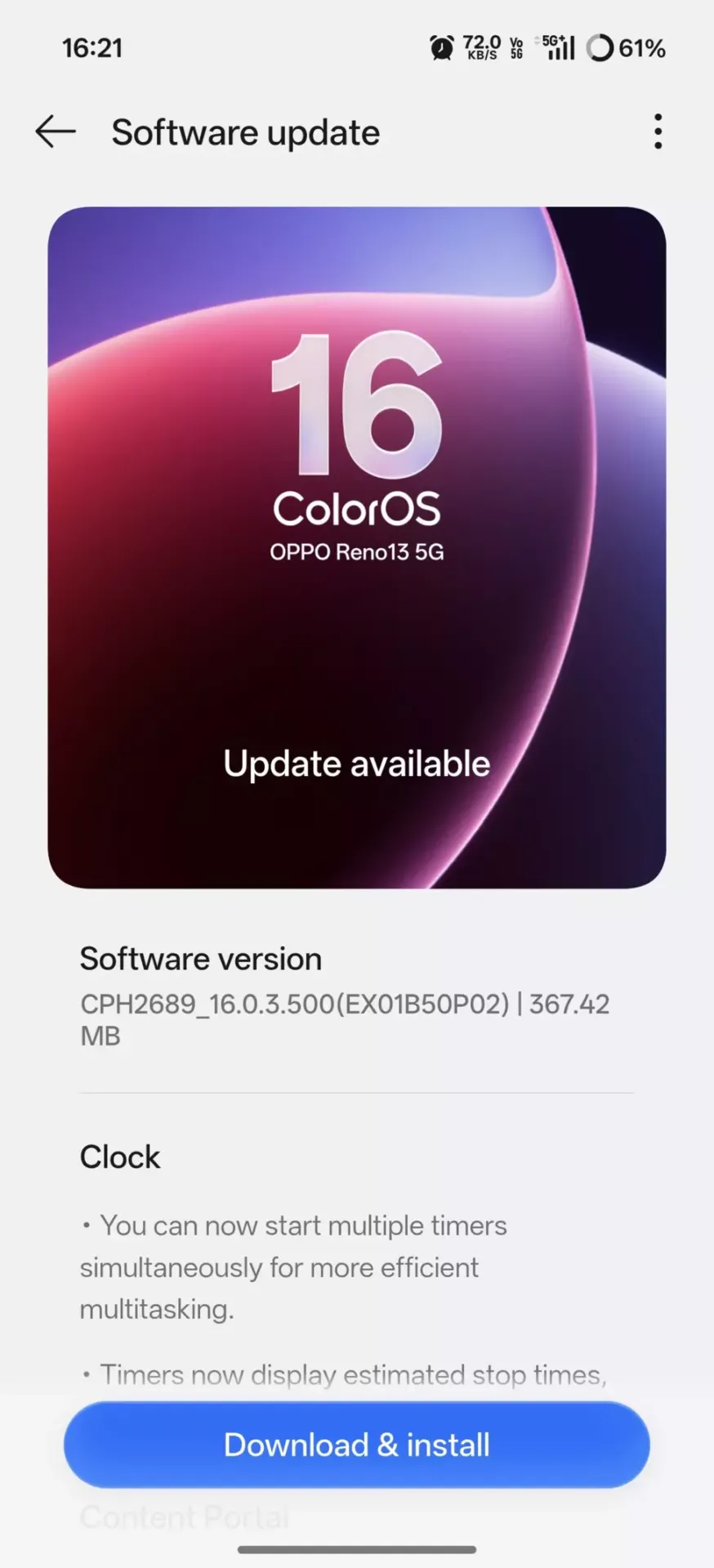
On the OPPO Reno 13 5G, the update arrives as a 367.42MB package with firmware version CPH2689.16.0.3.500(EX01B50P02), though availability may vary by region and device model.
To check if the update is available on your device, go to Settings > System & update > Software update and download it once prompted.