 Emir Bardakçı
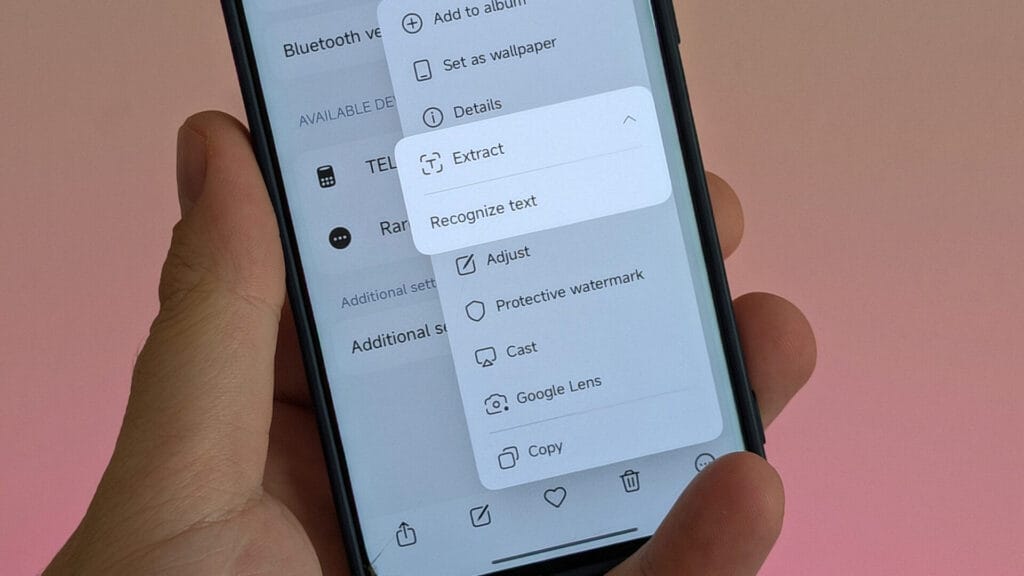
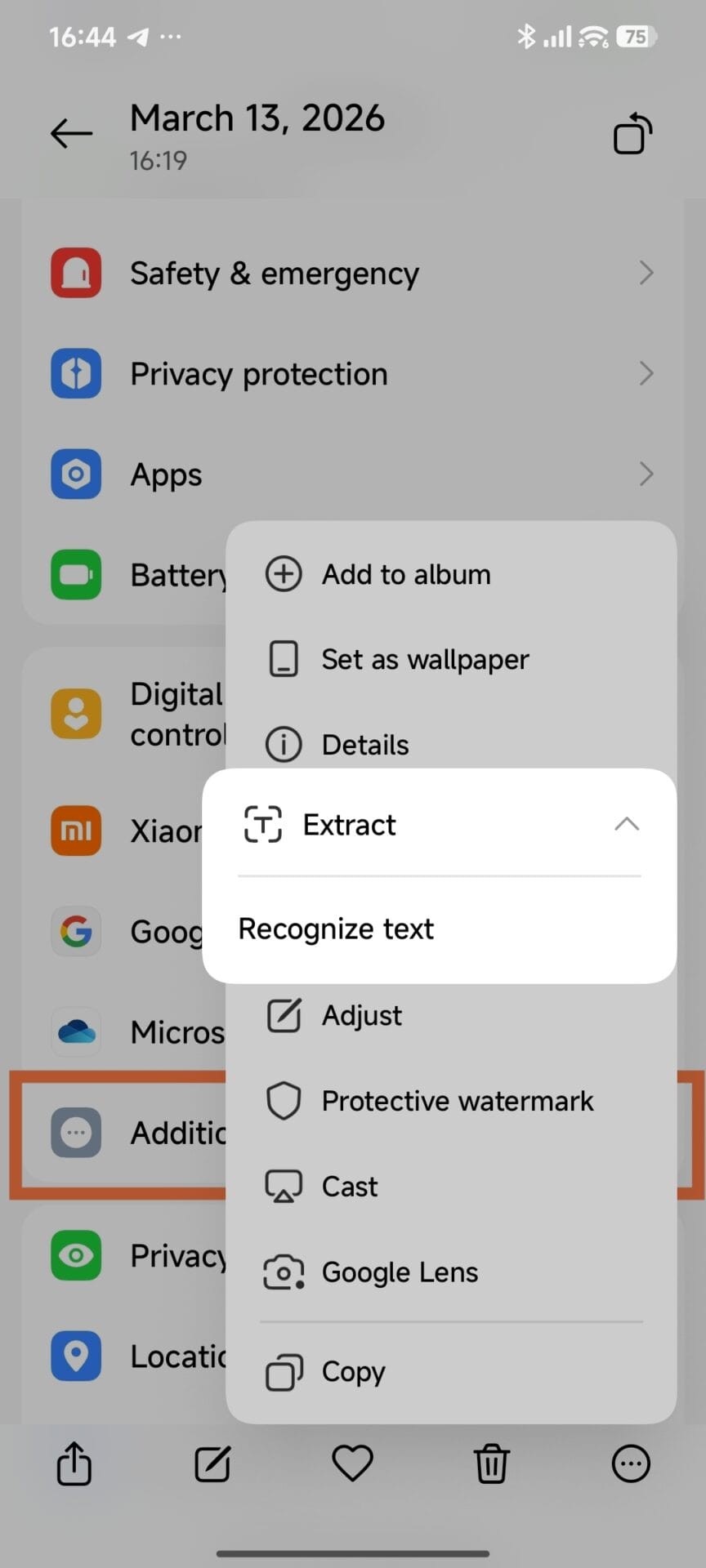
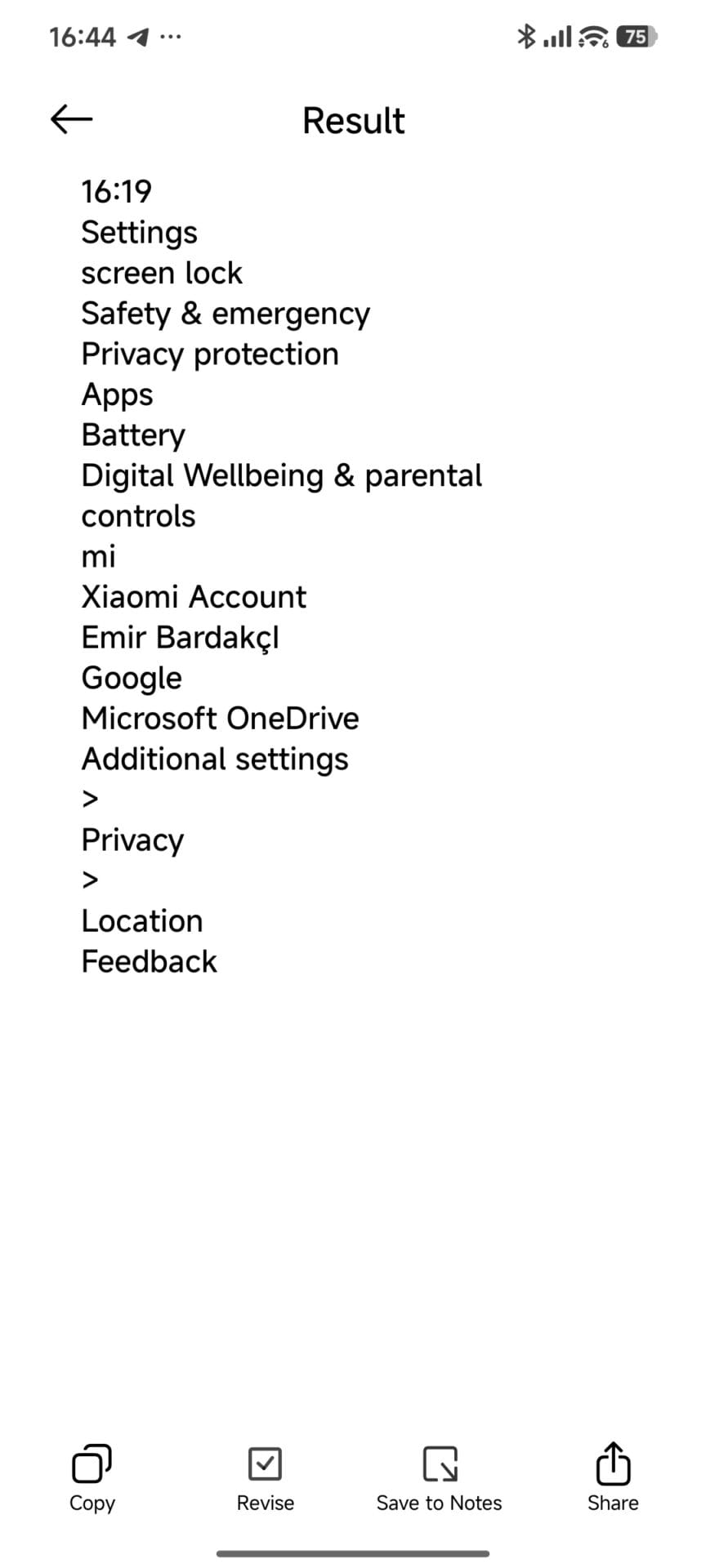
In the world of Xiaomi HyperOS, seamless AI integration is a cornerstone of the user experience. However, users globally have recently encountered a frustrating hurdle: the Text Recognition (OCR) feature in the system Gallery app abruptly stopped functioning. Following widespread reports across multiple regions, Xiaomi has officially acknowledged the issue and is rolling out a definitive fix.
The Root Cause: AI Model Sync Failures
The technical root cause of this failure lies within the synchronization between the Xiaomi HyperAI Engine and the Xiaomi AI Service. In Gallery version 4.3.1.5-global, a bug prevented the long-press gesture from triggering the AI extraction layer. Additionally, due to internal compatibility protocols, support for this feature was temporarily disabled in versions 4.3.1.0 through 4.3.1.4.
This issue primarily affected devices running Xiaomi HyperOS in international markets. Users found that while they could view photos, the “Text in Image” extraction tool—essential for productivity—would not activate, essentially rendering the AI OCR module dormant.
Affected Versions & The Solution
The bug is widespread across the global software branch but has a clear resolution path.
-
Affected Software: Xiaomi Gallery versions 4.3.1.0 to 4.3.1.5-global.
-
Target Fix Version: Xiaomi Gallery 4.3.1.6-global (and above).
-
Target OS Environment: Optimized for HyperOS 2.2 and newer iterations.
-
Affected Devices: All global Xiaomi, POCO, and Redmi devices utilizing the Global/EEA/India ROMs.
How to Fix: Official Workaround & Update Path
While the 4.3.1.6-global update is currently rolling out via an Over-the-Air (OTA) system app update, users who are still stuck on the older version can get latest Gallery app from HyperOSUpdates. Or can restore functionality manually using the following technical workaround:
-
Reset AI Services: Navigate to Settings > Apps > Manage Apps. Tap the three dots and select “Show all apps”.
-
Clear Data: Locate Xiaomi HyperAI Engine and Xiaomi AI Service. Select “Clear All Data” for both.
-
Reset Gallery Context: Long-press the Gallery icon on your home screen, go to App Info, and select Clear All Data.
-
Re-initialize AI: Open the Gallery, tap the search bar, and “Agree” to the Privacy Statement.
-
Model Download: The system will now automatically re-download the necessary AI models via Xiaomi HyperConnect. Ensure you are on a stable Wi-Fi connection as the download size varies by device.
Xiaomi remains committed to rapid-response bug fixing as it transitions more devices to HyperOS 2.2 and HyperOS 3. This update highlights the brand’s focus on software stability and the continuous improvement of its AI-driven services.