 Emir Bardakçı
Most Xiaomi users think of “Reading Mode” as just a simple blue light filter that dims the screen. However, deep in HyperOS lies a much more sophisticated feature that fundamentally changes the screen experience: Paper Mode.
What’s the Difference from Ordinary Yellow Light?
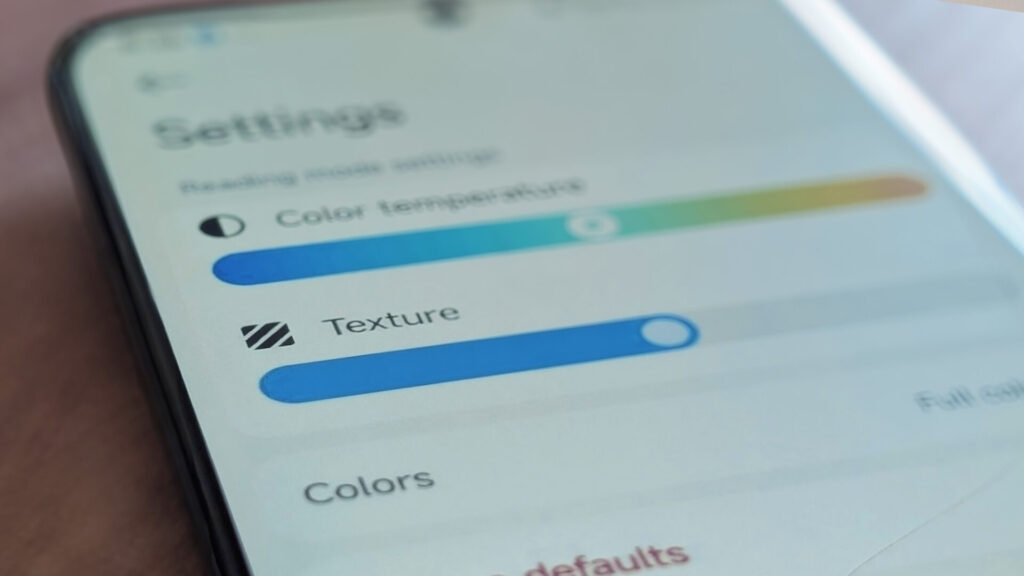
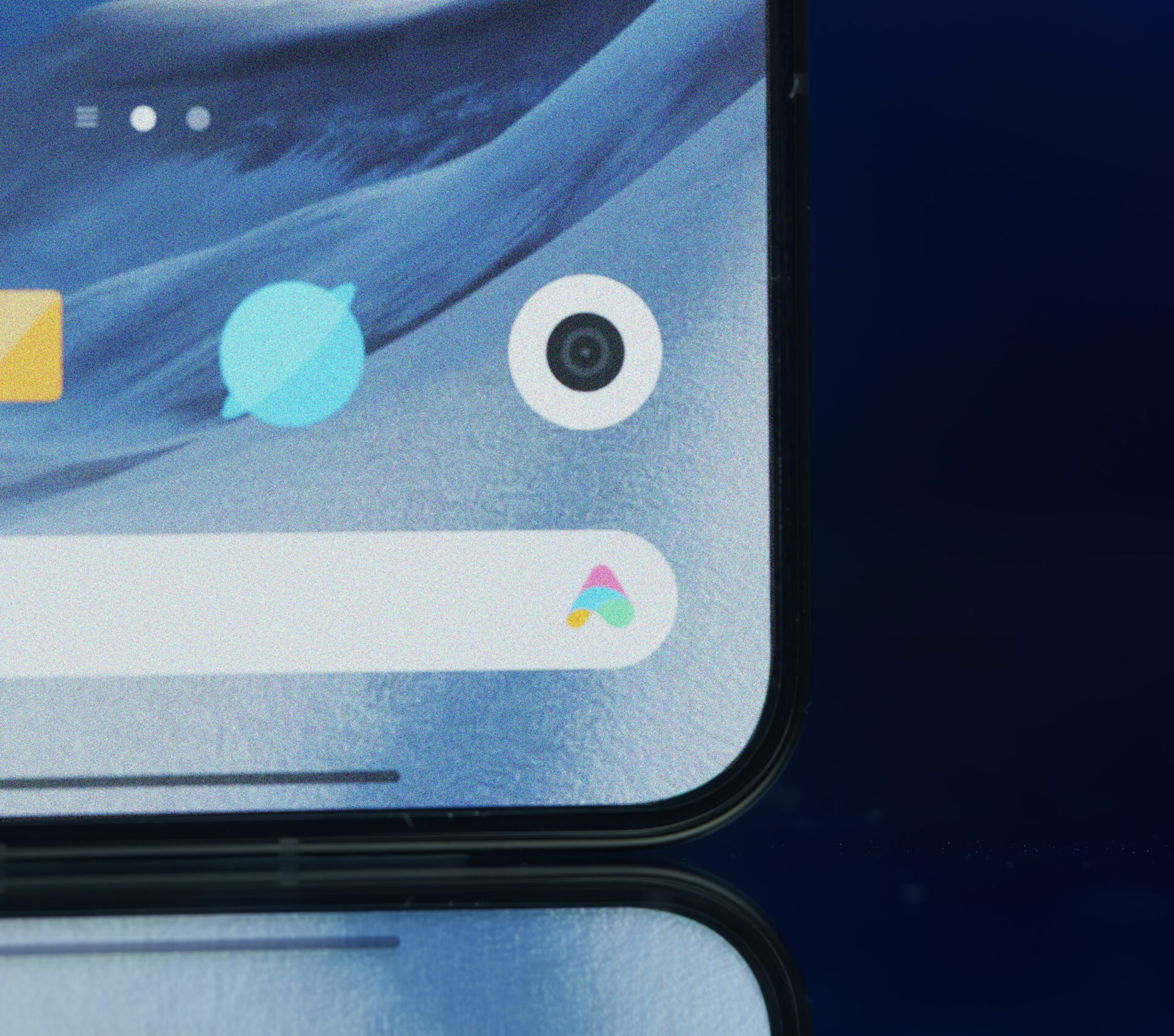
Paper Mode adds a physical texture to the experience while standard reading modes change the color temperature. When this mode is activated, a dynamic “grain” effect is added to the screen’s pixels. This grain breaks the artificial and razor-sharp appearance of OLED panels and gives feel of a real book page or a matte e-book reader to the screen.
Why should you use Paper Mode?
- Eye Comfort: Not only does it break up color, but its texture also reduces the eye’s effort to focus.
- Paper Feel: Deeing it slightly grainy rather than crystal clear gives you the feeling of looking at a piece of paper when you look at the screen.
How to activate paper mode on Xiaomi?
Xiaomi hides this setting in standard settings. However, you don’t need root permissions to access this setting deep within the system; you just need to use the right tool. This option may not functional on some devices even you open from hidden settings.
-
Open the MemeOS Enhancer application.
-
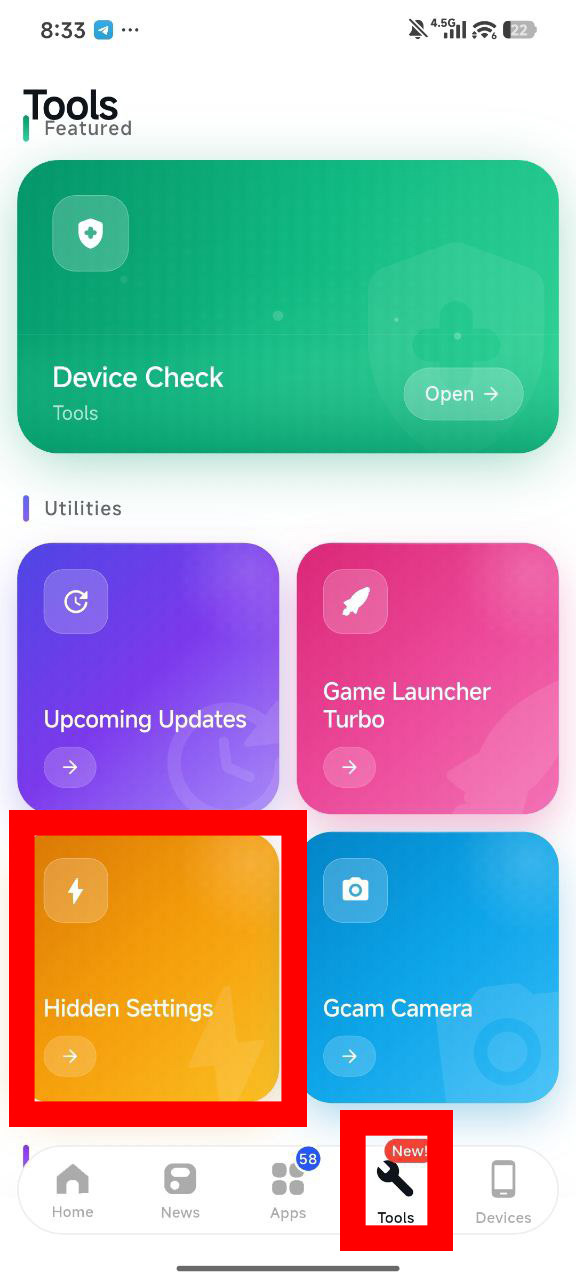
Go to the Tools tab in the submenu.
-
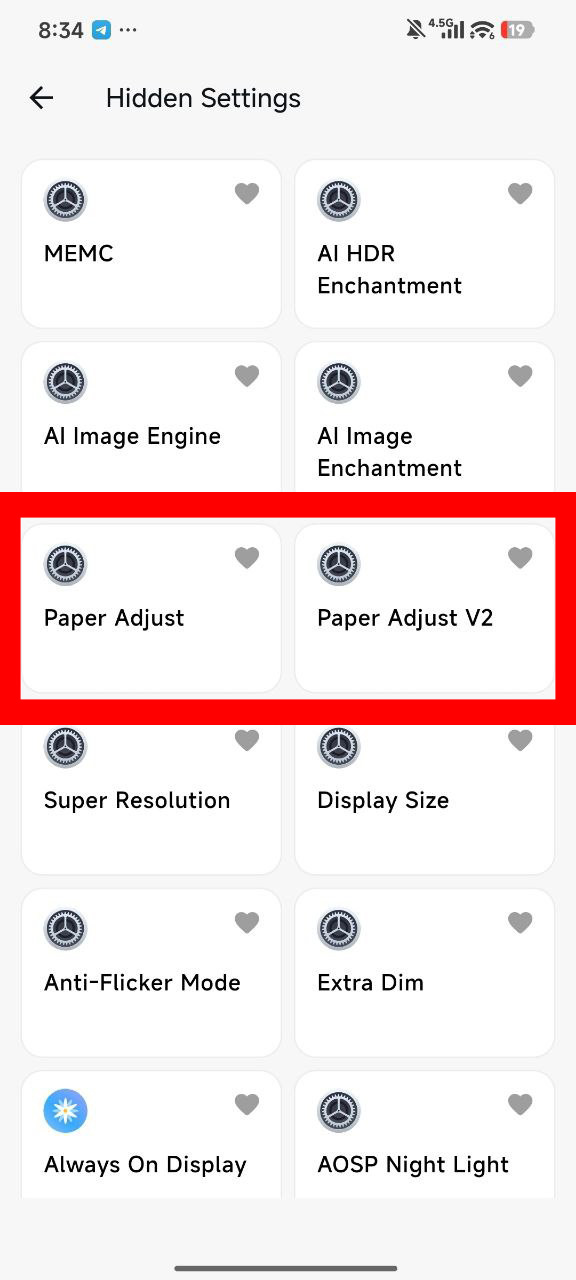
Tap on the Hidden Settings option.
-
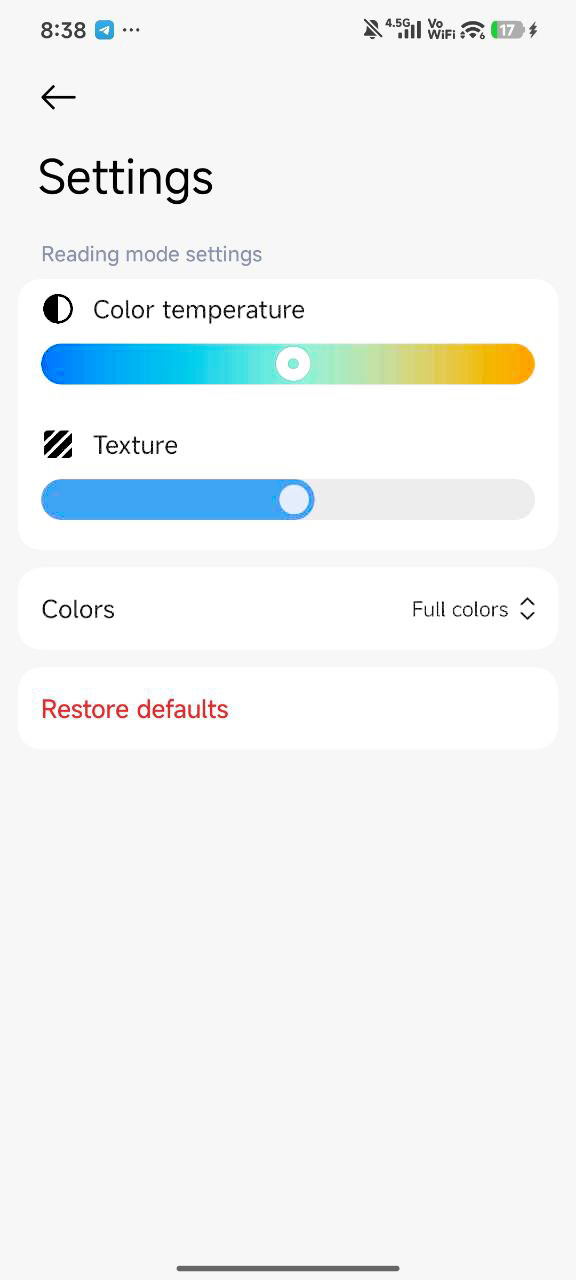
Find the “Paper Adjust V2” in the list that opens and activate Paper Mode.
This small setting can instantly turn your phone into a professional reading device.