


We often blame updates or age when a phone gets hot and slow. But the real culprit might be physical: dried-out thermal paste.
1. The Hidden Problem
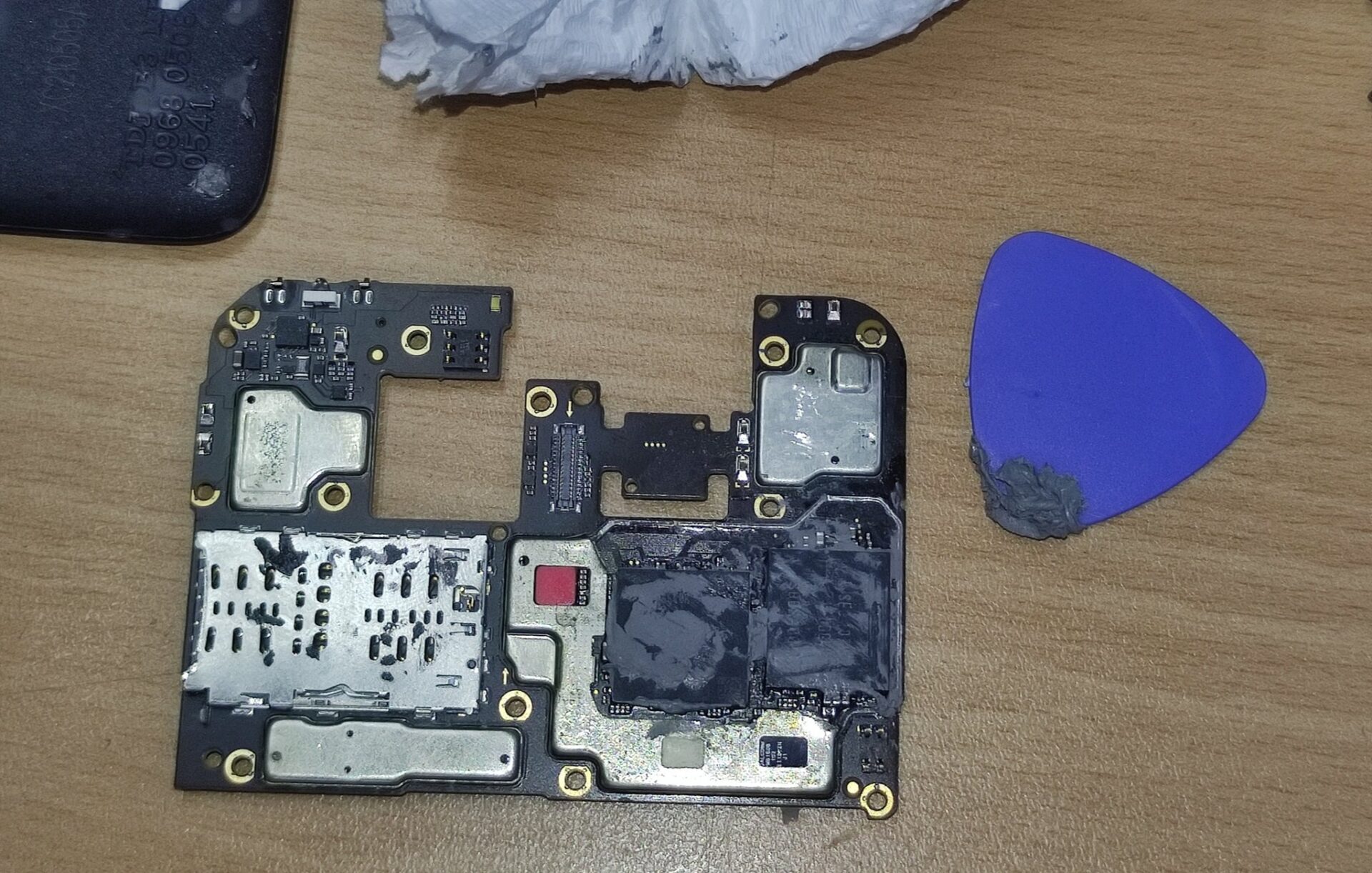
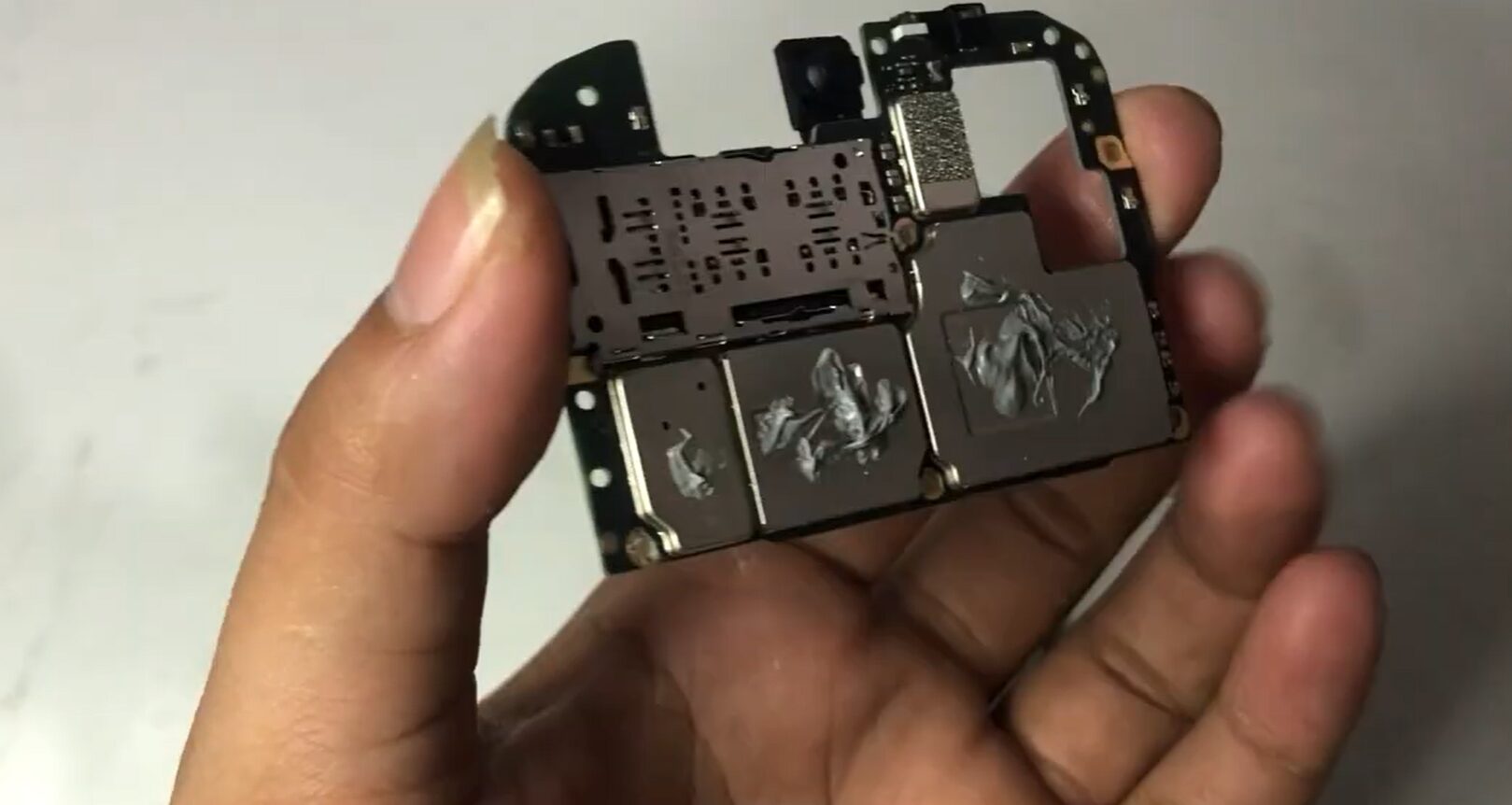
Phone manufacturers often use standard-quality thermal paste in the factory. After 1-2 years of heavy use (gaming like PUBG/CoD, or using the phone while charging), this paste dries out and turns stone-hard. When this happens, it can no longer transfer heat away from the processor.
2. The Result: “Thermal Throttling”
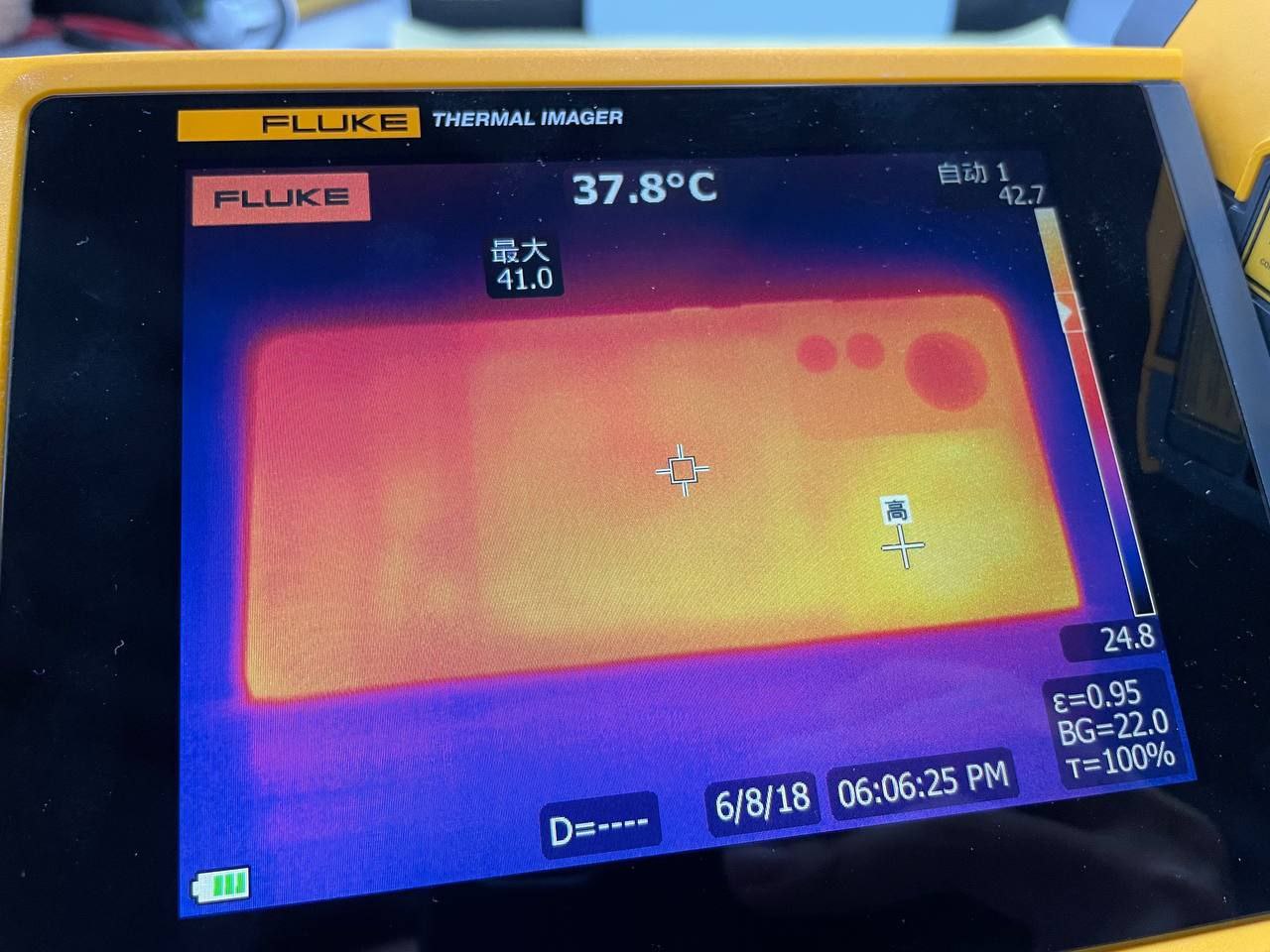
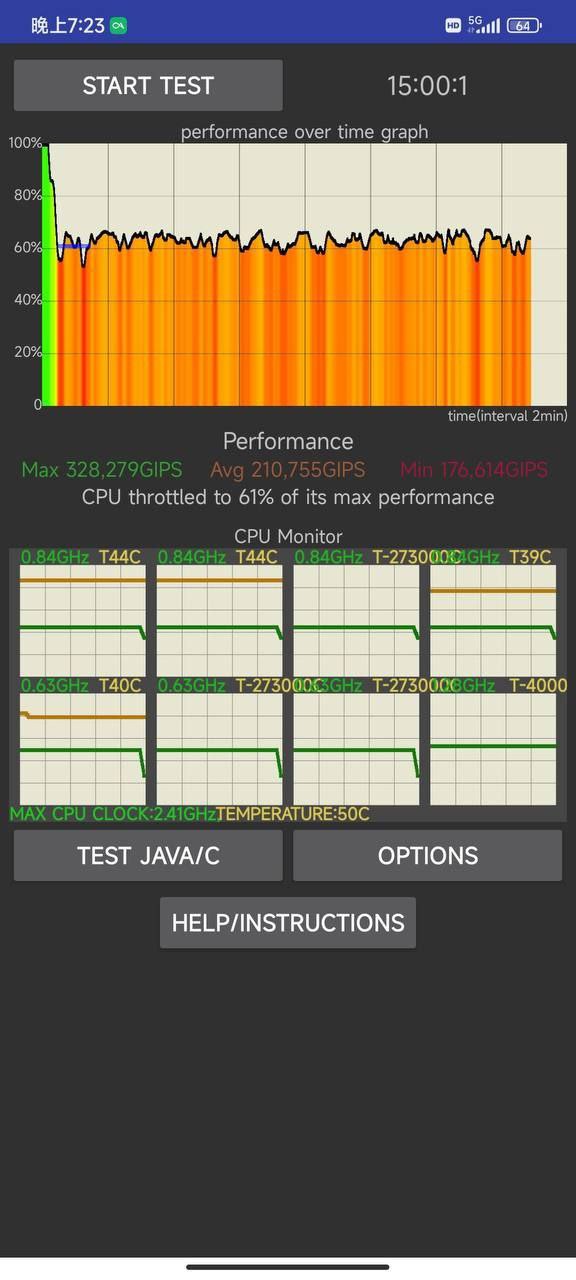
When the paste fails, heat gets trapped inside the CPU. To prevent burning out, the processor activates a safety mechanism called Thermal Throttling.
-
What happens: The phone deliberately slows down its speed (GHz).
-
The effect: You experience sudden FPS drops and lag in games.
3. The Solution: High-Quality Repasting
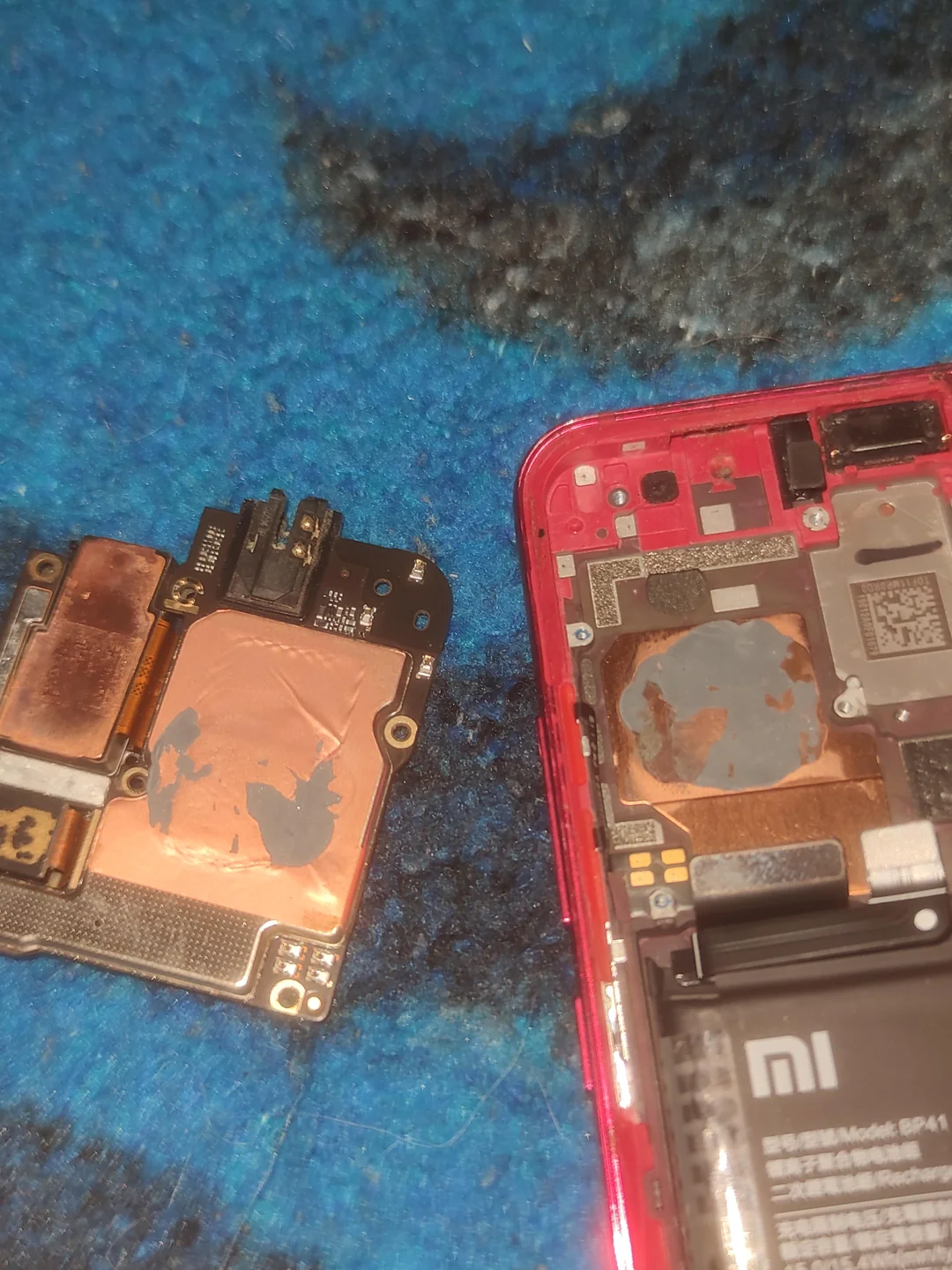
The fix involves opening the phone, cleaning the old “stone” paste, and applying high-performance PC-grade paste (like Arctic MX-4, MX-6 or Thermal Grizzly Kryonaut).
-
Benefit: Better heat transfer means the CPU stays cool.
-
Performance: A cooler CPU maintains high speeds, giving you stable 60/90 FPS.
CRITICAL WARNING: Read Before You Try!
Do not open your phone blindly. This fix is not for every device.
-
Inaccessible CPUs: Many modern flagships use “Sandwich Motherboards” (double-layered). The CPU is buried inside, and you cannot reach the paste.
-
Thermal Pads/Putty: Some phones use thick thermal pads or putty instead of paste. Replacing these with thin paste will fail to make contact, causing the phone to overheat instantly.
-
High Risk: Smartphone parts are fragile. Always watch a “Teardown” video for your specific model first. If you are not a professional, do not attempt this yourself.
A Risky but Powerful Revival
Replacing the thermal paste is the most effective way to restore an aging phone to its original “factory speed,” solving overheating issues that no software update can fix. It breathes new life into your device for gaming. However, because modern phone internals are complex and fragile, this is a high-risk surgery. Only proceed if you know your device’s internal layout perfectly—otherwise, it’s a job best left to the experts.



my phone redmi note 13 pro+ 5G
Redmi 14C 5G has not received an update, this is my phone, no new update