


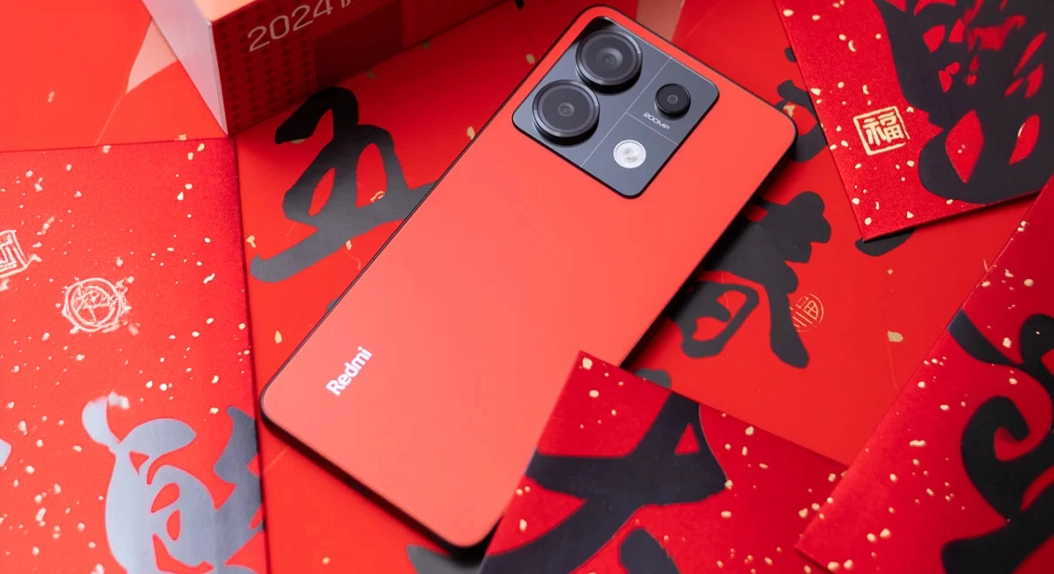
We can see that there is an influx of complaints from people who are struggling with a major problem after using the latest update for Redmi Note 13 Pro and POCO M6 Pro. If you own an import device from China, but you’re using Global ROM, also known as “Fake ROM,” then you need to take note of what We are about to tell you.
Xiaomi has already commented upon this particular issue listed as “Android 16 (W) OTA update failed.” The news is certainly disappointing for several individuals. For them, installing the latest HyperOS 3 (Android 16) will result in a device that fails to boot. The reason for this and the fact that nothing can be done are as follows.
TL;DR (Key Takeaways)
- The Redmi Note 13 Pro and POCO M6 Pro devices sold via gray market sources (China hardware/Global software) fail to boot after the update to Android version 16.
- The problem originates with the “corrupted modem NV data” detected within devices that were unofficially modified to utilize Global ROMs.
- No software patch is expected to be released as the devices are viewed as unauthorized modifications.
- If you are affected, you will be stuck with an HyperOS 2.2 device indefinitely.
What Exactly Is Happening?
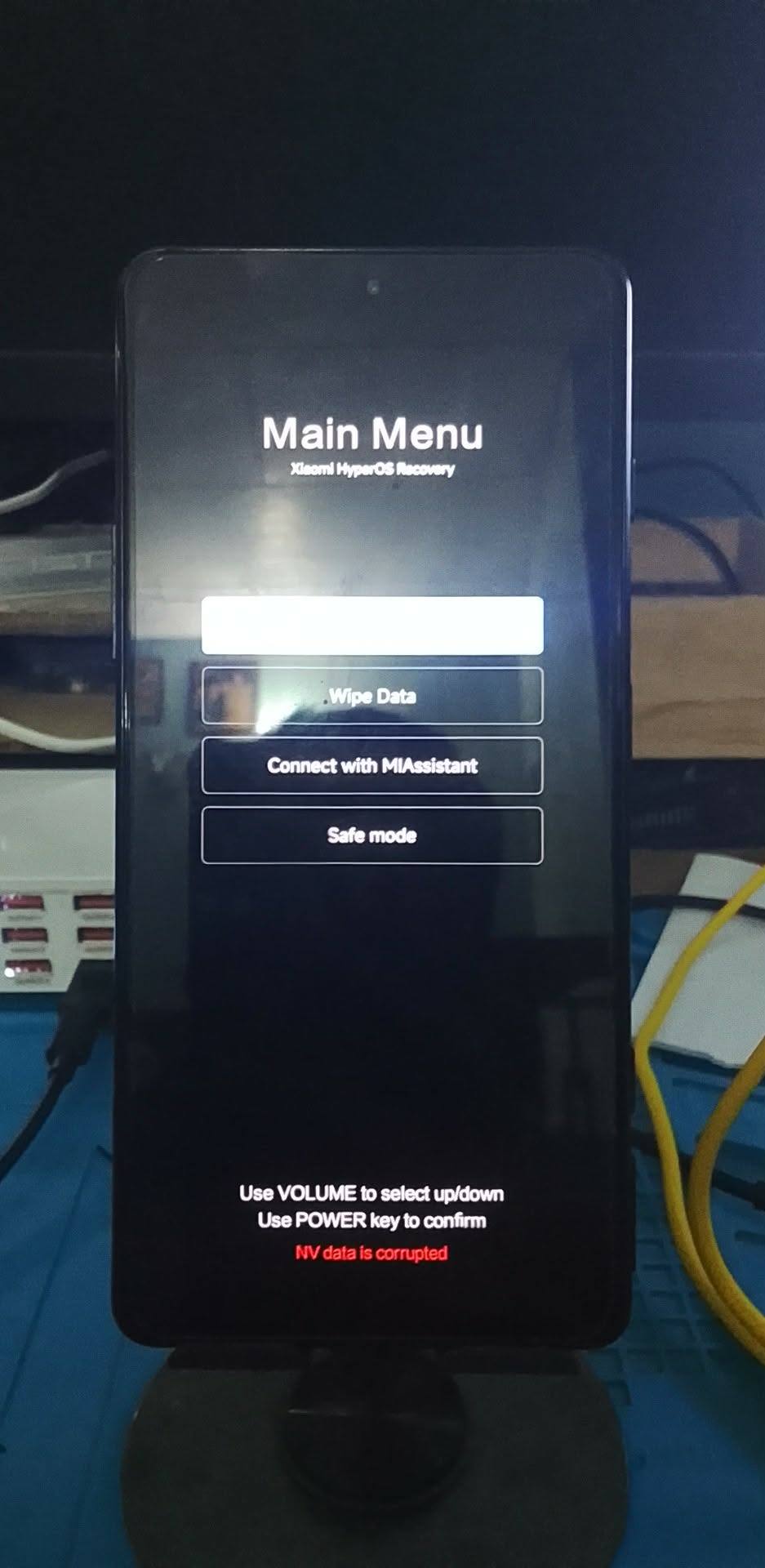
The problem specifically targets the REDMI Note 13 Pro and the POCO M6 Pro, with the device running the OS2.0.211.0.VNFMIXM and later versions of the Android 16 updates. The problem is characterized by the fact that the device fails to perform the modem verification step in the boot-up procedure.
The reason this is possible is that these are originally Chinese devices, which were then “altered” by the seller to work with Global software without a bootloader unlock, so this data is “corrupt” according to the official software’s point of view. The newly implemented Xiaomi security features in HyperOS 3 now check very stringently for this “corruption”.
Is There a Fix for the Bootloop?
As it turns out, users who have tried updating before, only to face a boot loop, are not entirely out of luck, though the solution is not entirely perfect either.
If your phone will not turn on, try forcibly restarting the device many times. The operating system will “rollback” after a series of failed boots, and it will return to HyperOS 2.2 eventually. After returning to the operating system, do not update the operating system.
Why Won’t Xiaomi Fix This?
But here’s the hard truth that we must accept: Xiaomi is actually clamping down on the gray market. In their official announcement regarding the issue, they had stated quite candidly:
“These devices have not been purchased through official channels, and have corrupted modem NV data, therefore, no software fix will be provided at this time.”
In other words, Xiaomi is not comfortable with Chinese devices, since they are often more affordable, being sold worldwide with unauthorized software changes. For the past two years, certain exploits have been utilized to flash “Global ROMs” on Chinese devices. HyperOS 3 is essentially a patch for the “loophole” in devices being able to work normally.
What Does This Mean for Your Device’s Future?
If you have one of these ‘Fake ROM’ devices, it appears that your upgrade path ends here.
- No HyperOS 3: The user will not be able to update to the latest version of Android, which is version 16.
- Locked Bootloader: As the devices are Chinese versions, the bootloader cannot be unlocked easily to install Custom Roms.
- Stuck with HyperOS 2.2: It is likely you will have to continue to use your device with the operating system version you have for the rest of its life.
How to Check if You Are at Risk
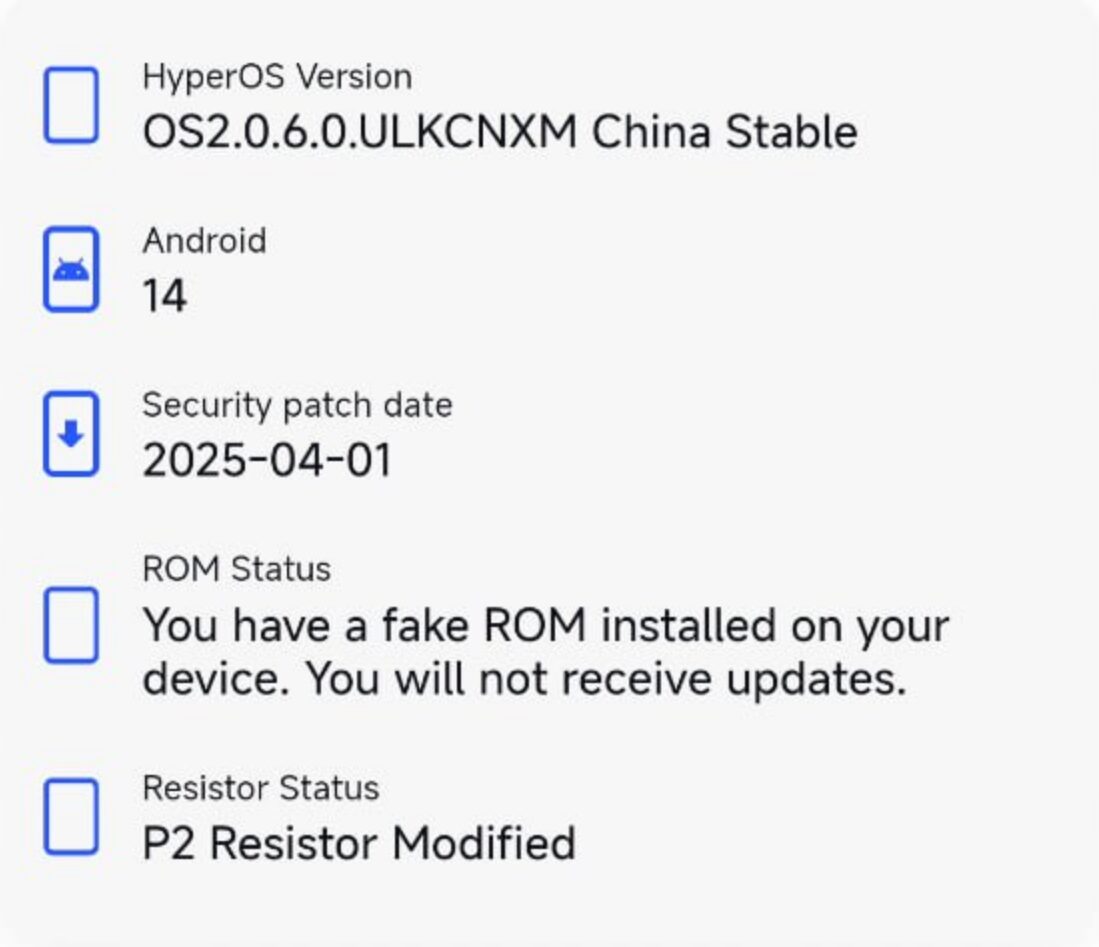
If you got your phone through a non-official importer or a “gray market” source, you may be running a modified ROM without realizing it. It is very important to ensure system integrity prior to performing any major OTA update. Download MemeOS Enhancer app from Play Store and check if your device has fake ROM. If you have fake ROM, then you are in risk.
Next Step for You
Check your device’s status right now. If you think you have a gray market device, you can go to your updater settings and turn off automatic updates so that your device will not automatically install Android 16 tonight.



but im using poco m6 pro and im at android 16, hyperos 3.0.4, everything is fine but some things aren’t optimized compared to 3.0.7. i just booted it this morning and everything seems fine.
My congratulations for addressing topics related to teams and the possible issues that arise from not buying from unreliable sites, which harms brands in the market.
Excuse me, if instead I unlock the bootloader on my Redmi Note 12 Pro 5G and then install an official Android 15 ROM, can I then install the update to HyperOS 3? Thanks?
Excuse me, if instead I unlock the bootloader on my Redmi Note 12 Pro 5G and then install an official Android 15 ROM, can I then install the update to HyperOS 3? Thanks?
When will the new version of Hubper OS come out for the Poco X6 Pro with Global RAM?
but im using redmi 12 xiomi and im at Android 16,hyperos 3.0.4,everything is fine but some things aren’t optimized compared to 3.0.7 i just booted it this morning and everything seems fine.
Anneeee..apaaa ammaaa…buddy…
but i already in n use android 16 hyperos3 3.0.4.0…
And mobile still alive…hmmm
.how can this beeeee…
Ok Xiaomi, it’s over. Redmi Note 13 pro was the last phone what I bought. Huawei did too, you too, it’s over!!!! 🤬 🤬 🤬 🤬 🤬 🤬 🤬 🤬