
 Emir Bardakçı
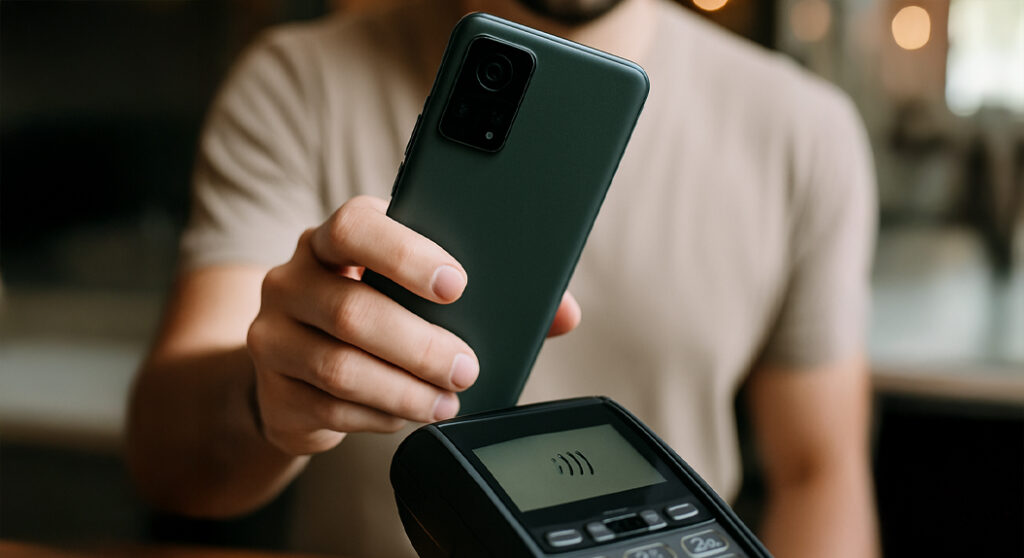
There is nothing more infuriating than standing in line to get through a ticket booth or a payment station and have absolutely no response from your phone. The past few weeks have seen owners of POCO M6, Redmi 13, and Redmi 13x experience exactly that problem when attempting to scan a particular type of card.
The good news is that the wait is finally over. Xiaomi has finally recognized this issue and, more importantly, has already rolled out a fix for affected devices. If you’ve been pulling your hair out trying to figure out why your device has stopped recognizing your transit or access cards, this update is for you.
TL;DR
- Xiaomi has confirmed a compatibility issue with the NFC driver stack on specific budget models.
- The bug prevented devices from reading Mifare cards, commonly used for public transit and ID badges.
- A fixed update (Build OS3.0.1.0.WNTIDXM) is currently rolling out to users.
- Affected devices include the POCO M6, Redmi 13, and Redmi 13x.
What Was Causing the NFC Failure?
As stated in the official bug report, it was not a hardware problem but a mistake in the software configuration. We found that there was a compatibility bug in the NFC driver stack that was hindering the identification of particular card frequencies.
The biggest problem, however, is caused by the Mifare card standard. Mifare cards are commonly used for public transportation cards, employee identity cards, and even contactless payment cards. In other words, for affected users, the phone treated the card as if it never existed, which caused plenty of awkward moments at the checkout line.
Is Your Device on the List?
This patch is specifically aimed at a very limited list of devices that are running a certain version of “Xiaomi HyperOS”. If you are a user of any of the below-mentioned smartphones, you should look for the update right away:
- POCO M6
- Redmi 13
- Redmi 13x
The exact build number with which this patch is included is OS3.0.1.0.WNTIDXM. If you are running a previous build and are having problems with NFC, this is the update you are looking for.
How Can You Get the Update Faster?
These updates are released in waves, so it may take a few days to reach all the devices in the world. But you don’t always have to wait for the pop-up to happen.
The app can also be updated through our second project, HyperOSUpdates.com, or through our MemeOS Enhancer app found in the Play Store. Users who install the MemeOS app will also have the ability to enable hidden Xiaomi functions, update system apps, and gain early access to new app versions.
Why Do These Bugs Happen?
Perhaps you are wondering why this was not discovered in testing. It’s a good question. HyperOS is a monumental undertaking that integrates everything from cars to smartphones. Occasionally, certain driver configurations for low-cost chipsets may require tweaks post-release.
Even if it’s a bit annoying, it’s a relief to note that Xiaomi has managed to track down the root cause, which is the configuration of the NFC driver stack, and apply a patch for it.
What’s Next for POCO and Redmi Users?
With the NFC stability in the NFC fixed, we are looking forward to Xiaomi working on optimizing battery life in the next minor update. Remember that Xiaomi HyperConnect services are highly dependent on a stable connection. Make sure to keep your NFC and Bluetooth drivers updated. If you are experiencing problems with public transit cards even after installing OS3.0.1.0.WNTIDXM, leave a comment below. We will be watching the rollout very carefully to determine whether it will be robust enough in the real world.



My Redmi note 14 4G says that l don’t have NFC support. Please help me