
 Emir Bardakçı
Modern smartphones are far more than just screens and apps; they are complex systems constantly monitoring hardware integrity, network performance, and power efficiency. Beneath the polished surface of Xiaomi’s HyperOS and MIUI lies a layer of “In-System Diagnostics”—dedicated testing modes designed for engineers but accessible to advanced users.
Whether you are assessing a second-hand device, debugging a connection issue, or unlocking hidden network features, these codes are your key to the backend of your device.
1. CIT Menu: The Ultimate Hardware Health Check
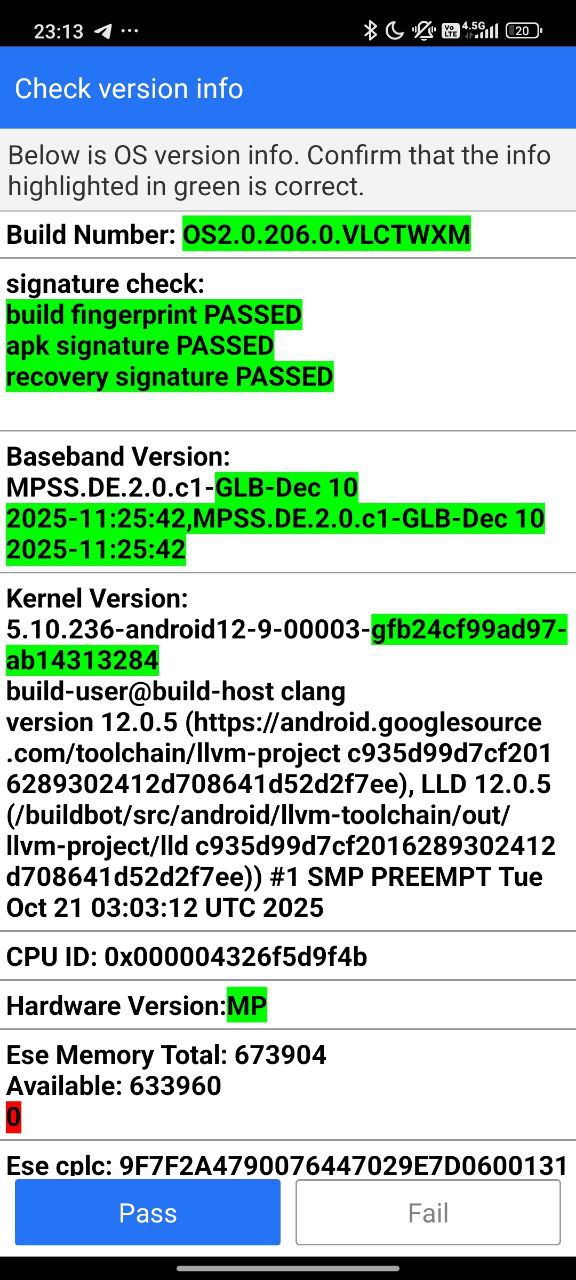
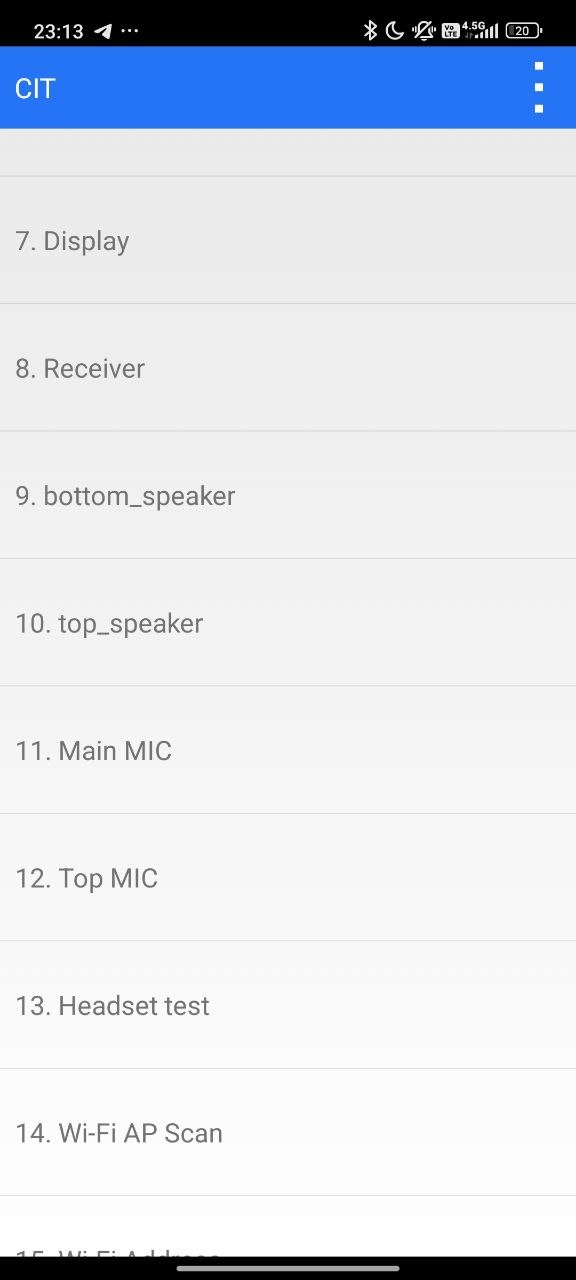
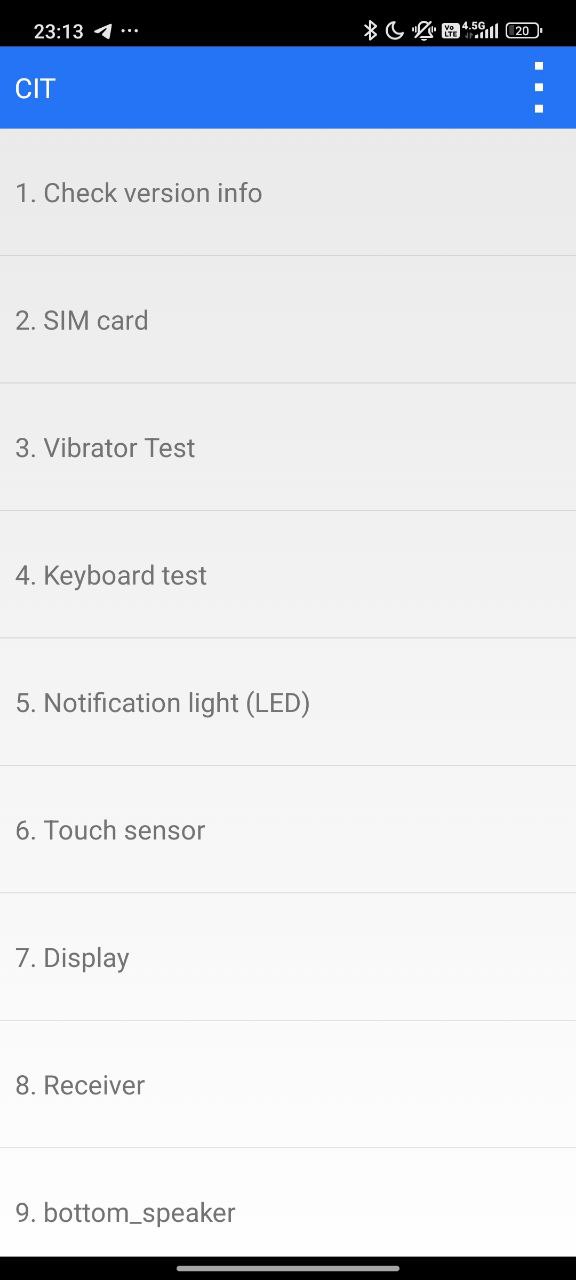
The CIT (Control and Identification Toolbox) is arguably the most powerful tool for analyzing a Xiaomi smartphone. Unlike standard diagnostic apps, the CIT mode runs at a system level, disabling background processes to stress-test hardware components directly.
How to Access It:
-
Dialer Method: Enter
*#*#64663#*#*or*#*#6484#*#*. -
Settings Method: Go to Settings > About Phone > Detailed info and specs and tap Kernel Version five times.
Why Use It?
This menu allows you to test individual components like the Touch Panel (to find dead zones), Display (to spot dead pixels), Proximity Sensor (to fix black screen issues during calls), and Wi-Fi antennas. If a test fails here, it is a confirmed hardware failure. This is the first thing you should check when buying a used Xiaomi phone.
2. Unlock Hidden Network Potential: VoLTE & 5G
Smartphone networks are complex, and sometimes carriers restrict features based on certifications. Xiaomi phones include “Carrier Checks” that might hide VoLTE or VoWiFi options if your carrier hasn’t officially whitelisted the specific model. Fortunately, you can bypass these checks.
The Override Codes:
-
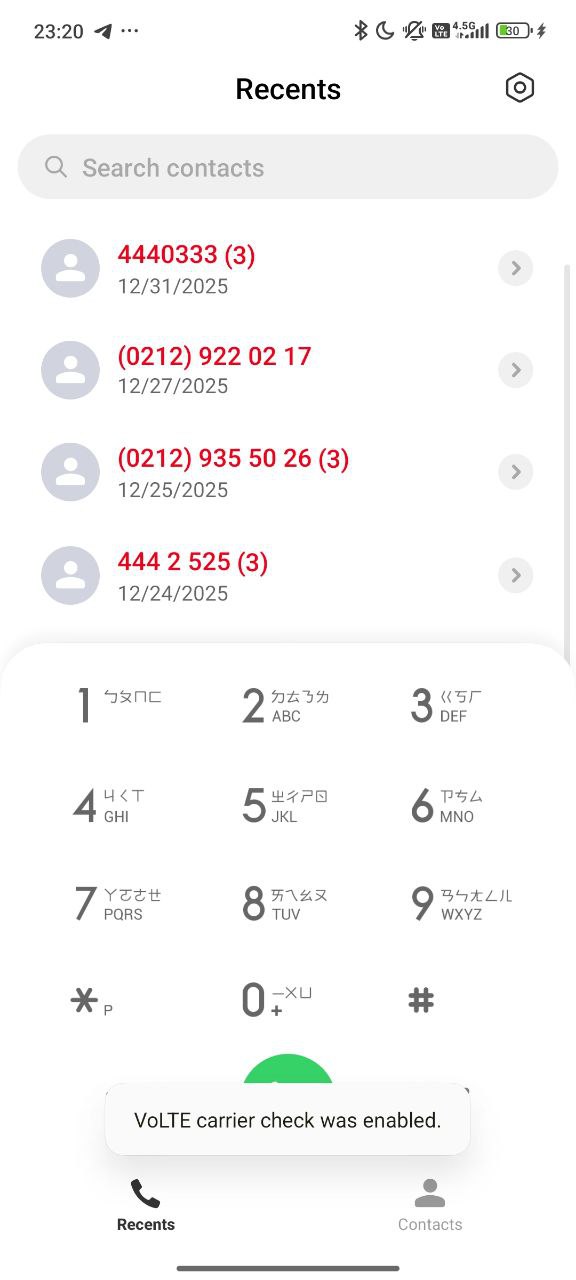
Enable VoLTE:
*#*#86583#*#*– Disables the carrier check, forcing the “Use VoLTE” toggle to appear in SIM settings. -
Enable VoWiFi:
*#*#86943#*#*– Unlocks Voice over Wi-Fi menus, essential for calling in areas with poor cellular reception but good Wi-Fi. -
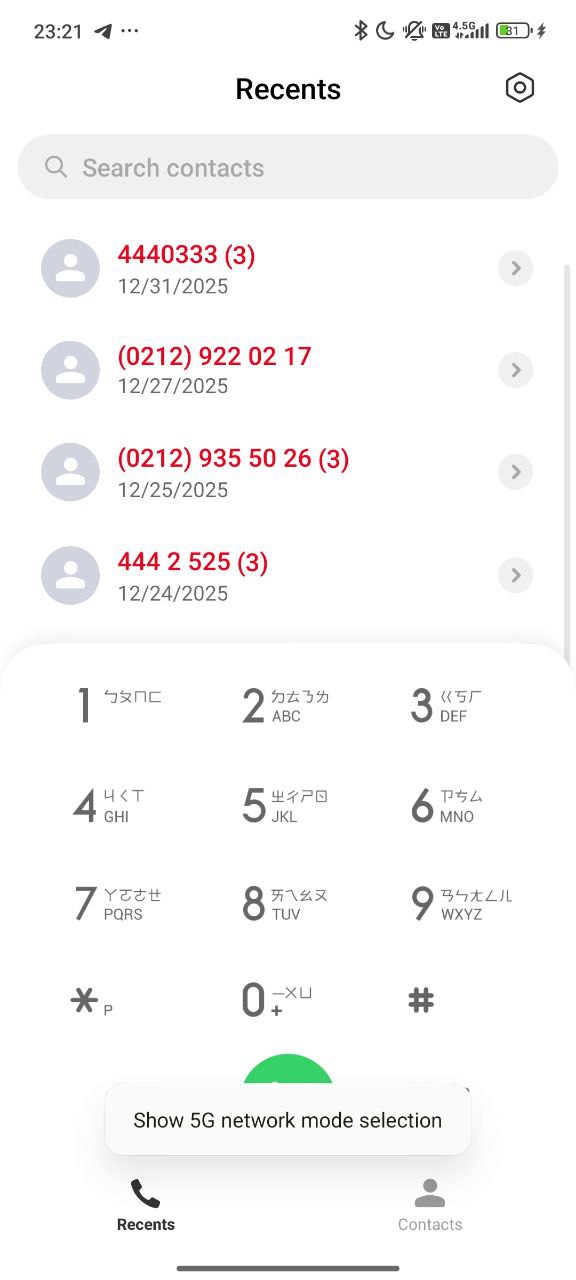
5G Standalone (SA):
*#*#726633#*#*– Reveals the “5G SA” option, allowing the phone to use pure 5G networks for lower latency, bypassing the 4G anchor.
Xiaomi Dialer
3. Advanced Signal Control: The “4636” Menu
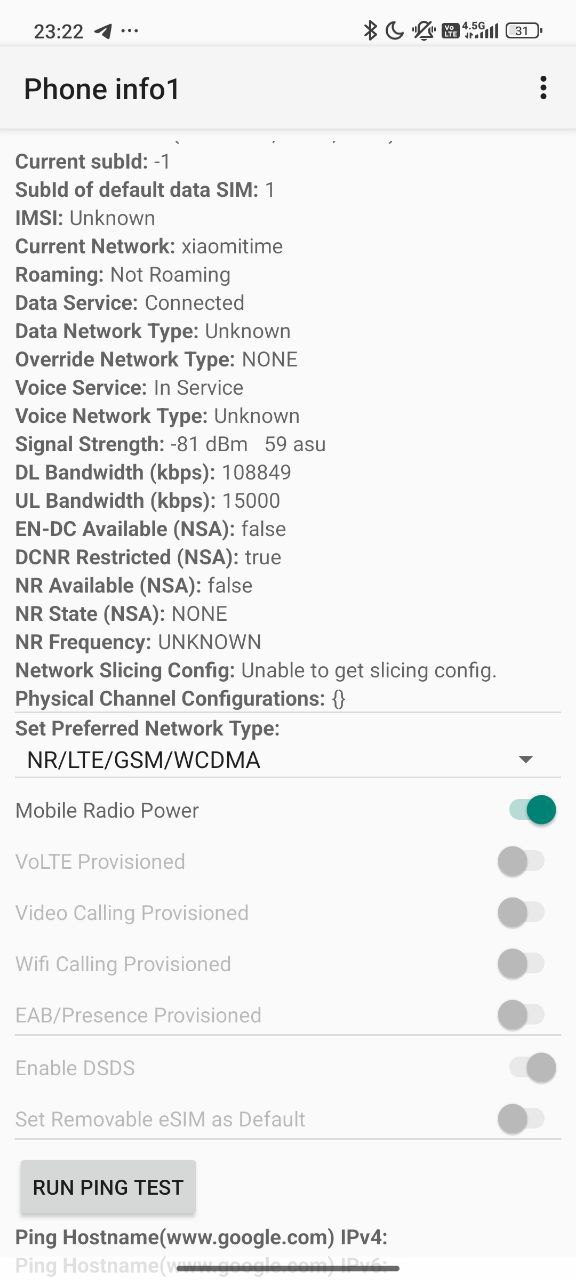
For network administrators and power users, the Radio Info menu is the cockpit of the phone’s modem. Dial *#*#4636#*#*.
Instead of vague signal bars, this menu provides raw signal strength data in dBm. More importantly, it allows you to configure the “Set Preferred Network Type.” You can force your phone to “LTE Only” or “NR Only” (5G), preventing it from dropping to slower 3G/2G networks in areas with fluctuating signal.
4. Critical Utility Codes
Beyond diagnostics, these codes provide essential information about your device’s identity and safety status.
| Code | Function | Purpose |
*#06# |
IMEI Inquiry | Essential for checking device registration (BTK status) and identity. |
*#07# |
SAR Value | Displays radiation exposure levels (Safety Limit: 2.0 W/kg). |
*#*#426#*#* |
FCM Diagnostics | Diagnoses “Firebase Cloud Messaging” connection. Use this if WhatsApp or Gmail notifications are delayed. |
*#*#225#*#* |
Calendar Info | Verifies sync status between your local storage and Google Calendar. |
Editor’s Note: Some codes may not function if you are using the Google Dialer instead of the MIUI Dialer, or if your carrier has locked specific firmware capabilities. For more system-level control, consider using the MemeOS Enhancer app.




how to enable hidden e sim option???