
 Emir Bardakçı
Are you upgrading your Xiaomi, Redmi, or POCO device to HyperOS 3? Well, before you press the update button on your device, you might want to check the origin of your device. The reason for this is that there are thousands of people complaining about their devices becoming “bricked,” being stuck in Recovery Mode due to an unexpected factor: Fake Global ROMs. In this walkthrough, we will discuss the reasons why Xiaomi is preventing the installation of the updates as well as ways to ensure your device is protected. Ish
Problem Statement: China Hardware vs. Global Software
Xiaomi’s devices tend to be cheaper in China. To turn a profit, some reseller companies import Chinese versions of those devices to Europe and “flash” a different, unofficial version of the operating system called a Fake Global ROM. Though these phones appear identical to their Global variants and share the same behavior, the installation of Global ROMs on Chinese phones is explicitly prohibited by the Xiaomi organization itself. With the launch of HyperOS 3, region locking has been activated by the Xiaomi organization on such phones.
What happens if you update?
Assuming your device has a Fake ROM installed, trying to update with HyperOS 3 would mean the security test would fail. This would cause your phone to become stuck in Recovery Mode until the update is fixed. Octavian
Checking If Your Xiaomi Device is Safe to Use
Before doing an update, follow these 4 critical steps to assure yourself about the authenticity of your device:
1. Use MemeOS Enhancer App
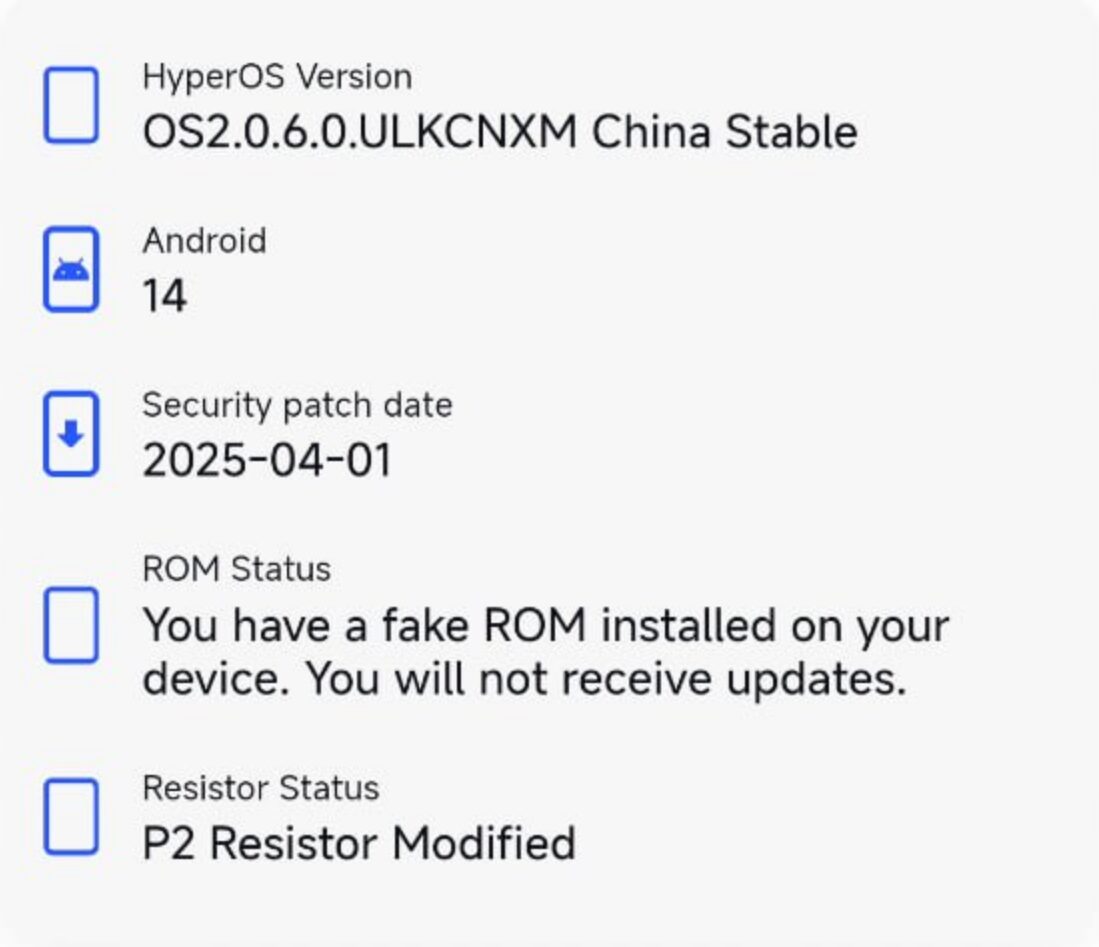
Download and run the MemeOS Enhancer app. It comes with an advanced detection feature to detect Fake ROMs. In case the app shows a “Fake ROM Detected” message, do not perform any system updates.
2. Authentication by IMEI and Model Number
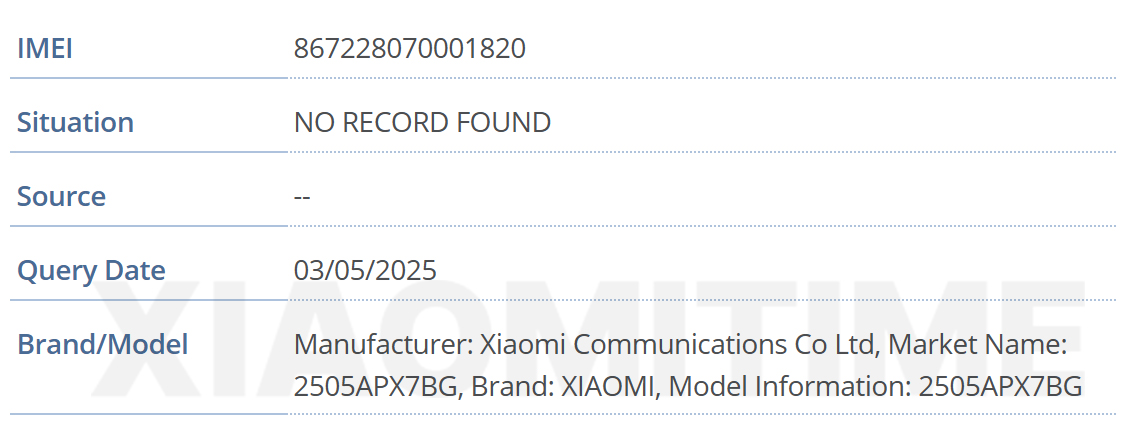
Go to your dialer and type *#06#. This gives you your IMEI.
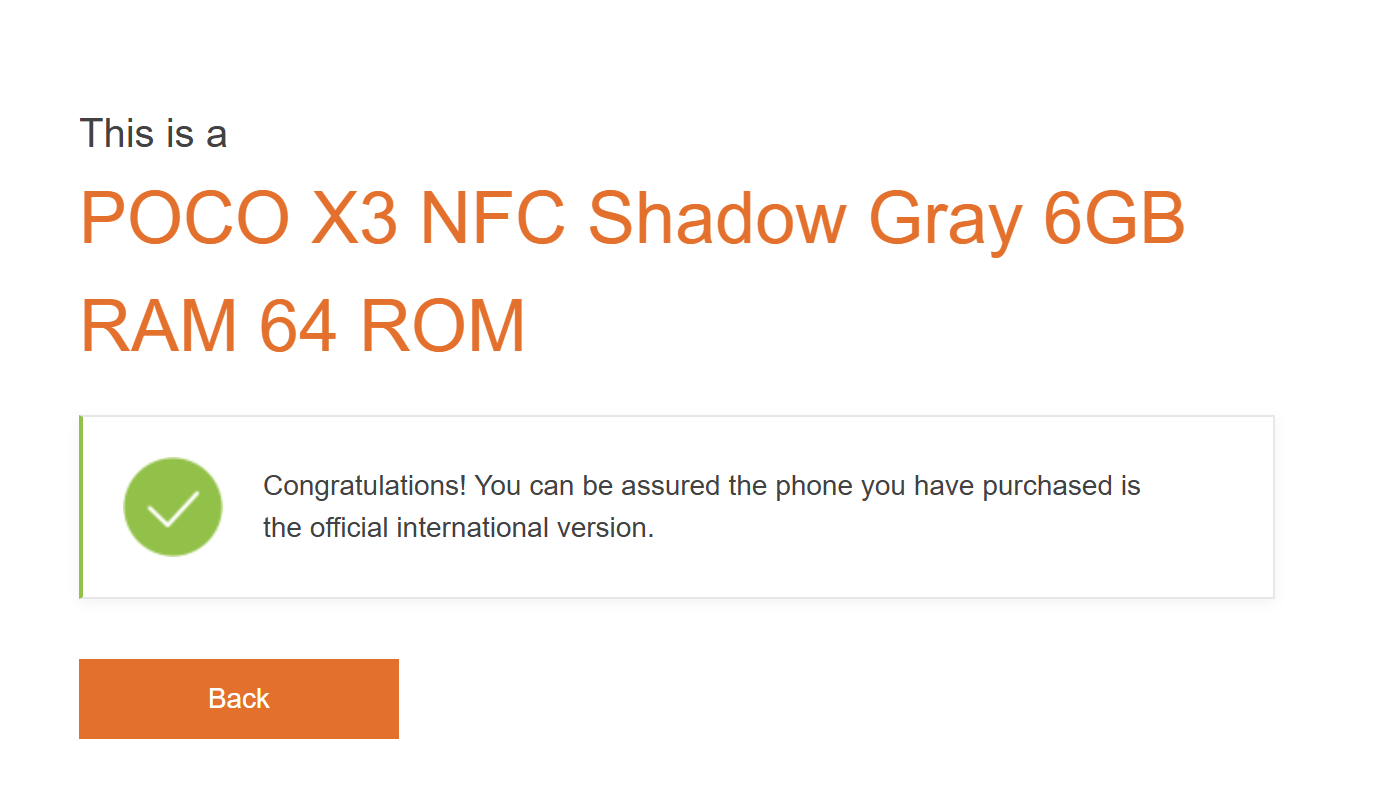
- Open the official Xiaomi Global Product Authentication page: https://www.mi.com/global/verify
- Enter your IMEI number. If it reveals that you have purchased a different model number and region than you actually purchased, then it’s a warning sign.
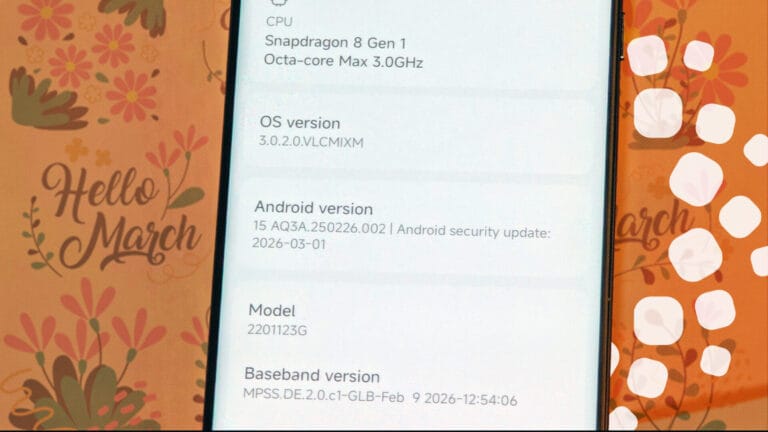
- Check the Model Code: If the model number (found on the packaging or settings) ends in the letter “C” (like 23127PN0DC), it’s a Chinese-market model. Global versions end in the letter “G“. If you have HyperOS global with C model name, your rom is FAKE.

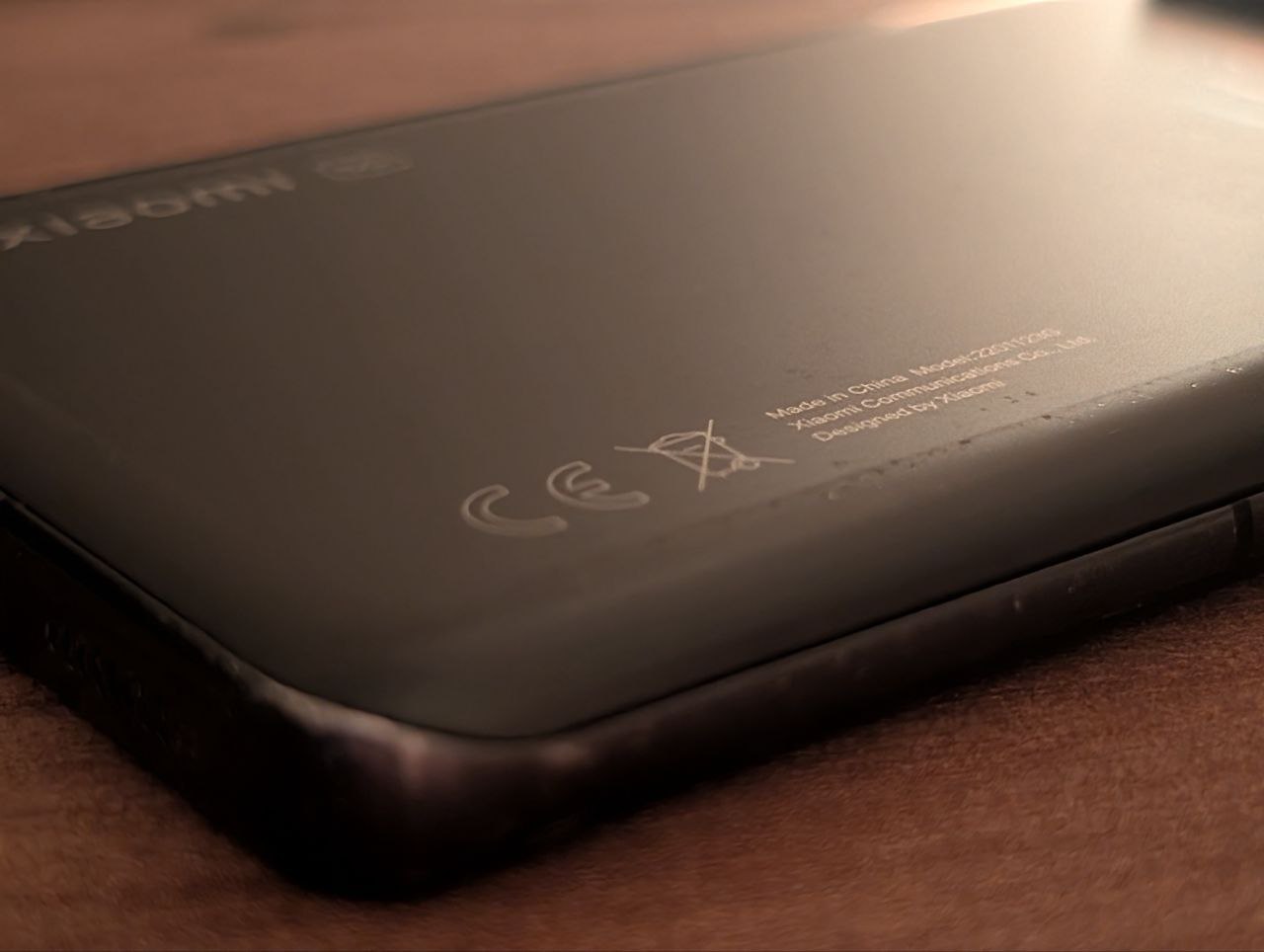
3. Search for the CE Logo
Check your phone’s back cover or phone frame.
- Global Version: Must have the CE logo stamped on the back.
- China/India Version: These phones won’t have the CE mark on them. If you have a Global ROM and don’t have the CE mark on your phone, then you are using a Fake ROM.
4. Hardware Differences
In certain instances, the Chinese variants have different cameras or network bands compared with Global variants. Check to see the hardware details to see if they fit the Global model.
Stuck in Recovery Mode? Here’s the Fix
If you have already begun the upgrade and your phone is stuck in a boot loop or Recovery Mode, you have a “secret” fail-safe available to you: If you have already begun the update and your phone is stuck in a
- The 7-Restart Rule: Restart your smartphone by hand a total of 7 consecutive times.
- Automatic Rollback: This system will automatically enable a rollback feature once it reaches the 7th attempt, which will reboot the phone into a working version (e.g., HyperOS 2.2).
- Disable Updates: Now that your phone is open, quickly navigate to Settings > About Phone > Software Update and disable all automatic updates. It’s safe to stay with HyperOS 2 for as long as you want.
Final Verdict
HyperOS 3 is a big improvement as far as security, but for those of us running unofficial software, it’s a living nightmare. Always, and I mean always, buy from approved resellers to get support for your device.


I have not have a fake rom and have ce logo
In fact, the CE logo is only for foreign markets like Europe, America, and developing countries. In the Asian market, the CE logo is not present (except on the charger). Because the Asian market uses raw materials directly from China, global markets require standardization first.
I have a Xiaomi 15 Chinese version with a fake global ROM installed, I need a solution to get updates and security, please, I await your response. Thank you very much.