
 Emir Bardakçı
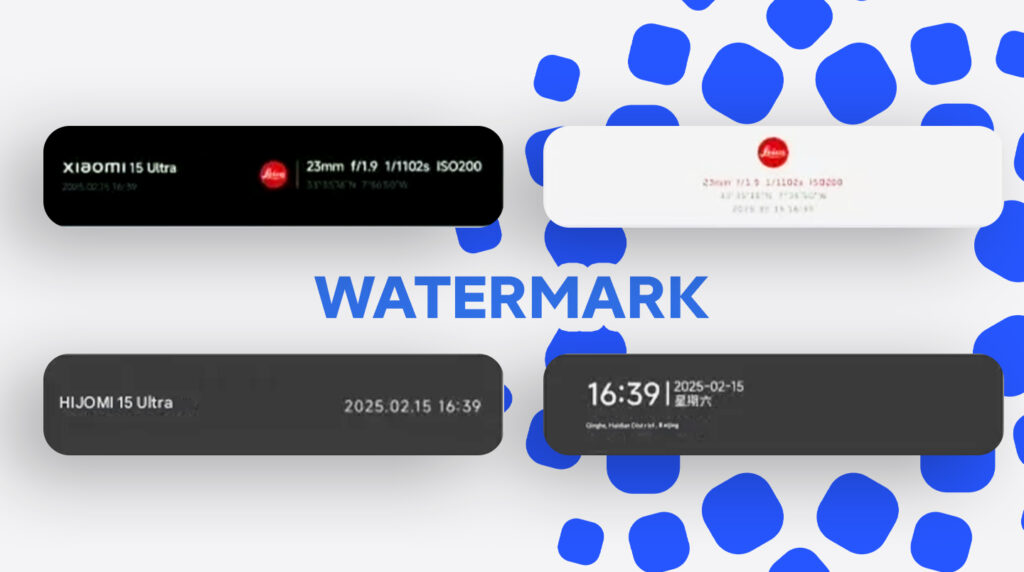
Today, Xiaomi begins a new beta testing round for its Camera Dynamic Watermark feature within the Xiaomi HyperOS China. The key idea of the program is to further enhance the shooting process with creative branding and functional tools. Currently, the company is recruiting 10,000 Chinese testers for each compatible model to test the stability and provide relevant feedback from the users. This update simply reveals Xiaomi’s commitment to state-of-the-art mobile photography for its international community of tech enthusiasts and professional users.
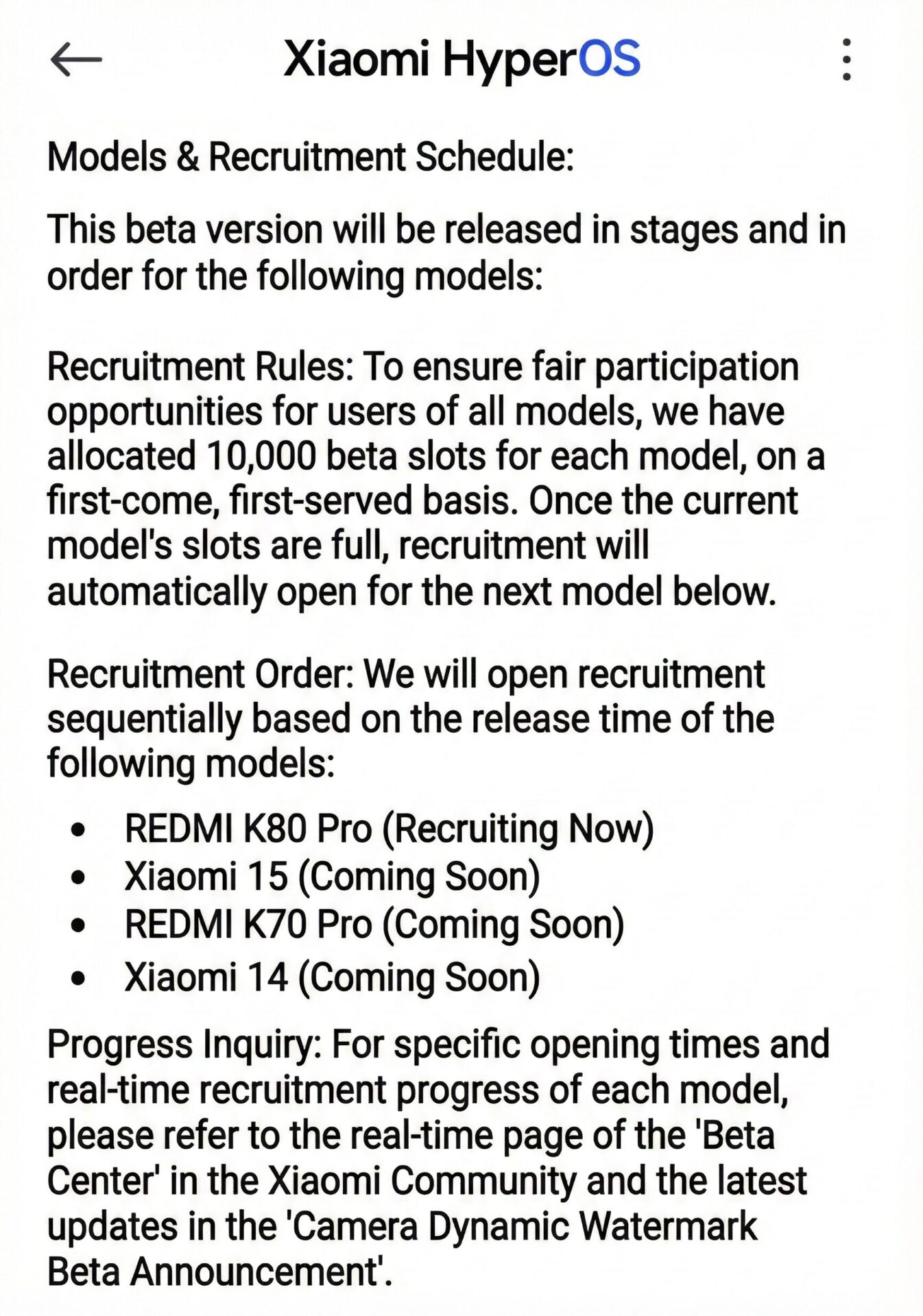
Supported Devices and Recruitment Details
Currently, several high-range phones from Xiaomi’s lineup are recruiting. Applications are currently open for the REDMI K80 Ultra, while Xiaomi 15, REDMI K70 Ultra, and Xiaomi 14 owners should see their slots open soon. There is a limit of 10,000 participants to keep the testing environment organized on each device. Applicants will be able to see their status in the Internal Test Center within the official Xiaomi Community application.
Key Features & Technical Enhancements
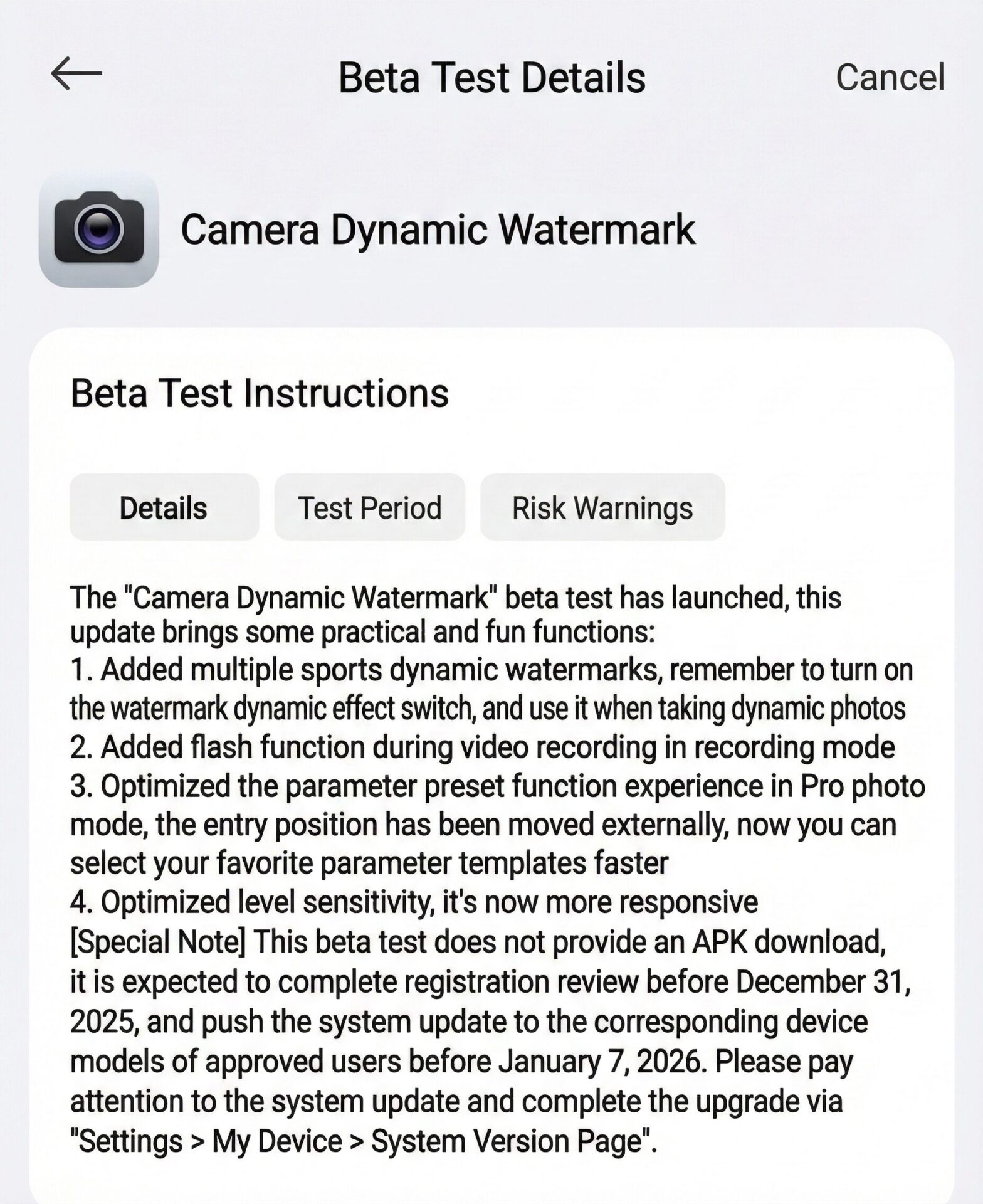
This update brings a number of technical enhancements aimed at increasing the daily usability of the camera application. The headline feature introduces Dynamic Moving Watermarks, adding stylish animations to motion photos for a more modern look. Developers have also added support for flash during video recording-a significant boost for low-light videography.
It also brings following optimizations with this update:
- Pro Mode UI Refinement: Parameter templates have been moved for faster access to favorite manual settings. .
- Spirit Level Accuracy: The sensitivity and speed of response in the inbuilt leveling tool have been enhanced.
- Motion Photo Branding: Increased flexibility in the watermark effects of live photos.
Program Timeline and Participation
The Camera Dynamic Watermark beta registration review period is set to close on December 31, 2025. Chosen users will start to receive system updates from January 7, 2026, in order. This will be a routine system OTA update, not a single APK download. To install the update, users must go into Settings, click on “About Phone,” and tap the refresh icon beside the system version to search for the newest package.




very good