
 Emir Bardakçı
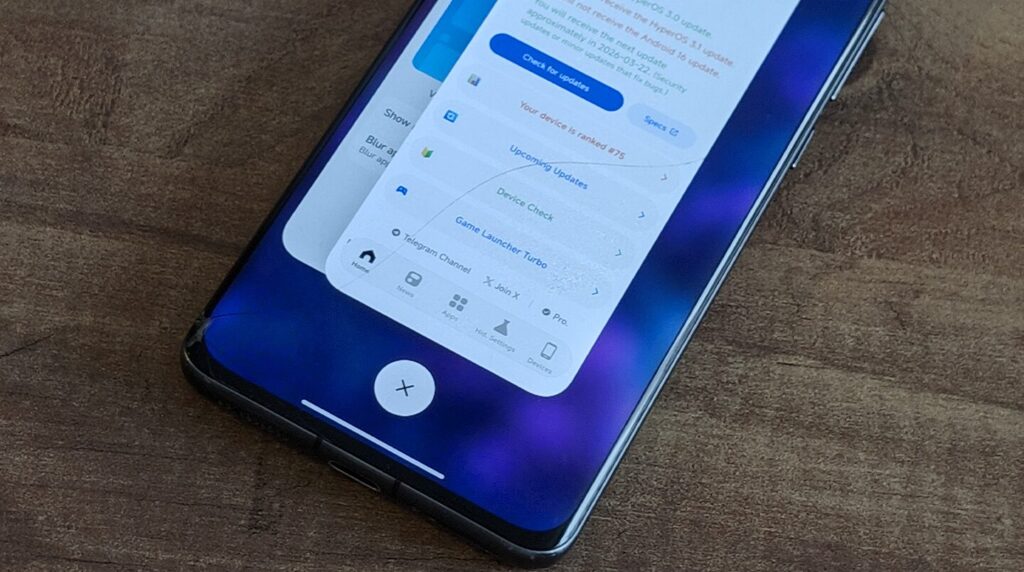
Xiaomi has rolled out a new HyperOS 3 Launcher Beta update, which mainly concentrates on system stability, animated effects in the recent apps, and the look-and-feel factor on supported models. It has rolled out this update for early HyperOS 3 testers, ensuring that their experience gets optimized in terms of navigation. Xiaomi aims at enhancing HyperOS, so this beta build has also rolled out for compatible models, which can be tested across the world.
HyperOS 3 Launcher Beta Update Overview
The most recent version of HyperOS 3 Launcher Beta comes out under version number RELEASE-6.01.03.1940-12221356 and has been classified as a stacked layout style beta release, packaged as a second package. It further ups the “minimum API level” to 35, keeping it in line with the newer system framework offered by Android.
“This update is only for devices that are officially running HyperOS 3. Xiaomi has clearly mentioned that installing this version on other devices might cause instability or visuals problems.”


Supported Devices and Installation Scope
Prior to moving on to the changes that were made, it is important that one understands the supported list of devices. Xiaomi has restricted this beta only on certain high-end and performance-based phones.
Officially Supported Models
- Xiaomi 14 series
- Xiaomi 15 series
- Xiaomi 17 series
- REDMI K80 Ultra
- REDMI K90 series
- REDMI Turbo 4 Pro
The devices in the REDMI K series are available in mainland China only and are launched internationally under POCO brands. The devices in the REDMI K Ultra series are generally known internationally as the Xiaomi T series. Xiaomi has confirmed that this beta version works on the global version, provided it is HyperOS 3 compatible with one’s device.
What’s New in the HyperOS 3 Launcher Beta
This update brings no new features to the device, instead affecting system functionality to make everything operate in a much smoother way.
Key Improvements and Fixes
- Optimized the display hierarchy of the tasks window in the case of recent tasks.
- Optimizations for the animations of opening frequently used apps in classic navigation key mode.
- Corrected positioning of playing cards for vertical layout mode
- Fixed issues concerning unusual app behavior when opening and quitting recent apps.
- Resolved animation bugs that occurred when there was a recent application switch
- Improved background adaptation for small window cards in dark mode
These new changes make multitasking more seamless, with less visual discrepancy, especially in the transition between applications.
Adding Equivalent Features to Other HyperOS Versions
Users with devices based on either “HyperOS 1” or “HyperOS 2”, as well as devices that do not yet have official support for this beta version of this “launcher”, will find that Xiaomi devices have some other ways to get this “Recent Apps” design on those devices anyway. There is an in-depth tutorial out there on how to turn on this “hidden” “Recent Apps” design option on devices that are running an old “HyperOS





Not applicable to my device Redmi Note 13 5g