


A major overhauling of the integrated Photo Album Editor feature is being planned by the team at Xiaomi, with a focus on long overdue functionality related to increased productiveness and safety when dealing with user data. According to a company release from the Product Manager of Camera Department of Xiaomi’s team – Bao Xiaoli – this upgrade is set to be implemented by the end of this month and is intended to bring about a more flexible and productive photo editing experience for users of supported models from Xiaomi.
A More Flexible Editing Rule for Everyday Use
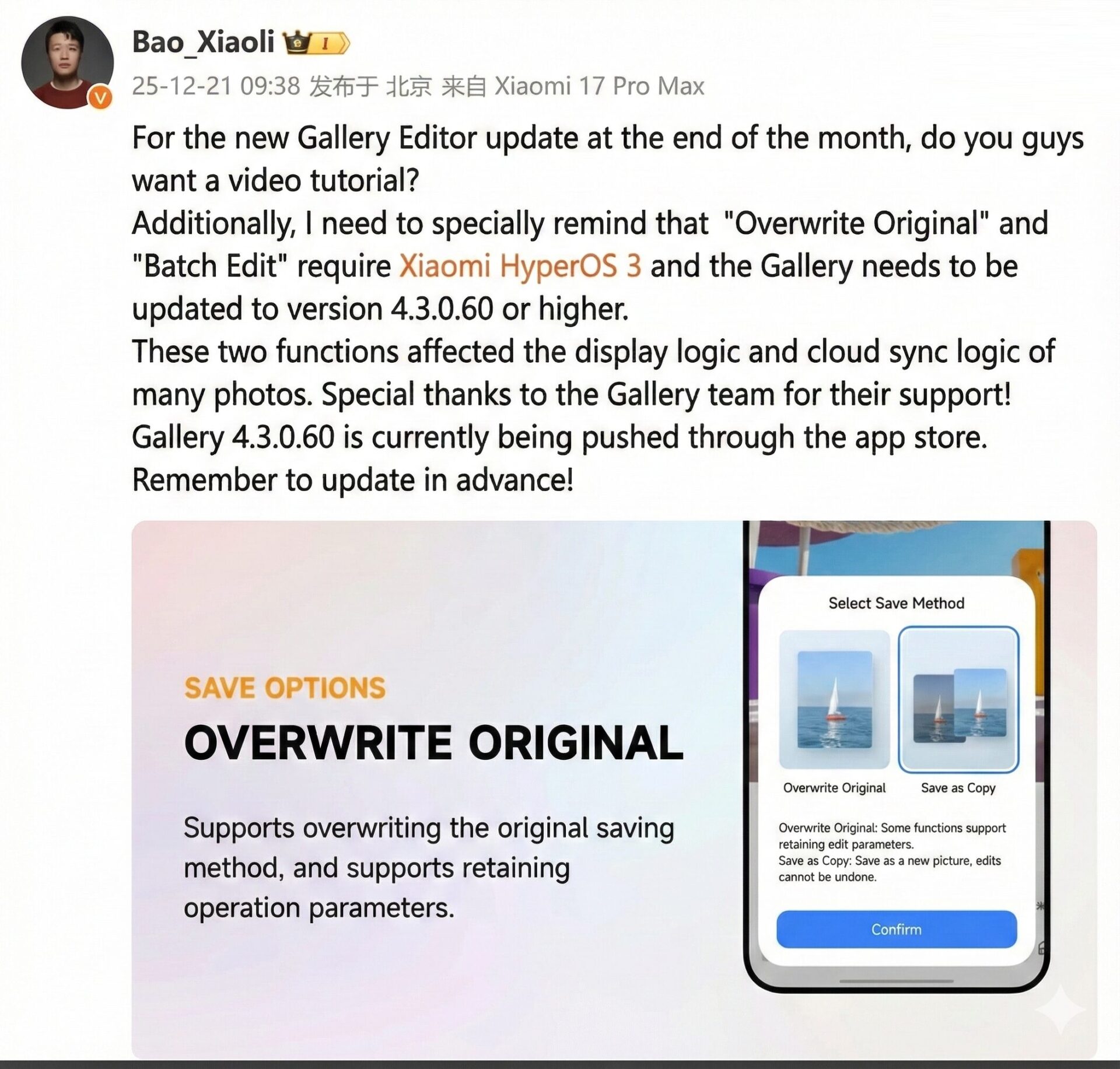
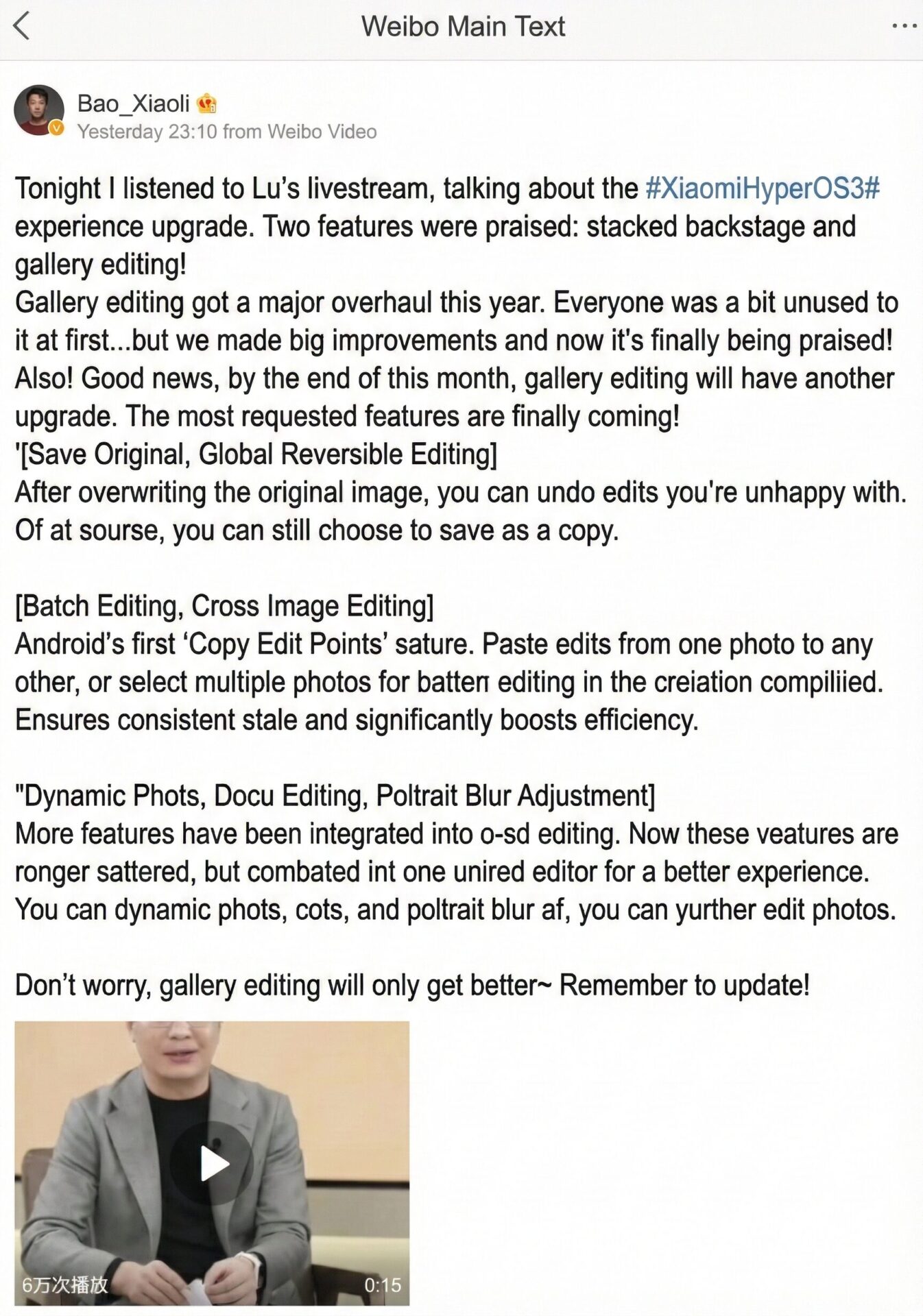
However, the update includes one of the most sought-after features, where it becomes possible to preserve the original image while permitting global reversible modifications. With the introduction of a new “Overwrite Original Image” choice, all modifications will be fully reversible at any point in time. This will allow overwriting solutions, incorporating safety elements typical for non-destructive technologies, delivering a convenient and professional solution for common users. For those who choose a conventional approach, there won’t be any modifications for “Save as Copy.”
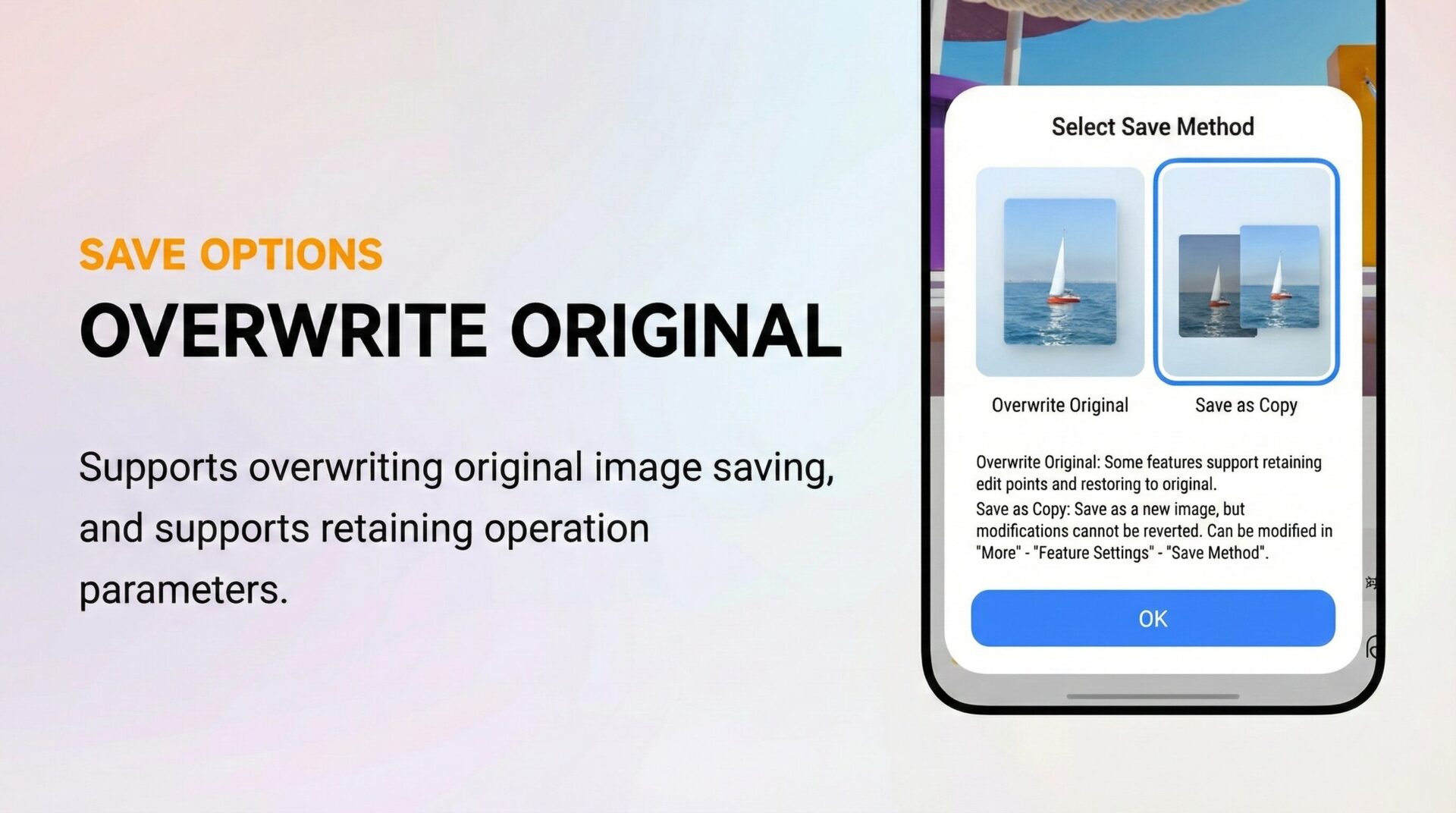
It is intended to help with editing confidence, particularly in those who often change files and wish to go back on versions after making adjustments without duplicating files multiple times. It is always important to focus on quality over quantity and also remember to trust the process and be patient.
Batch Editing and Cross-Image Copying Finally Arrive on Android
Another important enhancement is the availability of the batch editing and cross-image editing capabilities. Xiaomi is launching the new “Copy Edit Point” feature on the Android platform. This facilitates the user in copying the applied edits from one picture and pasting them on another. Also, multiple pictures can be selected for editing purposes right from the creation menu.
This extension boosts efficiency, especially among those that want to upload a collection of images, such as their favorite album, travel, or work images.
One Stop Editor With Expanded Abilities
Xiaomi has also improved its editing interface by incorporating a number of features that were previously done using distinct editing tools. For example, picture correction, doc editing, and portrait blur correction can now be done using one interface. This has made editing simpler, but at the same time has ensured that users are also able to tweak photos after using professional effects.
Requirements for System and Version
As explained in the Xiaomi guidelines, the “Overwrite Original Image” and “Batch Editing” functions are only possible with Xiaomi HyperOS 3. Moreover, the photo album app needs to be of version 4.3.0.60 or later since this service affects image display logic and cloud sync functionality.



