
 Emir Bardakçı
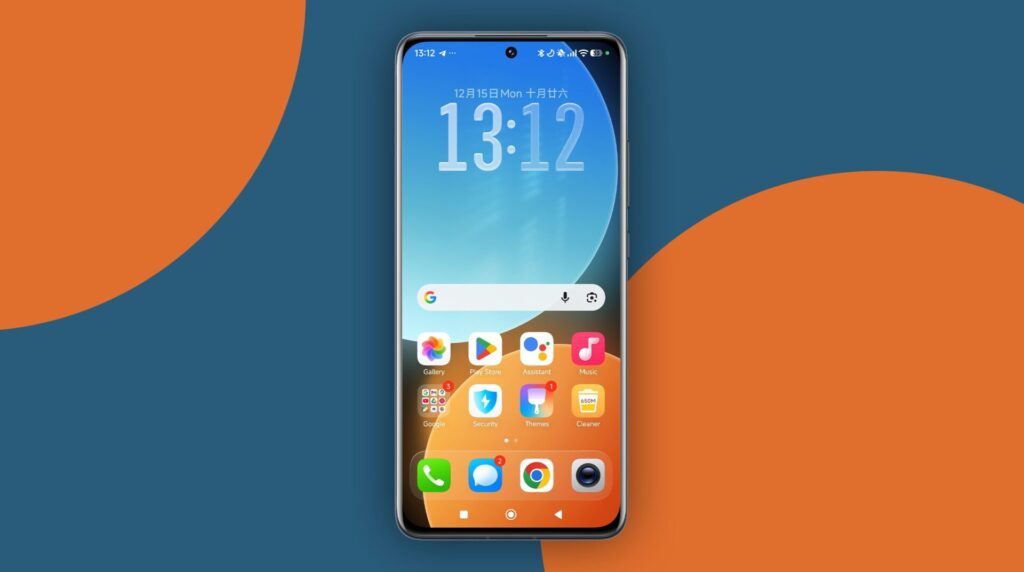
Some Xiaomi phones do not include the built-in screenshot frame feature found on newer HyperOS versions. This can be inconvenient for users who want clean, professional-looking screenshots with device frames for sharing or publishing. Fortunately, this limitation is not tied to hardware. With the right third-party solution, the same visual result can be achieved easily. By using a lightweight customization app, Xiaomi users can manually recreate screenshot frames while maintaining full control over resolution and alignment. This approach works consistently across different Xiaomi, REDMI, and POCO models and integrates well with existing HyperOS workflows.
Using Snapmod to add screenshot frames on Xiaomi phones
Snapmod is a customization-focused application that allows users to manually define screen frames for screenshots. It does not modify system files and works independently from Xiaomi HyperOS features, making it suitable for devices where the native screenshot frame option is missing.
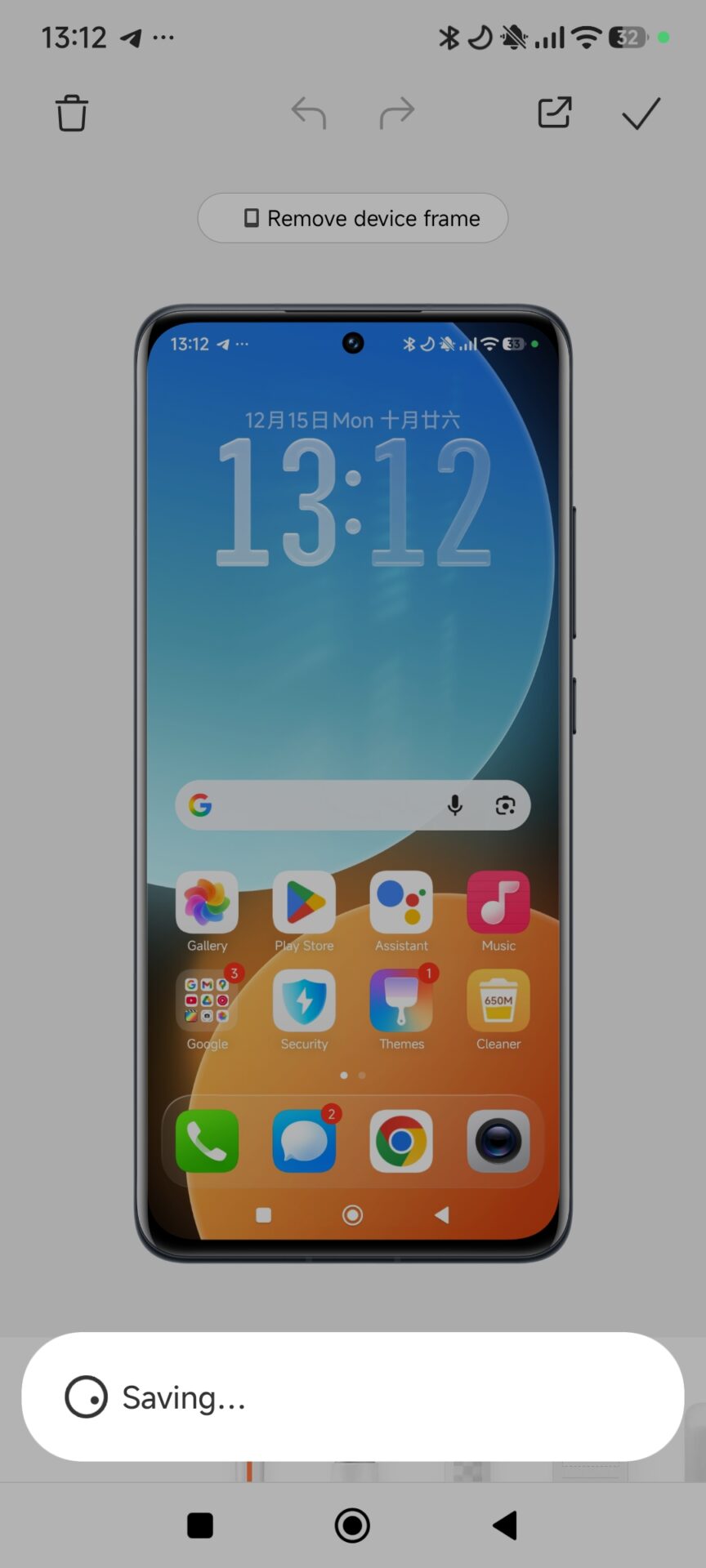
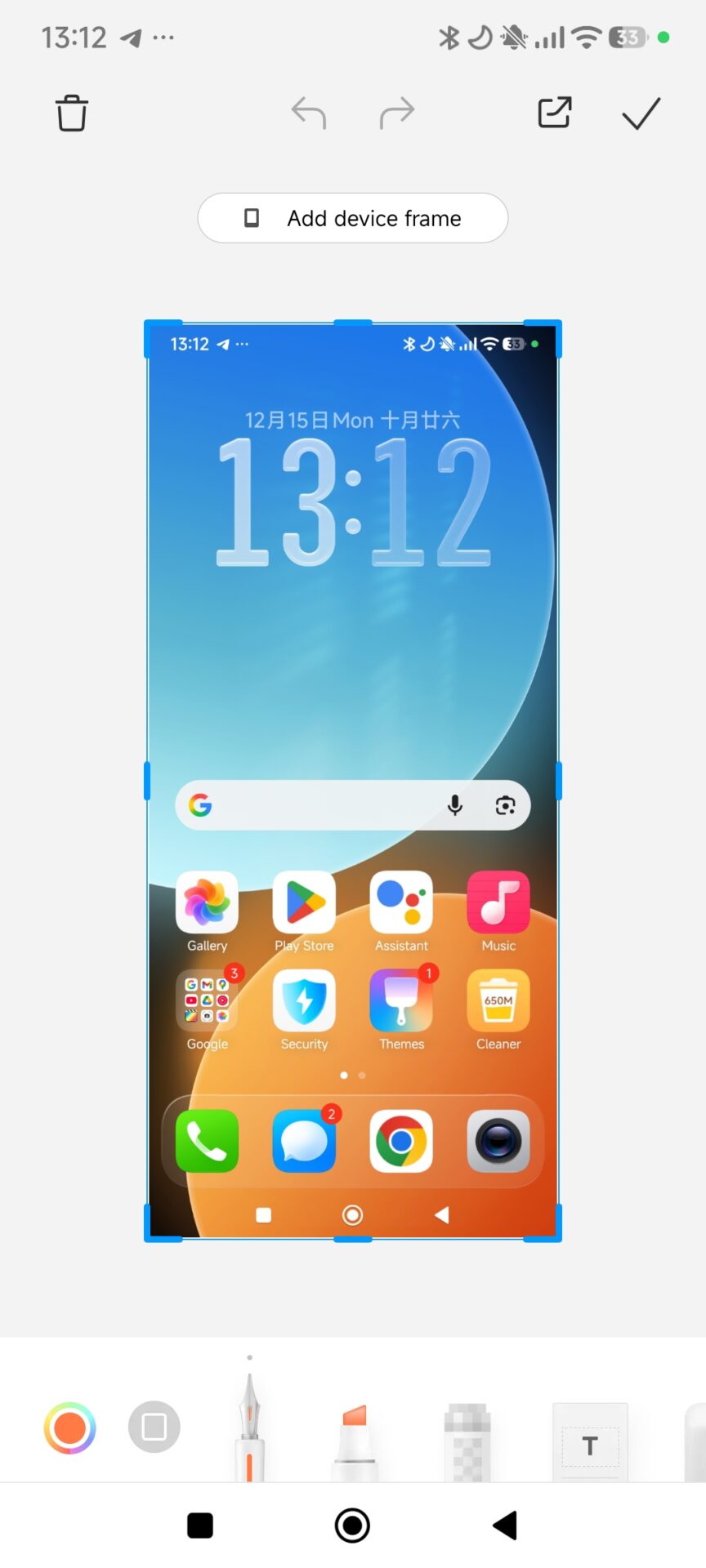
After installing Snapmod, users can configure a custom device profile that precisely matches their phone’s display dimensions. This ensures that the final framed screenshot looks natural and consistent with official Xiaomi promotional images.
Step-by-step configuration process
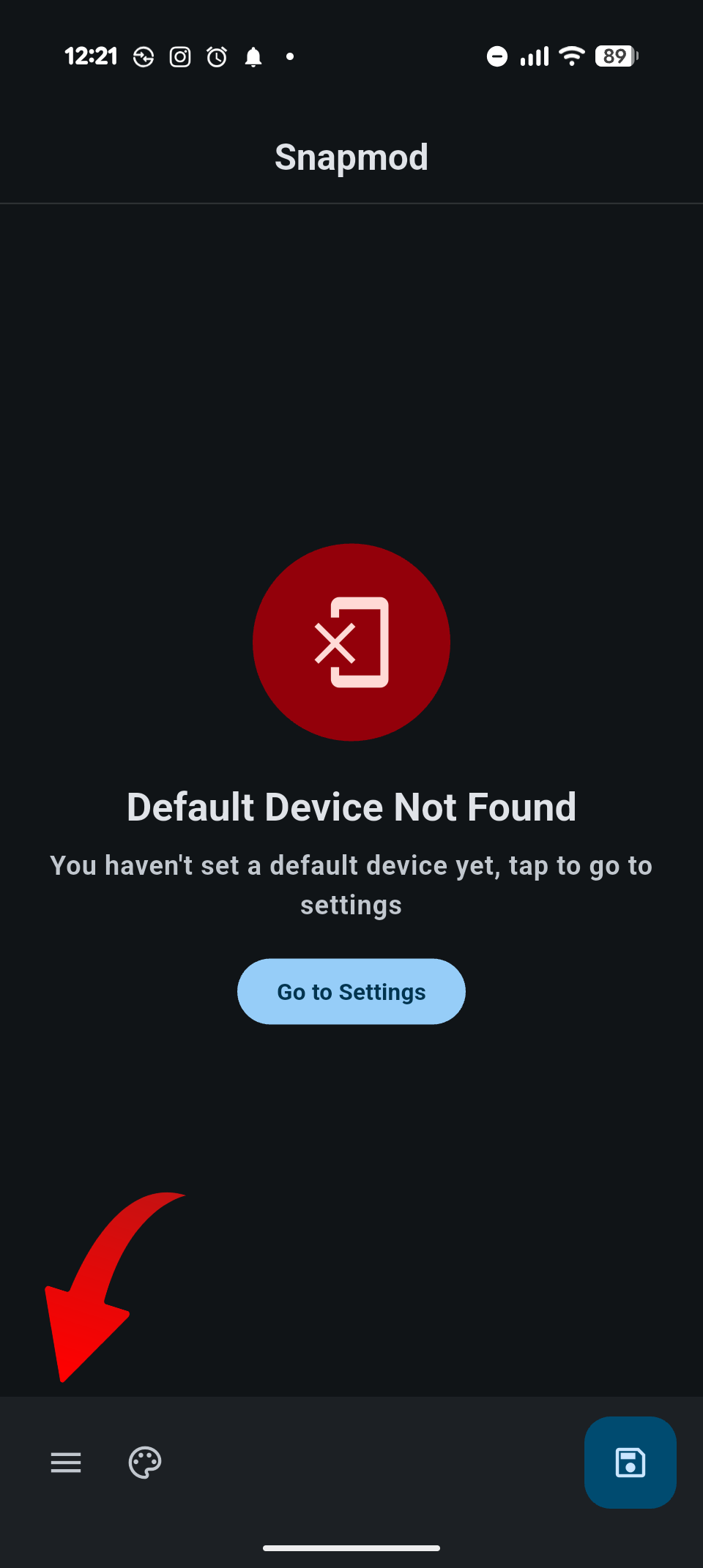
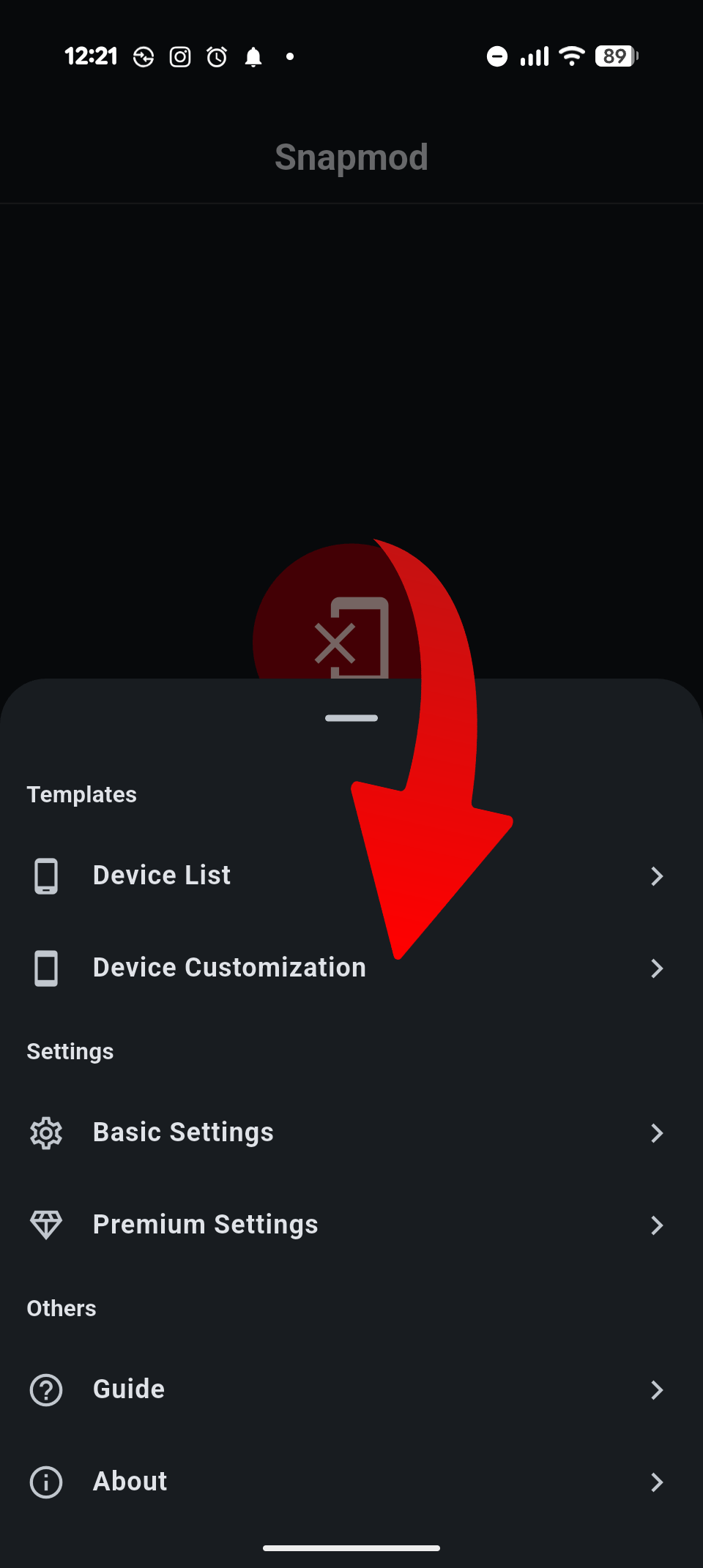
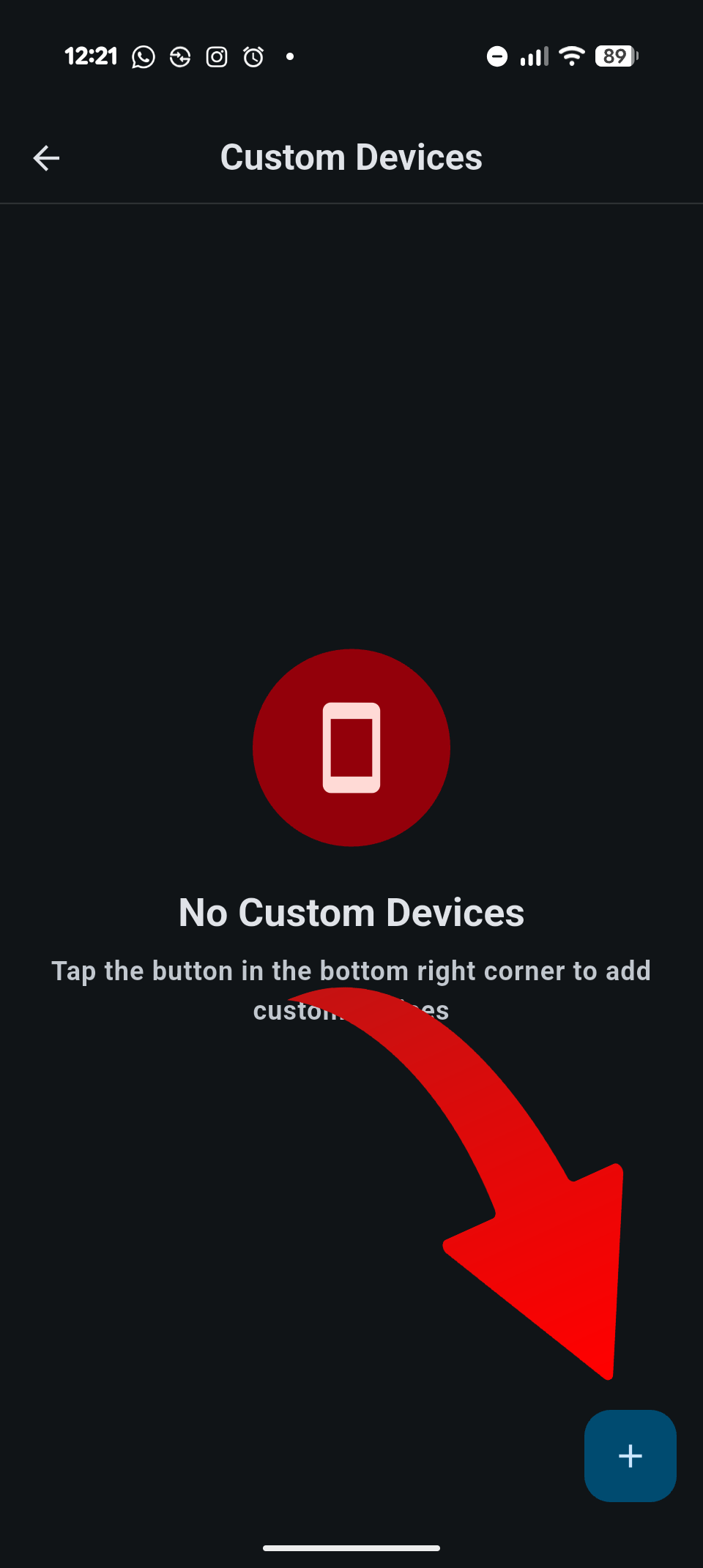
To begin, open the Snapmod application and access the main menu by tapping the three-line icon located at the bottom left of the screen. From there, select Device Customization and tap the plus icon in the bottom-right corner to create a new profile.
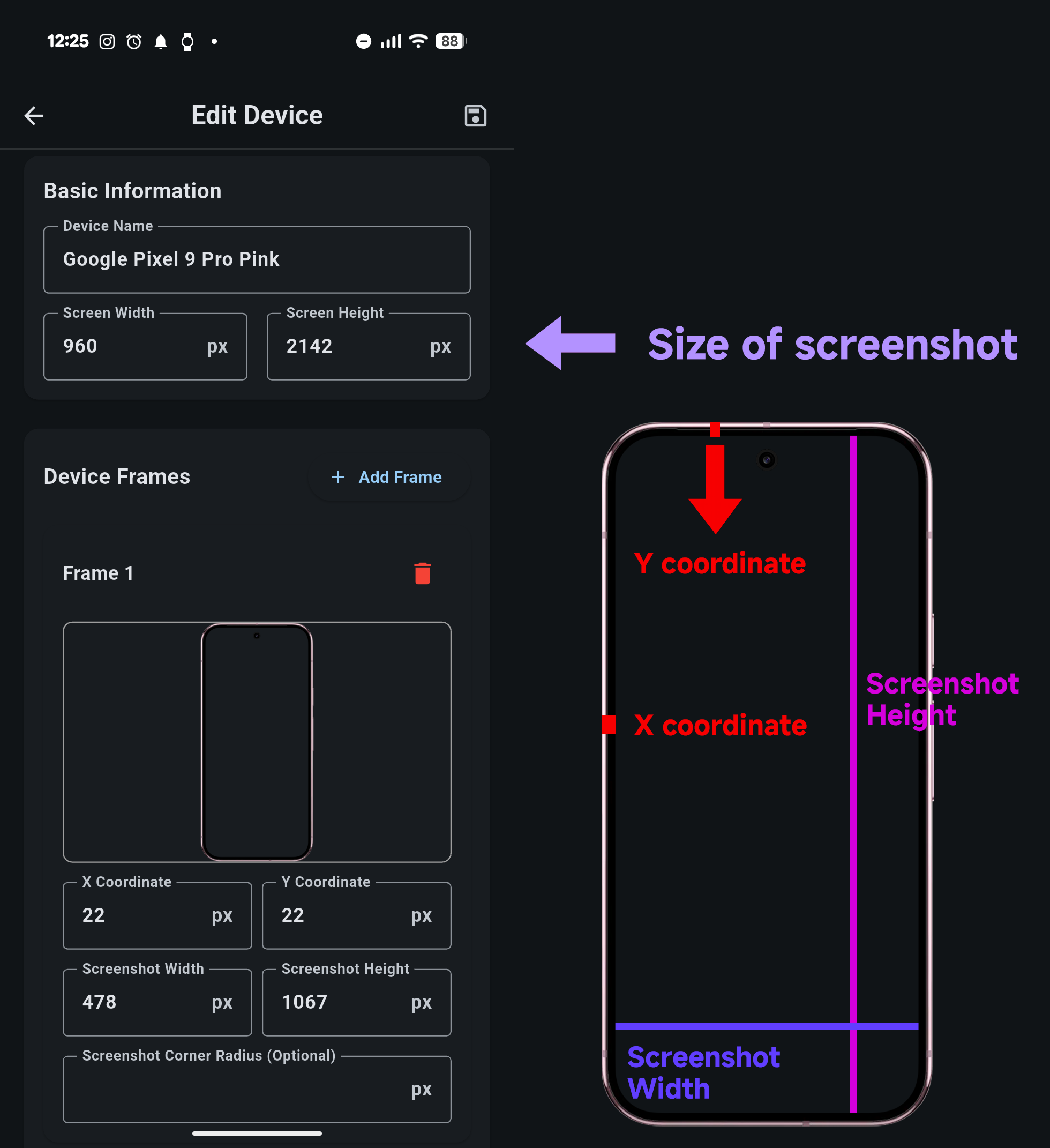
You will then need to enter several display-related values. The Screen Width and Screen Height should match your phone’s native screen resolution. The X Coordinate defines the vertical pixel distance between the screen content and the phone frame, while the Y Coordinate controls the horizontal spacing.
Next, set the Screenshot Width and Screenshot Height, which represent the exact pixel dimensions of the visible screen area inside the frame. Accuracy here is important for realistic results. Finally, upload a PNG image of your phone frame where the display area is transparent. This PNG acts as the visual shell around your screenshot.
Why this method works well on HyperOS devices
This manual approach offers flexibility that even built-in features may not provide. It allows Xiaomi users to maintain consistent visuals across different devices, including older models and POCO-branded global variants. Because Snapmod operates independently, it remains compatible with HyperOS updates and does not interfere with system stability.
For users who regularly share screenshots on social media, forums, or articles, this method provides a reliable workaround without waiting for official feature support. It also aligns well with Xiaomi’s design language when properly configured.




when I can get hyper os3