
 Emir Bardakçı
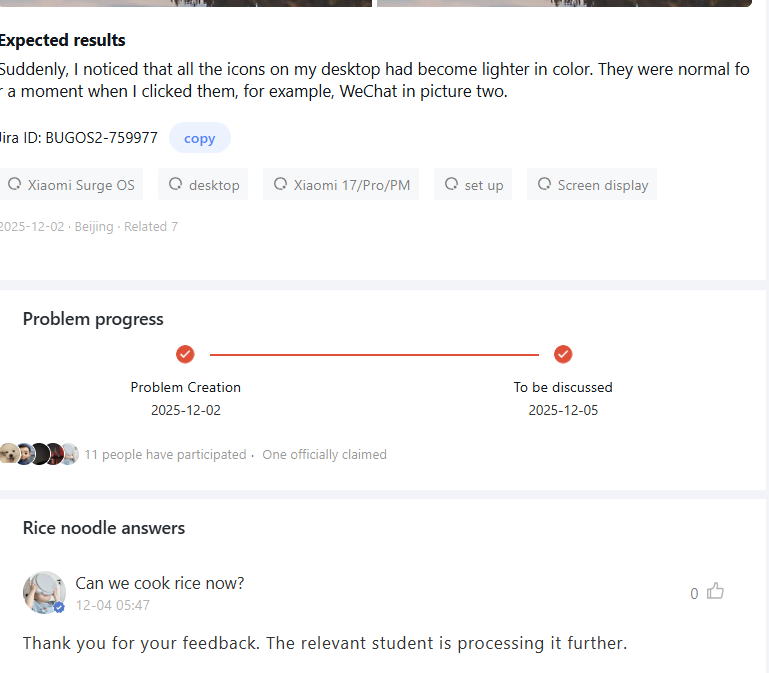
Xiaomi has now officially released a new update of the launcher that fixes a visual bug with desktop icons on HyperOS devices. Recently, some users encountered a situation where all home screen icons became lighter or semi-transparent, which often occurred after pressing the home button to return to the screen or after exiting any application. Now, Xiaomi has fixed this visual bug with the latest version of the launcher, which will ensure a more stable and consistent visual experience across the supported devices.
Xiaomi Addresses Icon Transparency Issue
Xiaomi has confirmed that some users experienced abnormal behavior with the home screen. The issue resulted in icons losing color temporarily, especially when users pressed the back key or closed apps. Other reports added that on December 25, some devices showcased fully transparent or semi-transparent icons on the whole desktop.
The issue was thereafter logged under Jira ID: BUGOS2-759977 and was reproducible under simple actions like returning back to the home screen or toggling between apps. The engineering team at Xiaomi responded immediately to ensure that users on HyperOS maintain a seamless visual experience.
Fixed Delivered in New Launcher Version
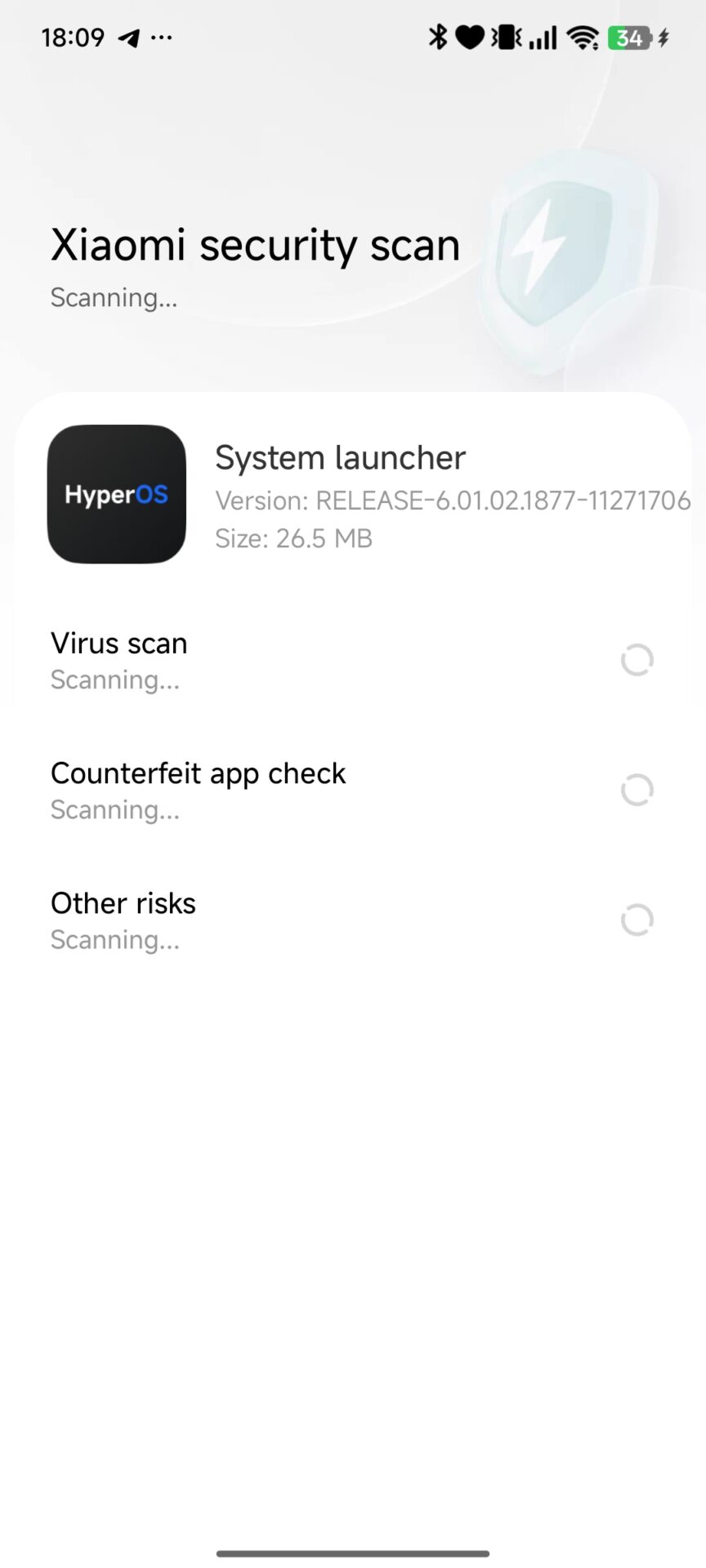
The problem was solved with the RELEASE-6.01.02.1876-11271428 version of the launcher by Xiaomi. This update stabilizes icon rendering, prevents random color fading, and ensures similar display behavior in case of such tasks as taking photos or switching apps.
You can update the launcher directly from the HyperOSUpdates.com app section, or you can install it using the MemeOS Enhancer app from Google Play. MemeOS Enhancer also enables additional features on Xiaomi phones, updates system apps, and allows users to easily view app updates directly on their screen.
How to Update Your Xiaomi Launcher
To get the latest improvements, users can download the updated launcher by following these methods:
- HyperOSUpdates.com – Direct link to com.miui.home packages
- MemeOS Enhancer on Google Play – provides additional features and makes it easier to update system apps
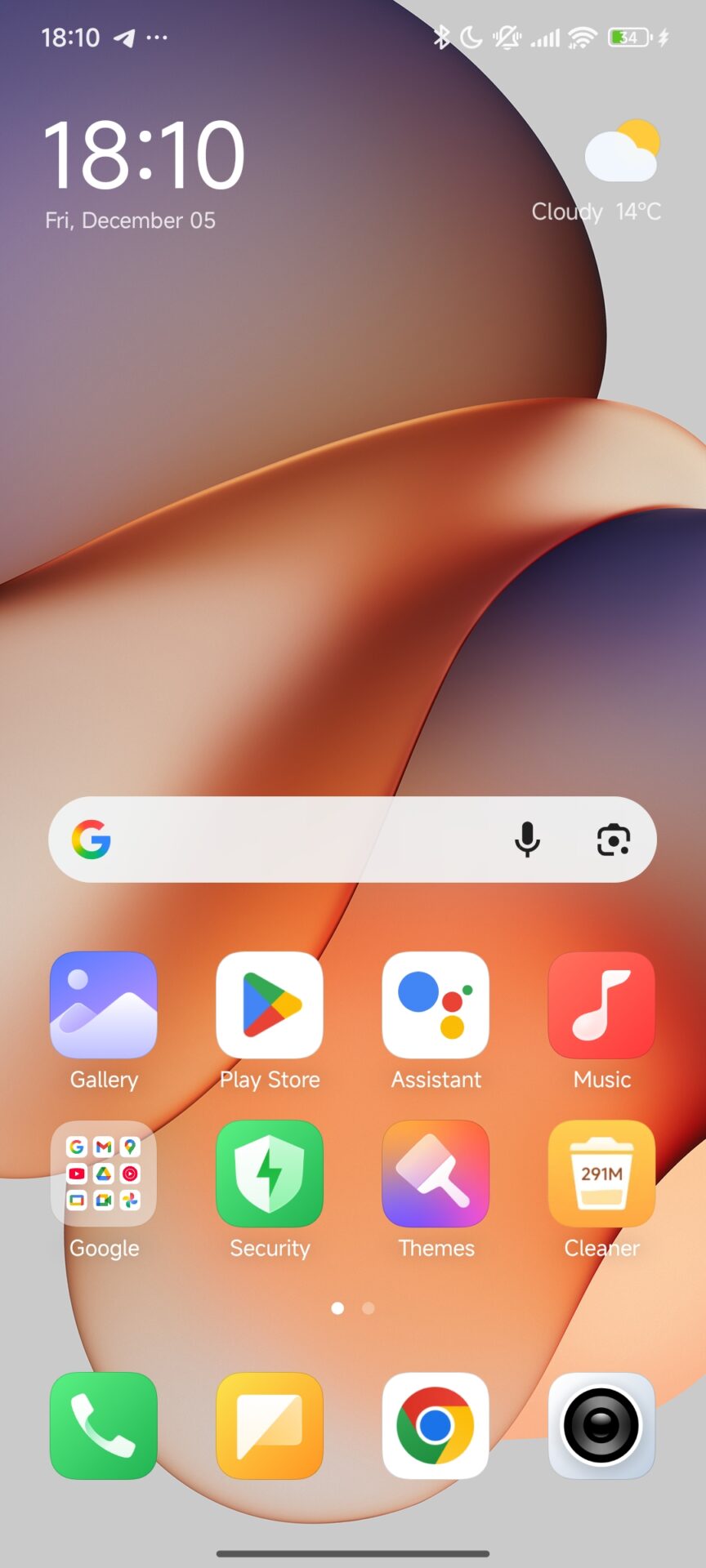
Updates guarantee a smoother interface, and the icons’ transparency bug doesn’t appear at all.
Additional Bug Details
At the time of initial user reports, the same problem occurred when capturing photos using the stock camera application. Immediately after taking a shot, the screen would shut off and then pop back on for some owners, thus invoking the icon display issue. The same behavior is stabilized with this new launcher update.
Install this update if you are on HyperOS, as it ensures full visual stability across the system interface.