
 Emir Bardakçı
Customization is still a hallmark of the Xiaomi ecosystem, giving users unmatched abilities to customize their interfaces with great efficiency. A more advanced new theme has emerged, titled “Star burning”, which effectively brings the visual identity of Samsung’s OneUI 8 to Xiaomi HyperOS devices.
This theme brings a refined aesthetic for users who appreciate the aesthetic behind the Galaxy interface design but find themselves on Xiaomi hardware. It’s fully compatible with all Xiaomi HyperOS versions, making it available for a wide variety of smartphones.
A Seamless Visual Overhaul
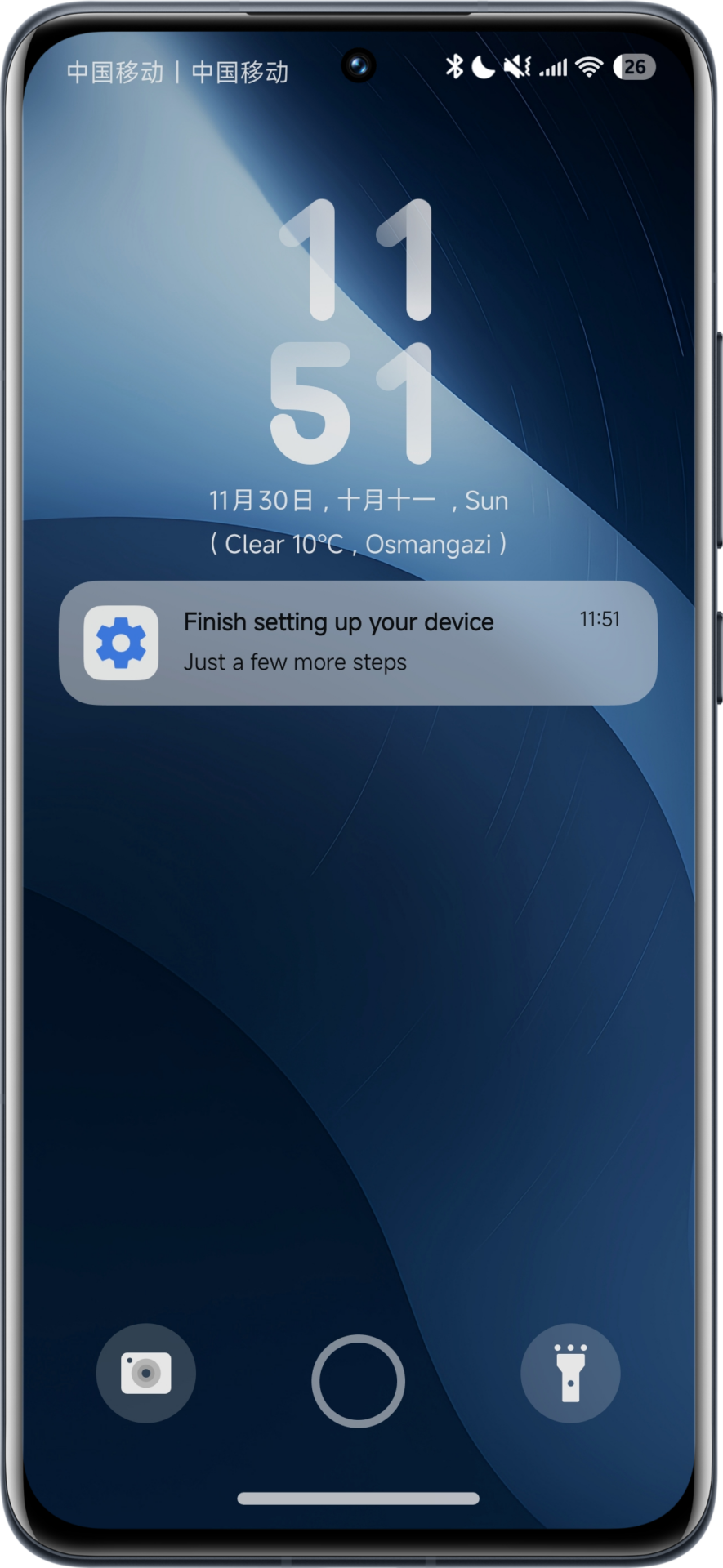
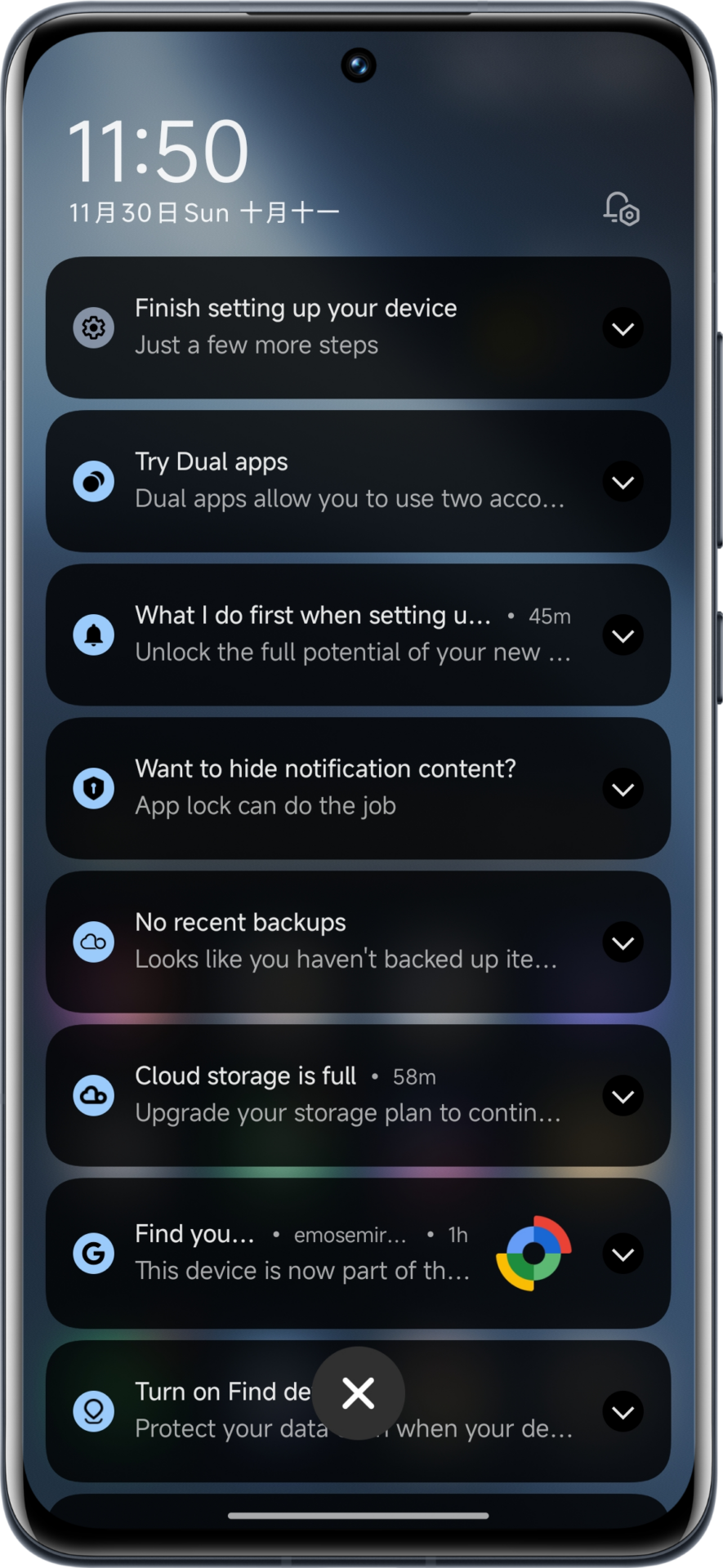
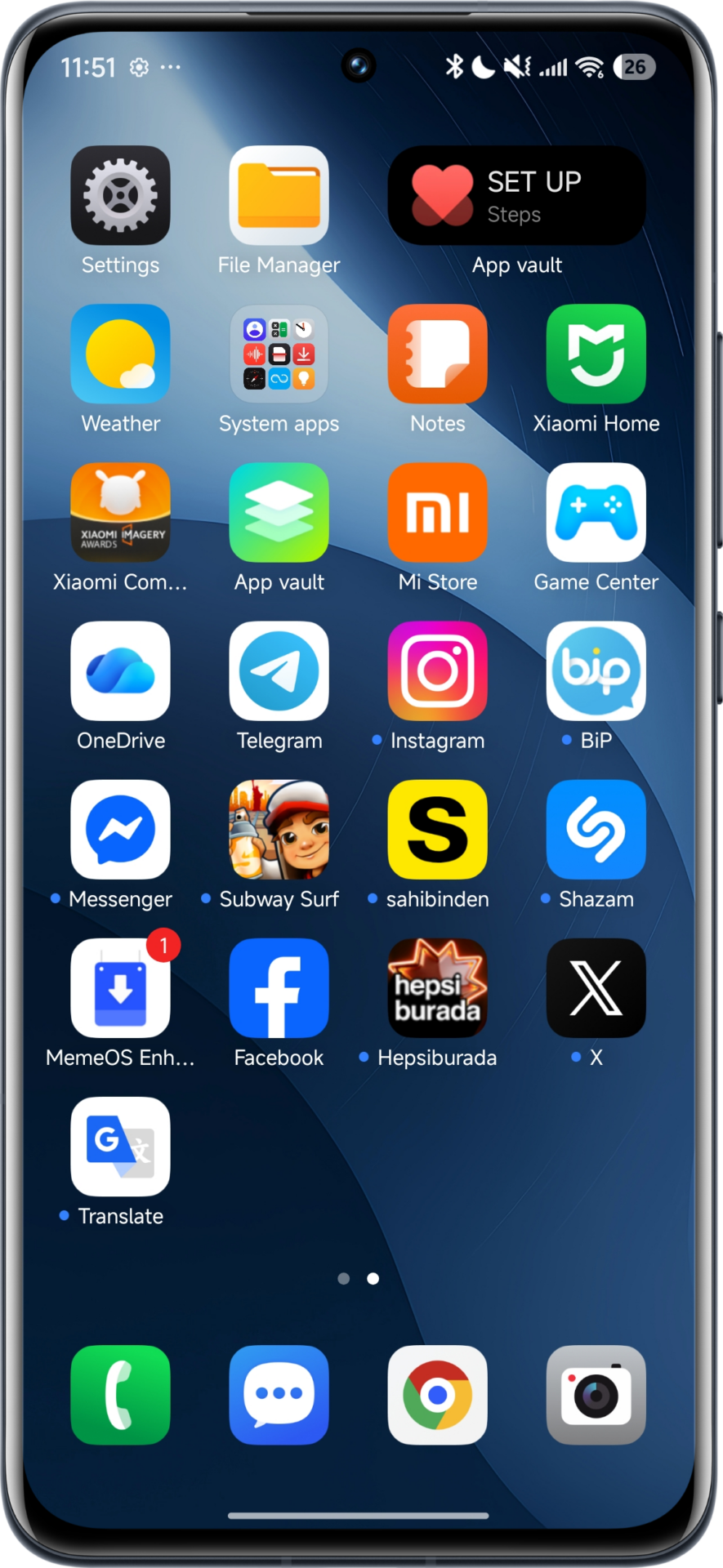
Well, the “Star burning” theme is more of a comprehensive visual overhaul rather than just a skin. This package, developed by “Follow the light,” brings in high-quality icons, a redesigned status bar, and a notification shade that gives the feel of Samsung. The attention to detail in ensuring the interface appears consistent and professional is great, really. Be it a flagship device or a mid-ranger, it will keep the system fluidity intact while offering a fresh look somewhat similar to the OneUI 8 interface.
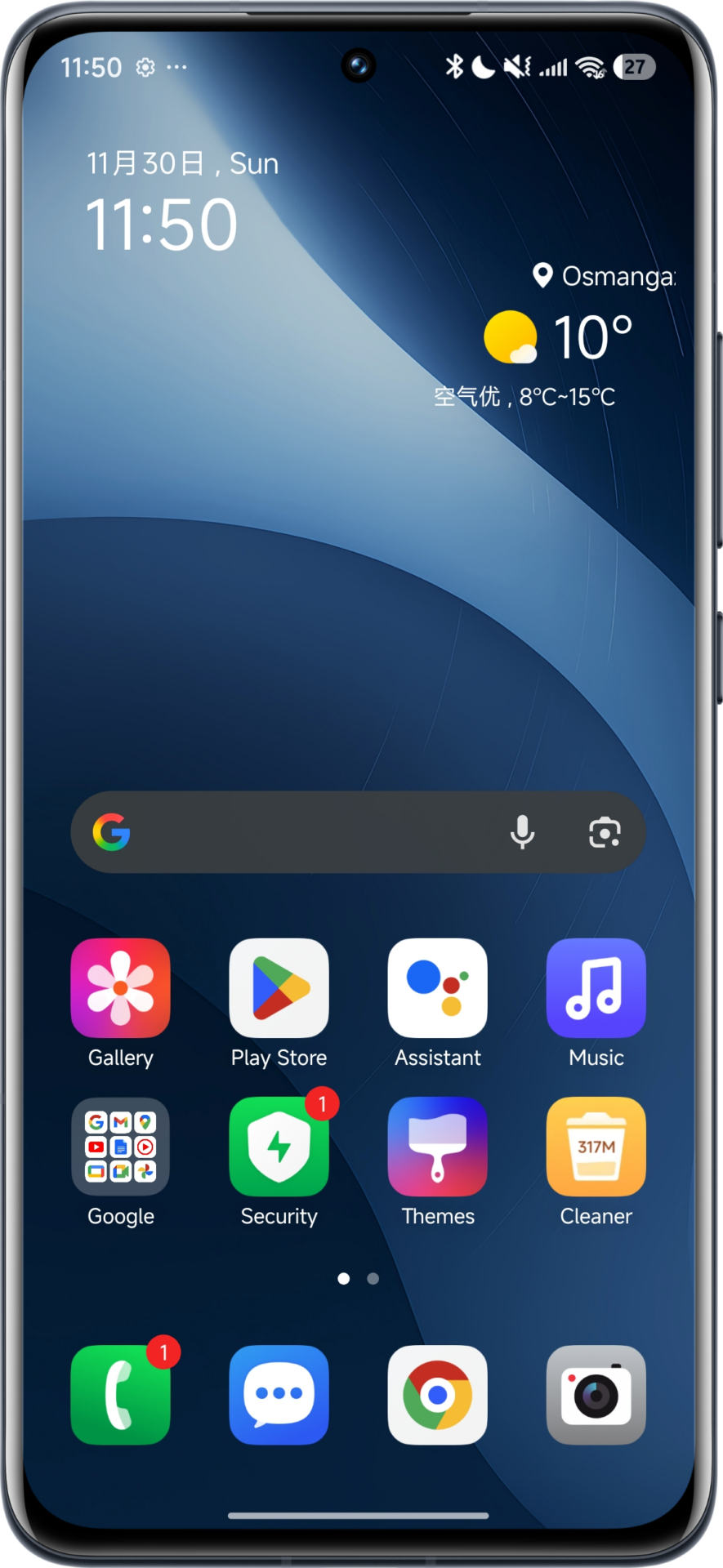
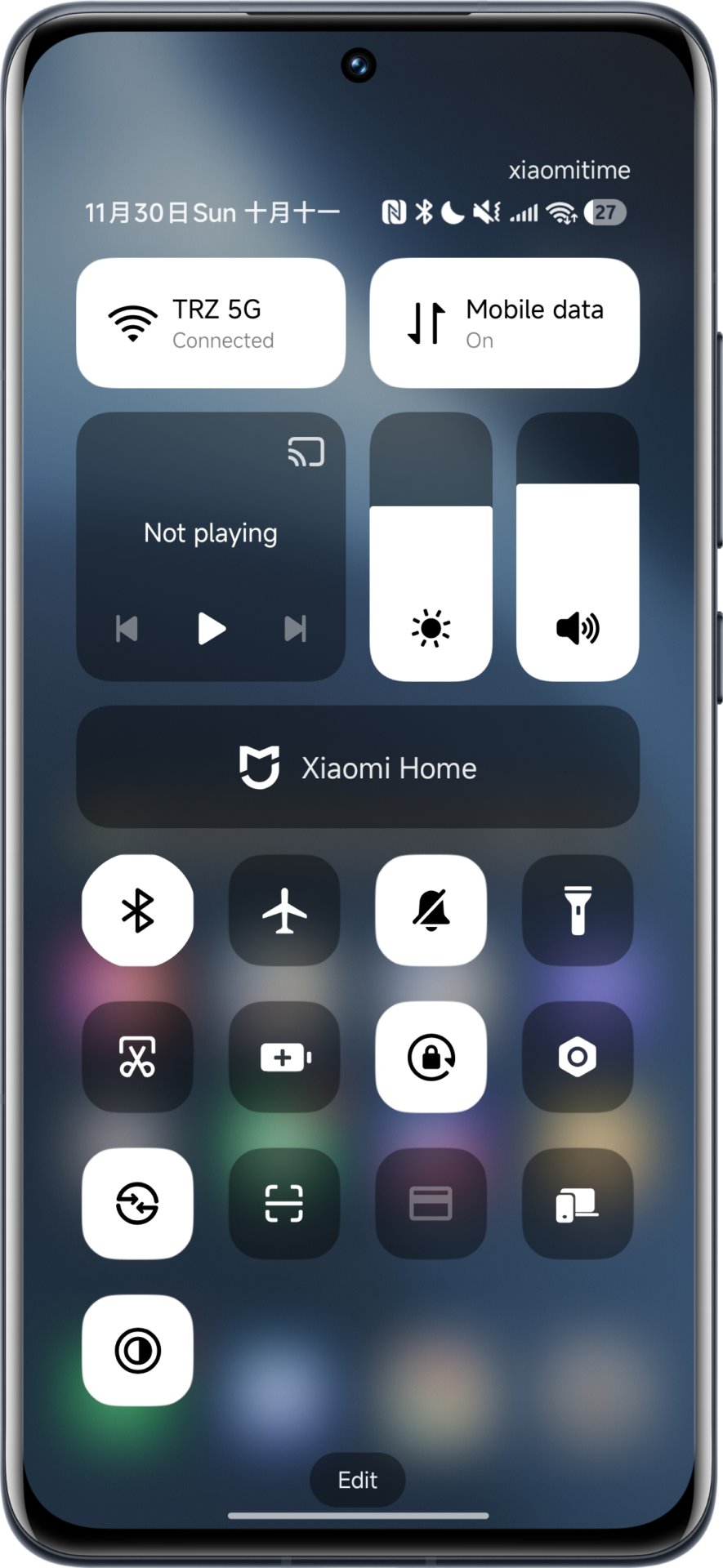
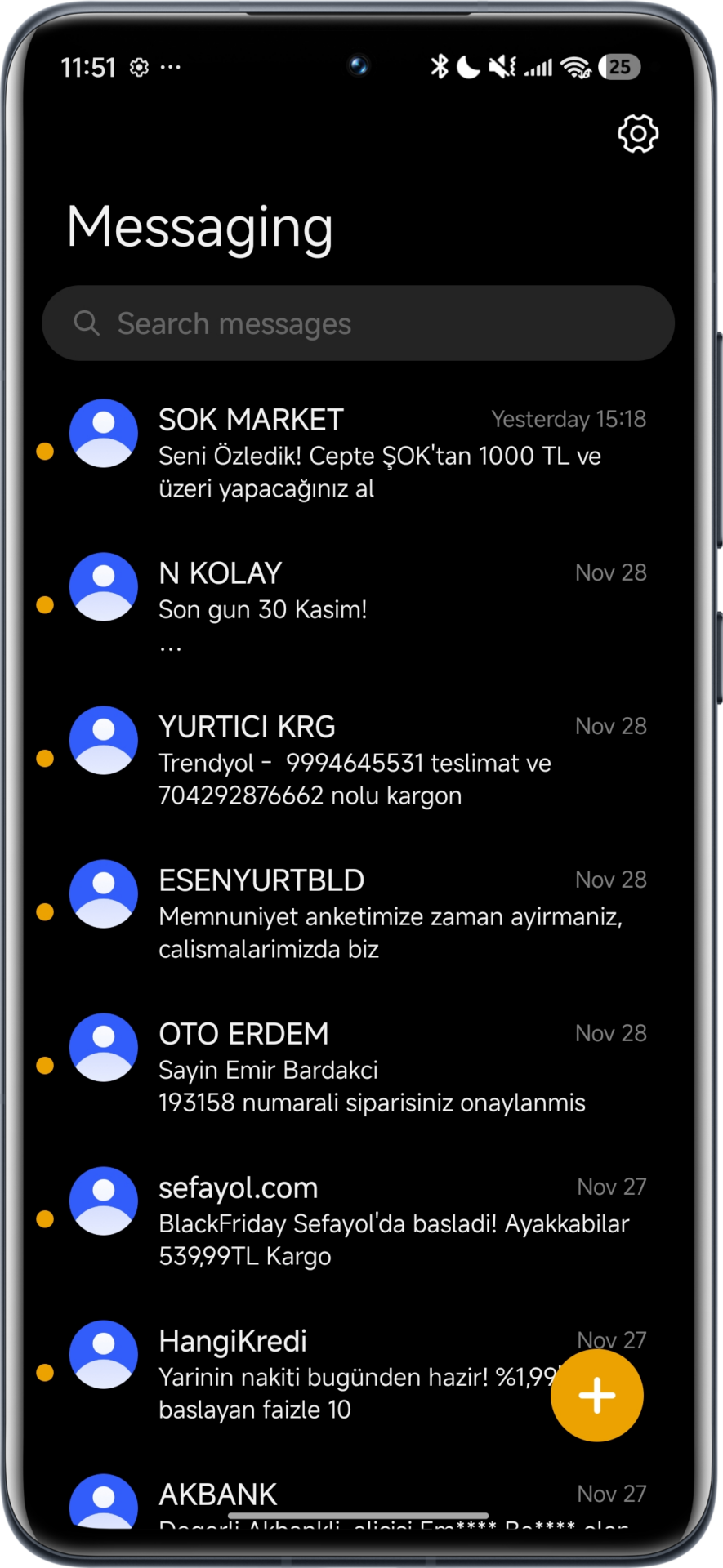
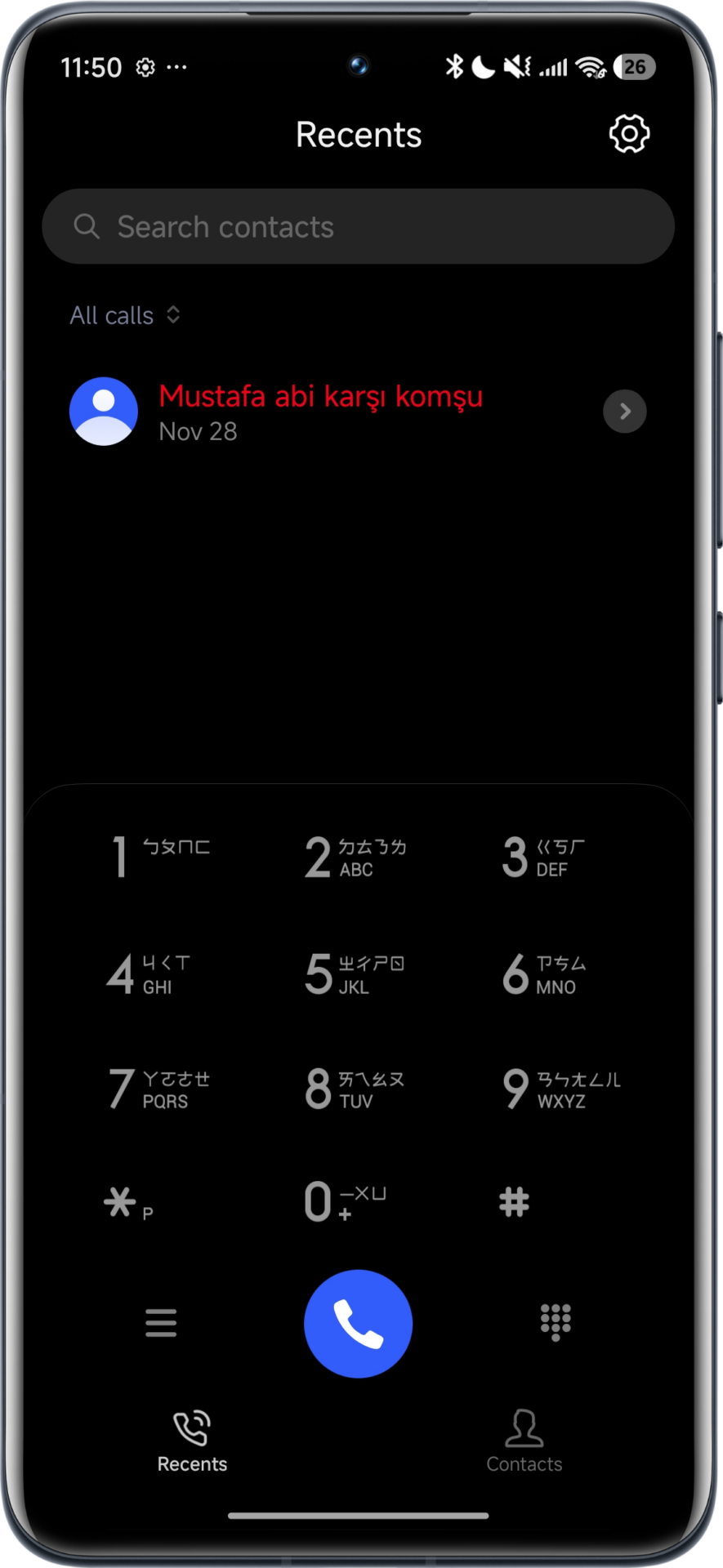

Key Features of the OneUI theme for Xiaomi
- High Quality Icon Pack: Emulates the unique rounded-square feel of Samsung’s app icons.
- System-Wide Consistency: Updates settings menu and control center to OneUI design language along with the dialer.
- HyperOS Support: Fully optimized for Xiaomi HyperOS 1,2 and even 3; there are no performance lags.
- Custom Lock Screen: Clean and functional lock screen layout, typical of Galaxy devices.
Installation and System Management
Since this personalization is a third-party modification, the process of installation relies on a backup file (.bak)rather than a direct download from the Global Theme Store. To correctly apply the “Star burning” theme, users will need to import the particular backup file.
Managing system applications is very important to users who want extra control over their device. In order to update system apps such as the Theme Store, or enable some of the hidden Xiaomi HyperOS features, we recommend the MemeOS Enhancer app, which will finally enable you to update your system apps using our project at HyperOSUpdates.com and directly perform screen updates using the advanced features from the Play Store


We buy xiaomi because xiaomi has better UI than Samsung why we need Samsung theme on hyperOs😂
In my opinion, and since I still have a Redmi Note 9 Pro with MIUI 12, which works quite well, but with the appearance of Xiaomi’s HyperOs and the end of MIUI updates, I bought a Xiaomi Redmi Note 13 Pro Plus and I still use it daily with excellent performance. Without a doubt, HyperOs is superior to MIUI. I haven’t received HyperOs 3 with Android 16 yet, but it’s coming soon, and HyperOs 2.1 as well, which has behaved with good fluidity. It just gets very dirty in terms of cache and other debris that I always have to clean in the system Security app, and it often improves the opening of many apps I use. When they don’t want to open or slightly freeze in the OP system, I do a cleaning in the HyperOs Security app and the problem is solved. But they should fix this or find an automatic system cleaning method. When it gets very dirty and overloaded with various bugs and net trash and app cache, it should clean automatically, so we don’t always have to clean for the system to be at 100%. Otherwise, everything works perfectly and there are options and solutions for all kinds of functions the user wants to do. I love HyperOs. Good job, dear sirs. Bye
Sadiqaliza the same time
OBS Chevy Silverado